Introduzione
Use this guide to replace a broken, cracked, or non‑responsive screen in your iPhone 16e.
You'll need replacement screen adhesive to complete this repair.
Note: Since you can't disconnect the battery during this repair, be especially careful not to use metal prying tools or touch exposed contacts in your iPhone.
After your repair, calibrate an authentic display using Apple's Repair Assistant.
Some photos in this guide are from a different model and may contain slight visual discrepancies, but they won't affect the procedure.
Cosa ti serve
-
-
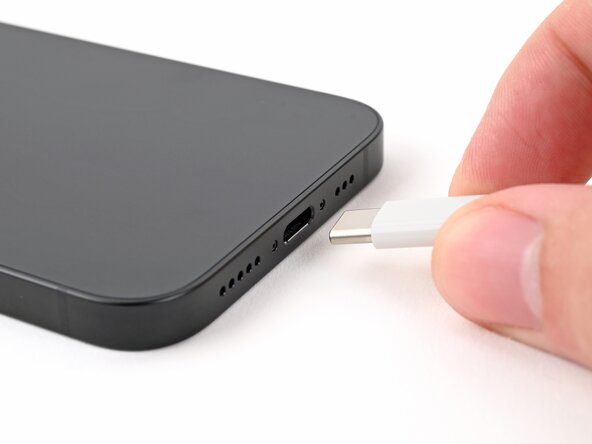
Unplug any cables from your phone.
-
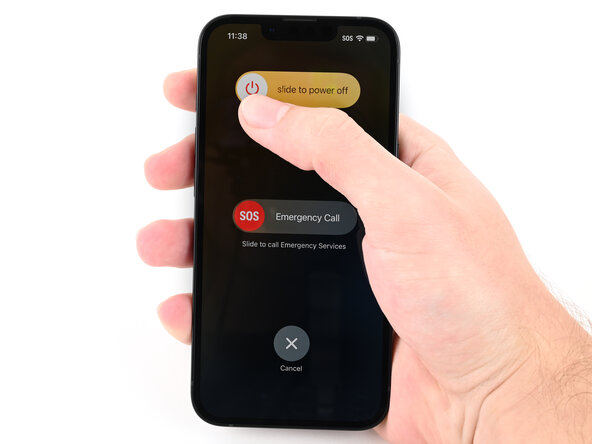
Hold the power button and either volume button, then slide to power off your phone.
-
-
-
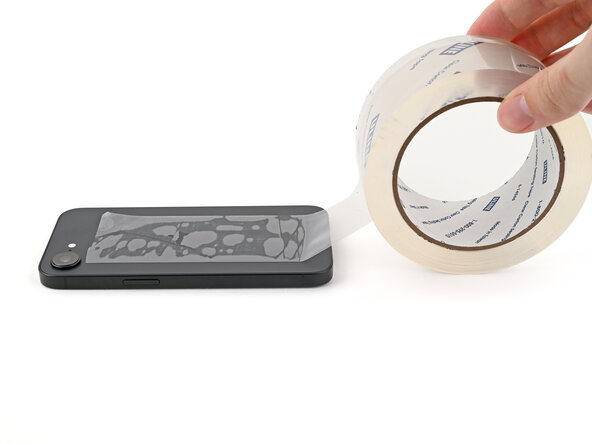
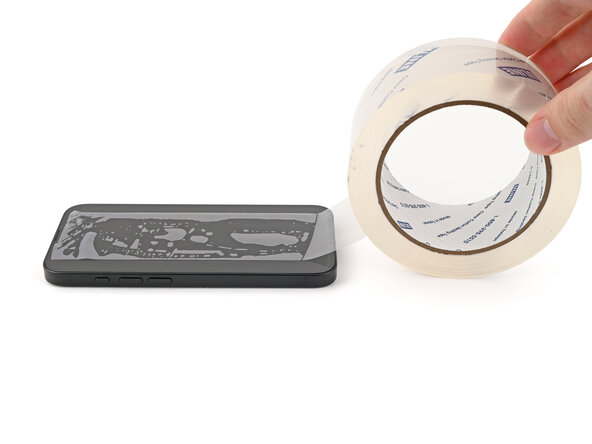
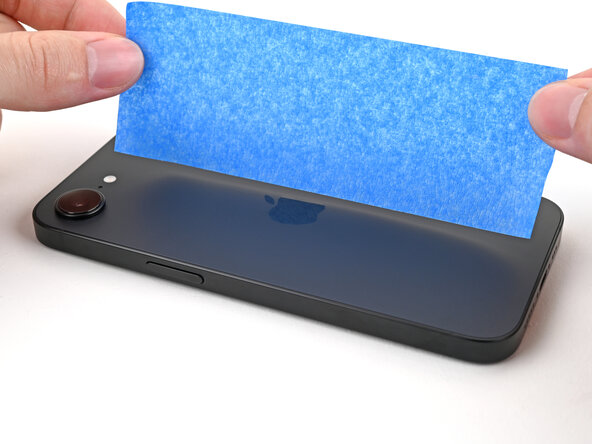
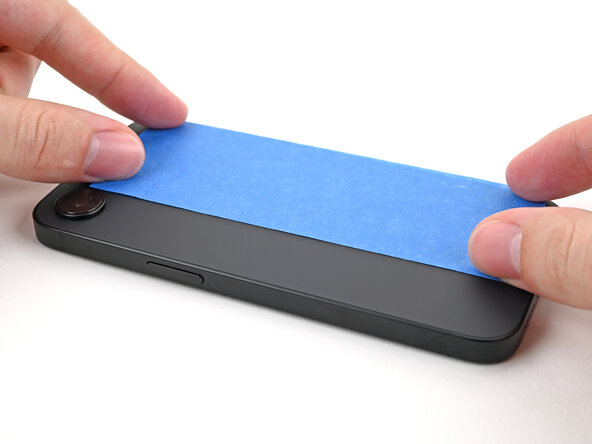
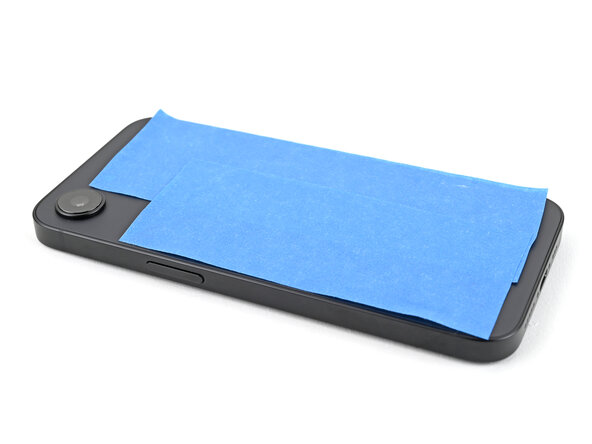
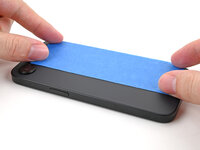
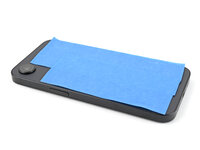
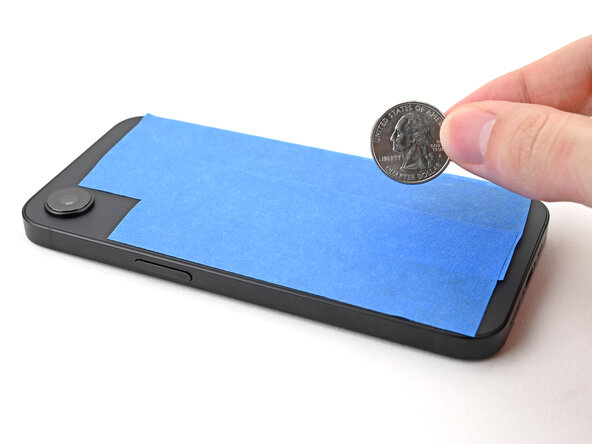
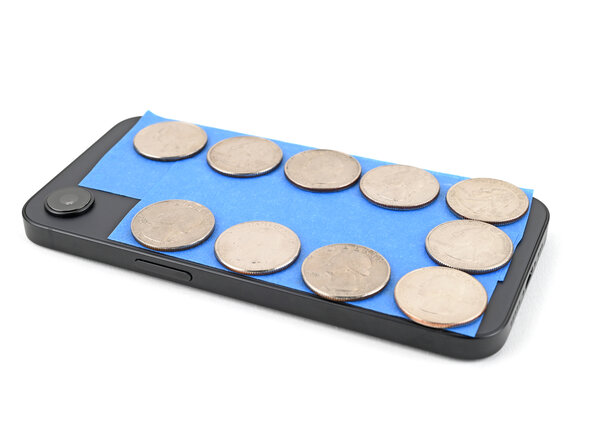
If your screen or back glass is badly cracked, lay overlapping strips of packing tape over the glass to protect yourself and make disassembly easier.
-
-
-
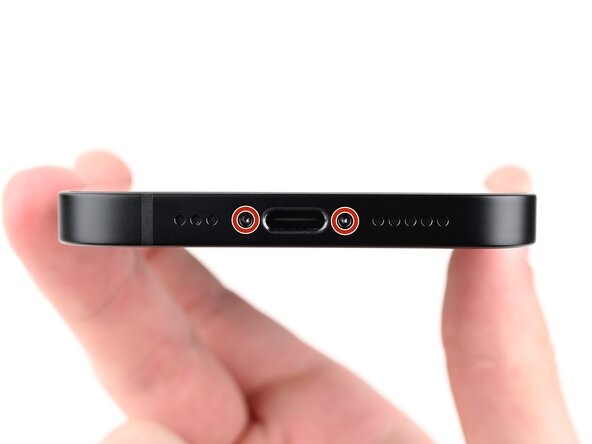
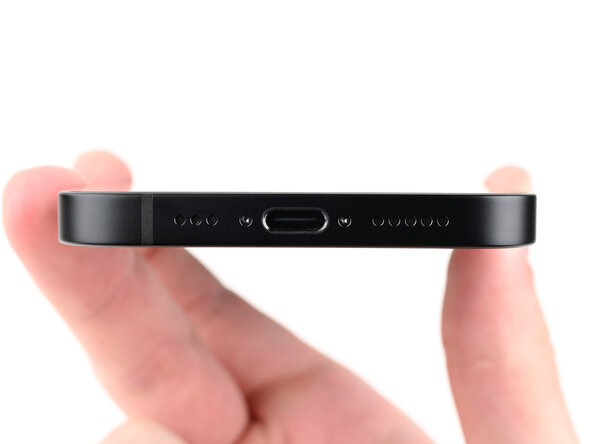
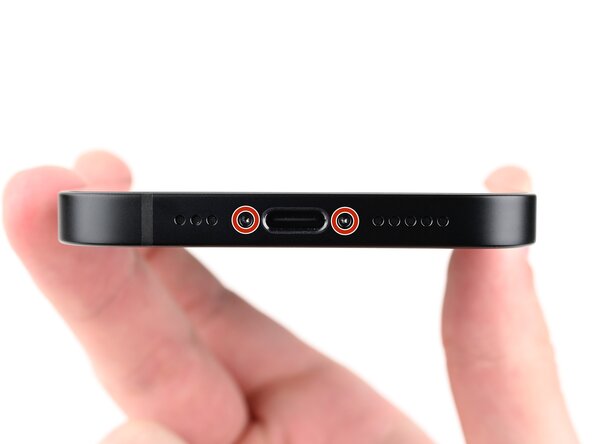
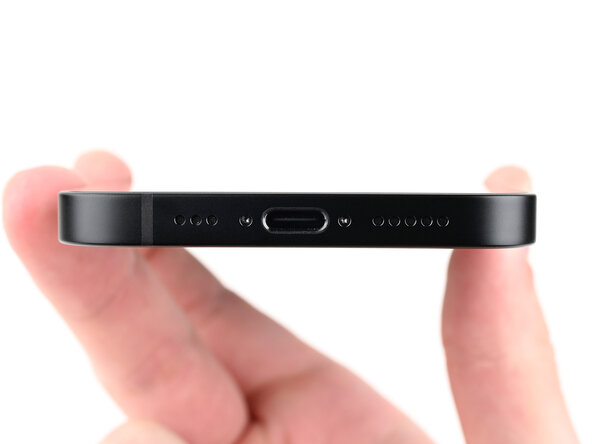
Use a P2 pentalobe screwdriver to remove the two 7.8 mm‑long screws on either side of the charging port.
-
-
-
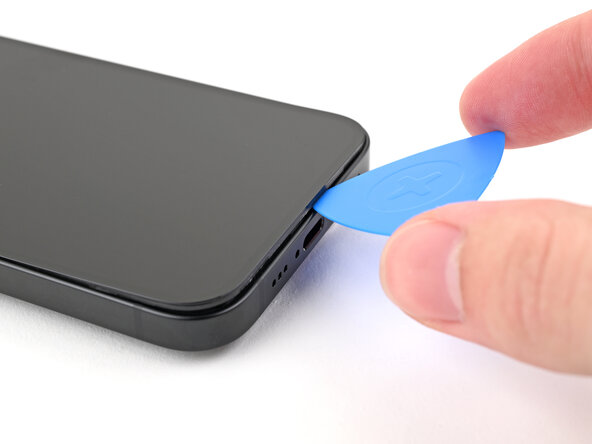
Measure 3 mm from the tip and mark the opening pick with a permanent marker.
-
-
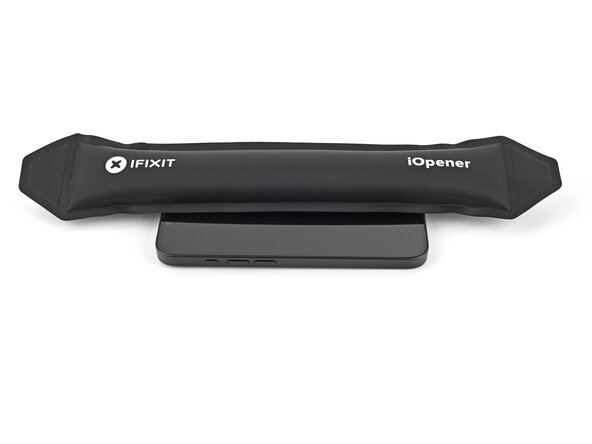
Attrezzo utilizzato in questo passaggio:iOpener$14.99
-
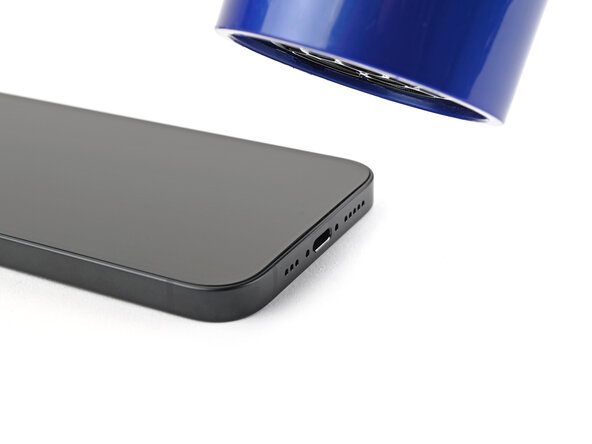
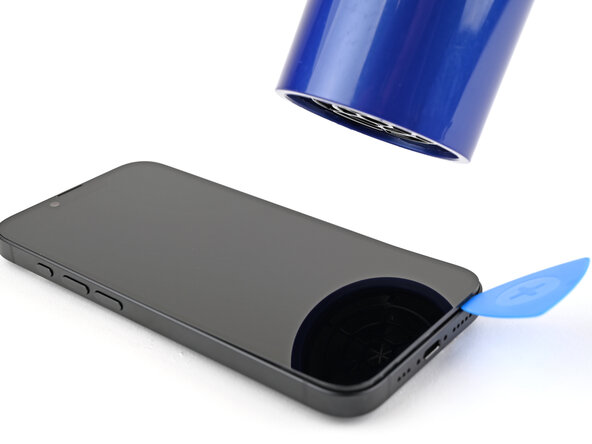
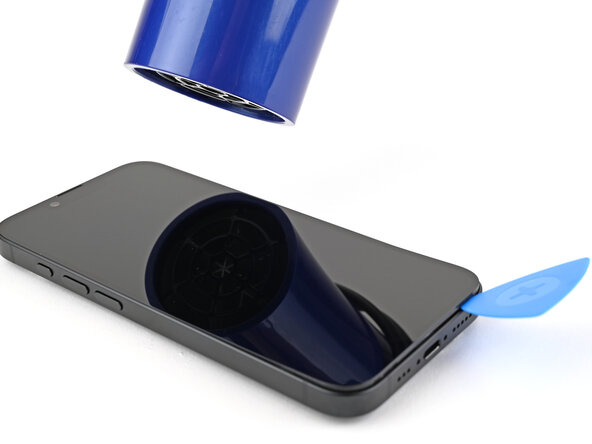
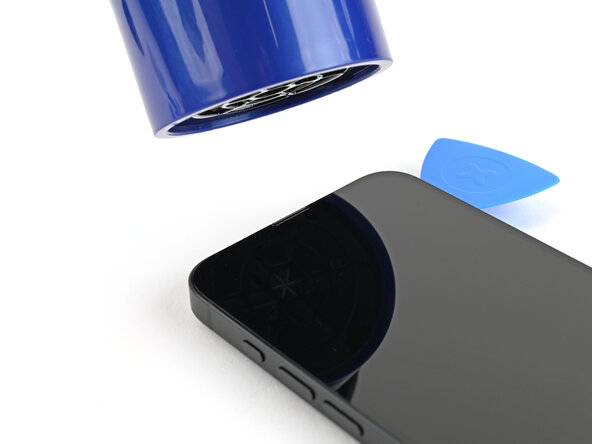
Use a hair dryer or heat gun to heat the bottom edge of the screen until it's hot to the touch.
-
-
-
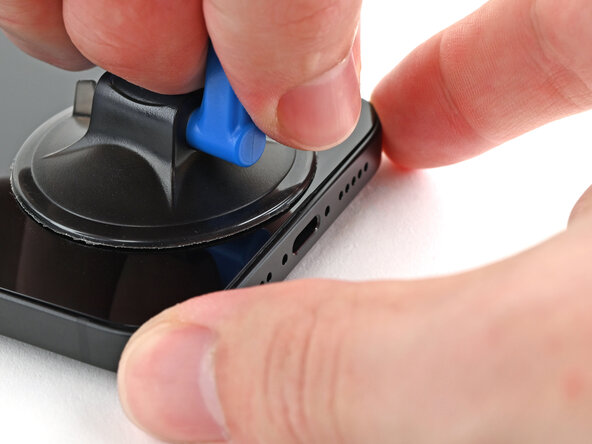
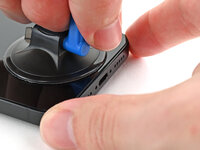
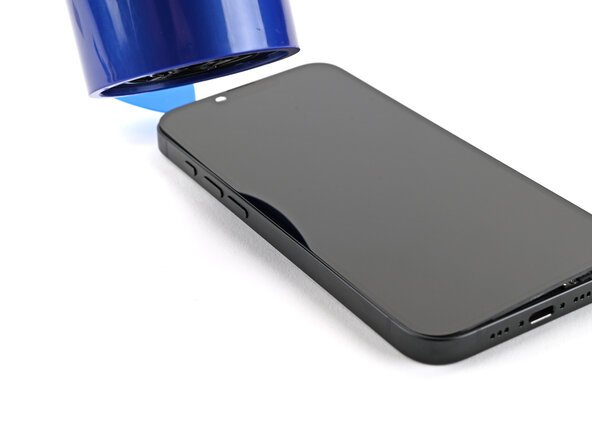
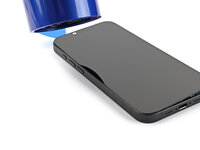
Apply a suction handle to the bottom edge of the screen.
-
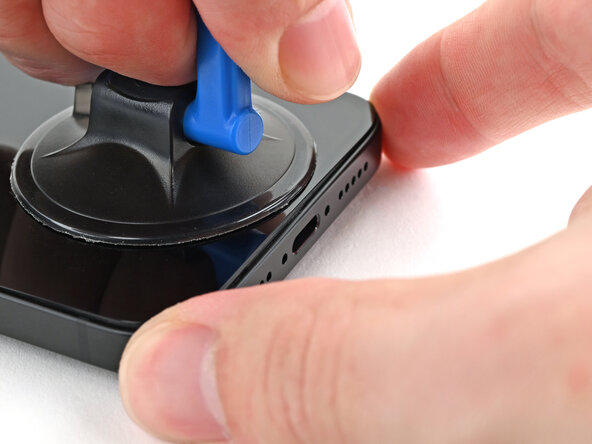
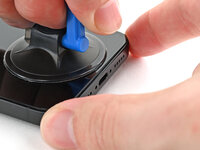
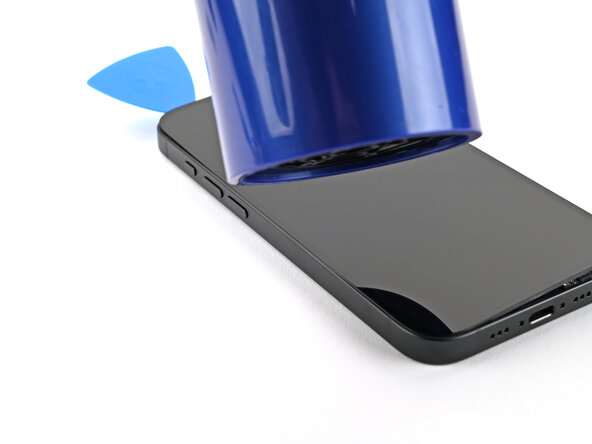
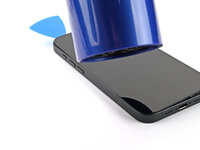
While holding the frame down with one hand, pull up on the handle with a strong, steady force to create a gap between the screen and the frame.
-
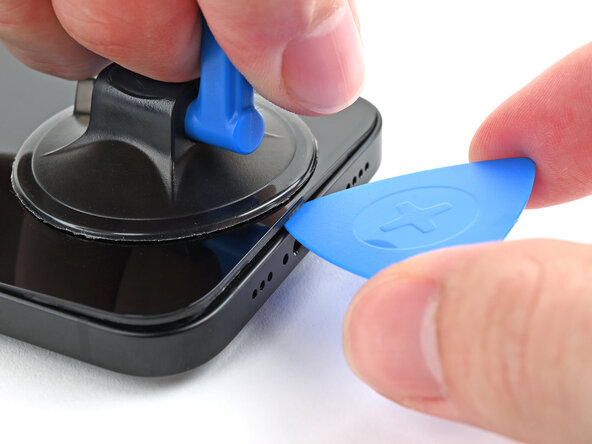
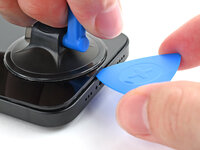
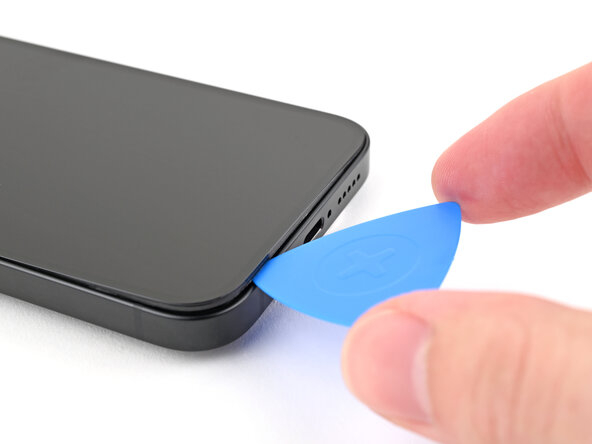
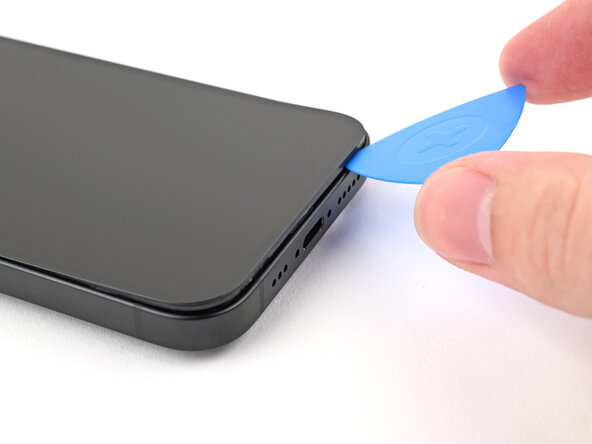
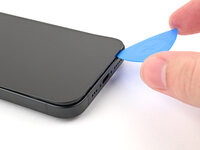
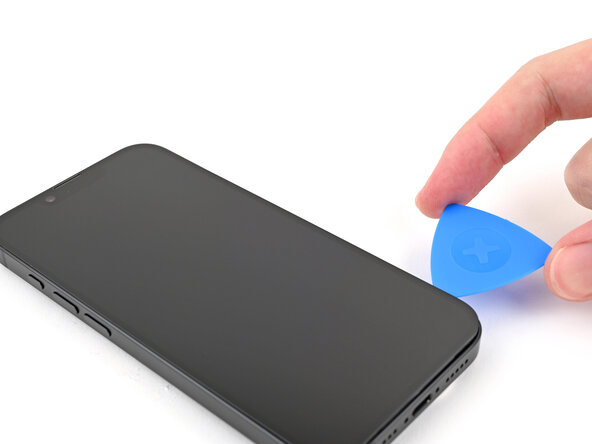
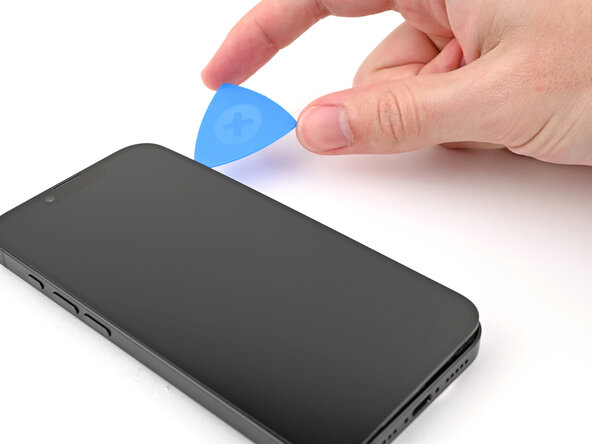
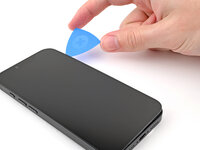
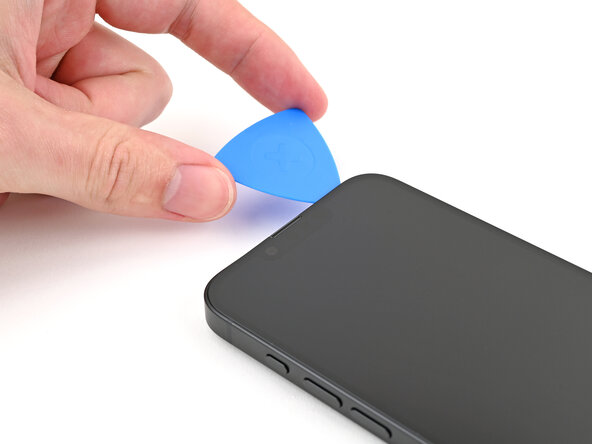
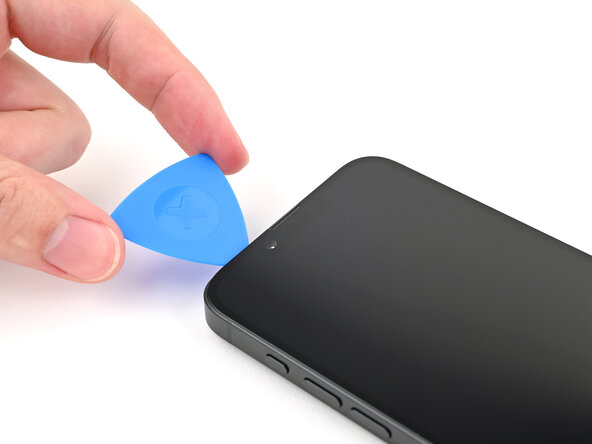
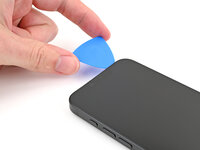
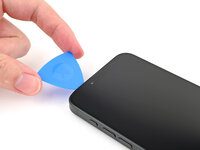
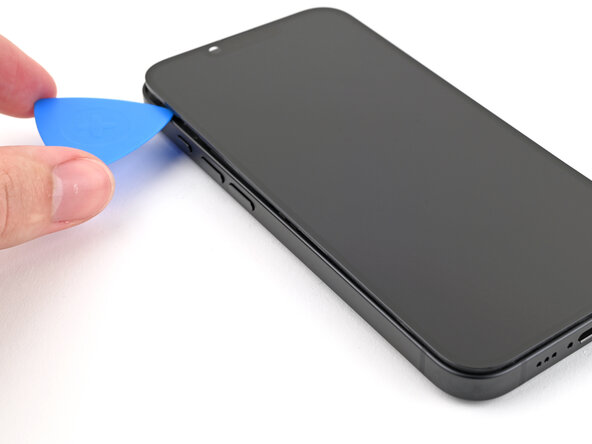
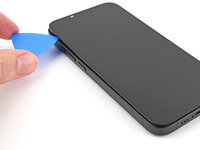
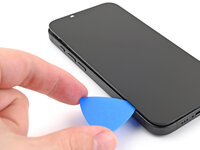
Insert the tip of an opening pick into the gap.
-
-
-
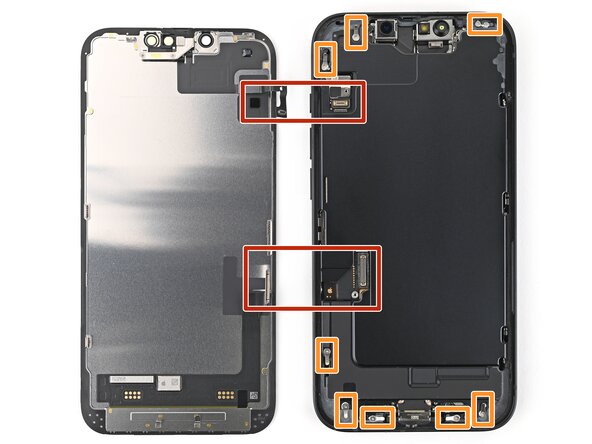
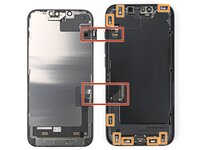
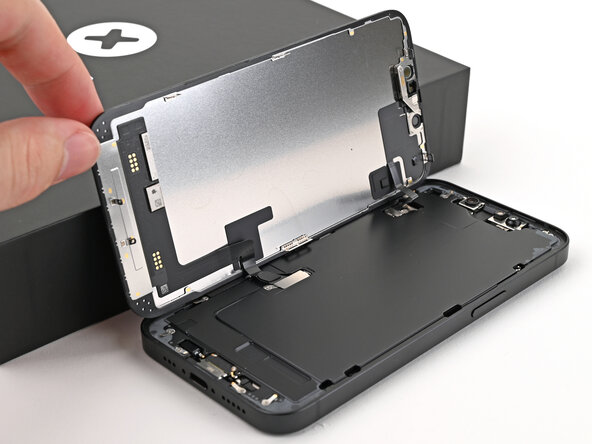
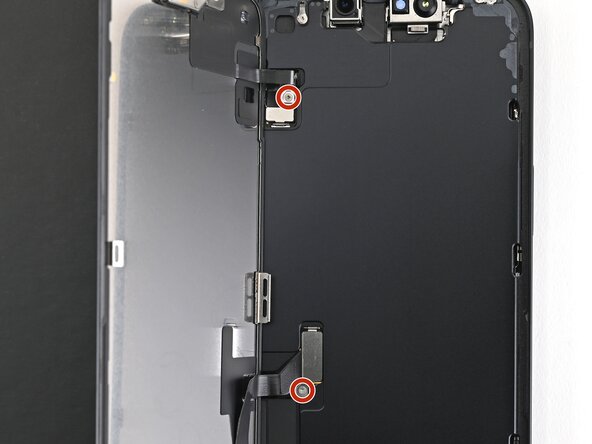
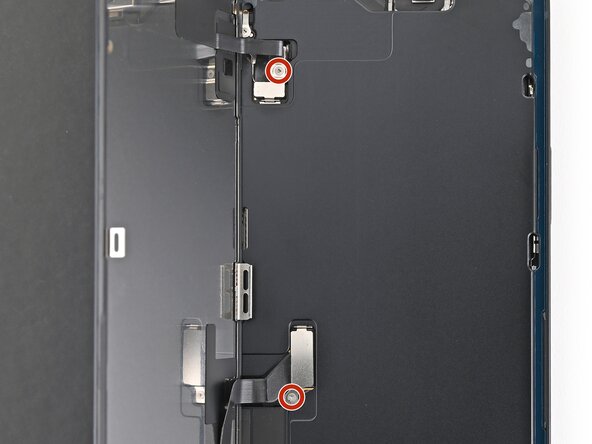
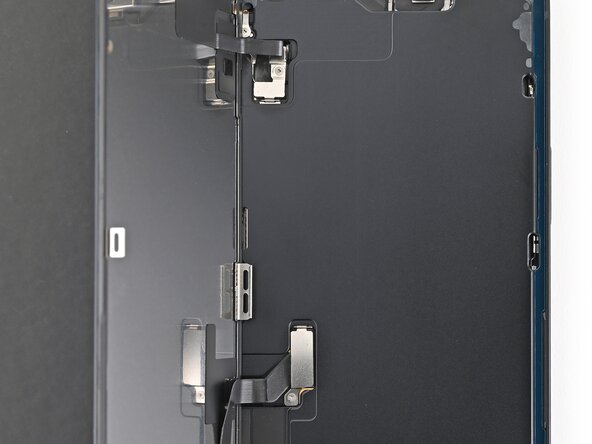
Two delicate cables connecting the screen to the phone—one next to the Action button and the other about halfway between the volume down button and the bottom of the phone.
-
Multiple spring contacts around the perimeter of the phone.
-
-
-
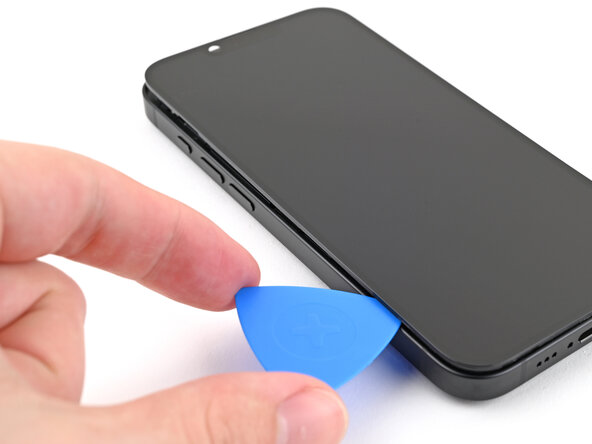
Continue sliding your pick around the top right corner and across the top edge to separate the adhesive and release the two metal clips.
-
-
-
Slide the opening pick down the left edge of the screen to separate the remaining adhesive and release the last two metal clips.
-
-
-
-
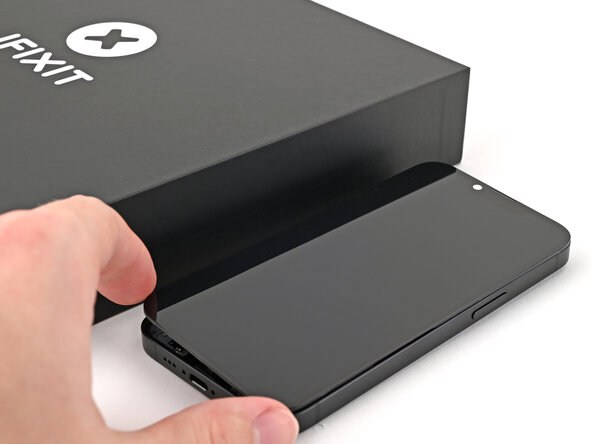
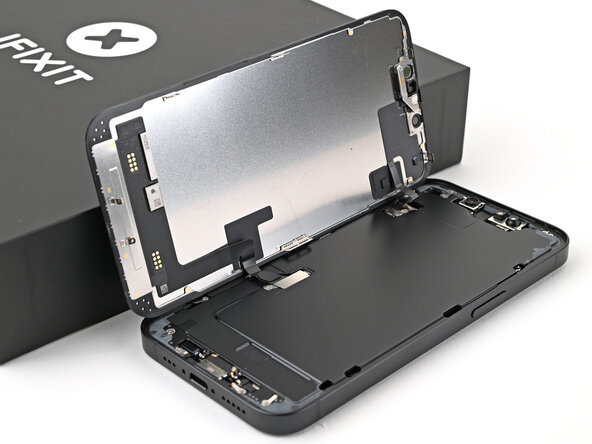
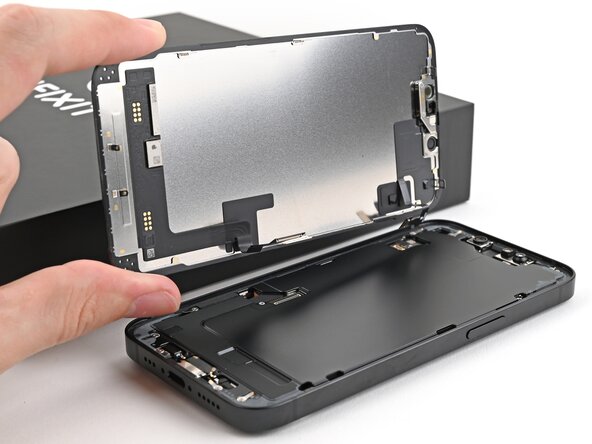
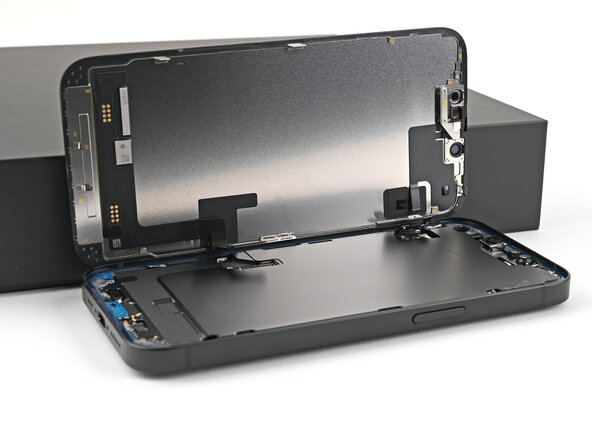
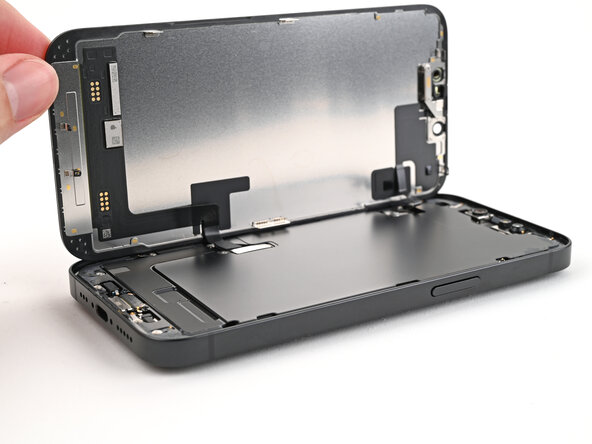
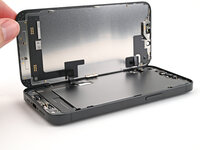
Swing open the screen over the left edge of the phone and support it with a clean, sturdy object.
-
-
-
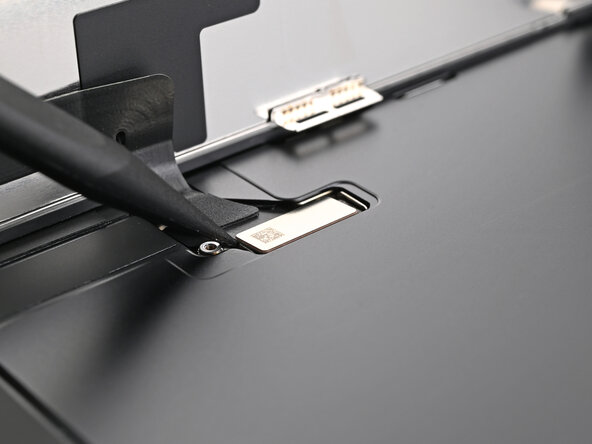
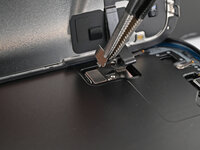
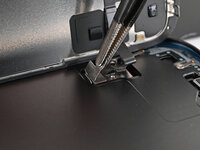
Use a tri-point Y000 screwdriver to remove the two 0.9 mm‑long screws securing the front sensor connector and screen connector covers.
-
-
-
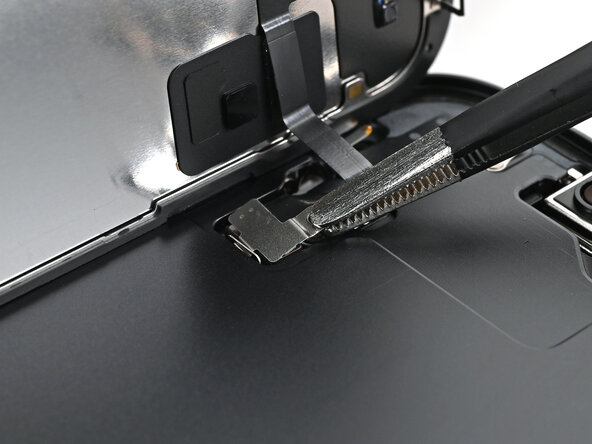
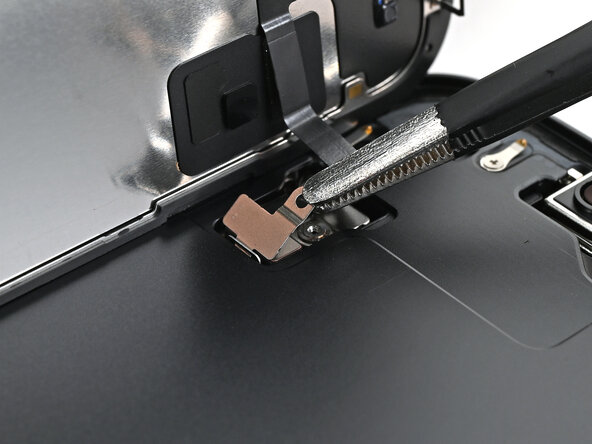
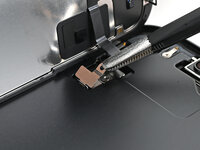
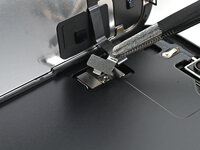
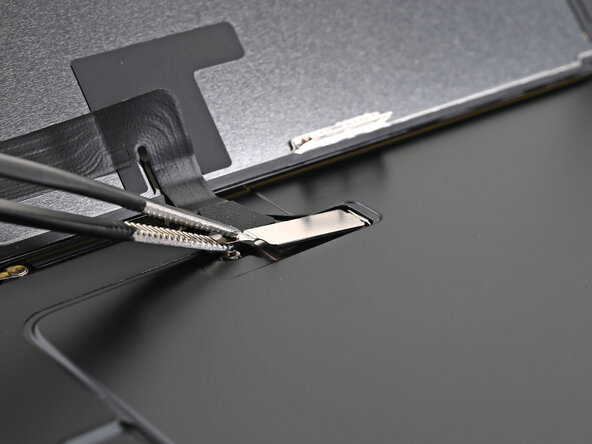
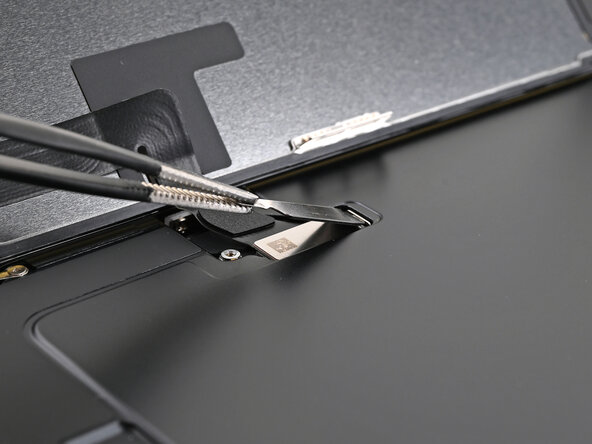
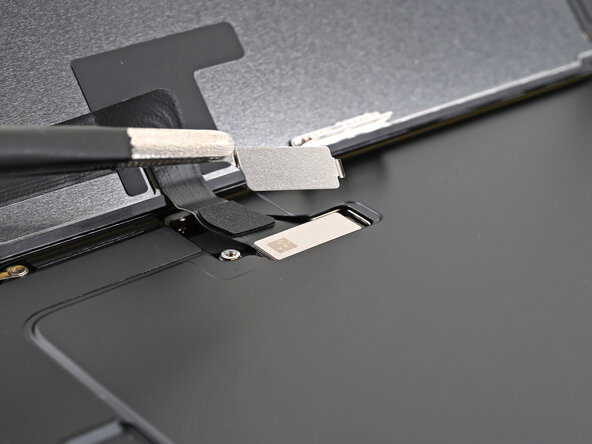
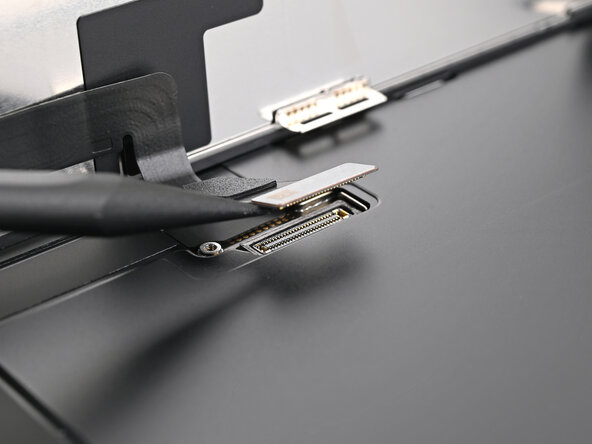
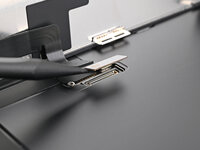
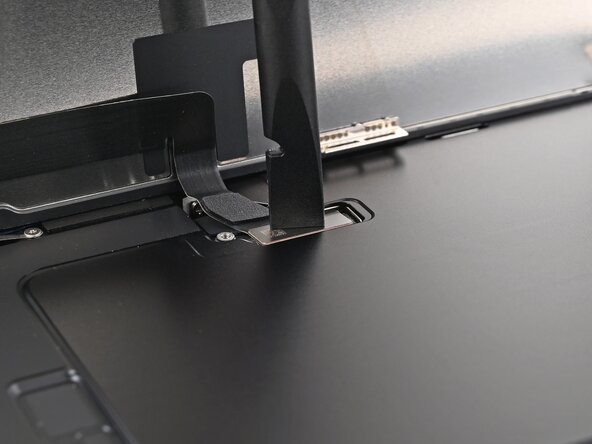
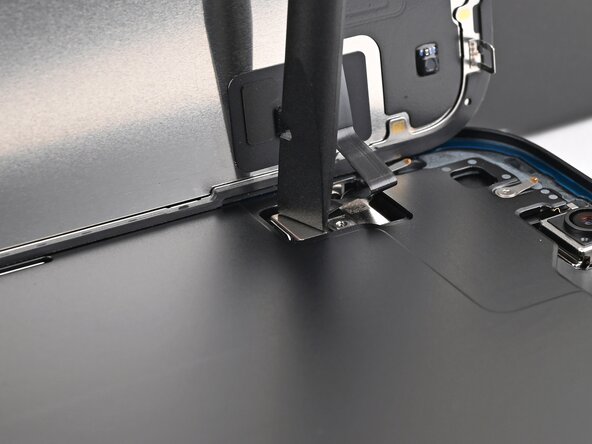
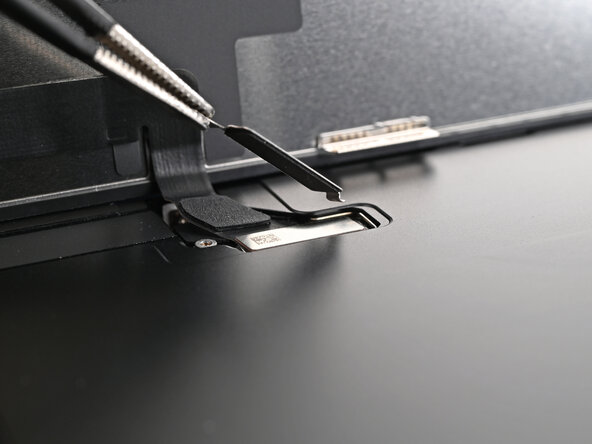
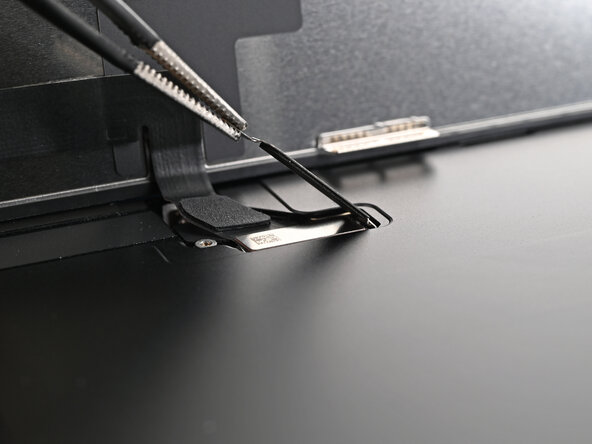
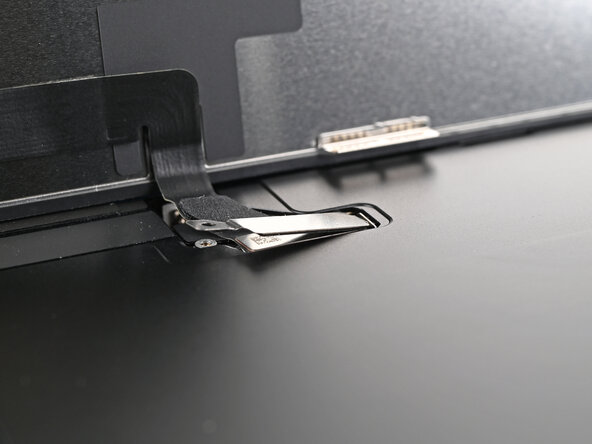
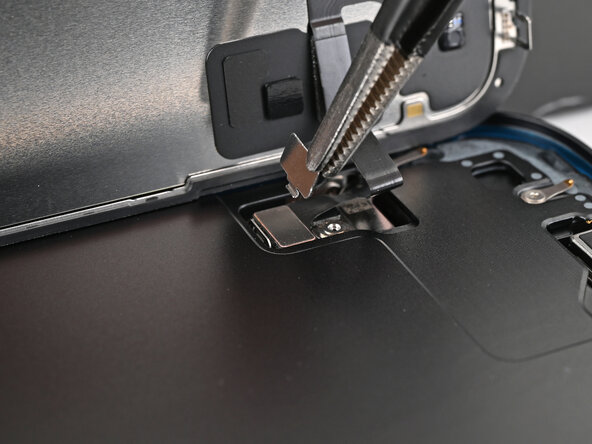
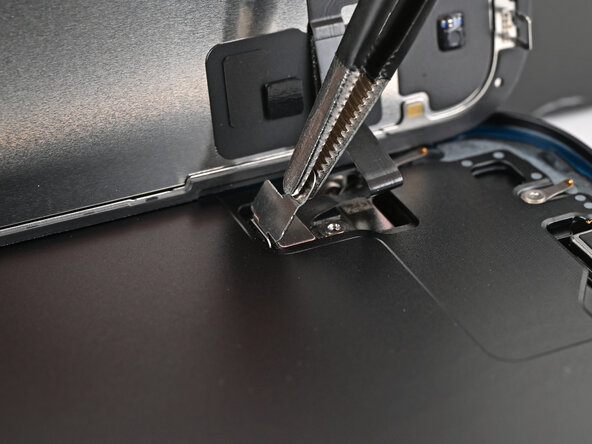
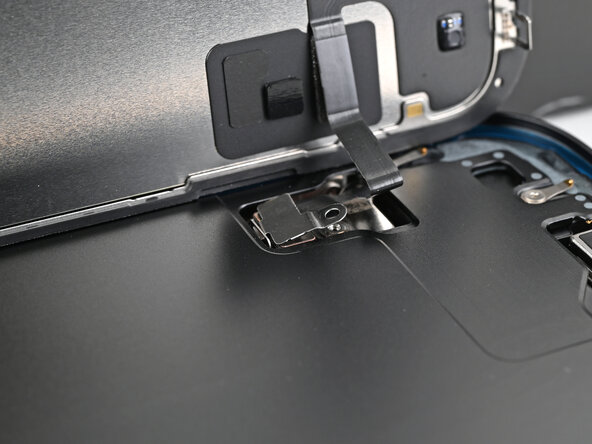
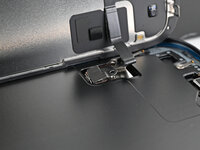
Use tweezers or your fingers to lift the front sensor cover to a 90-degree angle and unhook it from its slot in the logic board.
-
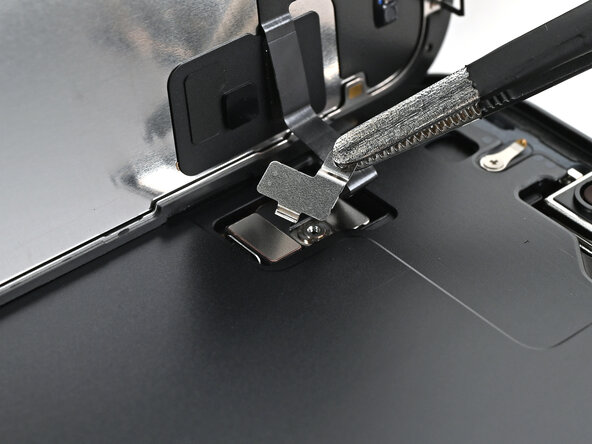
Lift the cover out of its slot and remove it.
-
-
-
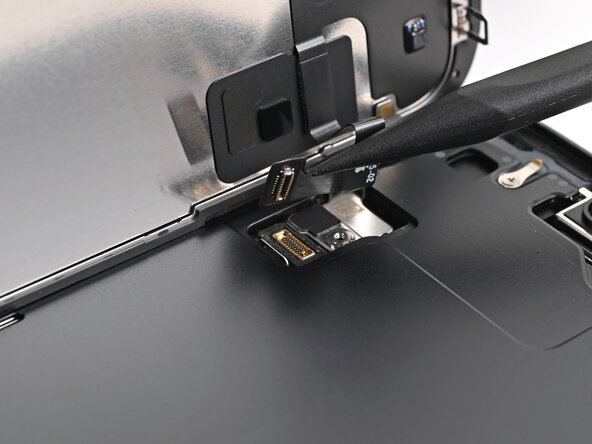
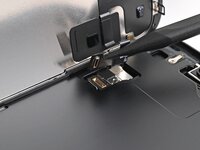
Use the tip of a spudger to pry up and disconnect the screen press connector.
-
Repeat for the front sensor press connector.
-
-
-
Congratulations on completing disassembly! The remaining steps will show you how to reassemble your device.
-
-
-
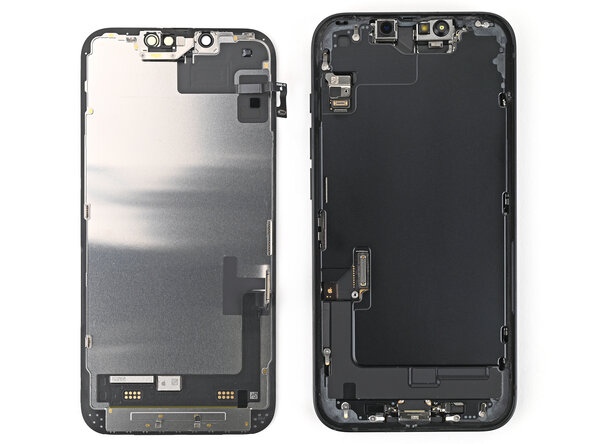
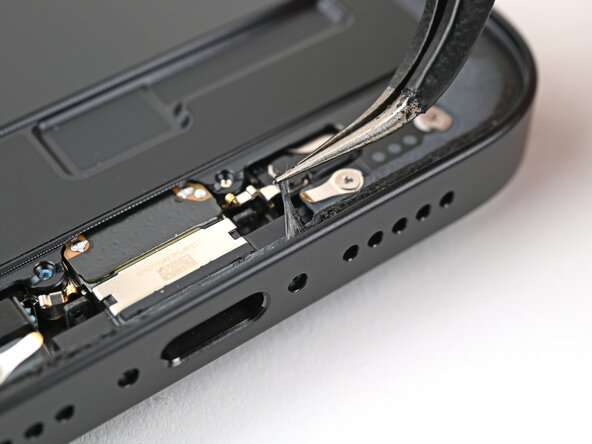
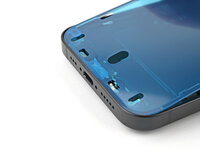
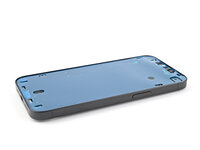
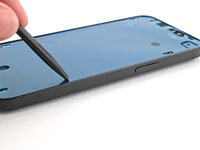
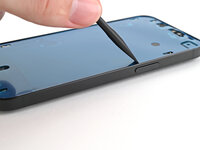
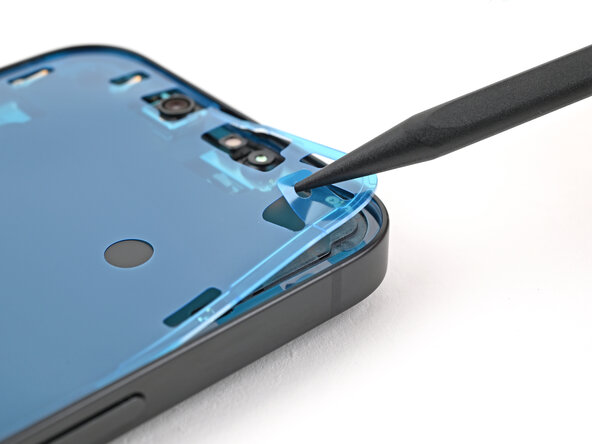
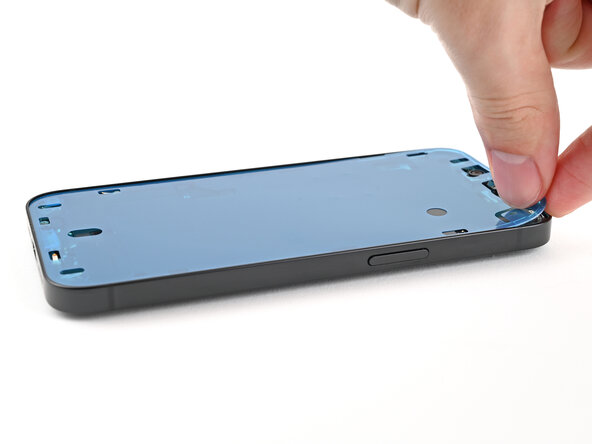
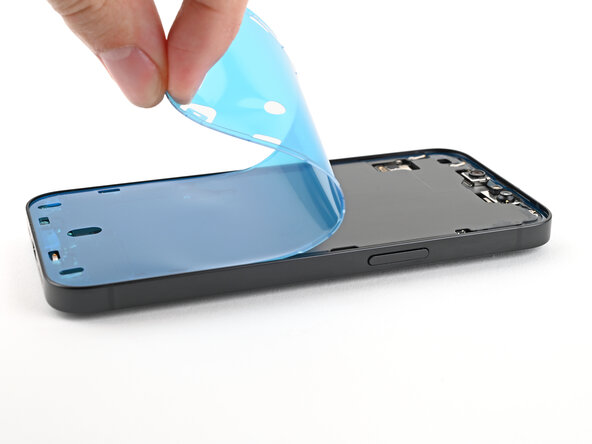
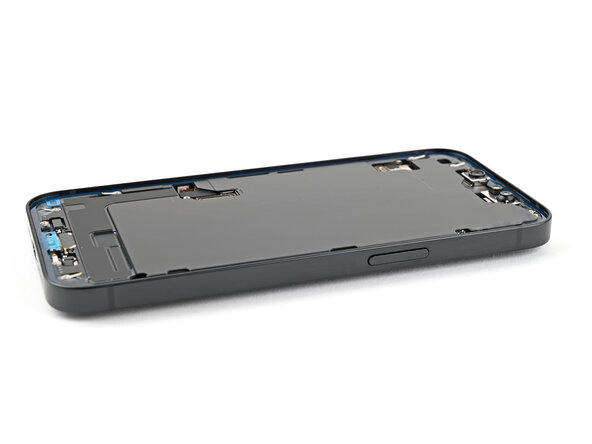
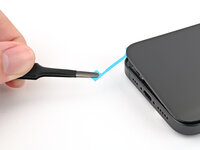
Use tweezers to remove the adhesive around the perimeter of the frame.
-
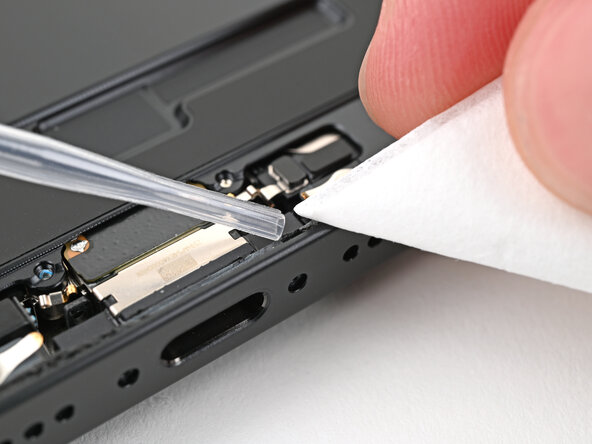
Use a coffee filter or a lint‑free cloth and high‑concentration isopropyl alcohol (>%90) to clean off any adhesive residue.
-
-
-
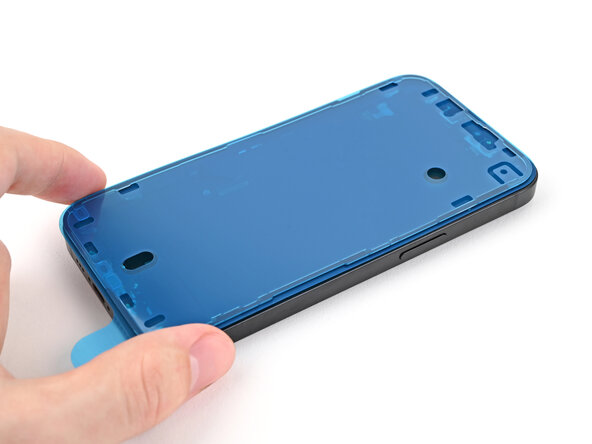
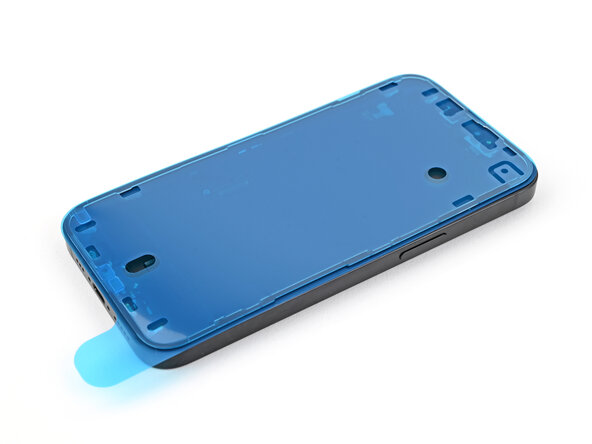
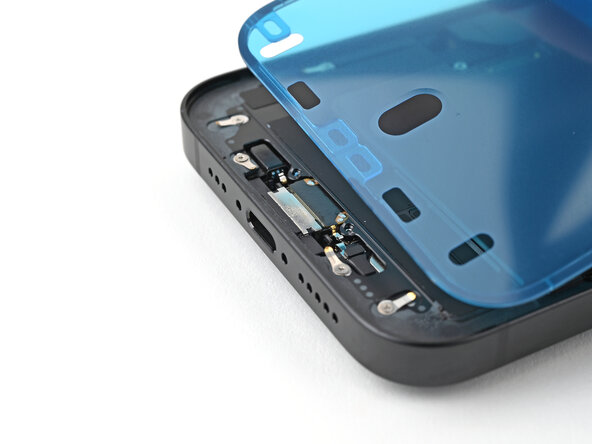
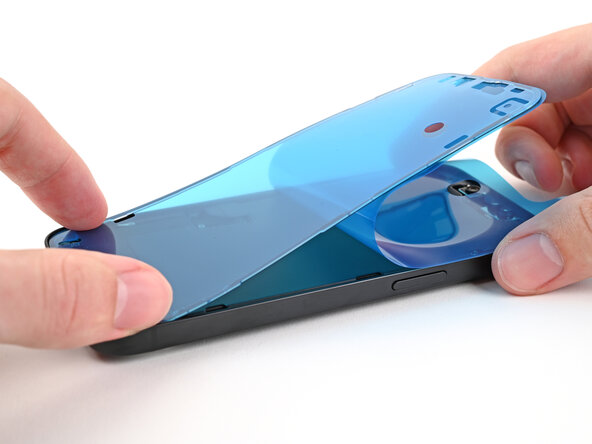
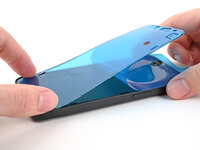
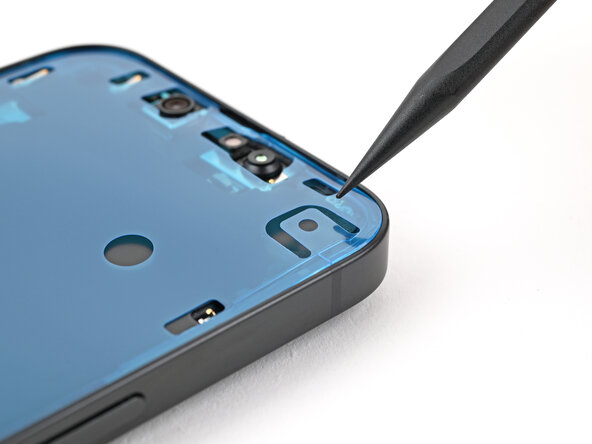
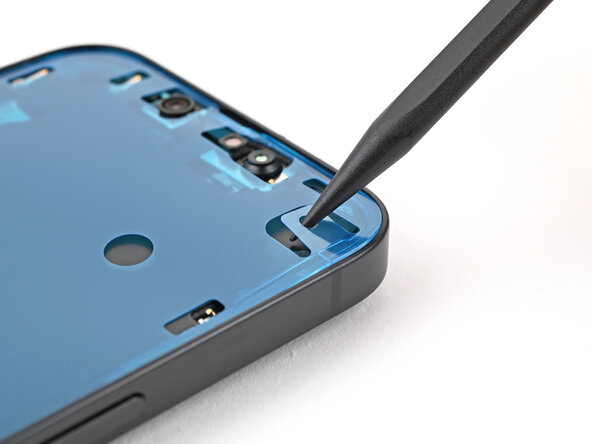
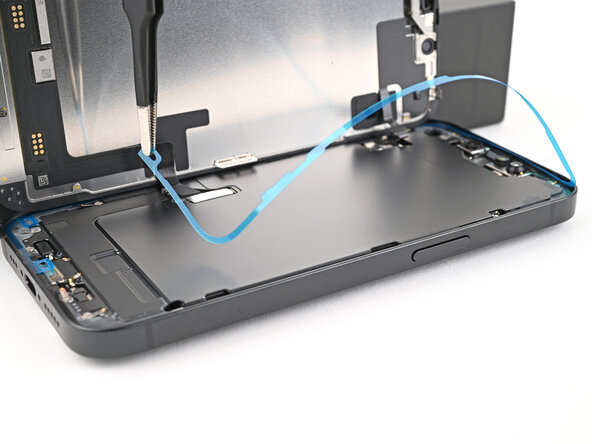
Lay the adhesive on top of the phone and use features like cutouts for spring contacts and the front‑facing camera to make sure the adhesive is oriented correctly.
-
-
-
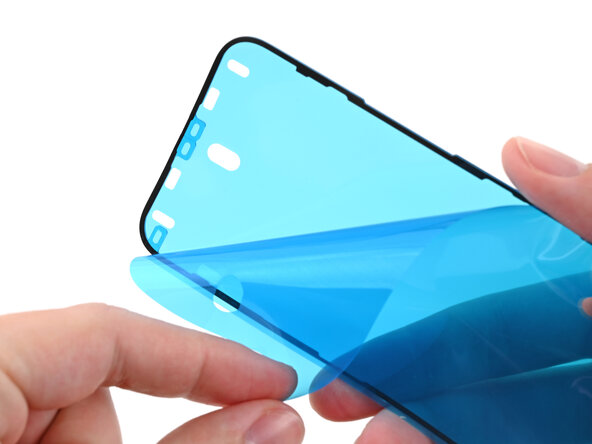
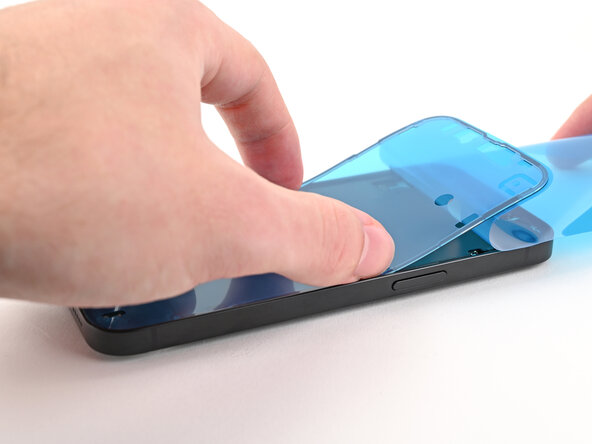
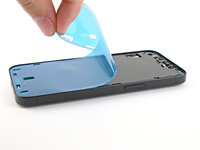
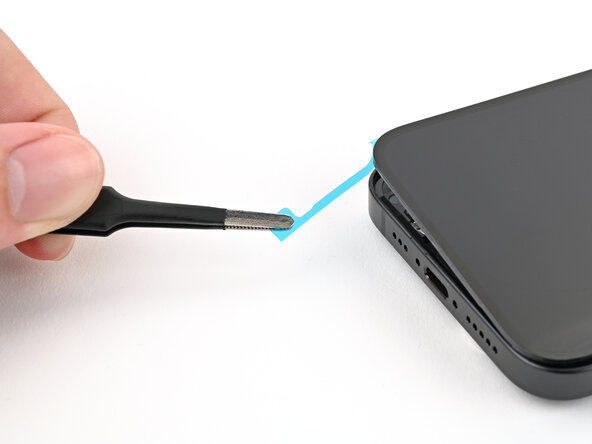
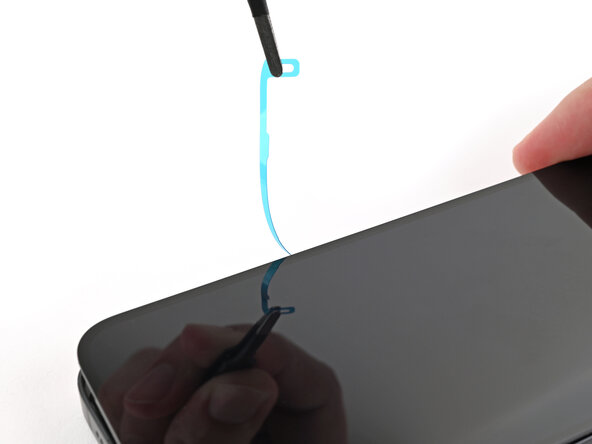
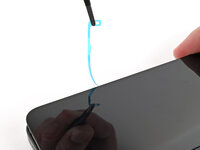
Use the pull tab to begin peeling the back liner off the adhesive starting from the bottom, but don't remove the liner all the way.
-
Hold the blue liner out of the way and align the adhesive with the bottom edge of the iPhone.
-
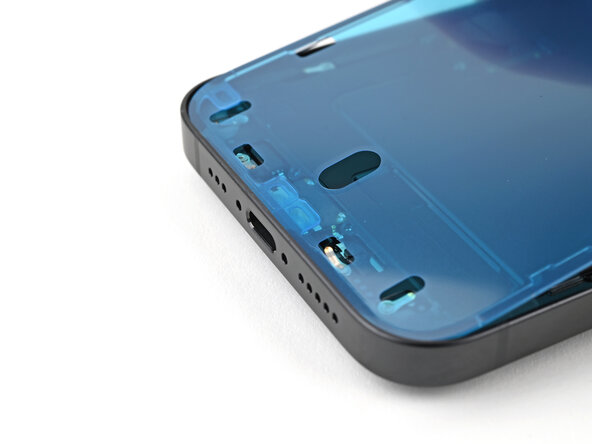
Lay the bottom edge of the adhesive into its recess in the frame, making sure the iPhone's spring contacts are aligned with their cutouts in the liner.
-
-
-
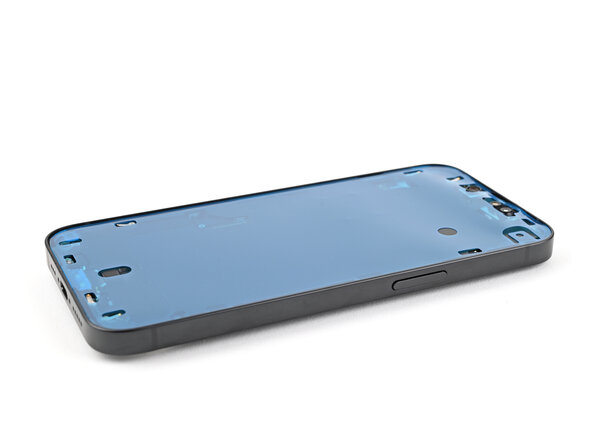
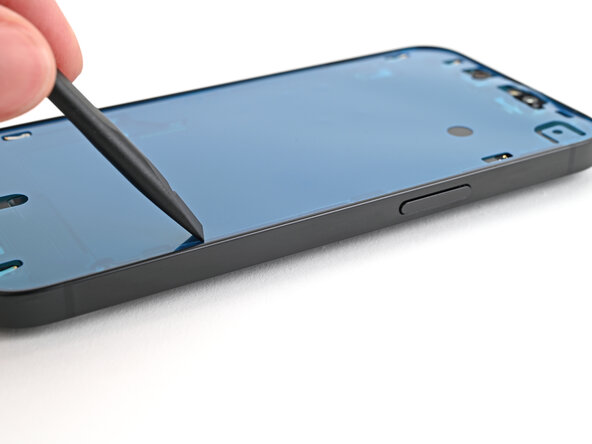
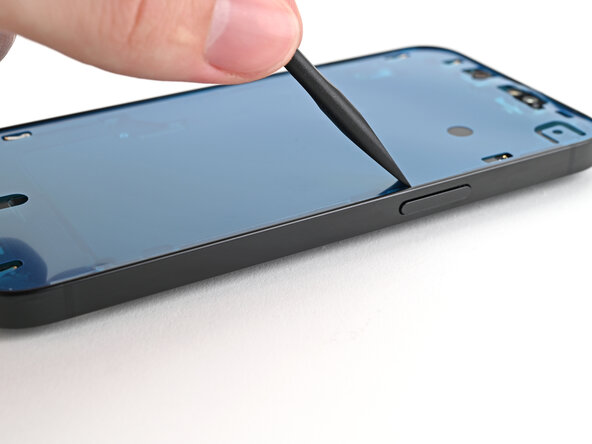
Use the flat end of a spudger to press the adhesive into place around the perimeter of the frame.
-
-
-
Prop up the screen along the left edge of the iPhone, using a box or similar sturdy object to support the screen.
-
Use the flat end of a spudger or your finger to connect the screen press connector.
-
Repeat for the front sensor press connector.
-
-
-
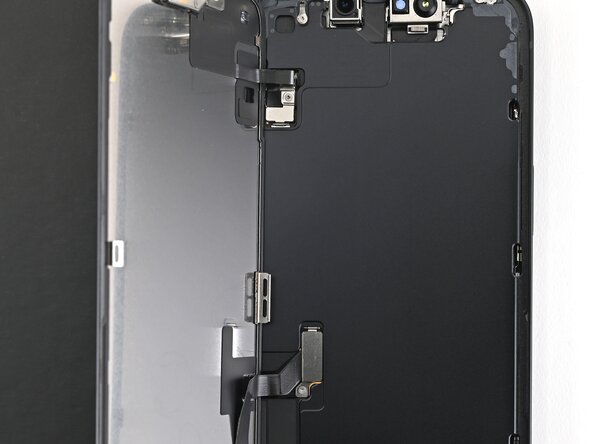
Use a tri-point Y000 screwdriver to install the two 0.9 mm‑long screws securing the front sensor connector and screen connector covers.
-
-
-
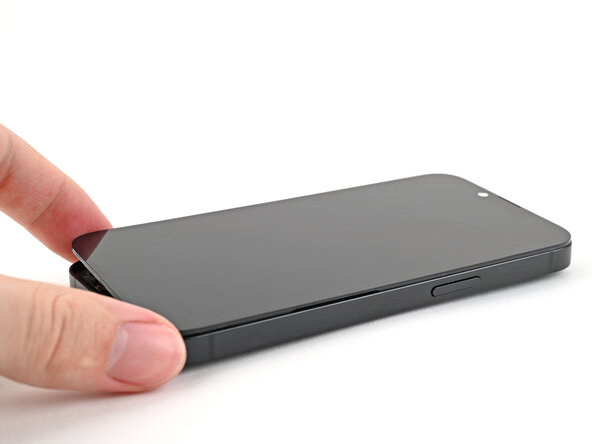
To help the adhesive bond, apply heat to the edges of the screen using an iOpener, hair dryer, or heat gun until it's hot to the touch.
-
If you have screen vise clamps, use them to strengthen the bond of your new adhesive. If not, keep reading for more ways to secure the screen.
-
-
-
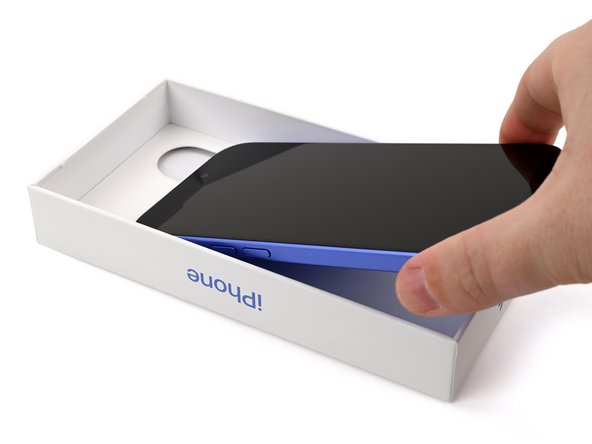
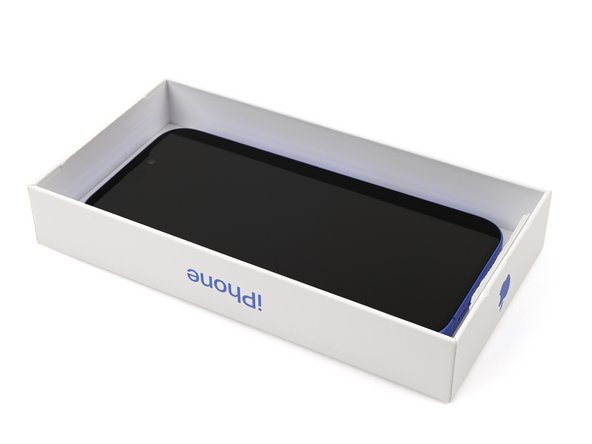
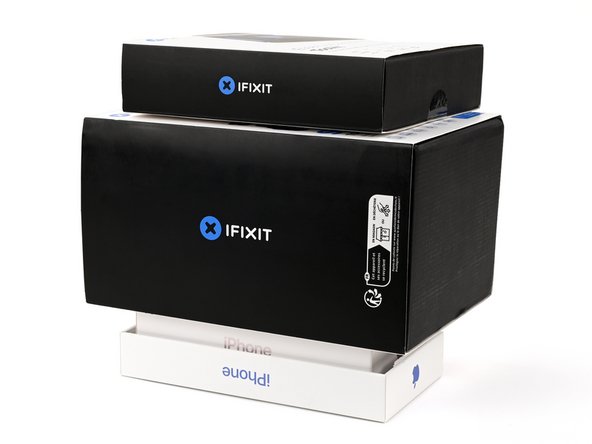
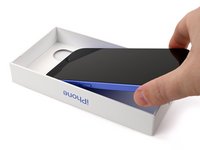
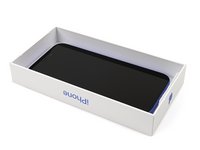
If you have the box your iPhone came in, take the lid and place it on a flat surface.
-
Place your iPhone screen-side-up in the lid of your box with the camera bump in its recess.
-
Find something close to the size of your iPhone, but taller than the sides of the box. Stack it on top of the iPhone, followed by a few heavy objects.
-
Leave the objects in place for at least thirty minutes. The lighter the objects, the longer they should be left. Ideally, leave them stacked overnight.
-
-
-
Use a P2 pentalobe screwdriver to install the two 7.8 mm‑long screws on either side of the charging port.
-





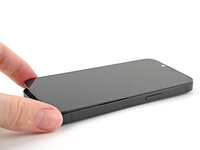
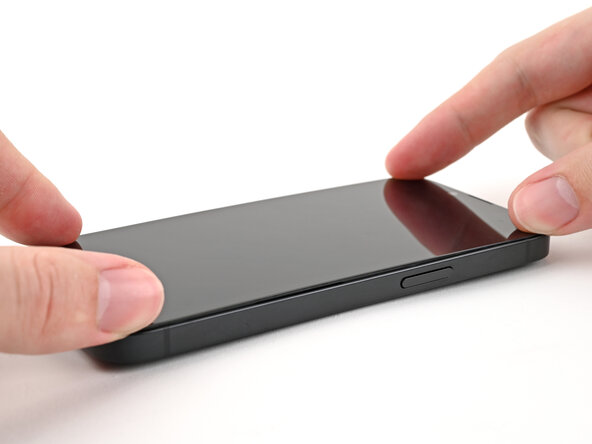
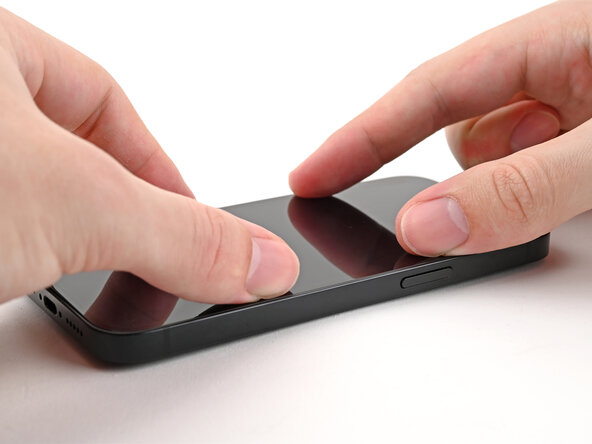
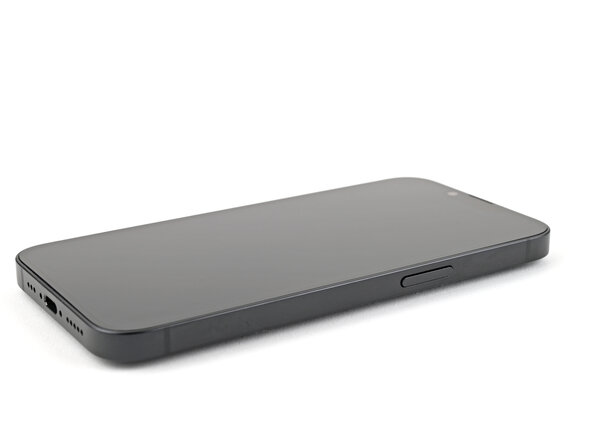


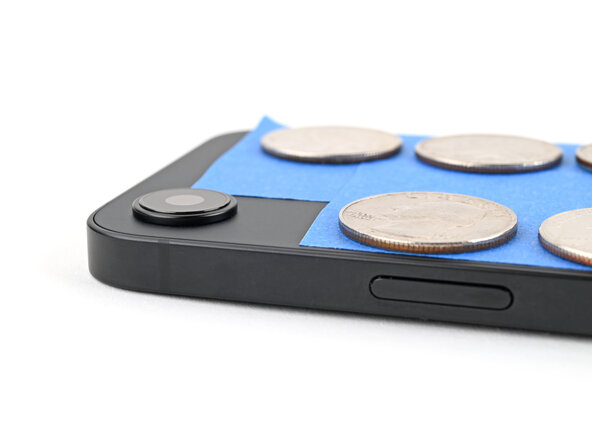

After your repair, calibrate a genuine replacement screen using Apple's Repair Assistant. Navigate to Settings → General → About → Parts & Service History, tap Restart & Finish Repair, and follow the onscreen prompts.
Take your e-waste to an R2 or e-Stewards certified recycler.
Repair didn’t go as planned? Try some basic troubleshooting, or ask our iPhone 16e Answers Community for help.
Annulla: non ho completato questa guida.
Un'altra persona ha completato questa guida.



