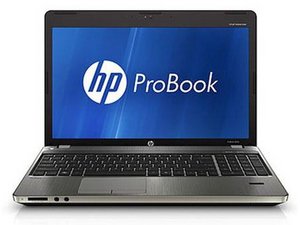

How to fix boot error problem
Video to solve this problem
Questa è una buona domanda?
Punteggio
0
Reputazione: 13
 1
1
Video to solve this problem
Questa è una buona domanda?
Reputazione: 1
4
 1
1
A boot error on an HP ProBook 4530s usually comes from incorrect BIOS settings, a failing drive, or corrupted boot files. First, enter BIOS (press F10 on startup) and ensure the hard drive is detected and set as the first boot device. If detected, run HP Diagnostics (F2) to check HDD health. If the drive fails tests, replace it. If the drive passes, boot from a Windows installation USB, choose Repair your PC, then run Startup Repair. You can also use Command Prompt to run bootrec /fixmbr, /fixboot, and /rebuildbcd. Update BIOS if needed. If errors persist, reinstall Windows.
Questa risposta è stata utile?
Ultime 24 ore: 0
Ultimi 7 giorni: 2
Ultimi 30 giorni: 6
Tutti i Tempi: 151


1 Commento
Hi @aashishnana67
You have asked the same question 3 times now and had responses to the first 2 questions asking for more information so relevant answers could be provided.
1st question
2nd question
You have not responded to their requests for more information.
Please stop asking the same question and respond with more information as to what the exact problem is.
Moderator.
da jayeff