
Salta al contenuto principale
Unisciti alla Community delle riparazioni - Crea un account

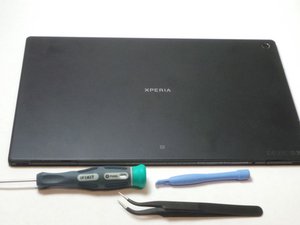
Rilasciato a maggio 2013. Display - 1200 x 1920 pixel, 10,1 pollici. Chipset - Qualcomm Snapdragon APQ8064, CPU - Quad-core 1.5 GHz Krait, GPU - Adreno 320. Memoria - 16/32 GB, 2 GB RAM. Sistema operativo Android, v4.1.2 (Jelly Bean), aggiornabile a v4.4.2 (KitKat).

Comment procéder au Factory reset

Comment restaurer une tablette sony xperia ?

Rispondi a questa domanda Anch'io ho questo problema

Questa è una buona domanda?

Punteggio 0
Aggiungi un commento

1 Risposta

Risposta più utile

Hi @patientkitiaka

  • If you can still access the tablet, go to Menu > Settings > Backup & reset > Factory data reset.
  • To perform a factory reset using the buttons, turn off the tablet and then, press and hold the Volume Down + Power button (both together) until the Recovery menu appears. Use the Volume buttons to navigate to the Wipe data/factory restore option and then press the Power button to confirm.

Questa risposta è stata utile?

Punteggio 1
Aggiungi un commento

Aggiungi la tua risposta

Patient KITIAKA sarà eternamente grato.
Visualizza statistiche:

Ultime 24 ore: 0

Ultimi 7 giorni: 8

Ultimi 30 giorni: 24

Tutti i Tempi: 221
