Salta al contenuto principale
Unisciti alla Community delle riparazioni - Crea un account

Samsung Galaxy S22+ Battery Replacement

Cosa ti serve

  1. Samsung Galaxy S22+ Battery Replacement, Heat the bottom edge: passo 1, immagine 1 di 1
    • Let your phone's battery to drain below 25% before starting this repair. A charged lithium-ion battery may catch fire if damaged.

    • Prepare an iOpener and apply it to the bottom edge of the back cover for three minutes to loosen the adhesive underneath.

    • A hair dryer, heat gun, or hot plate may also be used, but be careful not to overheat the phone—the display and internal battery are both susceptible to heat damage.

    Chiedi a FixBot

    Aggiungi Commento

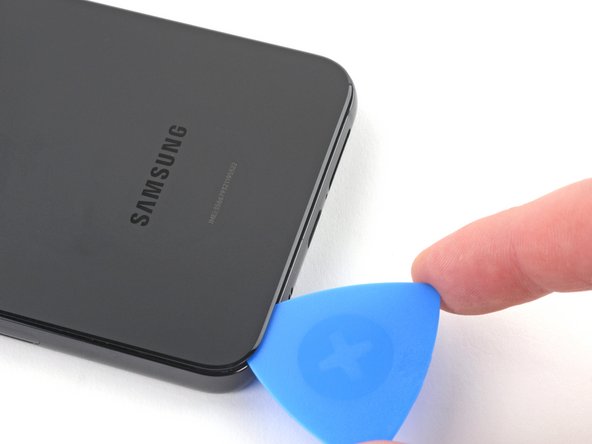
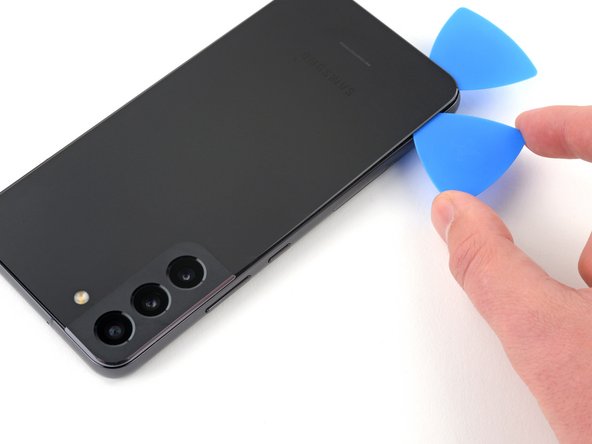
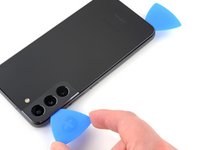
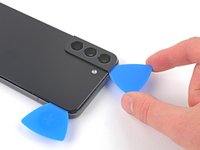
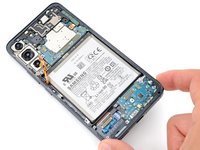
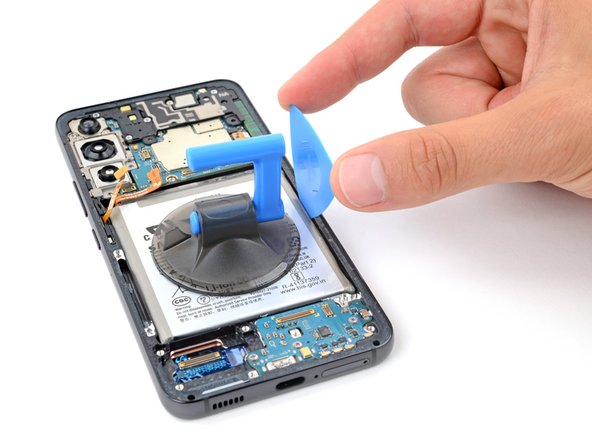
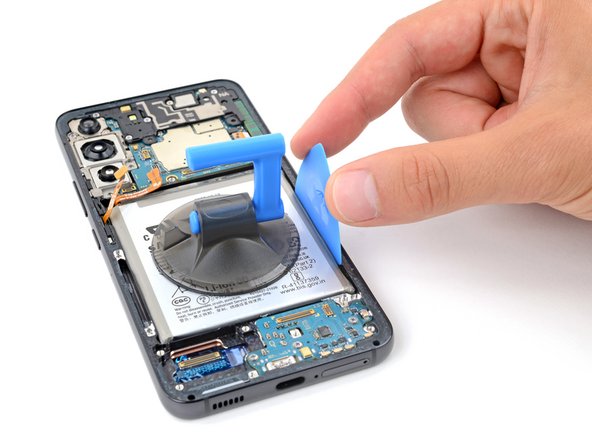
  2. Samsung Galaxy S22+ Battery Replacement, Insert an opening pick: passo 2, immagine 1 di 3 Samsung Galaxy S22+ Battery Replacement, Insert an opening pick: passo 2, immagine 2 di 3 Samsung Galaxy S22+ Battery Replacement, Insert an opening pick: passo 2, immagine 3 di 3
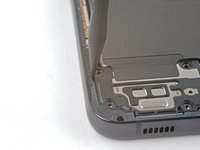
    • Secure a suction handle to the bottom edge of the back cover, as close to the edge as possible.

    • If the back cover is cracked, the suction handle may not stick. Try lifting it with strong tape, or superglue the suction handle in place and allow it to dry so you can proceed.

    • Lift the back cover with the suction handle to create a small gap between the back cover and the frame.

    • If you have trouble creating a gap, apply more heat to further soften the adhesive. Follow the iOpener instructions to avoid overheating.

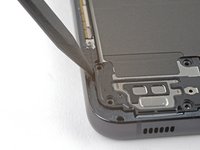
    • Insert an opening pick into the gap you created.

    Chiedi a FixBot

    Aggiungi Commento

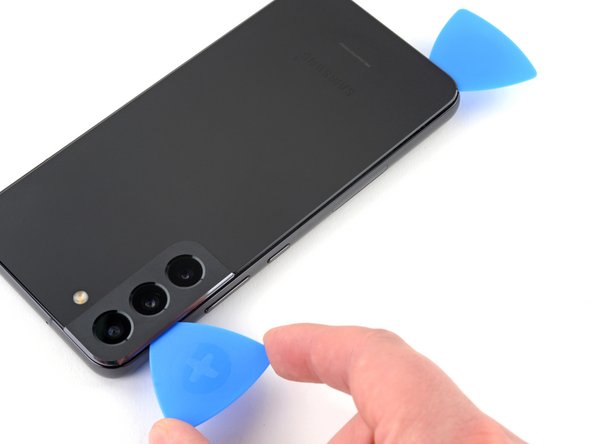
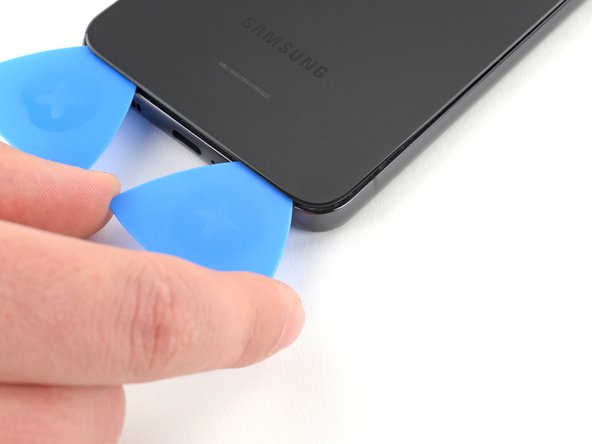
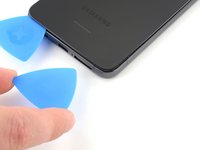
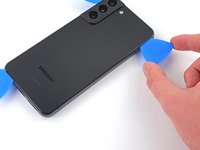
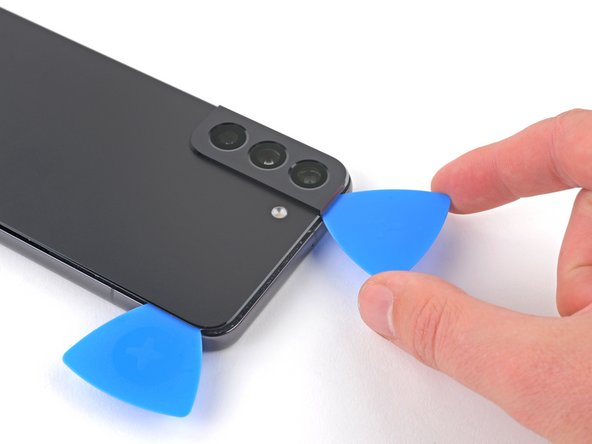
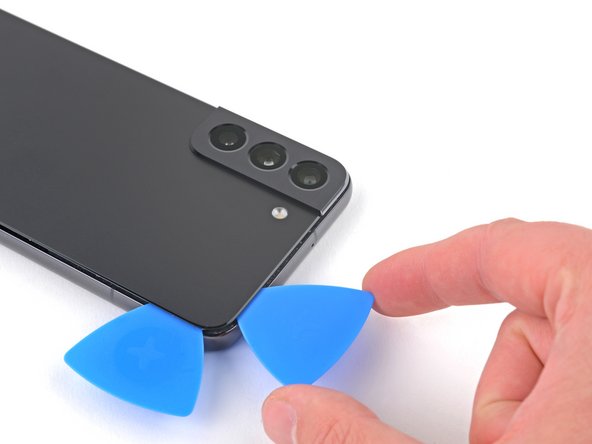
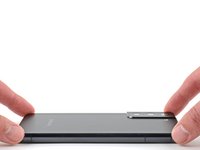
  3. Samsung Galaxy S22+ Battery Replacement, Slice the bottom adhesive: passo 3, immagine 1 di 3 Samsung Galaxy S22+ Battery Replacement, Slice the bottom adhesive: passo 3, immagine 2 di 3 Samsung Galaxy S22+ Battery Replacement, Slice the bottom adhesive: passo 3, immagine 3 di 3
    • Remove the suction handle.

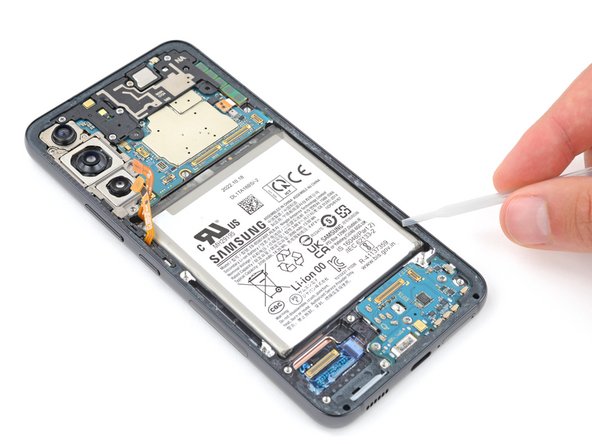
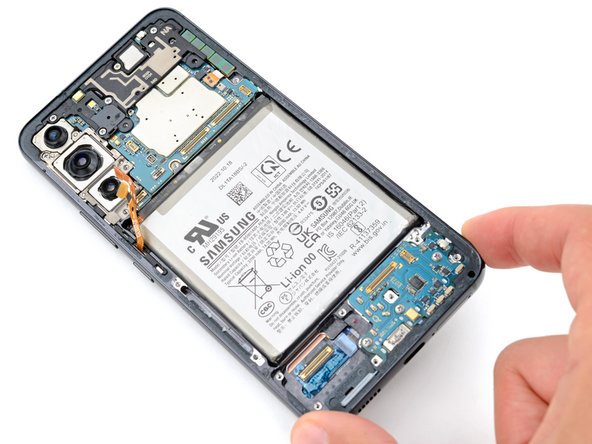
    • Slide the opening pick along the bottom edge to slice the adhesive.

    • If the adhesive becomes hard to cut, it has most likely cooled down. Use your iOpener for two to three minutes to reheat it.

    • Leave the opening pick inserted near the bottom left corner to prevent the adhesive from resealing.

    Chiedi a FixBot

    Aggiungi Commento

  4. Samsung Galaxy S22+ Battery Replacement, Heat the left edge: passo 4, immagine 1 di 1
    • Apply the heated iOpener to the left edge of the phone for 3 minutes to soften the adhesive.

    • Reheat your iOpener for 30 seconds if necessary.

    • Be careful not to overheat the iOpener. Overheating may cause the iOpener to burst.

    • A properly heated iOpener should stay warm for up to 10 minutes.

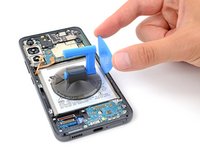
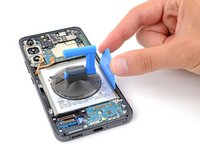
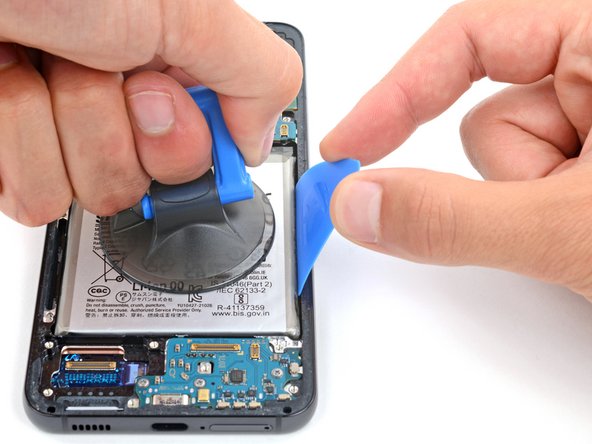
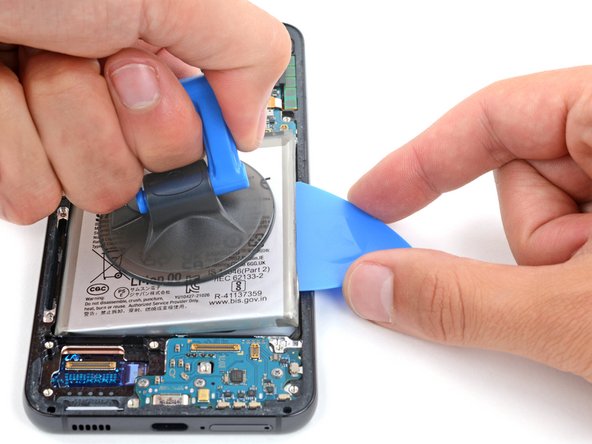
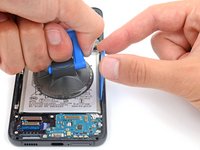
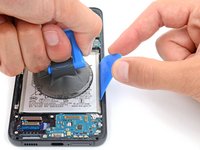
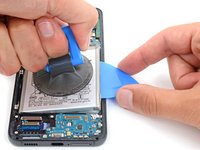
    Chiedi a FixBot

    Aggiungi Commento

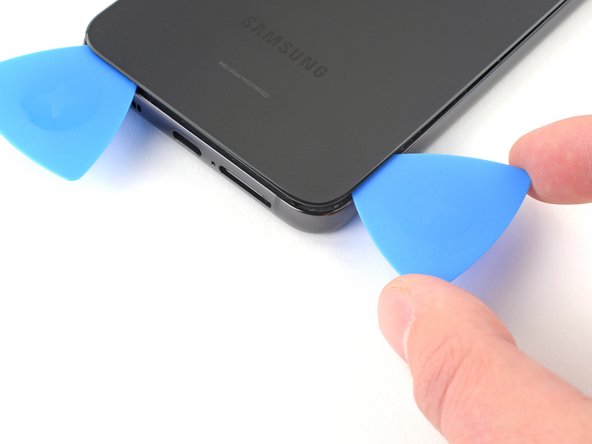
  5. Samsung Galaxy S22+ Battery Replacement, Slice the left adhesive: passo 5, immagine 1 di 3 Samsung Galaxy S22+ Battery Replacement, Slice the left adhesive: passo 5, immagine 2 di 3 Samsung Galaxy S22+ Battery Replacement, Slice the left adhesive: passo 5, immagine 3 di 3
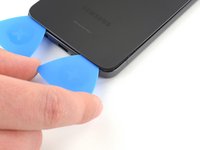
    • Insert a second opening pick into the gap created near the bottom left corner.

    • Don't insert the opening pick more than 5 mm, or you risk damaging cables near the camera module.

    • Slide the opening pick along the left edge to slice the adhesive.

    • Leave the opening pick inserted near the top left corner to prevent the adhesive from resealing.

    Chiedi a FixBot

    Aggiungi Commento

  6. Samsung Galaxy S22+ Battery Replacement: passo 6, immagine 1 di 1
    • Apply your heated iOpener to the right edge of the phone for 3 minutes to soften the adhesive.

    • Reheat your iOpener for 30 seconds if necessary.

    • Be careful not to overheat the iOpener. Overheating may cause the iOpener to burst.

    • A properly heated iOpener should stay warm for up to 10 minutes.

    Chiedi a FixBot

    Aggiungi Commento

  7. Samsung Galaxy S22+ Battery Replacement: passo 7, immagine 1 di 3 Samsung Galaxy S22+ Battery Replacement: passo 7, immagine 2 di 3 Samsung Galaxy S22+ Battery Replacement: passo 7, immagine 3 di 3
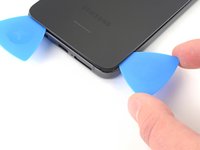
    • Insert a third opening pick into the gap created along the bottom edge.

    • Slide the opening pick around the bottom right corner of the back cover to slice the adhesive.

    Chiedi a FixBot

    Aggiungi Commento

  8. Samsung Galaxy S22+ Battery Replacement: passo 8, immagine 1 di 2 Samsung Galaxy S22+ Battery Replacement: passo 8, immagine 2 di 2
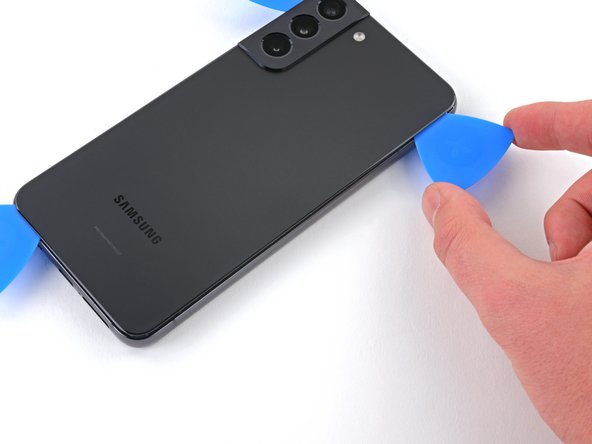
    • Continue sliding the opening pick up along the right edge of the back cover to slice the adhesive.

    • Don't insert the opening pick more than 5 mm to avoid damaging any internal components.

    • Leave the opening pick inserted near the top right corner to prevent the adhesive from resealing.

    Chiedi a FixBot

    Aggiungi Commento

  9. Samsung Galaxy S22+ Battery Replacement: passo 9, immagine 1 di 1
    • Apply your heated iOpener to the top edge of the phone for 3 minutes to soften the adhesive.

    • Reheat your iOpener for 30 seconds if necessary.

    • Be careful not to overheat the iOpener. Overheating may cause the iOpener to burst.

    • A properly heated iOpener should stay warm for up to 10 minutes.

    Chiedi a FixBot

    Aggiungi Commento

  10. Samsung Galaxy S22+ Battery Replacement: passo 10, immagine 1 di 3 Samsung Galaxy S22+ Battery Replacement: passo 10, immagine 2 di 3 Samsung Galaxy S22+ Battery Replacement: passo 10, immagine 3 di 3
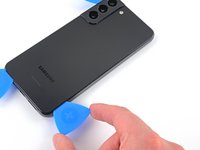
    • Slide the opening pick in the top left corner across the top edge to separate the remaining adhesive.

    • Don't insert the pick more than 5 mm to avoid damaging or smearing the rear cameras and flash.

    Chiedi a FixBot

    Aggiungi Commento

  11. Samsung Galaxy S22+ Battery Replacement: passo 11, immagine 1 di 2 Samsung Galaxy S22+ Battery Replacement: passo 11, immagine 2 di 2
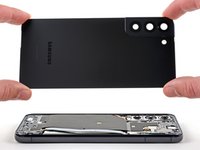
    • Remove the back cover.

    • During reassembly:

    • This is a good point to power on your phone and test all functions before sealing it up. Be sure to power your phone back down completely before you continue working.

    • Follow this guide to replace the back cover adhesive and install the back cover.

    Chiedi a FixBot

    Aggiungi Commento

  12. Samsung Galaxy S22+ Battery Replacement, Disconnect the wireless charging coil: passo 12, immagine 1 di 2 Samsung Galaxy S22+ Battery Replacement, Disconnect the wireless charging coil: passo 12, immagine 2 di 2
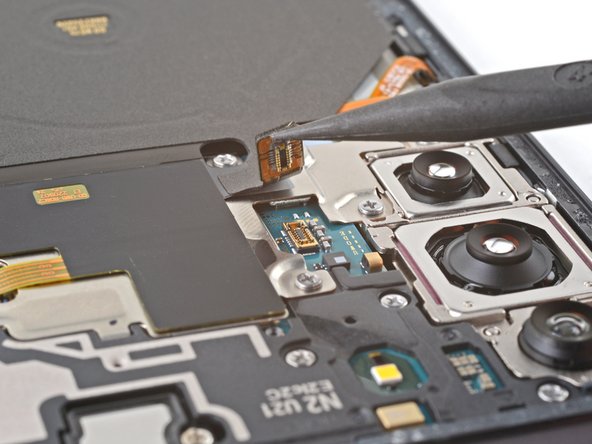
    • Use the pointed end of your spudger to pry up and disconnect the charging coil's press connector from the motherboard.

    Chiedi a FixBot

    Aggiungi Commento

  13. Samsung Galaxy S22+ Battery Replacement, Disconnect the NFC antenna: passo 13, immagine 1 di 2 Samsung Galaxy S22+ Battery Replacement, Disconnect the NFC antenna: passo 13, immagine 2 di 2
    • Use the pointed end of your spudger to pry up and disconnect the NFC antenna cable from the motherboard.

    Chiedi a FixBot

    Aggiungi Commento

  14. Samsung Galaxy S22+ Battery Replacement, Unscrew the charging coil: passo 14, immagine 1 di 1
    • Use your Phillips screwdriver to remove the six 3.5 mm screws securing the charging coil.

    Chiedi a FixBot

    Aggiungi Commento

  15. Samsung Galaxy S22+ Battery Replacement, Unscrew the loudspeaker: passo 15, immagine 1 di 1
    • Use your Phillips screwdriver to remove the seven 3.5 mm screws securing the loudspeaker.

    Chiedi a FixBot

    Aggiungi Commento

  16. Samsung Galaxy S22+ Battery Replacement, Free the loudspeaker: passo 16, immagine 1 di 2 Samsung Galaxy S22+ Battery Replacement, Free the loudspeaker: passo 16, immagine 2 di 2
    • Insert your spudger in between the left edge of the loudspeaker and the frame.

    • Pry up to disconnect the clips securing the loudspeaker.

    • Be careful to not separate the loudspeaker from the charging coil.

    • During reassembly, press the loudspeaker into the frame until the clips engage.

    Chiedi a FixBot

    Aggiungi Commento

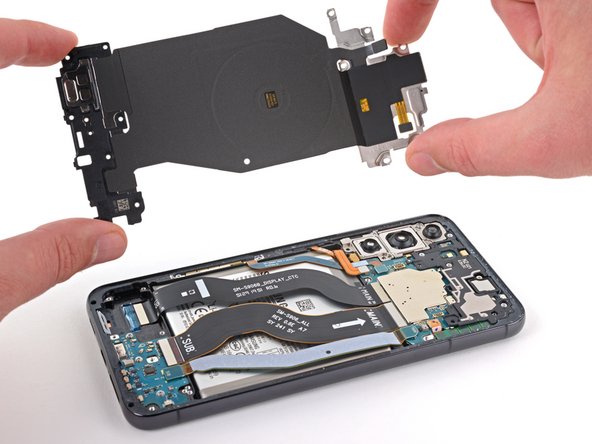
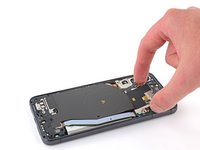
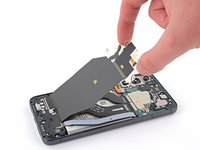
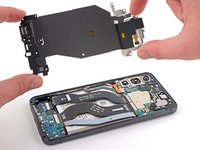
  17. Samsung Galaxy S22+ Battery Replacement, Remove the charging coil & NFC antenna assembly: passo 17, immagine 1 di 3 Samsung Galaxy S22+ Battery Replacement, Remove the charging coil & NFC antenna assembly: passo 17, immagine 2 di 3 Samsung Galaxy S22+ Battery Replacement, Remove the charging coil & NFC antenna assembly: passo 17, immagine 3 di 3
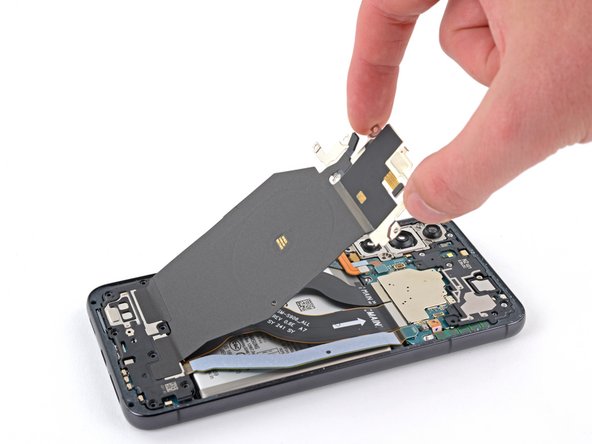
    • Gently remove the charging coil & NFC antenna assembly.

    • Do not separate the charging coil from the loudspeaker.

    Chiedi a FixBot

    Aggiungi Commento

  18. Samsung Galaxy S22+ Battery Replacement, Disconnect the battery: passo 18, immagine 1 di 2 Samsung Galaxy S22+ Battery Replacement, Disconnect the battery: passo 18, immagine 2 di 2
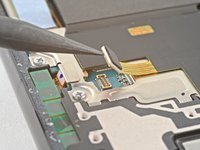
    • Use the pointed end of your spudger to pry up and disconnect the battery press connector.

    Chiedi a FixBot

    Aggiungi Commento

  19. Samsung Galaxy S22+ Battery Replacement, Disconnect the interconnect cables: passo 19, immagine 1 di 3 Samsung Galaxy S22+ Battery Replacement, Disconnect the interconnect cables: passo 19, immagine 2 di 3 Samsung Galaxy S22+ Battery Replacement, Disconnect the interconnect cables: passo 19, immagine 3 di 3
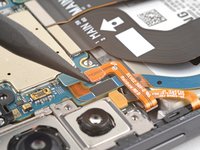
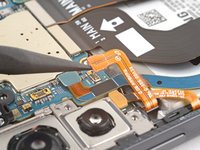
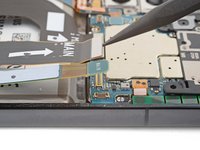
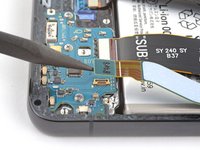
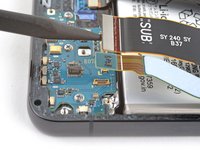
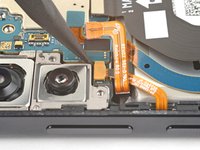
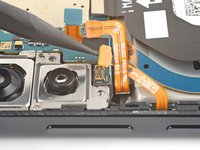
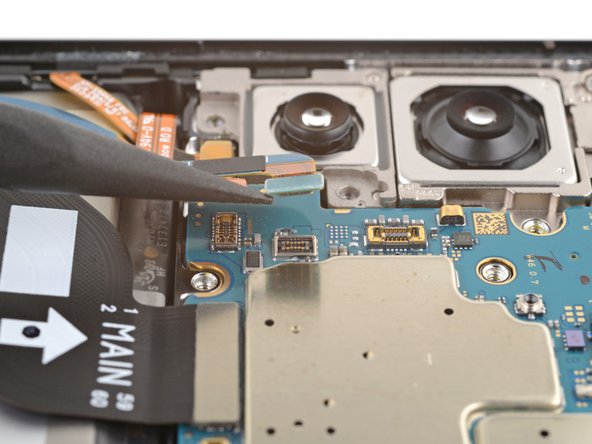
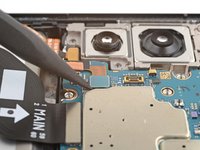
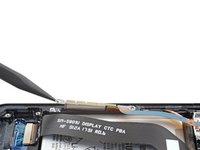
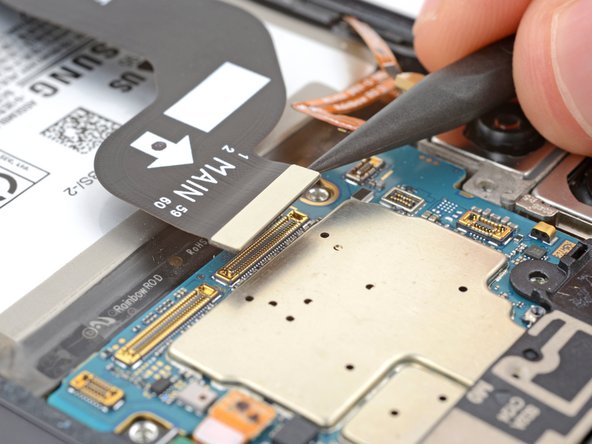
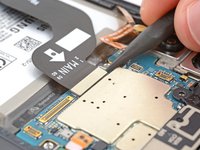
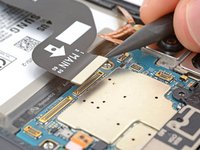
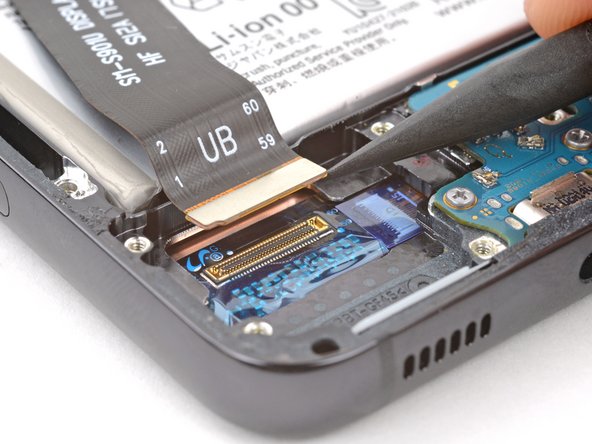
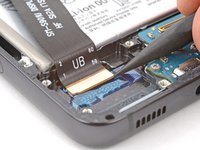
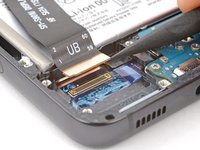
    • Use the pointed end of your spudger to pry up and disconnect both interconnect cables from the motherboard.

    Chiedi a FixBot

    Aggiungi Commento

  20. Samsung Galaxy S22+ Battery Replacement: passo 20, immagine 1 di 3 Samsung Galaxy S22+ Battery Replacement: passo 20, immagine 2 di 3 Samsung Galaxy S22+ Battery Replacement: passo 20, immagine 3 di 3
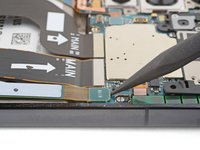
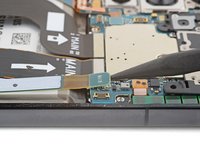
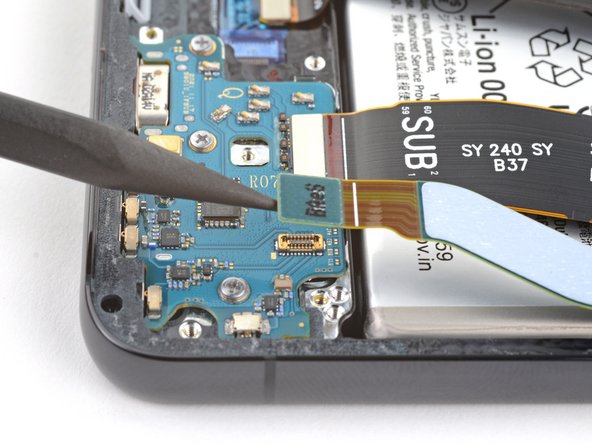
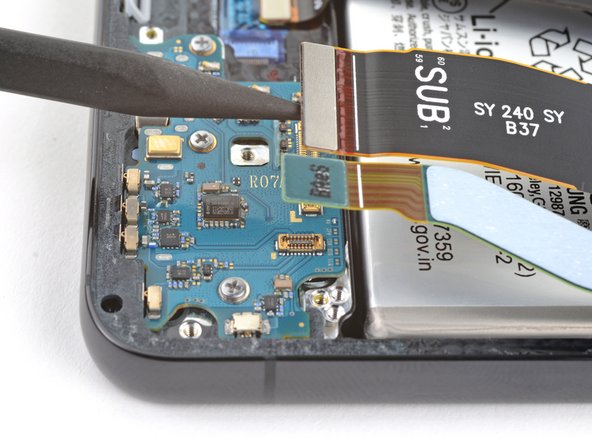
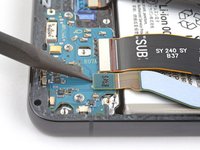
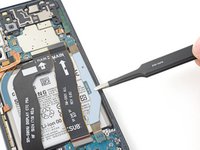
    • Use the pointed end of your spudger to pry up and disconnect both interconnect cables from the charging board.

    Chiedi a FixBot

    Aggiungi Commento

  21. Samsung Galaxy S22+ Battery Replacement, Remove the interconnect cables: passo 21, immagine 1 di 3 Samsung Galaxy S22+ Battery Replacement, Remove the interconnect cables: passo 21, immagine 2 di 3 Samsung Galaxy S22+ Battery Replacement, Remove the interconnect cables: passo 21, immagine 3 di 3
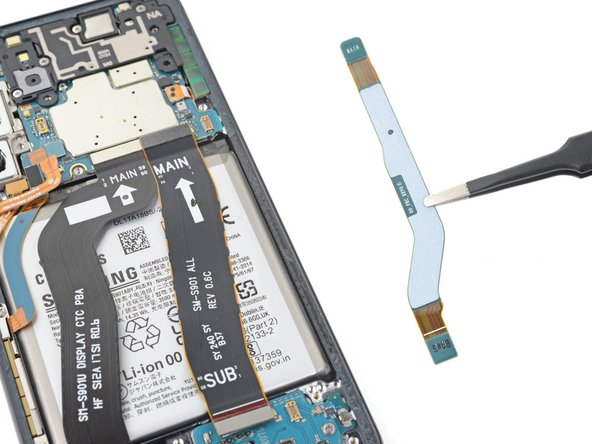
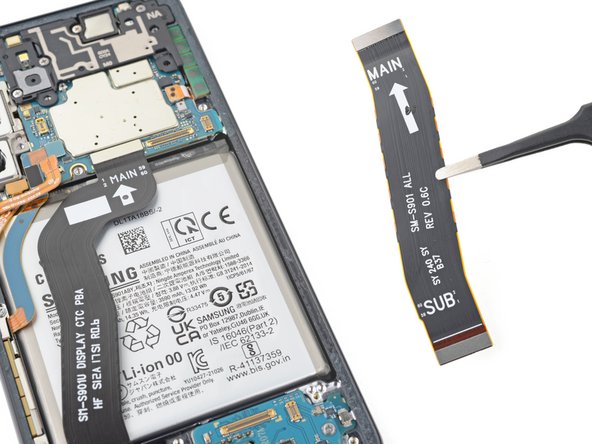
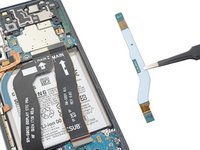
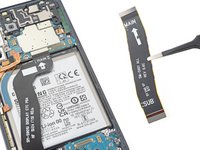
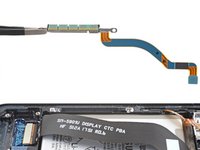
    • Grab and remove the two interconnect cables from the frame.

    • During reassembly, orient the cables so the "main" ends are toward the top of the phone and the "sub" ends are toward the bottom.

    Chiedi a FixBot

    Aggiungi Commento

  22. Samsung Galaxy S22+ Battery Replacement, Disconnect the power and volume buttons: passo 22, immagine 1 di 2 Samsung Galaxy S22+ Battery Replacement, Disconnect the power and volume buttons: passo 22, immagine 2 di 2
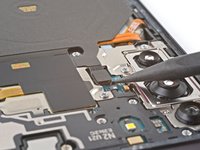
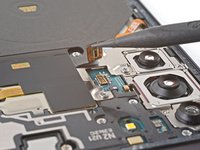
    • Use the pointed end of your spudger to pry up and disconnect the power and volume button press connector.

    Chiedi a FixBot

    Aggiungi Commento

  23. Samsung Galaxy S22+ Battery Replacement, Disconnect the left 5G mmWave antenna: passo 23, immagine 1 di 2 Samsung Galaxy S22+ Battery Replacement, Disconnect the left 5G mmWave antenna: passo 23, immagine 2 di 2
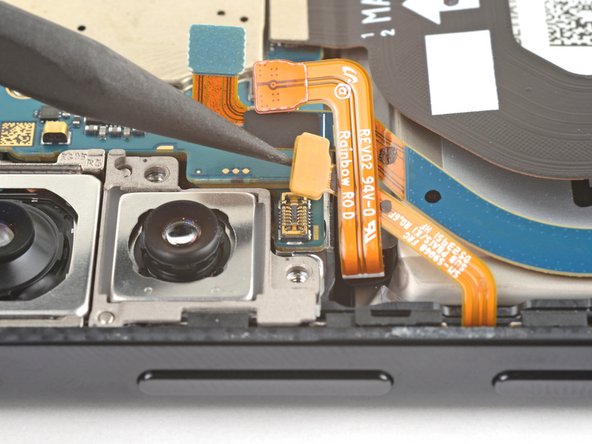
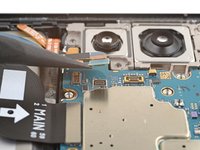
    • Use the pointed end of your spudger to pry up and disconnect the left 5G mmWave antenna press connector.

    • During reassembly, make sure this cable and the power and volume button cable are under the battery cable.

    Chiedi a FixBot

    Aggiungi Commento

  24. Samsung Galaxy S22+ Battery Replacement, Unfasten the antenna: passo 24, immagine 1 di 1
    • Use your Phillips screwdriver to remove the two 3.5 mm‑long screws securing the left 5G mmWave antenna.

    Chiedi a FixBot

    Aggiungi Commento

  25. Samsung Galaxy S22+ Battery Replacement, Remove the antenna: passo 25, immagine 1 di 3 Samsung Galaxy S22+ Battery Replacement, Remove the antenna: passo 25, immagine 2 di 3 Samsung Galaxy S22+ Battery Replacement, Remove the antenna: passo 25, immagine 3 di 3
    Strumento utilizzato in questo passaggio:
    Tweezers
    $4.99
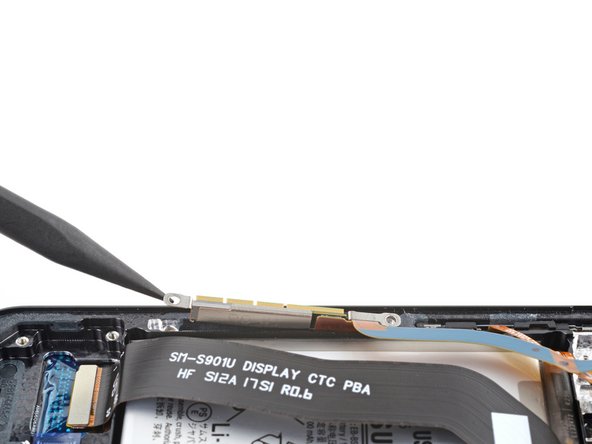
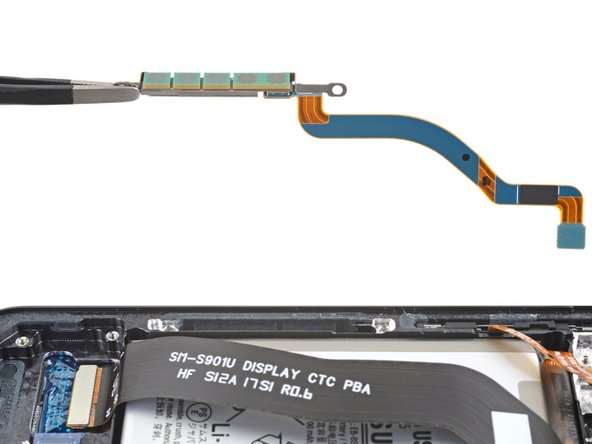
    • Insert the pointed end of your spudger between the lower screw mount of the antenna bracket and the frame.

    • Pry up on the bracket until you can grab it with blunt nose tweezers or your fingers.

    • Remove the left 5G mmWave antenna.

    Chiedi a FixBot

    Aggiungi Commento

  26. Samsung Galaxy S22+ Battery Replacement, Disconnect the screen cable: passo 26, immagine 1 di 2 Samsung Galaxy S22+ Battery Replacement, Disconnect the screen cable: passo 26, immagine 2 di 2
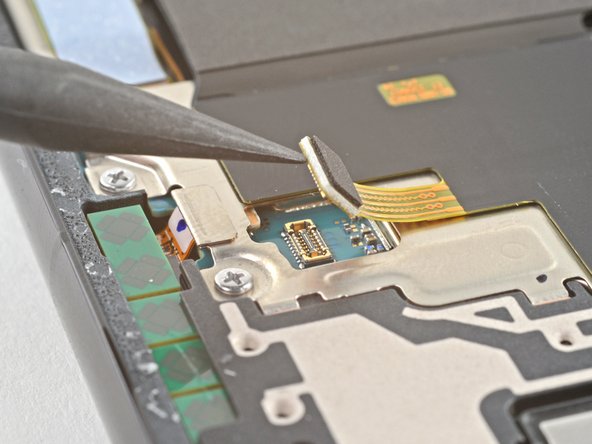
    • Use the pointed end of your spudger to pry up and disconnect the screen press connector from the motherboard.

    Chiedi a FixBot

    Aggiungi Commento

  27. Samsung Galaxy S22+ Battery Replacement: passo 27, immagine 1 di 2 Samsung Galaxy S22+ Battery Replacement: passo 27, immagine 2 di 2
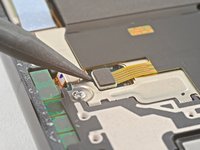
    • Use the pointed end of your spudger to pry up and disconnect the screen press connector from the bottom left corner of the phone.

    Chiedi a FixBot

    Aggiungi Commento

  28. Samsung Galaxy S22+ Battery Replacement, Remove the screen cable: passo 28, immagine 1 di 1
    • Remove the screen cable.

    Chiedi a FixBot

    Aggiungi Commento

  29. Samsung Galaxy S22+ Battery Replacement, Apply isopropyl alcohol: passo 29, immagine 1 di 3 Samsung Galaxy S22+ Battery Replacement, Apply isopropyl alcohol: passo 29, immagine 2 di 3 Samsung Galaxy S22+ Battery Replacement, Apply isopropyl alcohol: passo 29, immagine 3 di 3
    • Strong adhesive secures the battery to the frame.

    • Use a pipette or syringe to apply 1-2 drops of high-concentration isopropyl alcohol (greater than 90%) between the right edge of the battery and frame.

    • Using too much alcohol can damage the display.

    • Elevate the right edge of the phone for one minute to allow the isopropyl alcohol to flow under the battery and soften the adhesive.

    Chiedi a FixBot

    Aggiungi Commento

  30. Samsung Galaxy S22+ Battery Replacement, Separate the battery adhesive: passo 30, immagine 1 di 3 Samsung Galaxy S22+ Battery Replacement, Separate the battery adhesive: passo 30, immagine 2 di 3 Samsung Galaxy S22+ Battery Replacement, Separate the battery adhesive: passo 30, immagine 3 di 3
    • Take care not to puncture the battery—it can leak dangerous chemicals and/or catch fire.

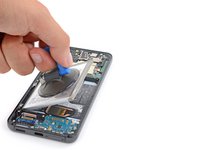
    • Apply a suction cup to the battery, as close to the center of the right edge as possible.

    • Insert the tip of an opening pick between the right edge of the battery and frame.

    • Push the opening pick down and rotate it so the long end is between the battery and frame.

    Chiedi a FixBot

    Aggiungi Commento

  31. Samsung Galaxy S22+ Battery Replacement: passo 31, immagine 1 di 3 Samsung Galaxy S22+ Battery Replacement: passo 31, immagine 2 di 3 Samsung Galaxy S22+ Battery Replacement: passo 31, immagine 3 di 3
    • Take care not to crease or bend the battery—it can leak dangerous chemicals and/or catch fire.

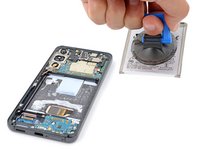
    • Pull up on the suction cup with strong, steady force while prying the battery up with the opening pick.

    • Maintain constant pressure on the pick and suction cup until the battery separates from the frame.

    • Be patient and allow time for the adhesive to separate. If the battery doesn't budge, apply a few more drops of isopropyl alcohol and try again.

    Chiedi a FixBot

    Aggiungi Commento

  32. Samsung Galaxy S22+ Battery Replacement, Remove the battery: passo 32, immagine 1 di 3 Samsung Galaxy S22+ Battery Replacement, Remove the battery: passo 32, immagine 2 di 3 Samsung Galaxy S22+ Battery Replacement, Remove the battery: passo 32, immagine 3 di 3
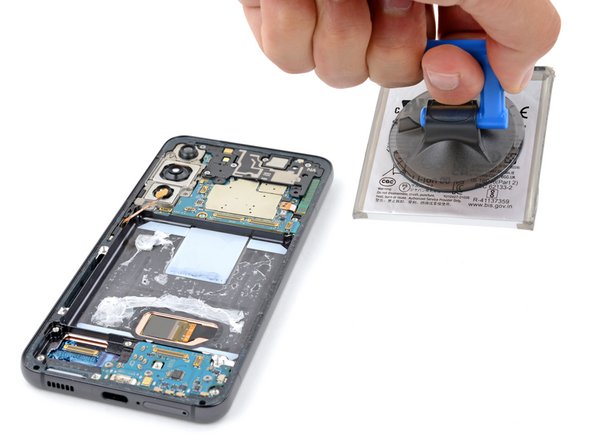
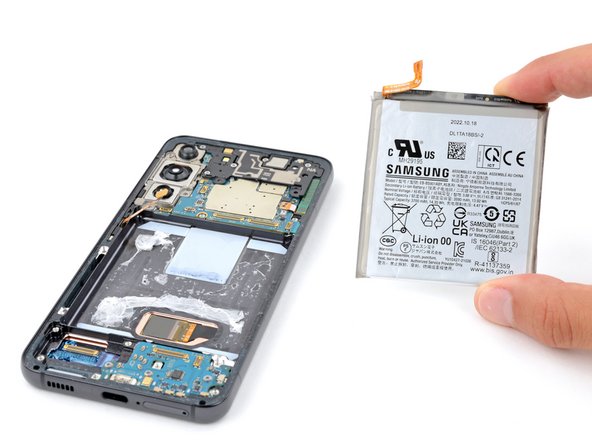
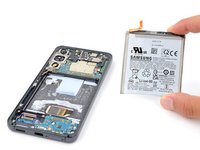
    • Remove the battery.

    • If you used isopropyl alcohol, wait ten minutes before installing the new battery to allow the alcohol to completely evaporate.

    • Follow this guide to install your new battery.

    Chiedi a FixBot

    Aggiungi Commento

Conclusione

To reassemble your device, follow these instructions in reverse order.

For optimal performance, calibrate your newly installed battery after completing this guide.

Take your e-waste to an R2 or e-Stewards certified recycler.

Repair didn’t go as planned? Try some basic troubleshooting, or ask our Answers community for help.

Annulla: non ho completato questa guida.

Altre 10 persone hanno completato questa guida.

Spencer Day

Membro da: 09/14/22

191.315 Reputazione

1.204 guide realizzate

Team

iFixit Membro di iFixit

Staff

122 Membri

25.947 guide realizzate

0Commenti sulla guida

Aggiungi Commento

Visualizza statistiche:

Ultime 24 ore: 18

Ultimi 7 giorni: 144

Ultimi 30 giorni: 738

Tutti i Tempi: 17,512