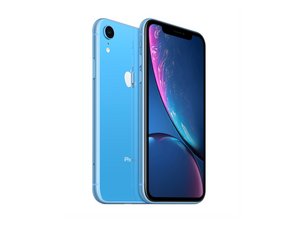

How to Bypass password from startup without computer
I bought a iPhone off someone and it has a startup passcode and I now Im out 120 dollars and cant get this phone unlocked
Questa è una buona domanda?
Punteggio
0
I bought a iPhone off someone and it has a startup passcode and I now Im out 120 dollars and cant get this phone unlocked
Questa è una buona domanda?
Reputazione: 99k
 155
155
 84
84
 143
143
Unfortunately without a computer the only way to restore the phone to factory settings is to log in, and go to settings. Obviously that's not going to work for you if you don't know the passcode, so that leaves connecting it to a computer as the only option. You'll have to put it in DFU mode (look it up if you don't know what that is) in order to reset it without the passcode.
Either iTunes or 3uTools will do the job for you, but those both have to be run on a computer. It can be a laptop or desktop, but that's really the only choice.
Of course, we're assuming the original owner has turned off the Find My iPhone function; if they haven't it'll still be locked to their Apple account and you're screwed. I'm guessing you can't get the passcode from the original owner? That would be the easiest way to get around it, and you can check to be sure they've signed the phone out of their Apple account.
Otherwise I'm afraid you bought an expensive paperweight, sorry to say.
Questa risposta è stata utile?
Ultime 24 ore: 2
Ultimi 7 giorni: 9
Ultimi 30 giorni: 36
Tutti i Tempi: 36

