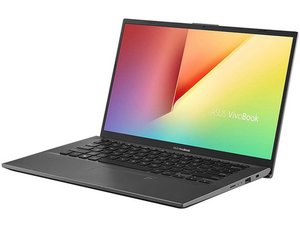

Keyboard light not working
Keyboard light not working
Questa è una buona domanda?
Punteggio
2
Reputazione: 25
 1
1
Keyboard light not working
Questa è una buona domanda?
Reputazione: 1,1k
15
 3
3
Fn key and one of the function keys (like F7, F3, or F4, depending on the model).Fn + F7 (or the key with the backlight icon) to see if the backlight turns on.Fn key in combination with the brightness adjustment keys to increase the brightness.F2, Delete, or another key depending on your model).By following these steps, you should be able to identify whether the issue is software-related or if it might require professional repair.
Questa risposta è stata utile?
Ultime 24 ore: 1
Ultimi 7 giorni: 7
Ultimi 30 giorni: 58
Tutti i Tempi: 1,486

