Questa traduzione è stata generata automaticamente e non è stata ancora revisionata da una persona. Parli questa lingua? Dai un’occhiata.
Introduzione
Segui questa guida per sostituire uno sportellino SSD rotto, danneggiato o graffiato sul tuo tablet Microsoft Surface Pro 8.
Cosa ti serve
-
-
-
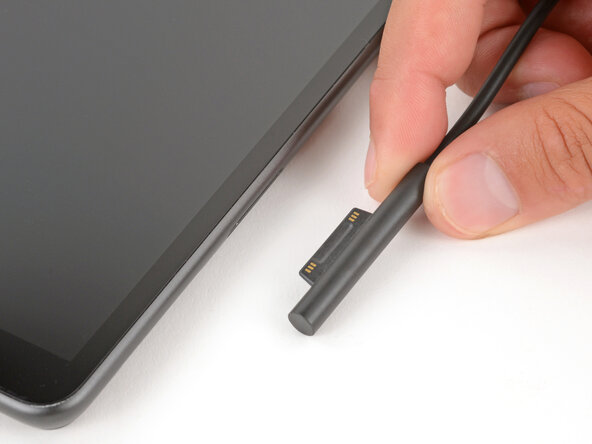
Prima di iniziare la riparazione, scollega tutti i cavi e spegni completamente il tuo Surface Pro.
 Chiedi a FixBot
-
-
-
-
-
-
-
Premi con decisione uno strumento di rimozione SIM nel piccolo foro nell'angolo dello sportellino dell'SSD finché non si solleva.
-
Rimuovi lo sportellino dell'SSD.
-
-


Per rimontare il dispositivo, segui queste istruzioni in ordine inverso.
La riparazione non è andata come previsto? Prova delle soluzioni di base ai problemi, oppure rivolgiti alla nostra comunità Risposte per trovare aiuto.

