Questa traduzione è stata generata automaticamente e non è stata ancora revisionata da una persona. Parli questa lingua? Dai un’occhiata.

Sostituzione gruppo schermo LG G3

Dominik Schnabelrauch e 15 altri collaboratori
Ultimo aggiornamento il 30 lug 2026
Visualizzazioni: 252.930
Visualizza statistiche:
- Ultime 24 ore:
- 3
- Ultimi 7 giorni:
- 20
- Ultimi 30 giorni:
- 114
- Tutti i Tempi:
- 252.930
Commenti: 49
6 commenti sui passaggi, 43 commenti sulla guida.
Vai ai commenti della guidaCompletato: 130 131
130 persone hanno contrassegnato questa guida come "completata". Sarai il prossimo?
131 persone hanno contrassegnato questa guida come "completata". Compreso te, ottimo lavoro!
Preferiti: 83 84
83 persone hanno aggiunto ai preferiti (e si sono iscritte a) questa guida. Sarai il prossimo?
84 persone hanno aggiunto ai preferiti (e si sono iscritte a) questa guida, incluso te!
Guida In Evidenza
Questa guida è stata giudicata eccezionalmente ben fatta dallo staff iFixit.
Introduzione
Vai al passo 1 ↓Usa questa guida per rimuovere o sostituire un gruppo schermo rotto o usurato, incluso il telaio centrale del tuo LG G3 (D855).
Questa guida mostra come sostituire l'intero gruppo schermo dell'LG G3, compreso il telaio centrale. Durante il processo di riparazione, tutti i componenti come il motore di vibrazione, le fotocamere e l'altoparlante voce devono essere trasferiti sulla parte sostitutiva. Nel caso in cui tu voglia sostituire solo l'LCD senza il telaio, devi seguire questa guida.
Cosa ti serve
Ricambi
-
-
LG G3 (AT&T) Screen Assembly$14.99
-
LG G3 (T-Mobile) Screen Assembly$119.99


Strumenti
-
Spudger4.9
-
-


-
-
-
Inserisci un'unghia, o uno strumento di apertura come uno spudger, nell'incavo in basso a sinistra della cover posteriore.
-
Fai leva sulla cover posteriore per separare le sue clip in plastica.
 Chiedi a FixBot
-
-
-
Solleva la cover posteriore per sganciare le restanti clip in plastica e rimuovila.
-
-
-
-
-
Usa un'unghia o uno strumento di apertura nell'incavo contrassegnato per fare leva sulla batteria ed estrarla dal suo alloggiamento.
-
-
-
-
-
Rimuovi le quattro viti a croce Phillips #00 (lunghezza 4 mm).
-
-
-
Inserisci un'unghia o uno strumento di leva, come uno spudger, nell'incavo in basso a sinistra della cover posteriore che hai utilizzato in precedenza per rimuovere la cover posteriore.
-
Fai leva sul pannello in plastica, che include l'altoparlante, finché non riesci ad avere una buona presa.
-
-
-
Rimuovi con attenzione il pannello in plastica, che include l'altoparlante, tirandolo delicatamente via dal gruppo del telefono.
-
-
-
-
-
Rimuovi le otto viti a croce Phillips (lunghezza 4 mm).
-
-
-
Inserisci un plettro di apertura tra l'angolo inferiore destro della copertura della scheda madre e la scheda madre.
-
Fai leva sulla copertura della scheda madre per aprire le clip in plastica che la tengono in posizione.
-
Procedi lungo il bordo destro.
-
-
-
-
Solleva con attenzione il bordo destro della copertura della scheda madre.
-
Rimuovi il gruppo scheda madre.
-
-
-
-
-
Usa uno spudger per sollevare e scollegare il cavo flessibile del display.
-
-
-
Usa uno spudger per fare leva e scollegare il cavo flessibile del digitizer.
-
-
-
Usa uno spudger per sollevare e scollegare il cavo flessibile della fotocamera posteriore.
-
-
-
Usa uno spudger per fare leva e scollegare il cavo flessibile della fotocamera frontale.
-
-
-
Fai scorrere un plettro di apertura sotto l'angolo inferiore destro della scheda madre e sollevala lentamente dal suo alloggiamento ruotando il plettro di apertura di lato.
-
-
-
Fai scorrere il plettro di apertura sotto il bordo destro della scheda madre, in corrispondenza dello slot della scheda SIM, e sollevala ruotando lateralmente il plettro di apertura.
-
-
-
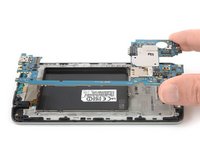
Afferra la sezione superiore della scheda madre e sollevala delicatamente fuori dal telefono.
-
-
-
-
Strumento utilizzato in questo passaggio:Tweezers$4.99
-
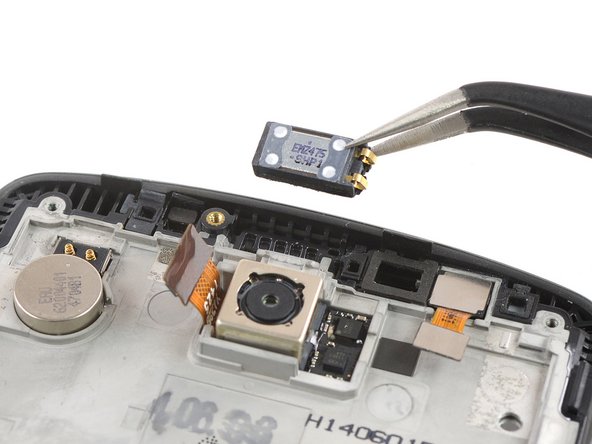
Usa un paio di pinzette per rimuovere l'altoparlante voce.
-
-
-
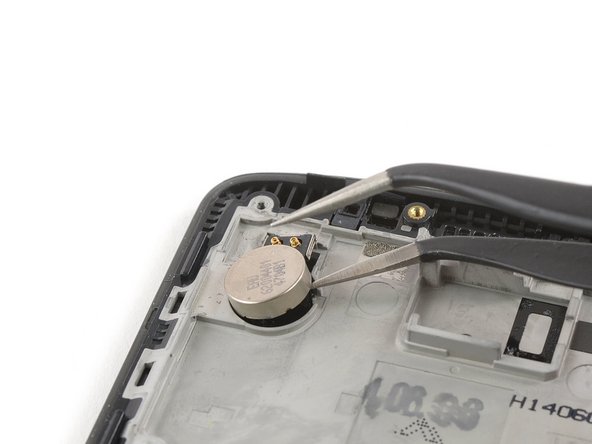
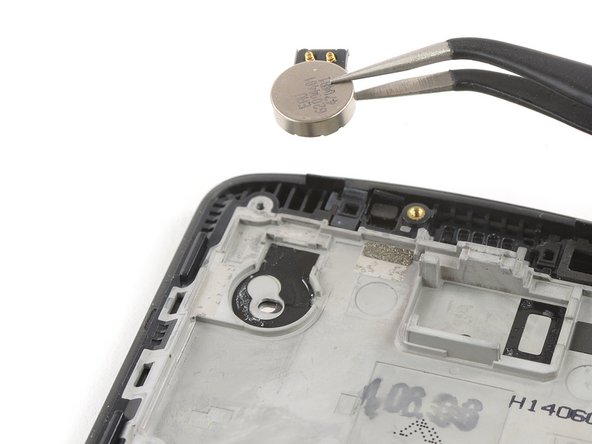
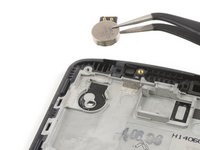
Inserisci una delle punte delle pinzette sotto il motore di vibrazione e sollevalo facendo leva.
-
Rimuovi il motore di vibrazione.
-
-
-
Applica un iOpener riscaldato sull'estremità inferiore dello schermo per ammorbidire l'adesivo sottostante.
-
-
-
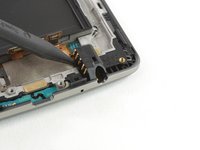
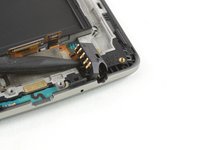
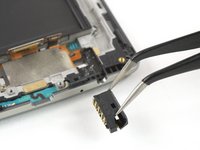
Usa la punta dello spudger per sollevare il jack cuffie e rimuovilo con un paio di pinzette.
-
-
-
Usa le pinzette per sollevare con attenzione e rimuovere la scheda figlia all'estremità inferiore del gruppo schermo.
-


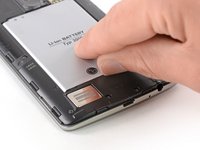
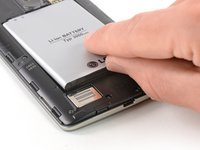


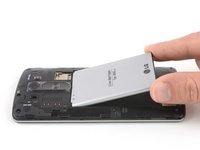
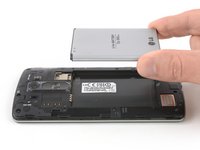


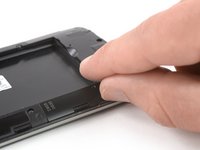
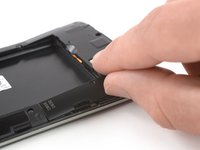


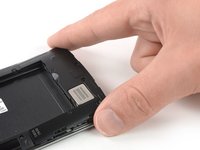
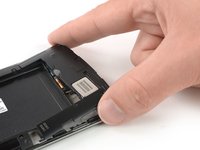
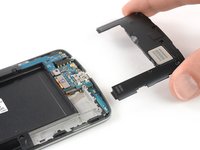


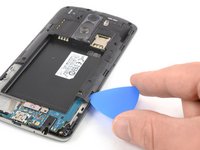
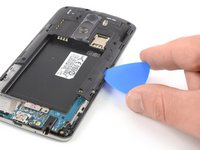
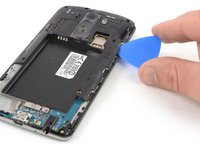


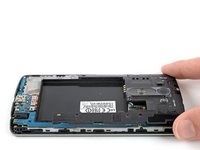
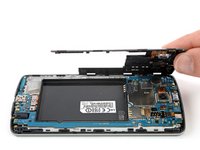
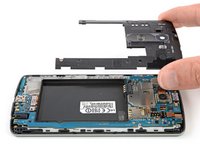


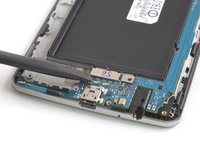
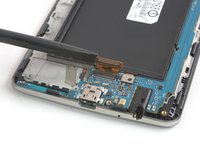


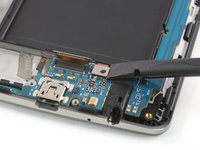
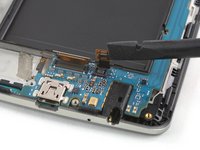


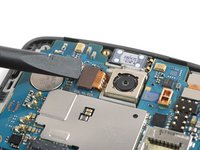
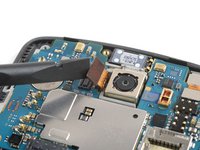


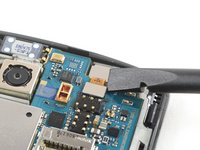
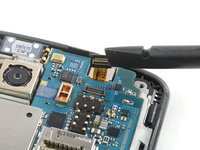


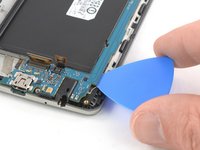
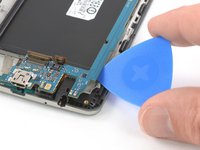


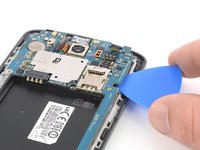
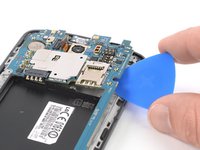


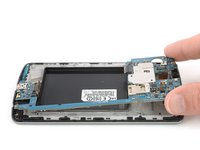





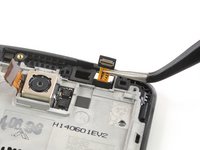
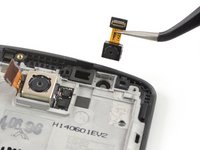


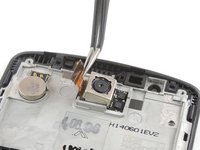
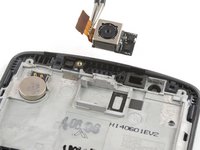





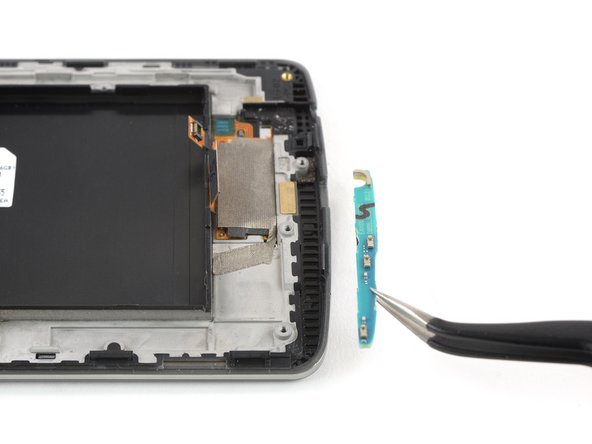

Per rimontare il dispositivo, segui queste istruzioni in ordine inverso. Applica un nuovo adesivo dove necessario.
Se possibile, accendi il telefono e prova la parte sostitutiva prima di richiuderlo.
La riparazione non è andata come previsto? Prova delle soluzioni di base ai problemi, oppure rivolgiti alla nostra comunità Risposte per trovare aiuto.
Annulla: non ho completato questa guida.
Altre 130 persone hanno completato questa guida.

43Commenti sulla guida
Ok so after I did all this my screen is black and so I ordered a second screen and also nothing the phone works great and makes noises also touch responds but nothing on lcd just black can you help me with this also if I take battery out and plug up charger it shows a battery warning on lcd so clearly it works
Has it sustained any water damage?
Did you get it working i have the same issue? the picture displays with the original screen but not with the new one. i have tried 3 different screens and get the same on all of them. i even tried updating to the latest software but only get a black screen, no picture.
When i have had this on iphones i just so a reset by holding down the buttons and the screen starts to work.
Please someone help
Same here! I also findout that lcd still works, if you get some flashlight on screen in a dark room, you will see that only backlight not working when battery plugged. I tried to baking it but it still didn't worked. It's obvious that backlight could properly operate as it works when you take off the battery. I'm looking for solutions, if I find any, will wrote it here.
