Introduzione
Replacing the screen of your ZTE Lever smartphone can restore its functionality and aesthetics, saving you the cost of a full device replacement. Whether the screen is cracked, unresponsive, or malfunctioning, this guide will walk you through the steps to safely and effectively replace it.
Before beginning, ensure you have the following tools and materials:
- Adhesive strips or glue for reassembling. This guide might be helpful if you don't have adhesive strips included with your new screen.
- A heat gun or hair dryer (for loosening adhesive). This guide provides useful tips for how to use a heat gun to loosen adhesive safely.
This process requires careful handling of small components and adherence to safety precautions, especially when dealing with fragile parts and adhesives. If you're confident in your skills, let’s get started!
Before you begin, make sure your phone is off and unplugged from the charger.
Cosa ti serve
-
-
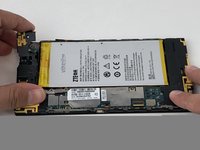
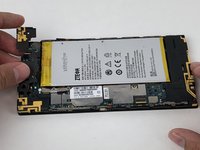
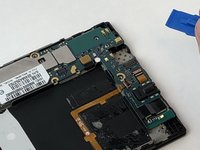
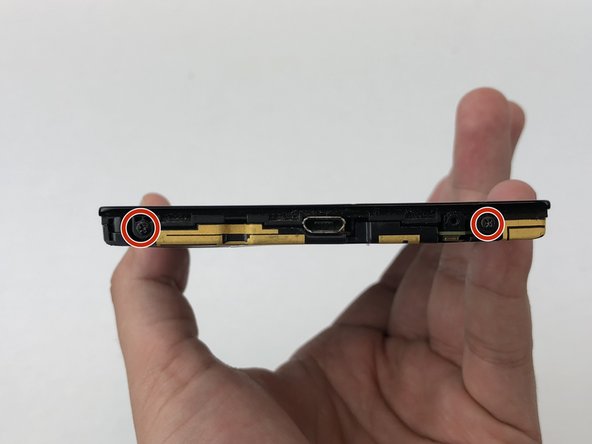
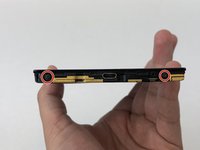
Remove the three 1.6mm Phillips #0 screws from the plastic cover on the motherboard.
-
-
-
-
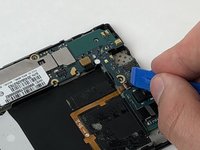
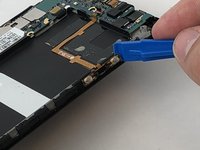
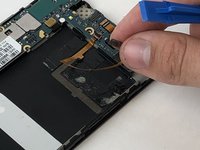
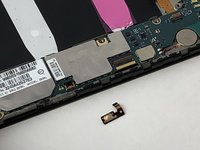
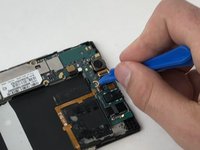
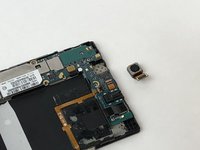
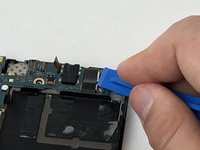
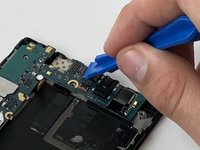
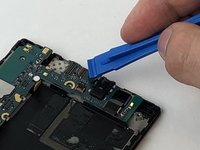
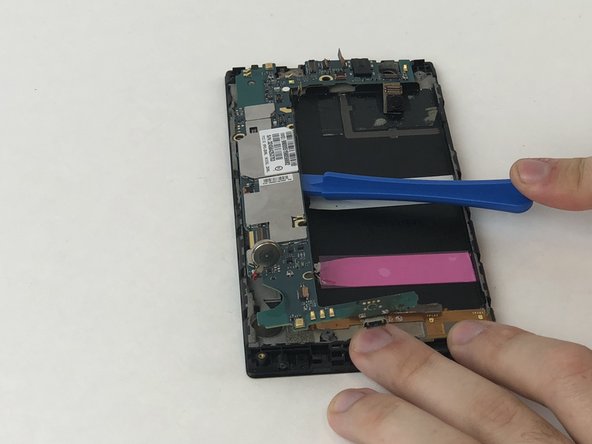
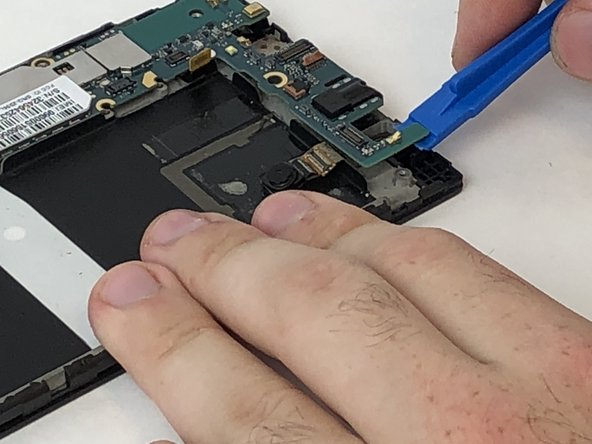
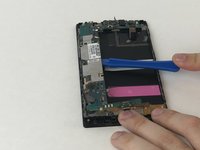
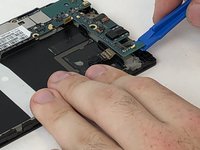
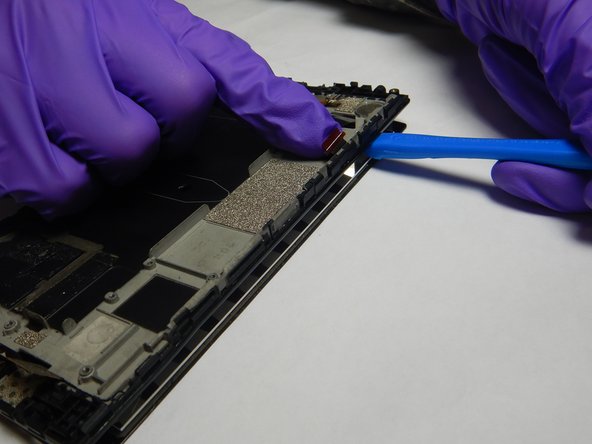
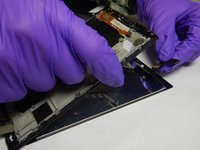
Disconnect the power button from the motherboard with a plastic opening tool.
-
-
-
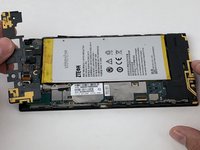
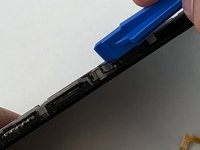
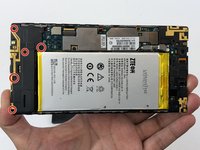
Remove the seven 1.6mm Phillips #0 screws from the plastic cover on the bottom of the motherboard.
-


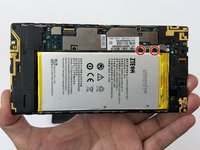
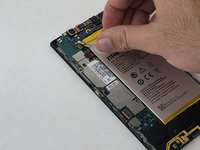


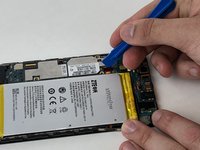
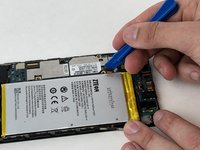




















To reassemble your device, follow these instructions in reverse order. Take your e-waste to an R2 or e-Stewards certified recycler.
Annulla: non ho completato questa guida.
Un'altra persona ha completato questa guida.


Team

The Citadel Military College of South Carolina, Team S1-G21, Eggleston Fall 2019 Membro di The Citadel Military College of South Carolina, Team S1-G21, Eggleston Fall 2019
CMCSC-EGGLESTON-F19S1G21
3 Membri
6 Guide realizzate
