Salta al contenuto principale
Unisciti alla Community delle riparazioni - Crea un account

SteelSeries Nimbus+ Triggers Replacement

Cosa ti serve

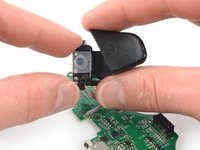
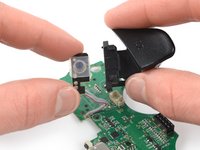
  1. SteelSeries Nimbus+ Triggers Replacement, Remove the phone mount: passo 1, immagine 1 di 2 SteelSeries Nimbus+ Triggers Replacement, Remove the phone mount: passo 1, immagine 2 di 2
    • Use your fingers to remove the phone mount by pulling it straight out of the controller.

    Chiedi a FixBot
  2. SteelSeries Nimbus+ Triggers Replacement, Remove the sticker: passo 2, immagine 1 di 1
    • Use your fingers to remove the sticker located on the back cover of the Nimbus+.

    • If you have trouble removing the sticker heat an iOpener and apply it to the rear case for two minutes to loosen the adhesive underneath.

    Chiedi a FixBot
  3. SteelSeries Nimbus+ Triggers Replacement, Unscrew the back cover: passo 3, immagine 1 di 1
    • Use a Y1 Tri-point screwdriver to remove the five 9.1 mm-long screws securing the back cover.

    Chiedi a FixBot
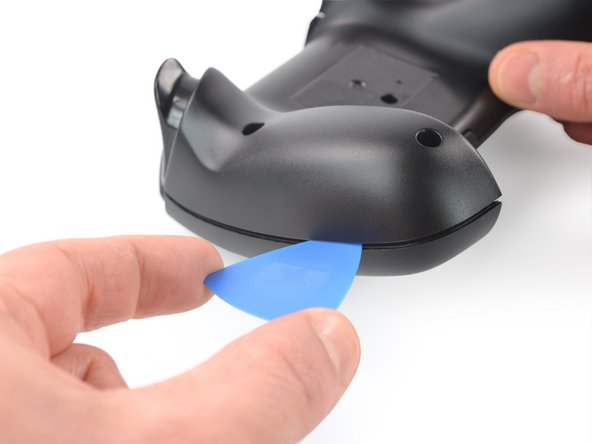
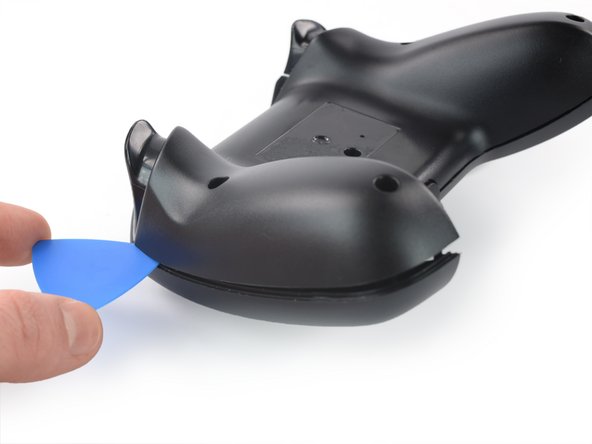
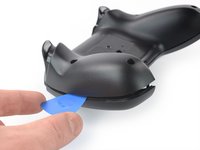
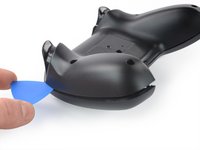
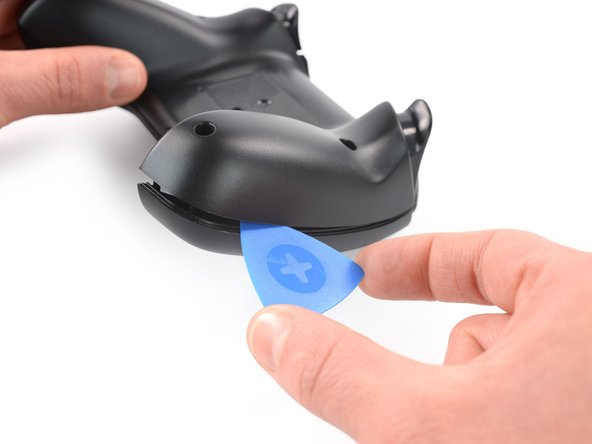
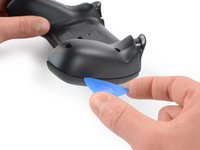
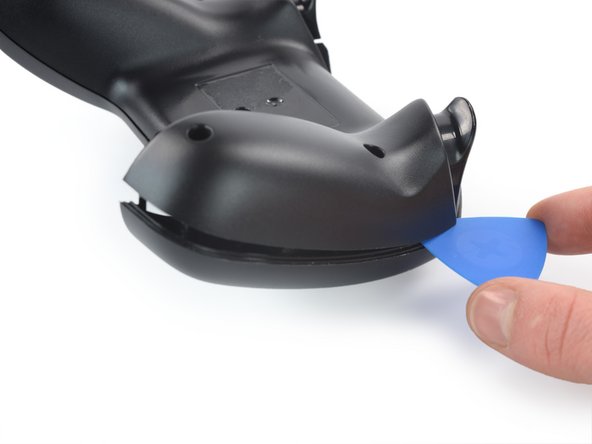
  4. SteelSeries Nimbus+ Triggers Replacement, Insert an opening pick: passo 4, immagine 1 di 2 SteelSeries Nimbus+ Triggers Replacement, Insert an opening pick: passo 4, immagine 2 di 2
    • The back cover is held in place by plastic clips.

    • Insert an opening pick into the gap between the front and back cover assembly at the outside of the right controller handle.

    Chiedi a FixBot
  5. SteelSeries Nimbus+ Triggers Replacement, Release the plastic clips: passo 5, immagine 1 di 2 SteelSeries Nimbus+ Triggers Replacement, Release the plastic clips: passo 5, immagine 2 di 2
    • Slide the opening pick to the top of the controller to release the remaining plastic clips on the right edge.

    Chiedi a FixBot
  6. SteelSeries Nimbus+ Triggers Replacement, Insert an opening pick: passo 6, immagine 1 di 2 SteelSeries Nimbus+ Triggers Replacement, Insert an opening pick: passo 6, immagine 2 di 2
    • Insert an opening pick into the gap between the front and back cover assembly at the outside of the left controller handle.

    Chiedi a FixBot
  7. SteelSeries Nimbus+ Triggers Replacement, Release the plastic clips: passo 7, immagine 1 di 2 SteelSeries Nimbus+ Triggers Replacement, Release the plastic clips: passo 7, immagine 2 di 2
    • Slide the opening pick to the top of the controller to release the remaining plastic clips on the left edge.

    Chiedi a FixBot
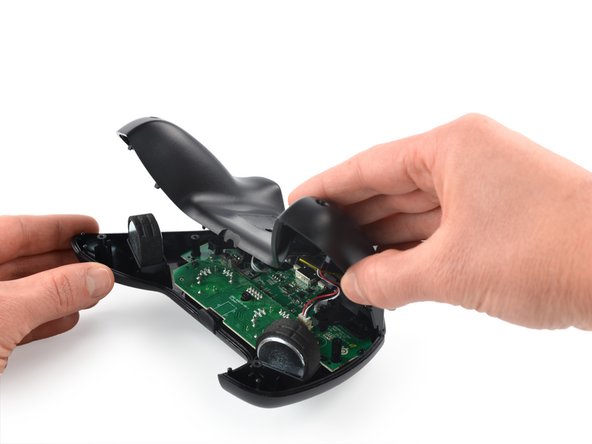
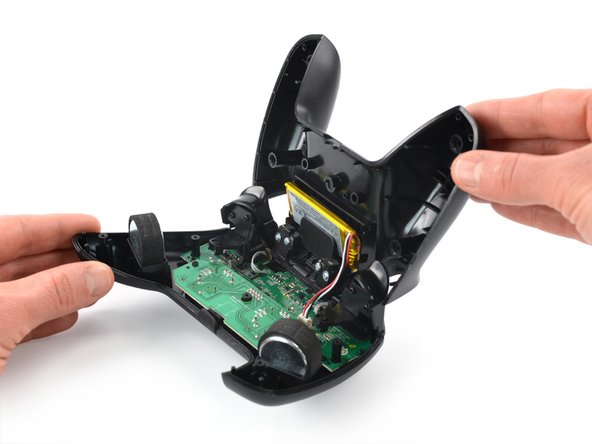
  8. SteelSeries Nimbus+ Triggers Replacement, Unfold the back cover assembly: passo 8, immagine 1 di 3 SteelSeries Nimbus+ Triggers Replacement, Unfold the back cover assembly: passo 8, immagine 2 di 3 SteelSeries Nimbus+ Triggers Replacement, Unfold the back cover assembly: passo 8, immagine 3 di 3
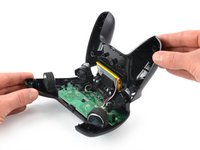
    • Carefully fold the back cover assembly to the top of the SteelSeries Nimbus+ and bring it in an 90 degree angle.

    • Do not try to remove the back cover assembly all the way yet! It is still connected to mainboard.

    Chiedi a FixBot
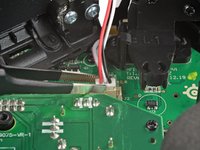
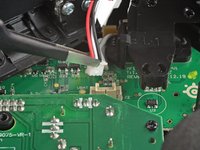
  9. SteelSeries Nimbus+ Triggers Replacement, Disconnect the battery cable: passo 9, immagine 1 di 3 SteelSeries Nimbus+ Triggers Replacement, Disconnect the battery cable: passo 9, immagine 2 di 3 SteelSeries Nimbus+ Triggers Replacement, Disconnect the battery cable: passo 9, immagine 3 di 3
    Strumento utilizzato in questo passaggio:
    Tweezers
    $4.99
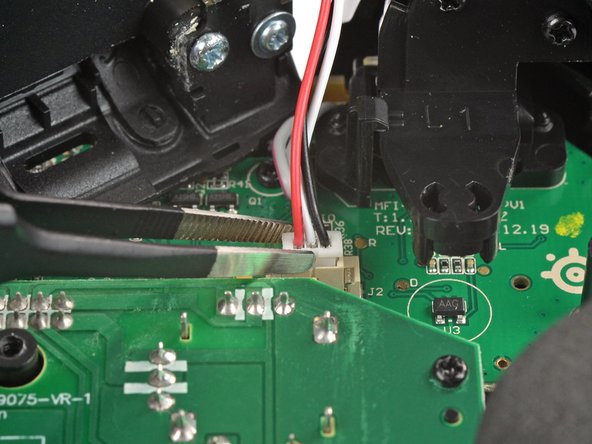
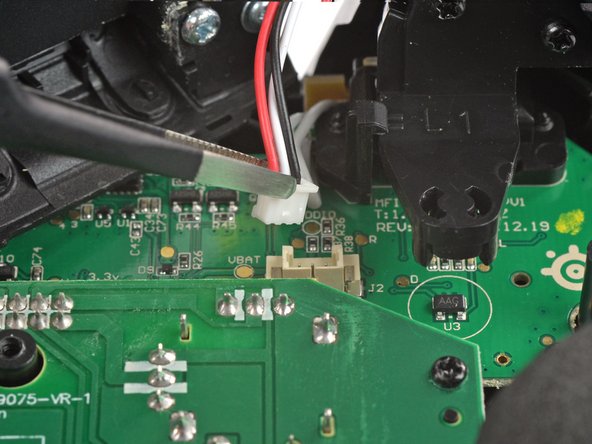
    • Use a pair of blunt nose tweezers to disconnect the battery cable from the mainboard.

    Chiedi a FixBot
  10. SteelSeries Nimbus+ Triggers Replacement, Remove the back cover assembly: passo 10, immagine 1 di 1
    • Remove the back cover assembly.

    Chiedi a FixBot
  11. SteelSeries Nimbus+ Triggers Replacement, Unscrew the board: passo 11, immagine 1 di 1
    • Use a Phillips screwdriver to remove the two 7.0 mm-long screws securing the board.

    Chiedi a FixBot
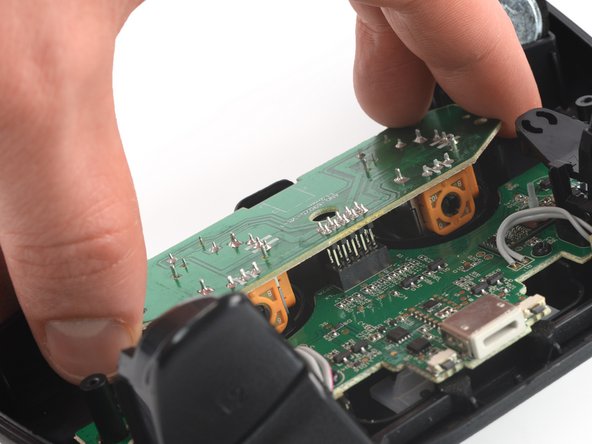
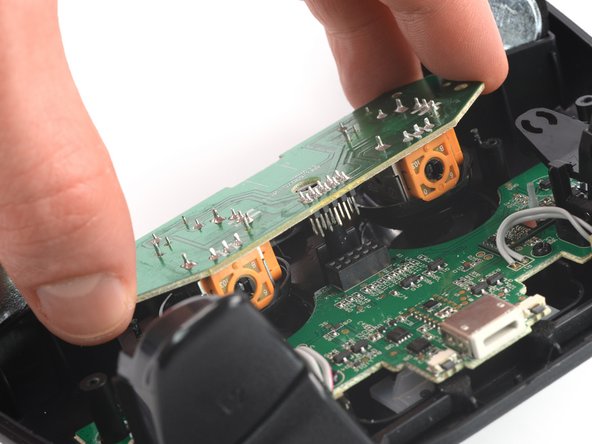
  12. SteelSeries Nimbus+ Triggers Replacement, Disconnect the thumbstick board: passo 12, immagine 1 di 3 SteelSeries Nimbus+ Triggers Replacement, Disconnect the thumbstick board: passo 12, immagine 2 di 3 SteelSeries Nimbus+ Triggers Replacement, Disconnect the thumbstick board: passo 12, immagine 3 di 3
    • Disconnect the thumbstick board by pulling it straight out its socket on the mainboard.

    Chiedi a FixBot
  13. SteelSeries Nimbus+ Triggers Replacement, Remove the board: passo 13, immagine 1 di 1
    • Remove the board with the thumbsticks from the mainboard.

    Chiedi a FixBot
  14. SteelSeries Nimbus+ Triggers Replacement, Unscrew the mainboard: passo 14, immagine 1 di 1
    • Use a Phillips screwdriver to remove the five 7.0 mm-long screws securing the mainboard to the front assembly.

    Chiedi a FixBot
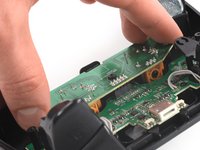
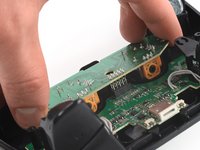
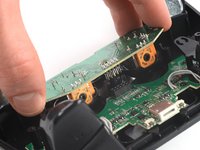
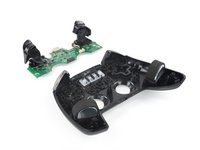
  15. SteelSeries Nimbus+ Triggers Replacement, Lift up the mainboard: passo 15, immagine 1 di 3 SteelSeries Nimbus+ Triggers Replacement, Lift up the mainboard: passo 15, immagine 2 di 3 SteelSeries Nimbus+ Triggers Replacement, Lift up the mainboard: passo 15, immagine 3 di 3
    • Use your fingers to lift up the mainboard from the front case.

    • Remove the mainboard.

    Chiedi a FixBot
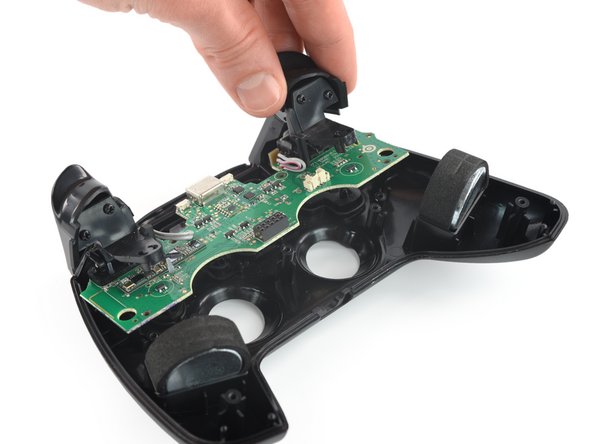
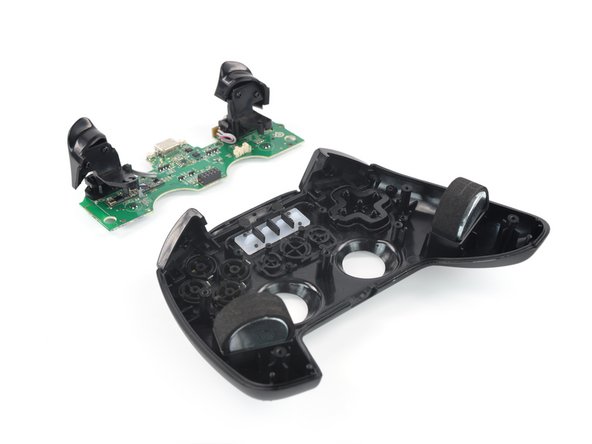
  16. SteelSeries Nimbus+ Triggers Replacement, Unscrew the triggers: passo 16, immagine 1 di 1
    • Use a Phillips screwdriver to remove the four 7.0 mm screws securing the triggers on the motherboard.

    Chiedi a FixBot
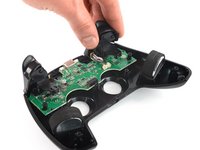
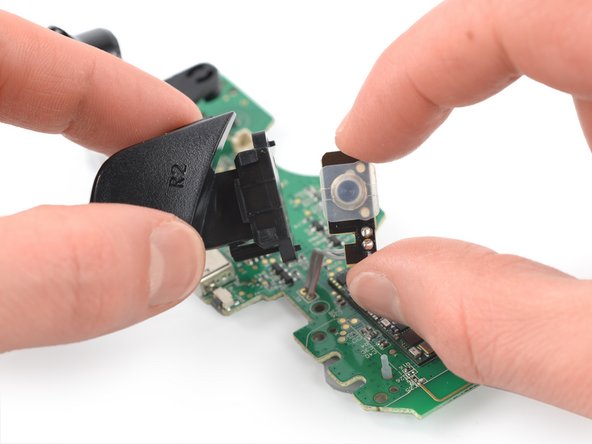
  17. SteelSeries Nimbus+ Triggers Replacement, Release the right trigger: passo 17, immagine 1 di 2 SteelSeries Nimbus+ Triggers Replacement, Release the right trigger: passo 17, immagine 2 di 2
    • Pull the right trigger straight out to slide it off of the rails securing it to the button connector on the motherboard.

    Chiedi a FixBot
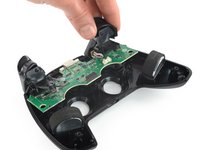
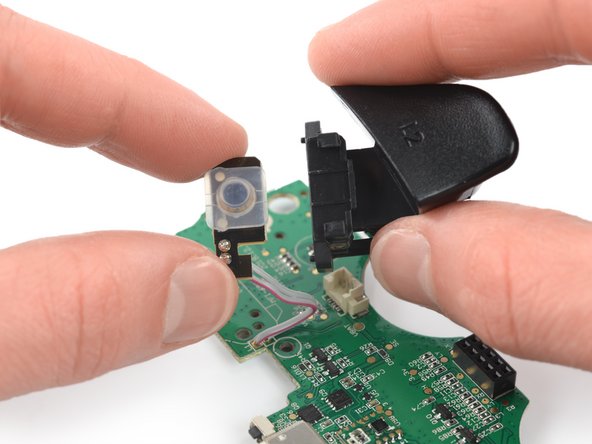
  18. SteelSeries Nimbus+ Triggers Replacement, Release the left trigger: passo 18, immagine 1 di 2 SteelSeries Nimbus+ Triggers Replacement, Release the left trigger: passo 18, immagine 2 di 2
    • Pull the left trigger straight out to slide it off of the rails securing it to the button connector on the motherboard.

    Chiedi a FixBot
Conclusione

To reassemble your device, follow these instructions in reverse order.

Take your e-waste to an R2 or e-Stewards certified recycler.

Repair didn’t go as planned? Check out our Answers community for troubleshooting help.

Adriana Zwink

Membro da: 12/18/19

66.873 Reputazione

167 guide realizzate

Team

iFixit Membro di iFixit

Staff

123 Membri

25.802 guide realizzate

0Commenti sulla guida

Aggiungi Commento

Visualizza statistiche:

Ultime 24 ore: 0

Ultimi 7 giorni: 3

Ultimi 30 giorni: 33

Tutti i Tempi: 592