Salta al contenuto principale
Unisciti alla Community delle riparazioni - Crea un account

Sonos One Power Adapter Replacement

Cosa ti serve

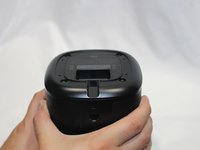
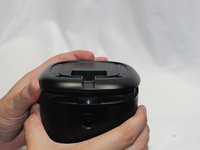
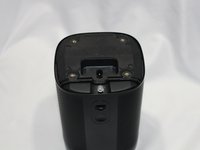
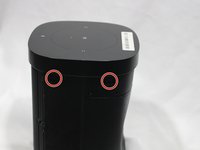
    1. Sonos One Power Adapter Replacement, Protective Cover: passo 1, immagine 1 di 3 Sonos One Power Adapter Replacement, Protective Cover: passo 1, immagine 2 di 3 Sonos One Power Adapter Replacement, Protective Cover: passo 1, immagine 3 di 3
      • Disconnect all power cords.

      • Remove the rubber foot and plastic screw guard on the bottom of the device using a plastic opening tool.

      • Note: the rubber foot and plastic screw guard can be removed as one piece to make reassembly easier

      Chiedi a FixBot

      Aggiungi Commento

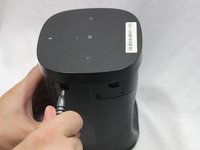
    2. Sonos One Power Adapter Replacement: passo 2, immagine 1 di 3 Sonos One Power Adapter Replacement: passo 2, immagine 2 di 3 Sonos One Power Adapter Replacement: passo 2, immagine 3 di 3
      • Remove the four 10mm Torx T10 screws from the bottom of the speaker.

      Chiedi a FixBot

      Aggiungi Commento

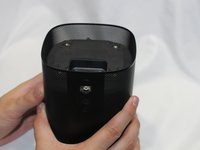
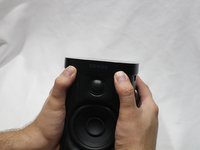
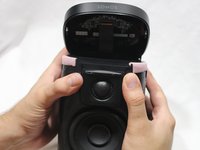
    3. Sonos One Power Adapter Replacement: passo 3, immagine 1 di 2 Sonos One Power Adapter Replacement: passo 3, immagine 2 di 2
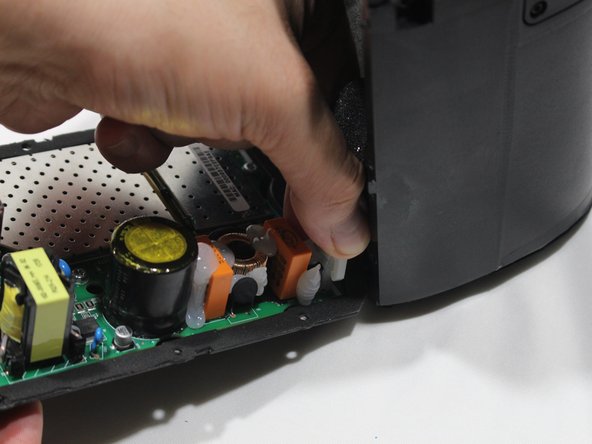
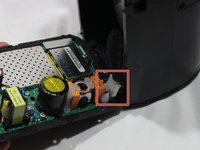
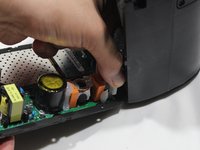
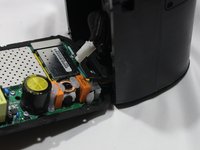
      • Remove the bottom cover by squeezing the protective cover slightly while pushing up with your fingers.

      Chiedi a FixBot

      Aggiungi Commento

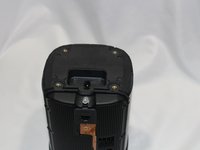
    4. Sonos One Power Adapter Replacement: passo 4, immagine 1 di 3 Sonos One Power Adapter Replacement: passo 4, immagine 2 di 3 Sonos One Power Adapter Replacement: passo 4, immagine 3 di 3
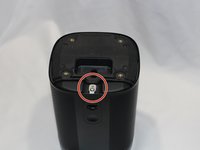
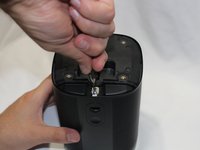
      • The protective cover clip is very thin and deforms easily.

      • Remove the single 8mm Torx T10 screw and protective cover clip.

      Chiedi a FixBot

      Aggiungi Commento

    5. Sonos One Power Adapter Replacement: passo 5, immagine 1 di 2 Sonos One Power Adapter Replacement: passo 5, immagine 2 di 2
      • Slide the protective cover upwards to remove.

      Chiedi a FixBot

      Aggiungi Commento

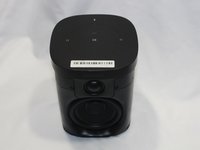
    1. Sonos One Power Adapter Replacement, Control Panel & Microphone: passo 6, immagine 1 di 3 Sonos One Power Adapter Replacement, Control Panel & Microphone: passo 6, immagine 2 di 3 Sonos One Power Adapter Replacement, Control Panel & Microphone: passo 6, immagine 3 di 3
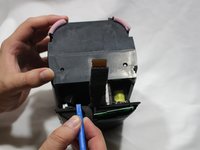
      • Use the pointed end of a spudger to remove the covers that hide the screws.

      • Remove the four 9mm Torx T8 screws from around the perimeter of the control panel.

      Chiedi a FixBot

      Aggiungi Commento

    2. Sonos One Power Adapter Replacement: passo 7, immagine 1 di 2 Sonos One Power Adapter Replacement: passo 7, immagine 2 di 2
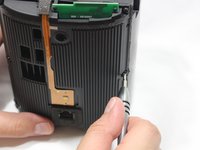
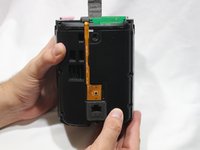
      • With the front of the unit facing you, lift the control panel up using your thumbs.

      • There's a ribbon cable attaching the control panel to the speaker so work slowly.

      Chiedi a FixBot

      Aggiungi Commento

    3. Sonos One Power Adapter Replacement: passo 8, immagine 1 di 3 Sonos One Power Adapter Replacement: passo 8, immagine 2 di 3 Sonos One Power Adapter Replacement: passo 8, immagine 3 di 3
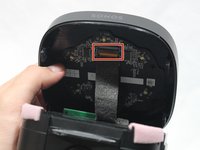
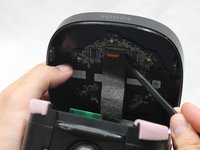
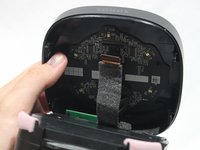
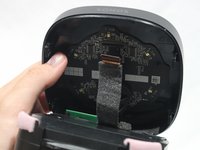
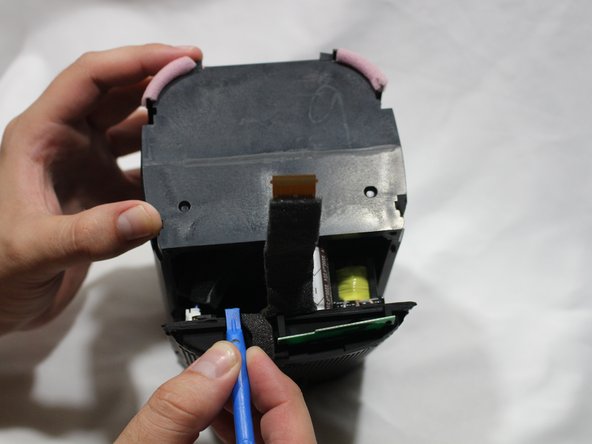
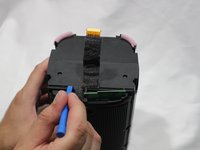
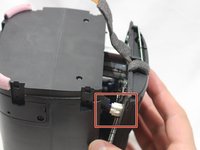
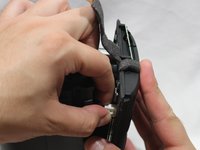
      • Use a spudger to flip up the retaining flap on the control panel ribbon cable ZIF socket.

      • Pull the control panel ribbon cable out of its socket.

      Chiedi a FixBot

      Aggiungi Commento

    4. Sonos One Power Adapter Replacement: passo 9, immagine 1 di 2 Sonos One Power Adapter Replacement: passo 9, immagine 2 di 2
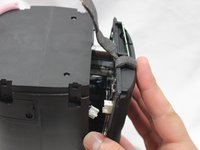
      • Pull the control panel away from the speaker to separate.

      Chiedi a FixBot

      Aggiungi Commento

    1. Sonos One Power Adapter Replacement, Power Adapter Receptacle: passo 10, immagine 1 di 3 Sonos One Power Adapter Replacement, Power Adapter Receptacle: passo 10, immagine 2 di 3 Sonos One Power Adapter Replacement, Power Adapter Receptacle: passo 10, immagine 3 di 3
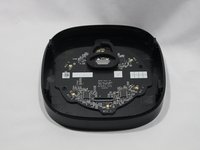
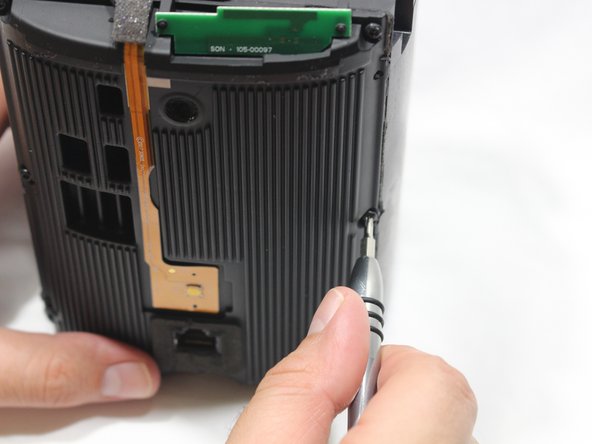
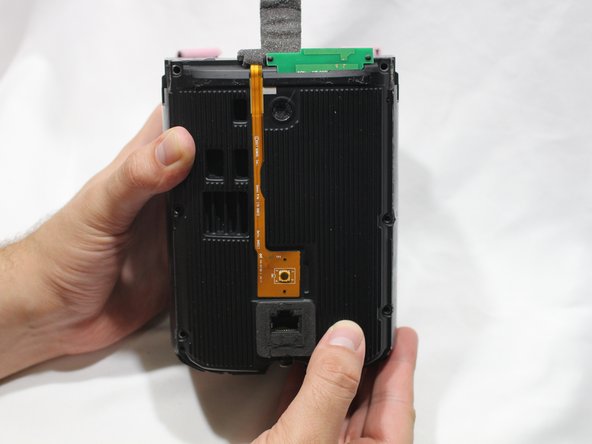
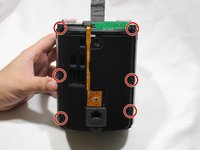
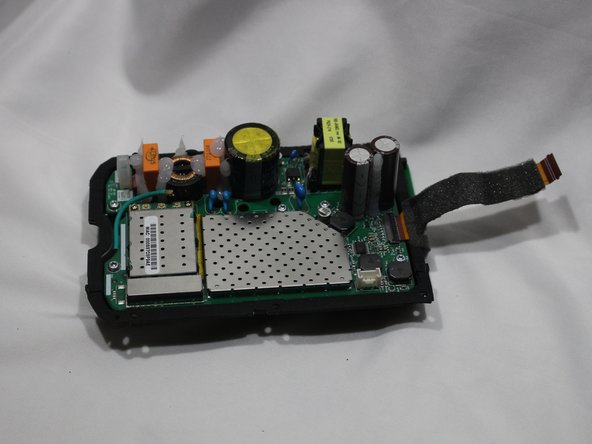
      • Remove the six 9mm Torx T8 screws from the motherboard panel.

      Chiedi a FixBot

      Aggiungi Commento

    2. Sonos One Power Adapter Replacement: passo 11, immagine 1 di 2 Sonos One Power Adapter Replacement: passo 11, immagine 2 di 2
      • Using a plastic opening tool, separate the motherboard from the speaker.

      Chiedi a FixBot

      Aggiungi Commento

    3. Sonos One Power Adapter Replacement: passo 12, immagine 1 di 3 Sonos One Power Adapter Replacement: passo 12, immagine 2 di 3 Sonos One Power Adapter Replacement: passo 12, immagine 3 di 3
      • Using your thumb, disconnect the speaker cable from the motherboard.

      Chiedi a FixBot

      Aggiungi Commento

    4. Sonos One Power Adapter Replacement: passo 13, immagine 1 di 3 Sonos One Power Adapter Replacement: passo 13, immagine 2 di 3 Sonos One Power Adapter Replacement: passo 13, immagine 3 di 3
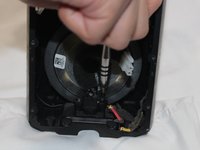
      • Disconnect the power adapter plug from the motherboard using your thumb.

      Chiedi a FixBot

      Aggiungi Commento

    5. Sonos One Power Adapter Replacement: passo 14, immagine 1 di 3 Sonos One Power Adapter Replacement: passo 14, immagine 2 di 3 Sonos One Power Adapter Replacement: passo 14, immagine 3 di 3
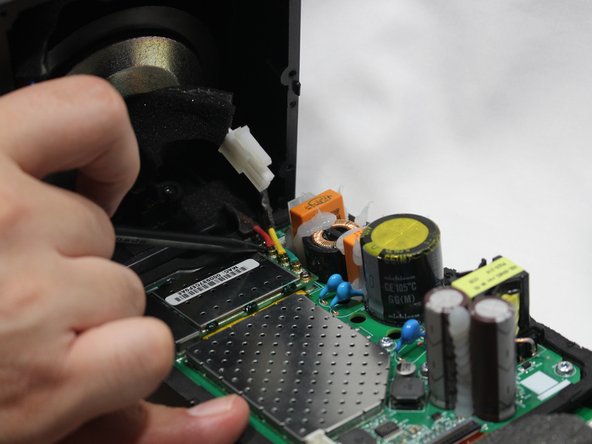
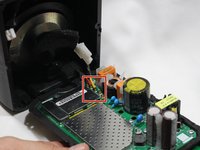
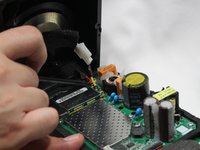
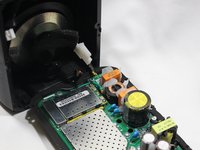
      • Using the pointed end of the spudger, disconnect the red, green, and yellow cables connecting the WiFi transmitter/receiver.

      Chiedi a FixBot

      Aggiungi Commento

    6. Sonos One Power Adapter Replacement: passo 15, immagine 1 di 2 Sonos One Power Adapter Replacement: passo 15, immagine 2 di 2
      • Remove the motherboard panel from the speaker housing.

      Chiedi a FixBot

      Aggiungi Commento

    7. Sonos One Power Adapter Replacement: passo 16, immagine 1 di 3 Sonos One Power Adapter Replacement: passo 16, immagine 2 di 3 Sonos One Power Adapter Replacement: passo 16, immagine 3 di 3
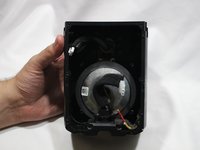
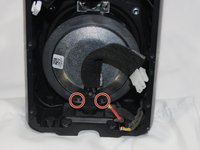
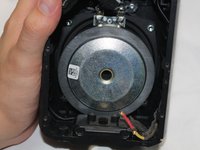
      • The woofer is highly magnetic, making removal of the metal screws sometimes difficult.

      • Remove the two 9mm Torx T8 screws from the power adapter plug.

      • Remove the power adapter receptacle from its housing slot.

      Chiedi a FixBot

      Aggiungi Commento

Conclusione

To reassemble your device, follow these instructions in reverse order.

Annulla: non ho completato questa guida.

Altre 9 persone hanno completato questa guida.

Marcus Glowa

Membro da: 02/14/18

1.134 Reputazione

5 guide realizzate

Team

USF Tampa, Team S2-G1, Nance Spring 2018 Membro di USF Tampa, Team S2-G1, Nance Spring 2018

USFT-NANCE-S18S2G1

3 Membri

19 guide realizzate

0Commenti sulla guida

Aggiungi Commento

Visualizza statistiche:

Ultime 24 ore: 6

Ultimi 7 giorni: 28

Ultimi 30 giorni: 134

Tutti i Tempi: 10,311