Salta al contenuto principale
Unisciti alla Community delle riparazioni - Crea un account

ProntoTec Axius Motherboard Replacement

Cosa ti serve

  1. ProntoTec Axius Motherboard Replacement, Motherboard: passo 1, immagine 1 di 1
    • Make sure the device is completely turned off before you begging taking it apart to avoid electrocution risks.

    • Place the tablet face-up on a flat table.

    Chiedi a FixBot
    Aggiungi Commento

  2. ProntoTec Axius Motherboard Replacement: passo 2, immagine 1 di 1
    • Starting near the headphone port, fit the flat end of the spudger in between the screen and back case.

    • Pry the back case from the screen around each point on the device to release the clips securing the case halves to each other.

    Chiedi a FixBot
    Aggiungi Commento

  3. ProntoTec Axius Motherboard Replacement: passo 3, immagine 1 di 1
    • Gently remove the back case of the device and lay it in a flat surface as shown in the photo.

    • Make sure not to sever the wires (red and black) connected to the speaker that is located in the back case.

    Chiedi a FixBot
    Aggiungi Commento

  4. ProntoTec Axius Motherboard Replacement: passo 4, immagine 1 di 2 ProntoTec Axius Motherboard Replacement: passo 4, immagine 2 di 2
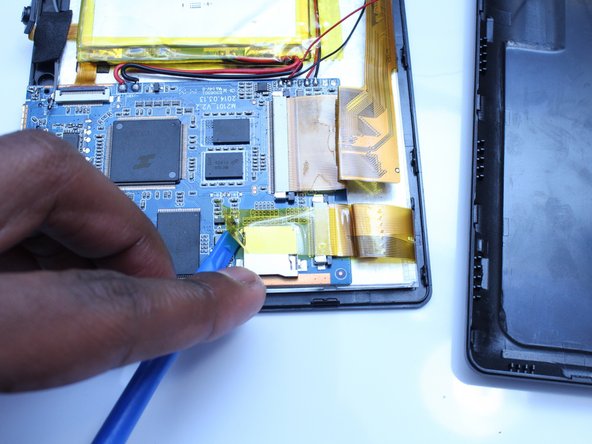
    • Remove only the yellow tape that touches the motherboard

    • Be careful not to cut or damage the wires (red and black) that connect the battery to the motherboard.

    Chiedi a FixBot

    Aggiungi Commento

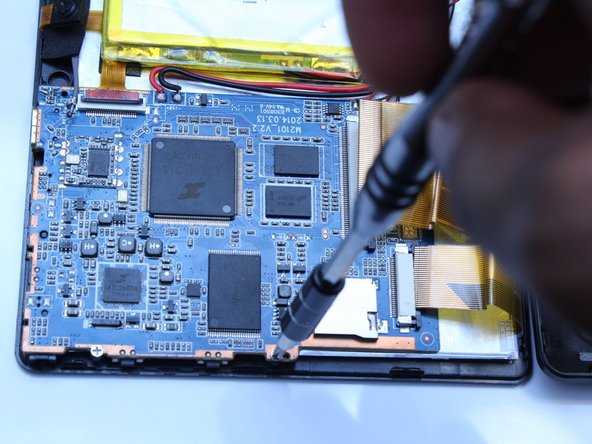
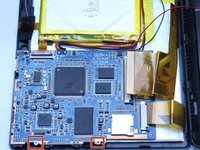
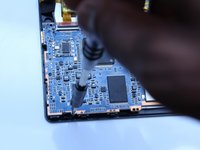
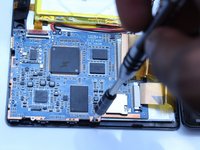
  5. ProntoTec Axius Motherboard Replacement: passo 5, immagine 1 di 3 ProntoTec Axius Motherboard Replacement: passo 5, immagine 2 di 3 ProntoTec Axius Motherboard Replacement: passo 5, immagine 3 di 3
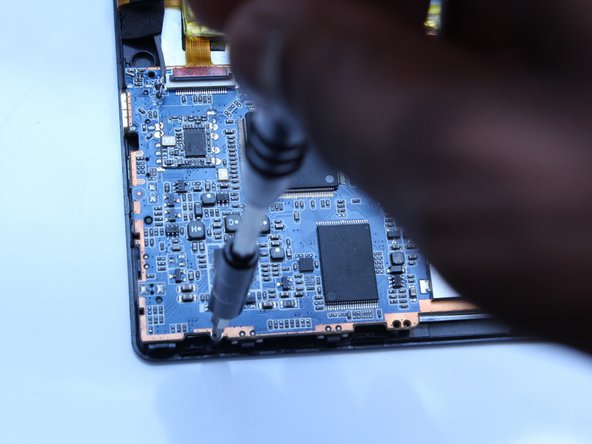
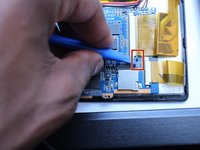
    • Use a Phillips screwdriver (PH00) to unscrew the two screws that connects the motherboard to the device

    • Be careful not to cut or damage the wires (red and black) that connect the motherboard to the battery.

    Chiedi a FixBot
    Aggiungi Commento

  6. ProntoTec Axius Motherboard Replacement: passo 6, immagine 1 di 2 ProntoTec Axius Motherboard Replacement: passo 6, immagine 2 di 2
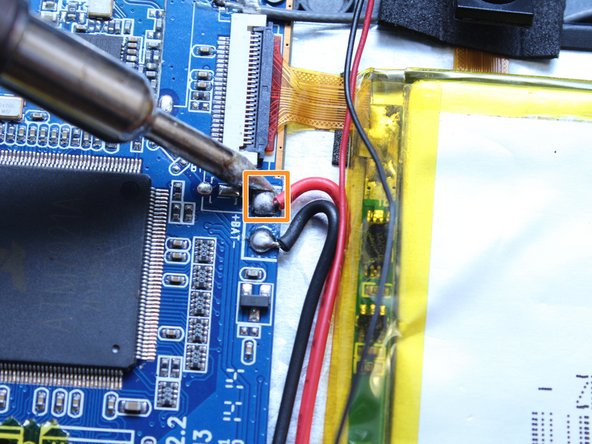
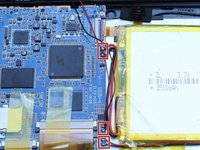
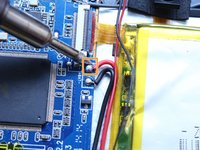
    • Using a soldering iron, desolder the contact points of the speaker, battery and screen on the motherboard

    • If soldering is new to you, check out this helpful guide on soldering and desoldering connections.

    • Use pliers to pull the wire from the board

    Chiedi a FixBot
    Aggiungi Commento

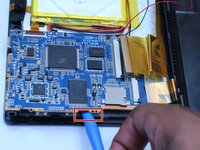
  7. ProntoTec Axius Motherboard Replacement: passo 7, immagine 1 di 2 ProntoTec Axius Motherboard Replacement: passo 7, immagine 2 di 2
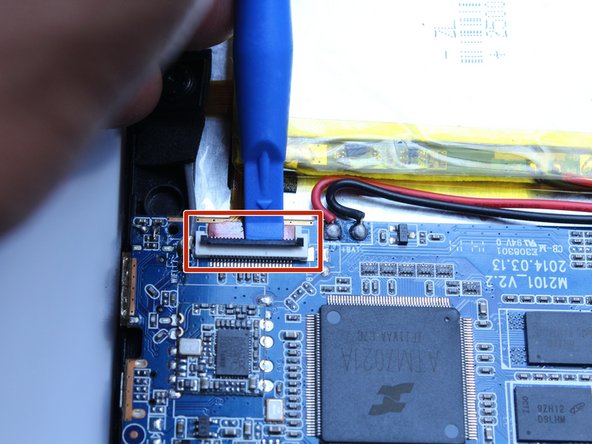
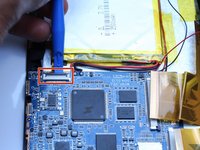
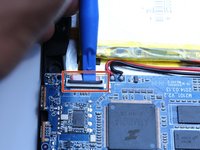
    • Using the spudger, disconnect the ribbon cable connecting the camera to the motherboard

    Chiedi a FixBot
    Aggiungi Commento

  8. ProntoTec Axius Motherboard Replacement: passo 8, immagine 1 di 3 ProntoTec Axius Motherboard Replacement: passo 8, immagine 2 di 3 ProntoTec Axius Motherboard Replacement: passo 8, immagine 3 di 3
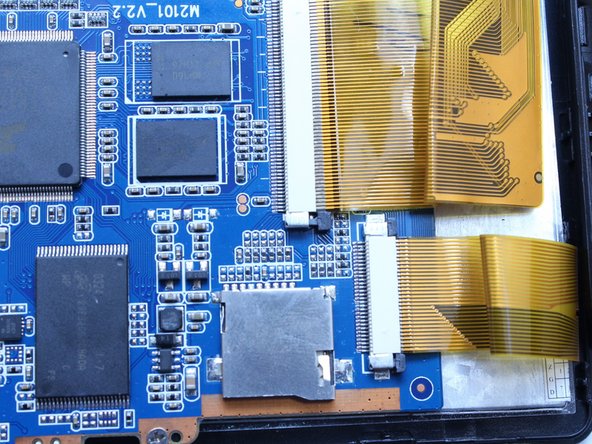
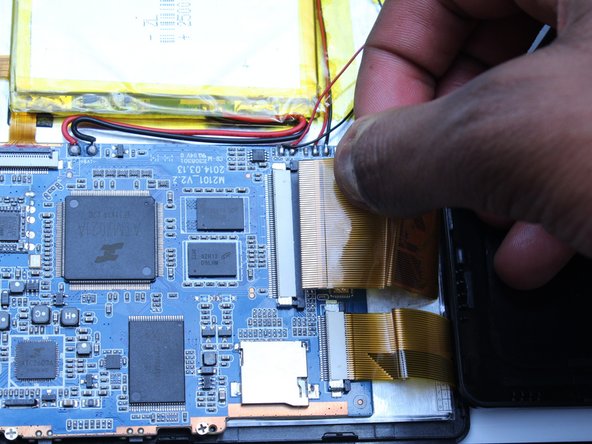
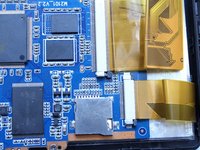
    • Using the spudger, push the black tabs towards the ribbon cable to unlock the ribbon cables that connect the screen to the motherboard.

    • Gently pull and remove the ribbon cables from the motherboard

    Chiedi a FixBot

    Aggiungi Commento

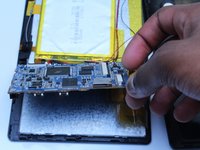
  9. ProntoTec Axius Motherboard Replacement: passo 9, immagine 1 di 2 ProntoTec Axius Motherboard Replacement: passo 9, immagine 2 di 2
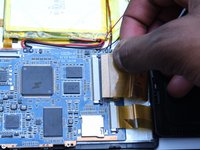
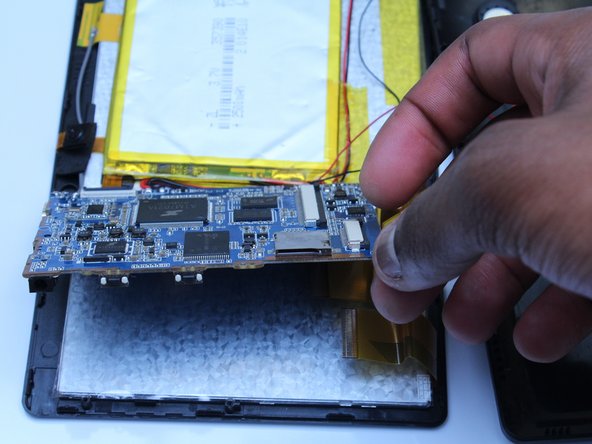
    • Using the flat side of the spudger, lift up the mother board to disconnect from the screen.

    Chiedi a FixBot

    Aggiungi Commento

Conclusione

To reassemble your device, follow these instructions in reverse order.

Annulla: non ho completato questa guida.

Un'altra persona ha completato questa guida.

Estelle Hatem

Membro da: 10/20/16

156 Reputazione

Una guida realizzata

Team

UMass Dartmouth, Team 5-3, Martin Fall 2016 Membro di UMass Dartmouth, Team 5-3, Martin Fall 2016

UMASSD-MARTIN-F16S5G3

3 Membri

10 guide realizzate

0Commenti sulla guida

Aggiungi Commento

Visualizza statistiche:

Ultime 24 ore: 1

Ultimi 7 giorni: 7

Ultimi 30 giorni: 40

Tutti i Tempi: 587