Salta al contenuto principale
Unisciti alla Community delle riparazioni - Crea un account

PlayStation Move USB Port Replacement

Cosa ti serve

  1. PlayStation Move USB Port Replacement, Case: passo 1, immagine 1 di 2 PlayStation Move USB Port Replacement, Case: passo 1, immagine 2 di 2
    • Turn the controller over and unscrew the four 10mm screws with a PH #00 screwdriver.

    Chiedi a FixBot
  2. PlayStation Move USB Port Replacement: passo 2, immagine 1 di 3 PlayStation Move USB Port Replacement: passo 2, immagine 2 di 3 PlayStation Move USB Port Replacement: passo 2, immagine 3 di 3
    • Pinch the sides of the back panel to remove it and set it aside.

    Chiedi a FixBot
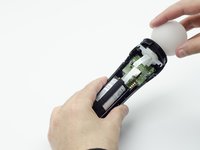
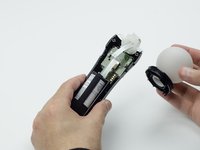
  3. PlayStation Move USB Port Replacement: passo 3, immagine 1 di 2 PlayStation Move USB Port Replacement: passo 3, immagine 2 di 2
    • Hold the base of the controller with one hand and with the other carefully pull up on the white spherical piece to remove it.

    Chiedi a FixBot
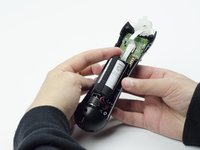
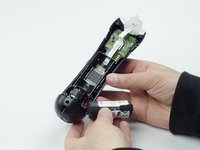
  4. PlayStation Move USB Port Replacement: passo 4, immagine 1 di 2 PlayStation Move USB Port Replacement: passo 4, immagine 2 di 2
    • Push the Lithium Ion battery from its slot to remove it.

    • Be mindful not to damage the wires or wired components, as the battery will still be attached via its connector.

    Chiedi a FixBot
  5. PlayStation Move USB Port Replacement: passo 5, immagine 1 di 1
    • Unscrew the 9mm screw in the battery slot with a PH #00 screwdriver.

    Chiedi a FixBot
  6. PlayStation Move USB Port Replacement: passo 6, immagine 1 di 2 PlayStation Move USB Port Replacement: passo 6, immagine 2 di 2
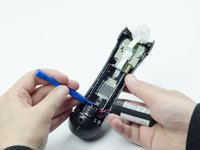
    • Using a plastic opening tool, carefully pry the rumble motor free.

    Chiedi a FixBot
  7. PlayStation Move USB Port Replacement: passo 7, immagine 1 di 1
    • Unscrew the 9mm screw behind the rumble motor slot with a PH #00 screwdriver.

    Chiedi a FixBot
  8. PlayStation Move USB Port Replacement: passo 8, immagine 1 di 3 PlayStation Move USB Port Replacement: passo 8, immagine 2 di 3 PlayStation Move USB Port Replacement: passo 8, immagine 3 di 3
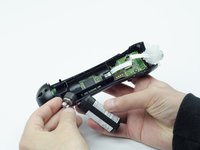
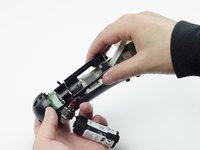
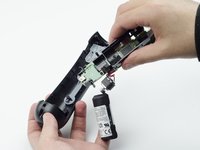
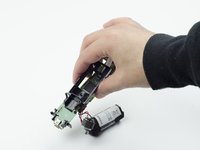
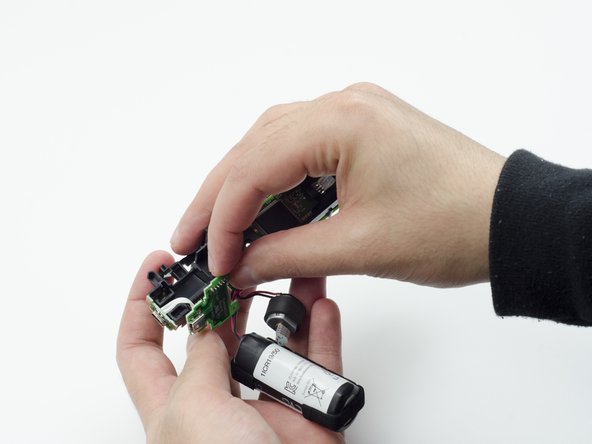
    • Carefully pinch the plastic sides of the battery slot and lift it (along with the circuit board) from the plastic shell of the move controller.

    Chiedi a FixBot
  9. PlayStation Move USB Port Replacement: passo 9, immagine 1 di 2 PlayStation Move USB Port Replacement: passo 9, immagine 2 di 2
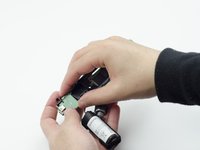
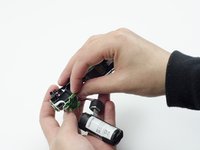
    • Using your fingers, carefully pry the square green piece beneath the battery slot free.

    • It is attached via white ribbons which need to be kept intact.

    Chiedi a FixBot
  10. PlayStation Move USB Port Replacement: passo 10, immagine 1 di 3 PlayStation Move USB Port Replacement: passo 10, immagine 2 di 3 PlayStation Move USB Port Replacement: passo 10, immagine 3 di 3
    • Follow the white ribbon attached to the part you just removed to a smaller, more rectangular piece.

    • Lift the rectangular piece from its slot to free it.

    Chiedi a FixBot
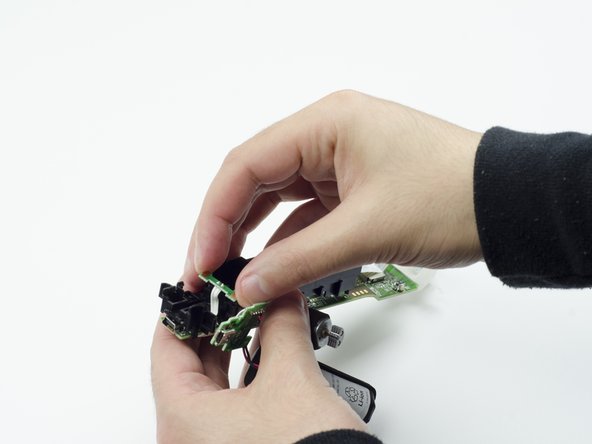
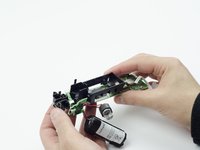
  11. PlayStation Move USB Port Replacement: passo 11, immagine 1 di 3 PlayStation Move USB Port Replacement: passo 11, immagine 2 di 3 PlayStation Move USB Port Replacement: passo 11, immagine 3 di 3
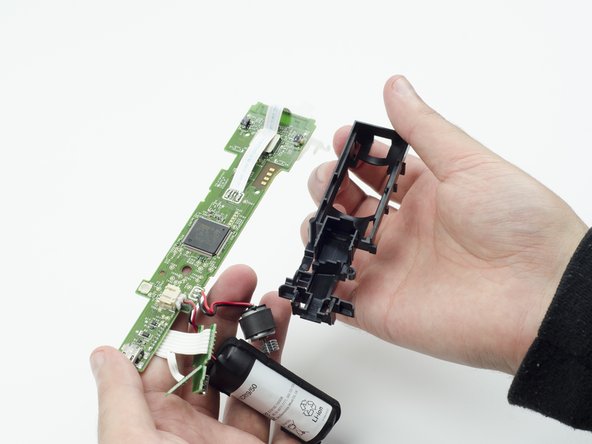
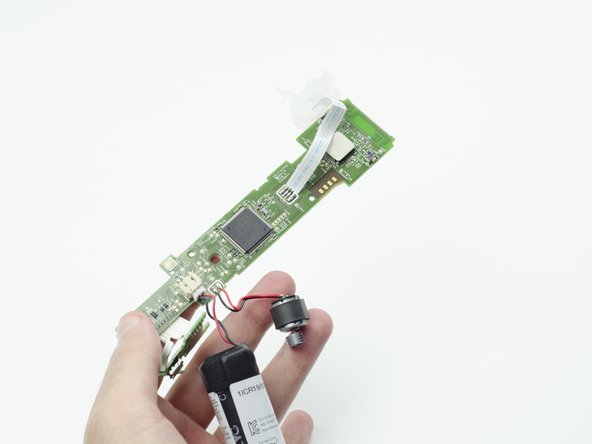
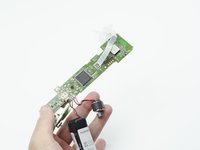
    • Carefully lift the entire circuit board from the black plastic encasing it.

    • Take extra care not to damage any of the wired components.

    Chiedi a FixBot
  12. PlayStation Move USB Port Replacement, USB Port: passo 12, immagine 1 di 1
    • At the end of the circuit board, you should see a small silver connector port (this is the USB).

    • Using a soldering iron, carefully desolder the port from the board. For help with desoldering, please reference this guide: How To Solder and Desolder Connections

    • In order to reinstall the new USB port, you must solder the new one to the board.

    Chiedi a FixBot
Conclusione

To reassemble your device, follow these instructions in reverse order.

Altre 2 persone hanno completato questa guida.

Sarah Shand

Membro da: 02/20/17

1.996 Reputazione

7 guide realizzate

Team

USF Tampa, Team S3-G1, Sullivan Spring 2017 Membro di USF Tampa, Team S3-G1, Sullivan Spring 2017

USFT-SULLIVAN-S17S3G1

3 Membri

14 guide realizzate

0Commenti sulla guida

Aggiungi Commento

Visualizza statistiche:

Ultime 24 ore: 2

Ultimi 7 giorni: 17

Ultimi 30 giorni: 100

Tutti i Tempi: 3,356