Salta al contenuto principale
Unisciti alla Community delle riparazioni - Crea un account

Linksys WRT54G Casing Replacement

  1. Linksys WRT54G Casing Replacement, Antennas: passo 1, immagine 1 di 1
    • Unfold the antennas straight away from the device.

    Chiedi a FixBot
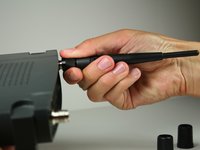
  2. Linksys WRT54G Casing Replacement: passo 2, immagine 1 di 3 Linksys WRT54G Casing Replacement: passo 2, immagine 2 di 3 Linksys WRT54G Casing Replacement: passo 2, immagine 3 di 3
    • Remove the black caps from the antennas by pulling them away from the device.

    Chiedi a FixBot
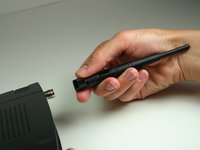
  3. Linksys WRT54G Casing Replacement: passo 3, immagine 1 di 3 Linksys WRT54G Casing Replacement: passo 3, immagine 2 di 3 Linksys WRT54G Casing Replacement: passo 3, immagine 3 di 3
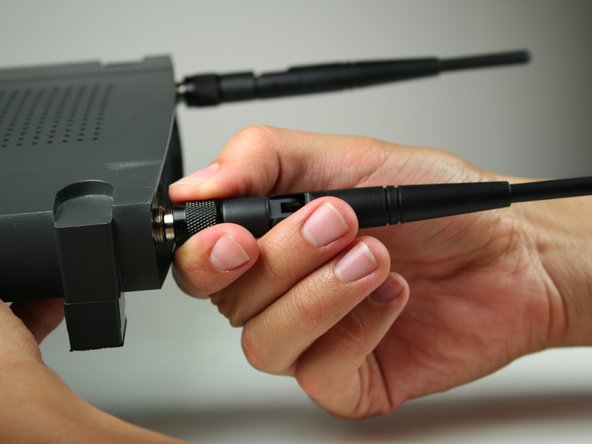
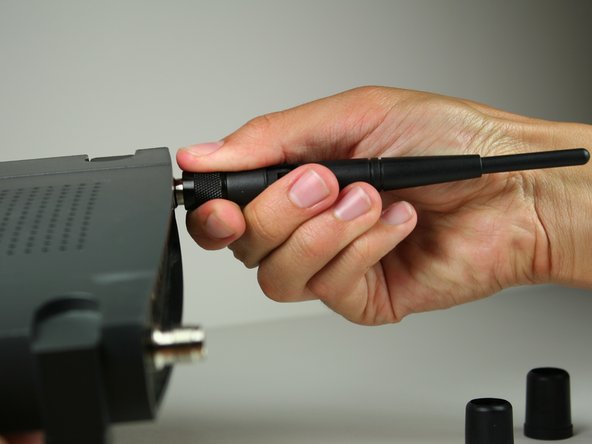
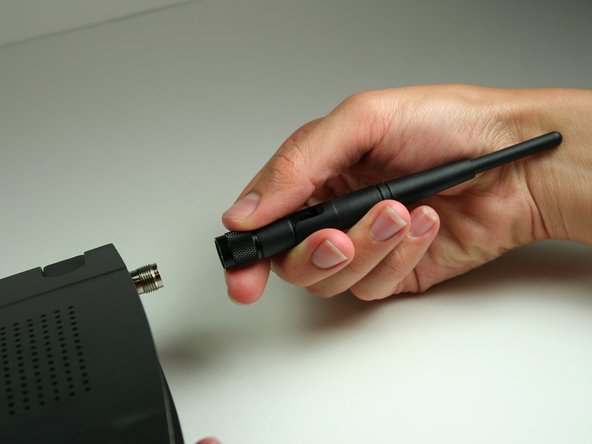
    • Unscrew each of the antennas from the wireless device.

    Chiedi a FixBot
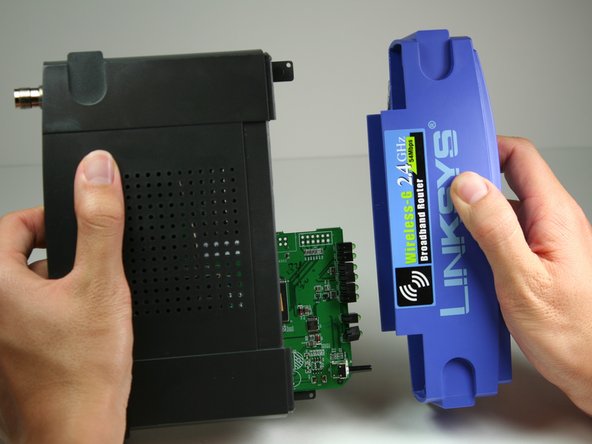
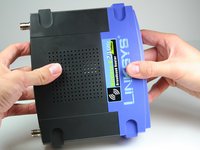
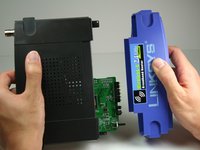
  4. Linksys WRT54G Casing Replacement, Casing: passo 4, immagine 1 di 2 Linksys WRT54G Casing Replacement, Casing: passo 4, immagine 2 di 2
    • Using a bit of force, remove the blue plastic case.

    Chiedi a FixBot
Conclusione

To reassemble your device, follow these instructions in reverse order.

Altre 4 persone hanno completato questa guida.

Nina Levine

Membro da: 10/12/11

90 Reputazione

Una guida realizzata

Team

Cal Poly, Team 17-7, Regan Fall 2011 Membro di Cal Poly, Team 17-7, Regan Fall 2011

CPSU-REGAN-F11S17G7

4 Membri

4 guide realizzate

0Commenti sulla guida

Aggiungi Commento

Visualizza statistiche:

Ultime 24 ore: 0

Ultimi 7 giorni: 15

Ultimi 30 giorni: 83

Tutti i Tempi: 2,651