Salta al contenuto principale
Unisciti alla Community delle riparazioni - Crea un account

JBL Flip 2 Bluetooth Antenna Replacement

Cosa ti serve

  1. JBL Flip 2 Bluetooth Antenna  Replacement, JBL Flip 2 Outer Case Disassembly: passo 1, immagine 1 di 2 JBL Flip 2 Bluetooth Antenna  Replacement, JBL Flip 2 Outer Case Disassembly: passo 1, immagine 2 di 2
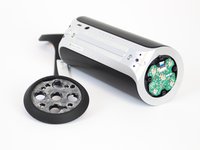
    • Begin by removing the rubber caps on both sides of the JBL Flip 2 by using the black spudger to get in between the creases.

    • Be very careful when removing the NFC rubber cap. There is a chip that is glued to the inside of the rubber cap. So, peel the rubber cap off slowly and remove the chip on the inside while peeling the rubber cap off.

    Chiedi a FixBot

    Aggiungi Commento

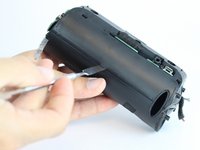
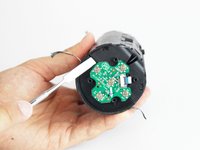
  2. JBL Flip 2 Bluetooth Antenna  Replacement: passo 2, immagine 1 di 2 JBL Flip 2 Bluetooth Antenna  Replacement: passo 2, immagine 2 di 2
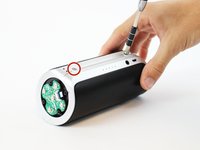
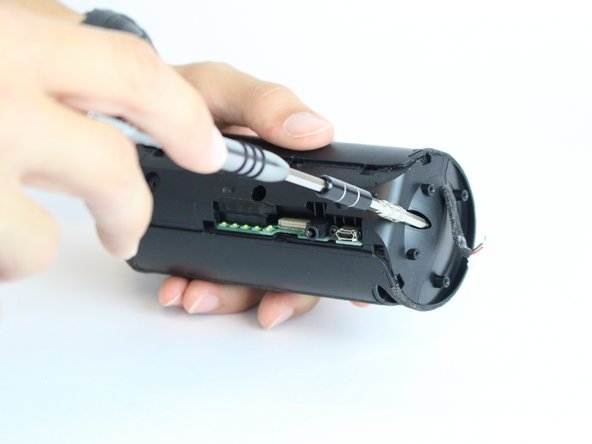
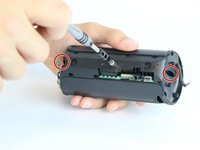
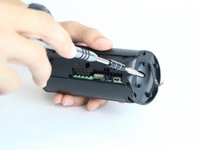
    • Remove the eight 7.0 mm Phillips #1 screws on both sides of the JBL Flip 2.

    Chiedi a FixBot

    Aggiungi Commento

  3. JBL Flip 2 Bluetooth Antenna  Replacement: passo 3, immagine 1 di 3 JBL Flip 2 Bluetooth Antenna  Replacement: passo 3, immagine 2 di 3 JBL Flip 2 Bluetooth Antenna  Replacement: passo 3, immagine 3 di 3
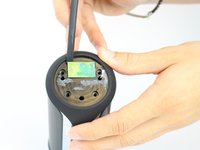
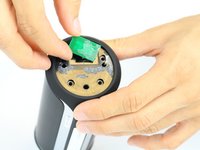
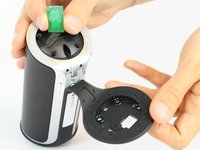
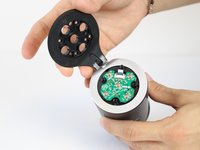
    • The NFC chip is glued onto the side of the device. Use the black spudger to separate the mic from the surface.

    • Be careful not to sever the wire connecting the nfc chip to the inside of the device.

    • Gently slide the NFC chip into the device through the slot that the wire comes from.

    Chiedi a FixBot

    Aggiungi Commento

  4. JBL Flip 2 Bluetooth Antenna  Replacement: passo 4, immagine 1 di 2 JBL Flip 2 Bluetooth Antenna  Replacement: passo 4, immagine 2 di 2
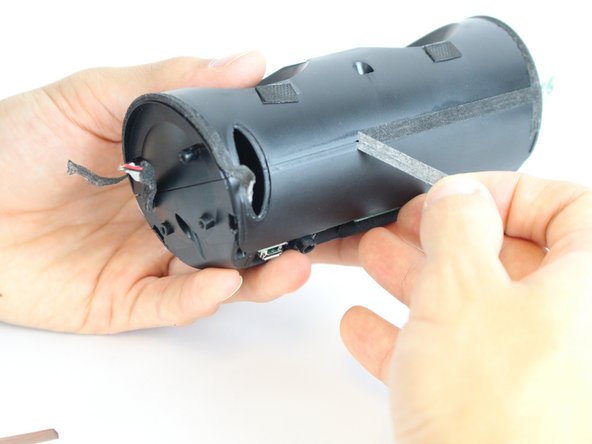
    • Peel the black rubber piece from one end to the other.

    Chiedi a FixBot

    Aggiungi Commento

  5. JBL Flip 2 Bluetooth Antenna  Replacement: passo 5, immagine 1 di 3 JBL Flip 2 Bluetooth Antenna  Replacement: passo 5, immagine 2 di 3 JBL Flip 2 Bluetooth Antenna  Replacement: passo 5, immagine 3 di 3
    • Remove the two 7.0 mm Phillips #1 screws.

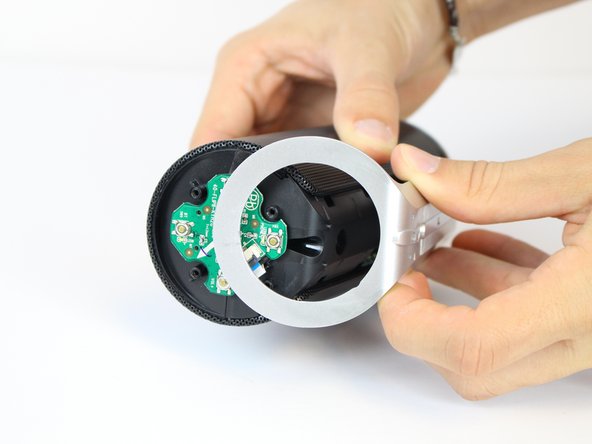
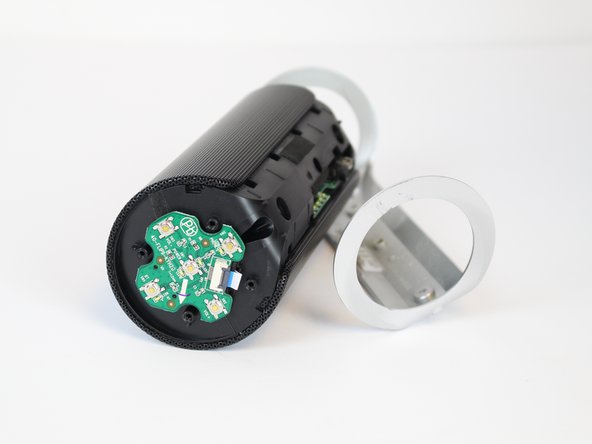
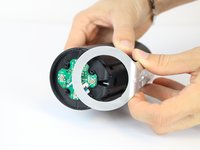
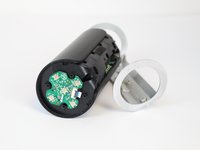
    • Carefully detach the silver plastic cover by pulling both ends off.

    • Pull both ends at the same time with the same amount of force to prevent the cover from breaking.

    • Separate the silver plastic piece by pulling it off from the middle.

    Chiedi a FixBot

    Aggiungi Commento

  6. JBL Flip 2 Bluetooth Antenna  Replacement: passo 6, immagine 1 di 3 JBL Flip 2 Bluetooth Antenna  Replacement: passo 6, immagine 2 di 3 JBL Flip 2 Bluetooth Antenna  Replacement: passo 6, immagine 3 di 3
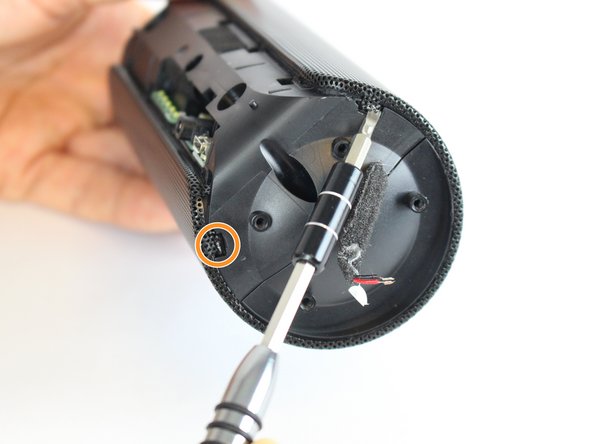
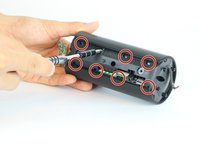
    • Using a flat-head screwdriver or spudger, pry out the 8 metal nibs on the back side of the speaker.

    • Repeat the same process for the 4 remaining metal nibs (two on each end).

    Chiedi a FixBot

    Aggiungi Commento

  7. JBL Flip 2 Bluetooth Antenna  Replacement: passo 7, immagine 1 di 2 JBL Flip 2 Bluetooth Antenna  Replacement: passo 7, immagine 2 di 2
    • Expand the metal casing and carefully slide it off the speaker.

    Chiedi a FixBot

    Aggiungi Commento

  8. JBL Flip 2 Bluetooth Antenna  Replacement: passo 8, immagine 1 di 2 JBL Flip 2 Bluetooth Antenna  Replacement: passo 8, immagine 2 di 2
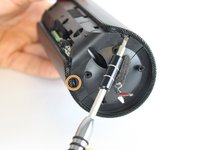
    • Using the driver adapter, first insert the #4 socket into the driver; followed by the #1 Philip's head bit in order to reach the three 13.0 mm screws.

    Chiedi a FixBot

    Aggiungi Commento

  9. JBL Flip 2 Bluetooth Antenna  Replacement: passo 9, immagine 1 di 3 JBL Flip 2 Bluetooth Antenna  Replacement: passo 9, immagine 2 di 3 JBL Flip 2 Bluetooth Antenna  Replacement: passo 9, immagine 3 di 3
    • Using the classic spudger, get underneath the black tape strips found on both side of the device.

    • After lifting a portion of the tape off of the device, gently peel the tape off of the device, making sure to keep it intact.

    • There is another piece of tape on the side of the device with the control buttons. Lift the tape with the classic spudger and then peel the rest of the tape off.

    Chiedi a FixBot

    Aggiungi Commento

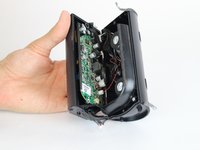
  10. JBL Flip 2 Bluetooth Antenna  Replacement: passo 10, immagine 1 di 3 JBL Flip 2 Bluetooth Antenna  Replacement: passo 10, immagine 2 di 3 JBL Flip 2 Bluetooth Antenna  Replacement: passo 10, immagine 3 di 3
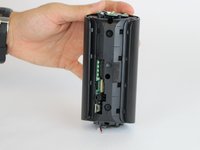
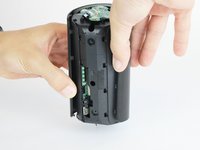
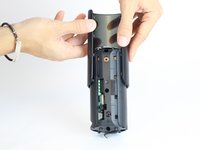
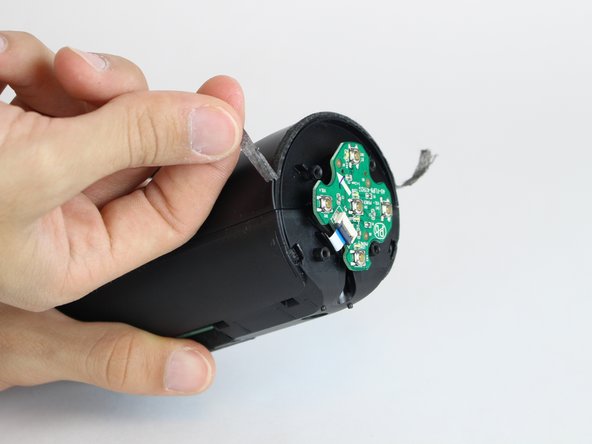
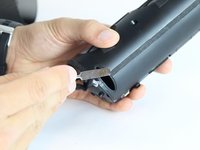
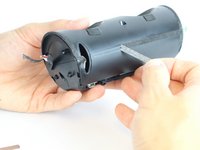
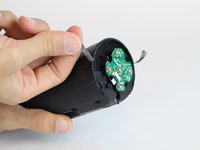
    • Wedge a spudger between the two halves where the tape was to pry the device open.

    • When working with electronics, it's important to choose a tool that's ESD-safe to avoid accidental damage to the device. The regular black nylon spudger or a plastic opening tool should be used whenever possible.

    Chiedi a FixBot

    Aggiungi Commento

  11. JBL Flip 2 Bluetooth Antenna  Replacement: passo 11, immagine 1 di 2 JBL Flip 2 Bluetooth Antenna  Replacement: passo 11, immagine 2 di 2
    • Use the black spudger to disconnect the speaker cord from it's socket.

    Chiedi a FixBot

    Aggiungi Commento

  12. JBL Flip 2 Bluetooth Antenna  Replacement: passo 12, immagine 1 di 2 JBL Flip 2 Bluetooth Antenna  Replacement: passo 12, immagine 2 di 2
    • Use the black spudger to disconnect the auxiliary wire from its socket.

    Chiedi a FixBot

    Aggiungi Commento

  13. JBL Flip 2 Bluetooth Antenna  Replacement: passo 13, immagine 1 di 1
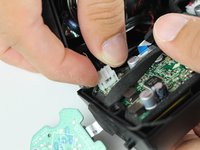
    • Carefully remove the cable connecting the control chip to the motherboard.

    Chiedi a FixBot

    Aggiungi Commento

  14. JBL Flip 2 Bluetooth Antenna  Replacement: passo 14, immagine 1 di 2 JBL Flip 2 Bluetooth Antenna  Replacement: passo 14, immagine 2 di 2
    • Using the black spudger, carefully remove the cord connecting the battery to the motherboard.

    Chiedi a FixBot

    Aggiungi Commento

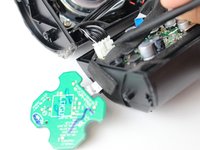
  15. JBL Flip 2 Bluetooth Antenna  Replacement: passo 15, immagine 1 di 1
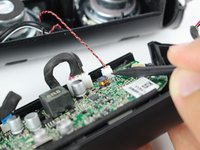
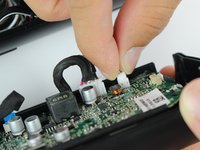
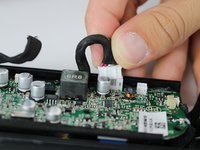
    • Carefully remove the cable connecting the nfc chip to the motherboard.

    Chiedi a FixBot

    Aggiungi Commento

  16. JBL Flip 2 Bluetooth Antenna  Replacement, Bluetooth Antenna: passo 16, immagine 1 di 1
    • Separate the antenna off the plastic wall of the speaker by wedging it with the a spudger.

    • Be careful not to yank it because the antenna is glued to the plastic wall.

    Chiedi a FixBot

    Aggiungi Commento

  17. JBL Flip 2 Bluetooth Antenna  Replacement: passo 17, immagine 1 di 2 JBL Flip 2 Bluetooth Antenna  Replacement: passo 17, immagine 2 di 2
    • Remove the wire from the insert on the wall of the plastic speaker casing.

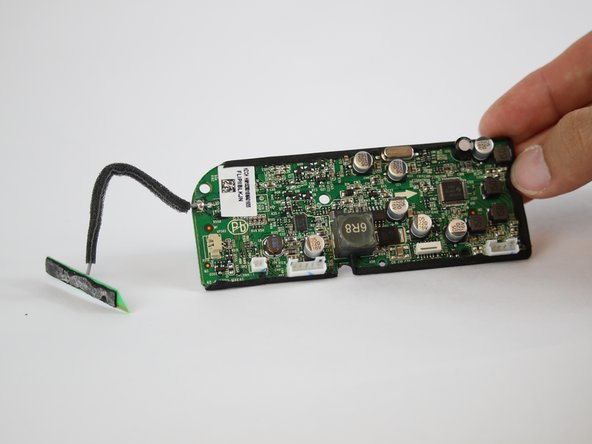
    • Separate the entire motherboard from the JBL Flip 2 speaker.

    Chiedi a FixBot

    Aggiungi Commento

  18. JBL Flip 2 Bluetooth Antenna  Replacement: passo 18, immagine 1 di 1
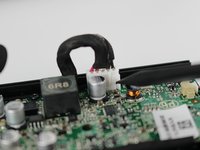
    • Check out IFixit's official soldering guide for help with these special projects.

    • Using the soldering iron, solder the new wire on.

    • The soldering iron will be very hot.

    Chiedi a FixBot

    Aggiungi Commento

Conclusione

To reassemble your device, follow these instructions in reverse order.

Annulla: non ho completato questa guida.

Team

USF Tampa, Team 11-2, Cheng Spring 2016 Membro di USF Tampa, Team 11-2, Cheng Spring 2016

USFT-CHENG-S16S11G2

4 Membri

11 guide realizzate

0Commenti sulla guida

Aggiungi Commento

Visualizza statistiche:

Ultime 24 ore: 6

Ultimi 7 giorni: 12

Ultimi 30 giorni: 59

Tutti i Tempi: 7,825