Questa traduzione è stata generata automaticamente e non è stata ancora revisionata da una persona. Parli questa lingua? Dai un’occhiata.
Introduzione
Questa guida ti mostrerà come sostituire lo schermo del tuo HP Pavilion 17-e146us. Uno schermo funzionante è necessario per utilizzare un HP Pavilion 17-e146us e la sostituzione dello schermo ne garantirà l'uso continuato.
La sostituzione dello schermo potrebbe causare danni alla scheda madre, quindi procedi con cautela durante la rimozione. Per ulteriori informazioni sulle cause di uno schermo difettoso, consulta la nostra pagina di soluzione problemi.
Cosa ti serve
-
-
-
Apri il laptop.
-
Rimuovi i due adesivi nell'angolo in basso a sinistra e a destra dello schermo del laptop.
 Chiedi a FixBot
-
-
-
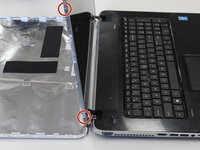
Usando un cacciavite a croce Phillips #0, rimuovi le due viti da 5 mm nell'angolo inferiore sinistro e destro dello schermo del portatile.
-
-
-
-
Inserisci uno spudger o uno strumento di apertura tra lo schermo del portatile e il telaio in plastica del portatile.
-
Applica una leggera pressione sullo spudger per separare il telaio in plastica del portatile che copre i bordi dello schermo.
-
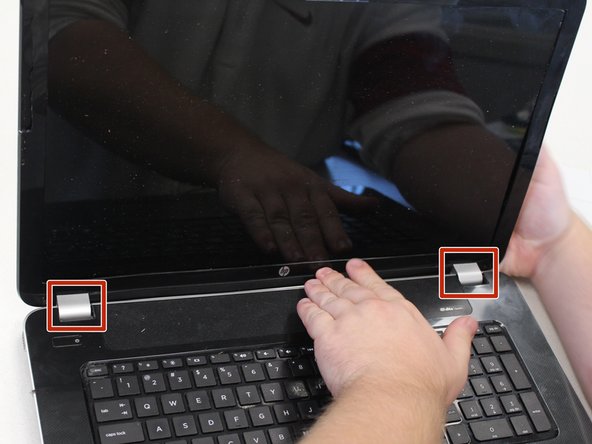
Questi pezzi argentati coprono le cerniere del portatile e dovranno essere rimossi anch'essi.
-
-
-
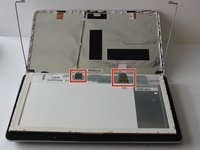
Utilizzando un cacciavite a croce Phillips #0, rimuovi le quattro viti da 4 mm in ogni angolo dello schermo del laptop.
-
-
-
Utilizzando un cacciavite a croce Phillips #0, rimuovi le quattro viti da 3 mm sul lato del telaio, una in ogni angolo.
-
-




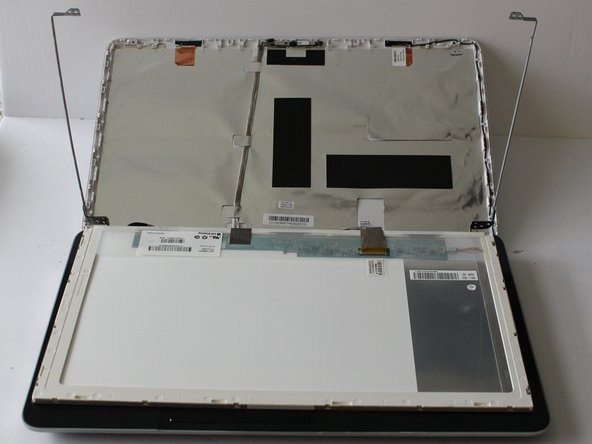
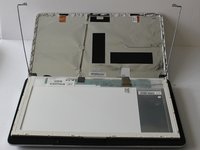

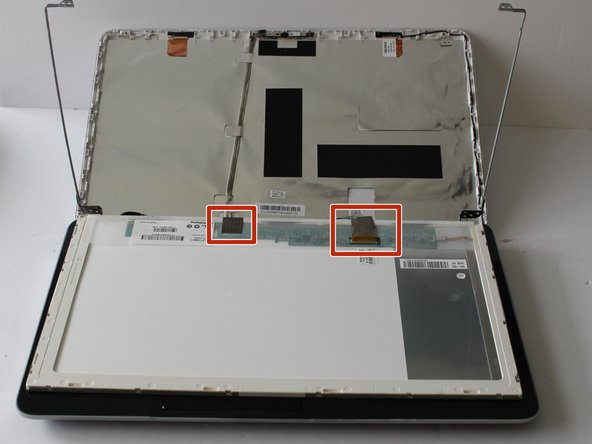
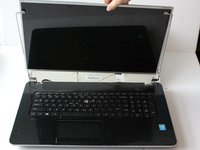
Per rimontare il dispositivo, segui queste istruzioni in ordine inverso.

Team

University of Alabama, Team S2-G7, Bedsole Fall 2019 Membro di University of Alabama, Team S2-G7, Bedsole Fall 2019
UA-BEDSOLE-F19S2G7
3 Membri
45 guide realizzate
