Introduzione
Segui questa guida per regolare le impostazioni e aggiornare il firmware della tua centrale elettrica portatile FixHub usando un computer.
-
-
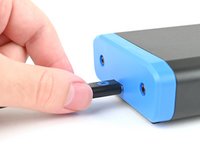
Collega la centrale elettrica portatile al tuo computer, accertandoti che il cavo sia connesso alla porta posteriore della centrale elettrica (il lato opposto allo schermo).
-
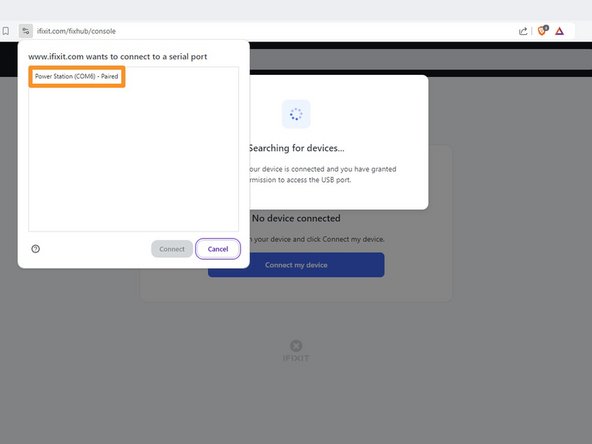
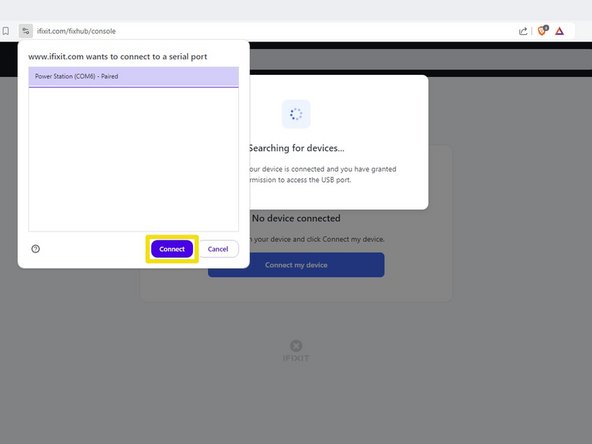
Vai su iFixit.com/FixHub/console.
-
-
-
-
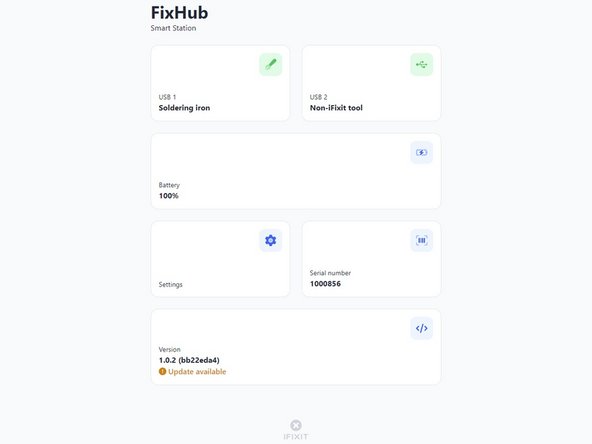
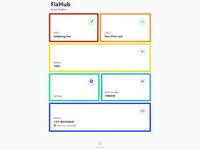
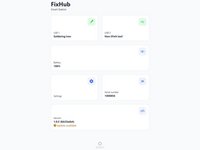
USB 1 mostra le informazioni sul dispositivo connesso alla porta USB-C davanti a sinistra.
-
USB 2 mostra le informazioni sul dispositivo connesso alla porta USB-C davanti a destra.
-
Battery mostra la percentuale della batteria in tempo reale.
-
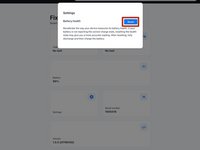
Settings ti permette di resettare i dati della calibrazione della batteria.
-
Serial number ti mostra il numero seriale della centrale elettrica portatile.
-
Version ti mostra la versione del firmware e gli aggiornamenti della centrale elettrica portatile.
-
-
-
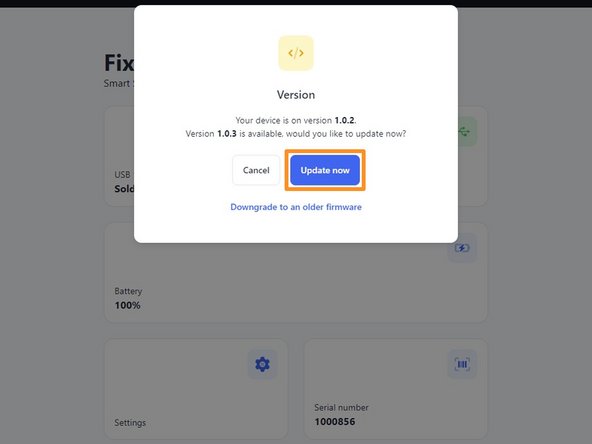
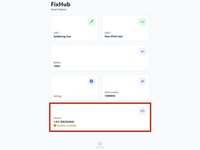
Seleziona il riquadro Version.
-
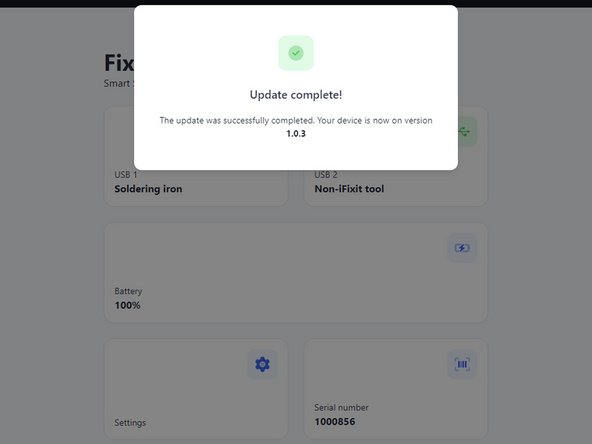
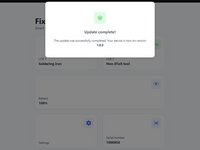
Clicca Update now e aspetta che si completi l'aggiornamento del firmware. Non scollegare la centrale elettrica e non chiudere la finestra durante l'aggiornamento del firmware.
-
-
-
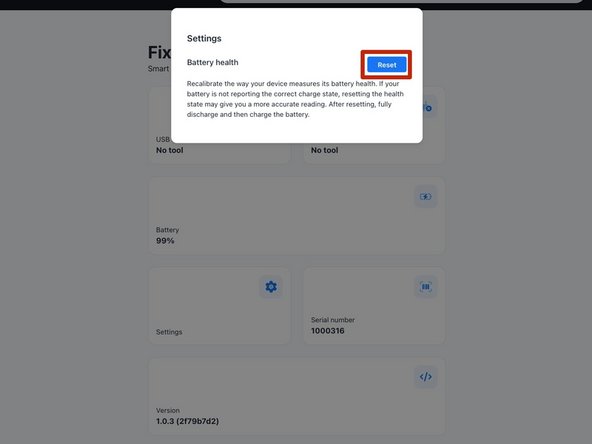
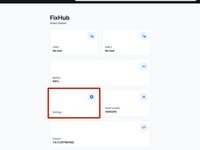
Per resettare i dati della calibrazione della batteria memorizzati nella tua centrale elettrica portatile, seleziona il riquadro Settings e poi clicca Reset.
-









E questo è tutto!
Hai ancora difficoltà? Rivolgiti alla nostra comunità Risposte o prova delle soluzioni ai problemi di base.
Annulla: non ho completato questa guida.
Altre 9 persone hanno completato questa guida.
Un ringraziamento speciale a questi traduttori:
100%

Sara Balestra ci sta aiutando ad aggiustare il mondo! Vuoi partecipare?
Inizia a tradurre ›



4Commenti sulla guida
Can you update the app or website to display the latest firmware release information for this device? When I plug in my hub, it only shows the current firmware version on the device but doesn't indicate if it's the latest. Unlike other options, I can't click on the box for more details. Additionally, I couldn't find any information on your website about the current firmware version or its release notes.
The web console page is: https://www.ifixit.com/fixhub/console
This is where you can browse through the current and prior firmware versions. However, I don't believe the packaged firmware (at least with CI/CD) is currently open-source at the time of writing. Yet you can see what is currently available here on GitHub: https://github.com/ifixit/fixhub (The commands here work if you're able to access the FixHub with either minicomp on Linux or PuTTY on Windows; you can determine which TTY device the FixHub is assigned to with the help of the FixHub web console, which reliably picks out the correct low-level serial device name for the FixHub.)
Tai Lam -
