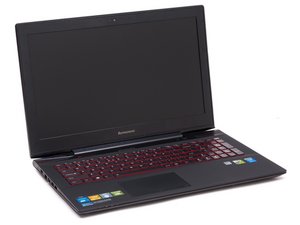
How do I repaste the cpu and gpu die with ptm7950?
I want to improve thermal performance by repasting the cpu and gpu die using ptm7950.
Questa è una buona domanda?
Punteggio
0

I want to improve thermal performance by repasting the cpu and gpu die using ptm7950.
Questa è una buona domanda?

Rep: 37,3k
 157
157
 16
16
 178
178
In the Lenovo Hardware Maintenance Manual, follow the Fan and Heatsink assembly steps (page 53) and its prerequisites (removing the base cover, battery, hard disk, and subwoofer). That'll get you access to the CPU and GPU dies, where you can replace the thermal compound. You can use our generic How to Repaste a laptop guide in conjunction with Lenovo's manual for additional info on how to clean the old paste, install the heatsink correctly, etc.
Questa risposta è stata utile?
Ultime 24 Ore: 1
Ultimi 7 Giorni: 9
Ultimi 30 Giorni: 21
Tutti i Tempi: 21
