
Salta al contenuto principale

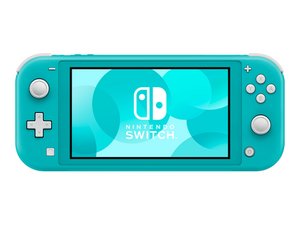
Rilasciato il 20 Settembre 2019, il Nintendo Switch Lite è una versione più economica e solamente portatile della console Nintendo Switch, dispone di controller Joy-Con integrati e di uno schermo leggermente più piccolo.

Replaced Game Card Reader and Still Not Reading Cards

I started getting the "game card could not be read" error and replaced card reader. Still having the same issue. All connections seem to be properly connected. I've tried multiple cards just to be sure it wasn't an issue with the game. I would love to hear any ideas on what else I might consider looking at to trouble shoot further.

Thanks

Rispondi a questa domanda Anch'io ho questo problema

Questa è una buona domanda?

Punteggio 1
Aggiungi un commento

1 Risposta

I've seen this happen many times, especially with the Switch Lite. With the back metal cover removed, gently press down on the clip area where the game card slot connects. Then insert a game and see if the system recognizes it.

Questa risposta è stata utile?

Punteggio 0

3 Commenti:

Hi! Just to add:

Try to clean the game card reader with isopropyl alcohol as well. If both failed, then please replace the game card reader! You can follow this guide: Sostituzione scheda madre Nintendo Switch Lite (till step 16) remove the heatsink and then the game card reader! If you need a more specific guide, please let us know!

da

Unfortunatley that didn't seem to change anything. I have double checked to make sure all ribbons are properly connected and tried both the original and the new card reader to double check.

da

Maybe the replacement part is faulty as well. I would try another one and see how it goes. Usually this is really related to the reader..

da

Aggiungi un commento

Aggiungi la tua risposta

Runtus_Maximus sarà eternamente grato.
Visualizza Statistiche:

Ultime 24 Ore: 1

Ultimi 7 Giorni: 15

Ultimi 30 Giorni: 63

Tutti i Tempi: 167