Questa traduzione è stata generata automaticamente e non è stata ancora revisionata da una persona. Parli questa lingua? Dai un’occhiata.

Sostituzione scheda USB Samsung Galaxy Note

Sam Goldheart e un altro collaboratore
Ultimo aggiornamento il 30 lug 2026
Visualizzazioni: 25.372
Visualizza statistiche:
- Ultime 24 ore:
- 6
- Ultimi 7 giorni:
- 27
- Ultimi 30 giorni:
- 105
- Tutti i Tempi:
- 25.372
Commenti: 9
3 commenti sui passaggi, 6 commenti sulla guida.
Vai ai commenti della guidaCompletato: 51 52
51 persone hanno contrassegnato questa guida come "completata". Sarai il prossimo?
52 persone hanno contrassegnato questa guida come "completata". Compreso te, ottimo lavoro!
Preferiti: 24 25
24 persone hanno aggiunto ai preferiti (e si sono iscritte a) questa guida. Sarai il prossimo?
25 persone hanno aggiunto ai preferiti (e si sono iscritte a) questa guida, incluso te!
Introduzione
Vai al passo 1 ↓Utilizza questa guida per rimuovere o sostituire la scheda USB/scheda figlia del Note
Cosa ti serve
Strumenti
-
Spudger4.9


-
-
-
Afferra il cappuccio dello stilo e rimuovilo dal suo alloggiamento nel telaio centrale.
 Chiedi a FixBot
-
-
-
-
-
Fai leva con uno strumento di apertura in plastica, o con l'unghia, nell'incavo a destra della fotocamera posteriore, vicino ai pulsanti del volume.
-
-
-
-
-
Inserisci il dito nell'incavo del vano batteria.
-
Premi la batteria verso la fotocamera posteriore mentre tiri verso l'esterno.
-
-
-
-
-
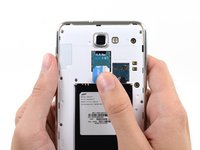
Usa l'estremità piatta di uno spudger, o la tua unghia, per premere la scheda microSD leggermente più a fondo nel suo slot finché non senti un clic.
-
Dopo il clic, rilascia la scheda e questa uscirà dal suo slot.
-
-
-
-
-
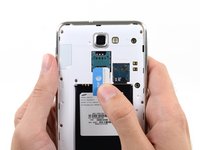
Utilizza uno strumento di apertura in plastica, o un'unghia, per far uscire la scheda SIM dal suo scomparto.
-
-
-
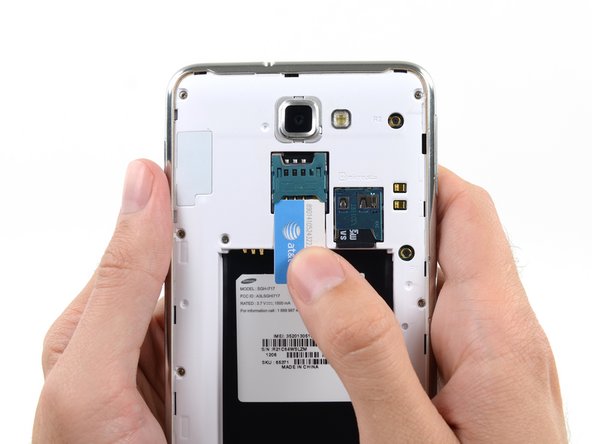
Fai scorrere fuori completamente la scheda SIM con il pollice e rimuovila dal dispositivo.
-
-
-
-
-
Rimuovi le nove viti a croce Phillips da 3,4 mm che fissano il telaio centrale al gruppo schermo.
-
-
-
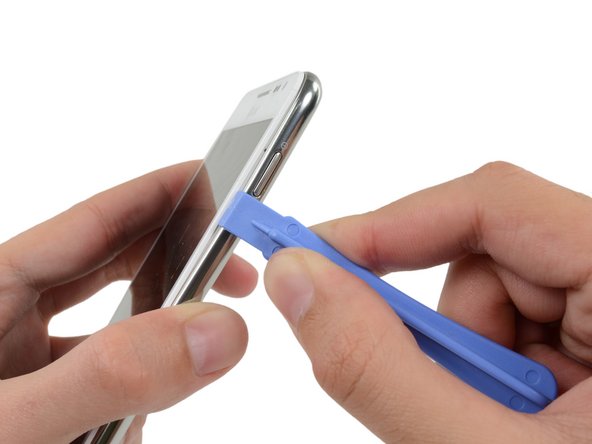
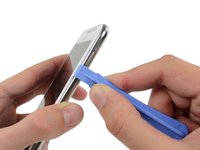
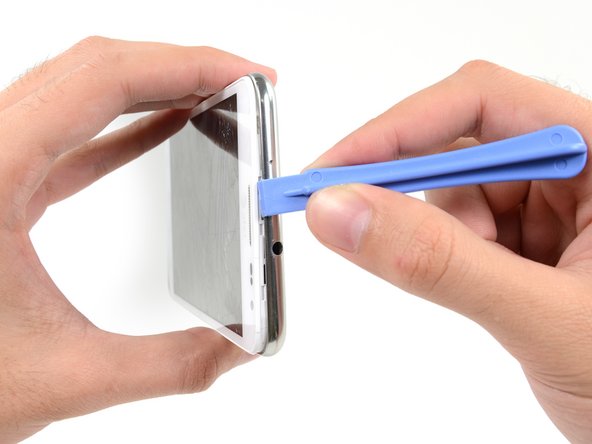
Inserisci lo strumento di apertura in plastica a sinistra del pulsante di accensione tra il telaio centrale e il gruppo pannello frontale e fai leva.
-
-
-
Fai scorrere lo strumento di apertura in plastica lungo la giuntura.
-
-
-
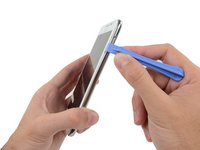
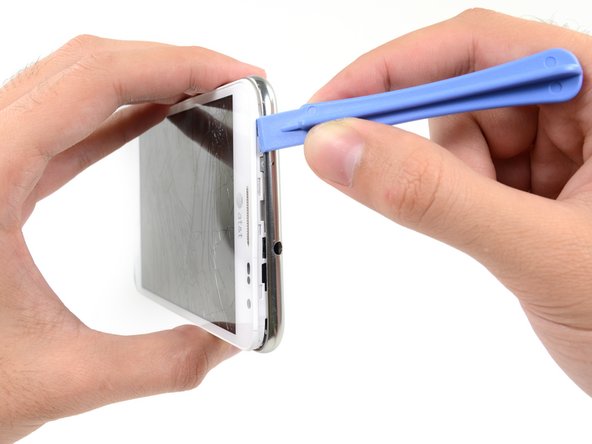
Inserisci lo strumento di apertura in plastica a sinistra del jack cuffie, tra il telaio centrale e il gruppo schermo.
-
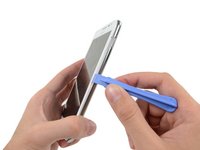
Fai scorrere lo strumento di apertura lungo il bordo superiore del telefono.
-
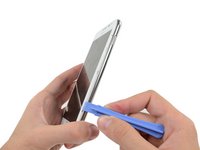
Continua a far scorrere lo strumento di apertura in plastica lungo il perimetro del telefono fino a separare il telaio centrale.
-
-
-
-
-
Usa l'estremità piatta di uno spudger per scollegare con attenzione il connettore del cavo dello schermo.
-
-
-
Usa uno spudger per scollegare il connettore del cavo del gruppo fotocamera frontale.
-
Scollega il connettore del cavo del gruppo jack cuffie/altoparlante voce.
-
Scollega il connettore del cavo del digitizer.
-
-
-
Scollega il connettore del cavo dei tasti soft con l'estremità piatta di uno spudger.
-
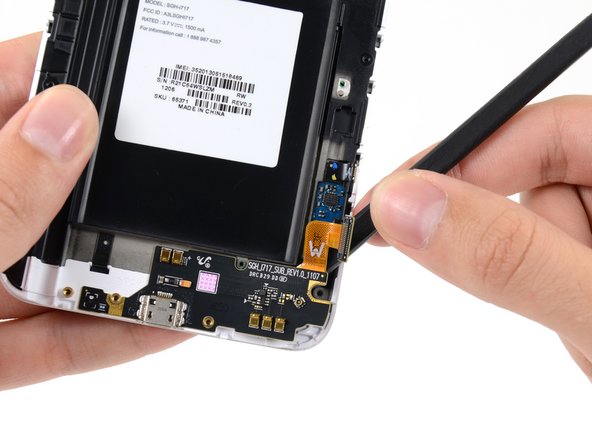
Usa uno spudger per scollegare il connettore del cavo della scheda USB.
-
Scollega il connettore del cavo dell'antenna.
-
-
-
-
Rimuovi le due viti a croce Phillips #00 da 3,4 mm che fissano la scheda madre al gruppo schermo.
-
-
-
-
-
Rimuovi le tre viti a croce Phillips da 3 mm che fissano l'alloggiamento dell'altoparlante al gruppo pannello frontale.
-
-
-
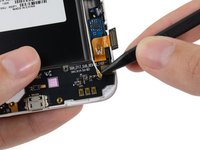
Usa la punta di uno spudger per scollegare il connettore del cavo dell'antenna dalla scheda USB.
-
Rimuovi il cavo dell'antenna.
-
-
-
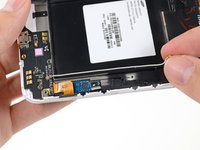
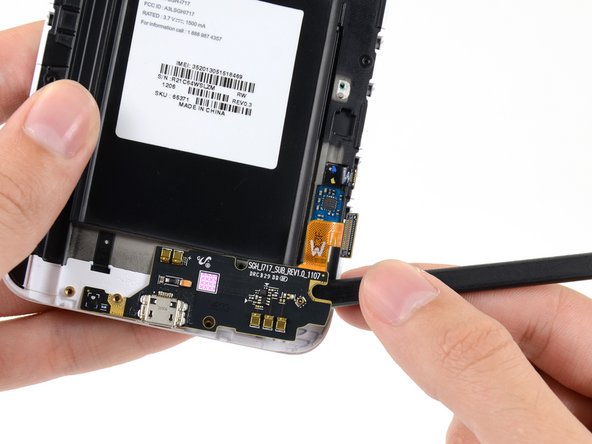
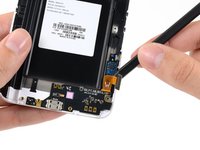
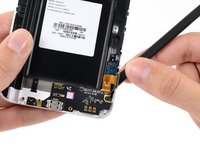
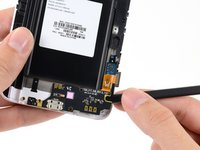
Spingi l'estremità piatta di uno spudger sotto la scheda USB per separarla dal gruppo schermo.
-
-


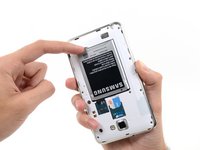
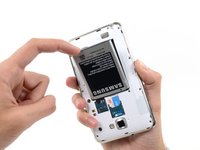


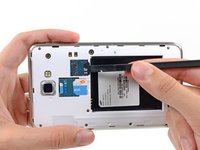
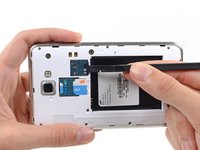











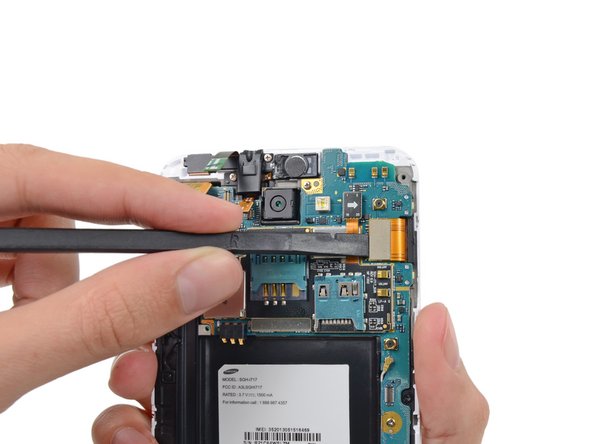


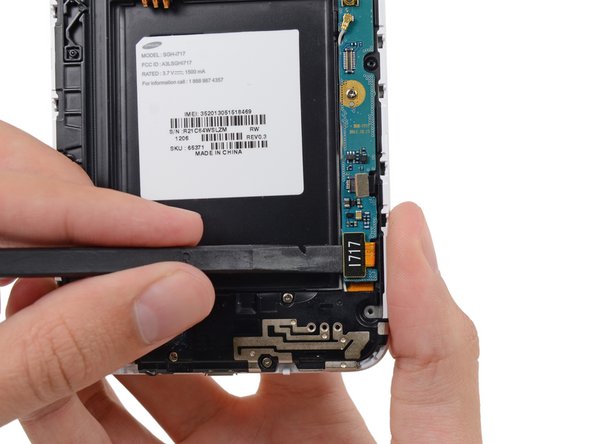
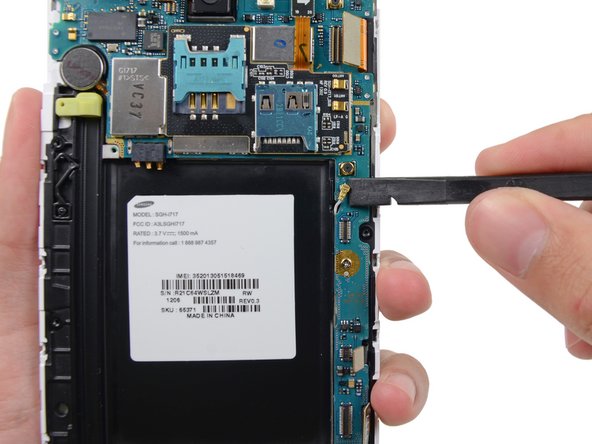
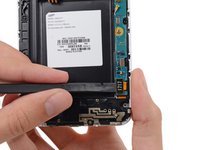
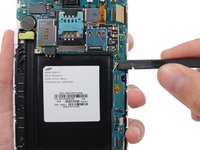


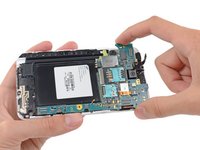
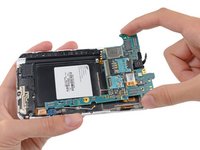




Per rimontare il dispositivo, segui queste istruzioni in ordine inverso.
Annulla: non ho completato questa guida.
Altre 51 persone hanno completato questa guida.


6Commenti sulla guida
It's not necessary to remove the motherboard (steps 17 and 18) to complete this repair. The flat flex running to the USB board can be easily slid out from under the motherboard with the motherboard still in position. Just omit steps 17 and 18 and the rest of the procedure works fine. I've done it twice.
Where in England could I buy the USB Board part?
USB board bought off ebay. Didnt need plastic opening tools, thumb nail worked easier than expected.
It's not the Galaxy Note GT-N7000!
