Introduzione
The keyboard is a vital component to the function of the unit. This guide will show to remove and replace the keyboard. Take care not to damage the keyboard when removed.
Cosa ti serve
-
-
-
Flip the device over.
-
Remove the four 10mm PH #2 screws by rotating the screwdriver counterclockwise, removing the screw from the housing completely.
 Chiedi a FixBot
-
-
-
Separate the two cover pieces carefully by pulling apart the two cover pieces away from each other.
-
-
-
-
-
-
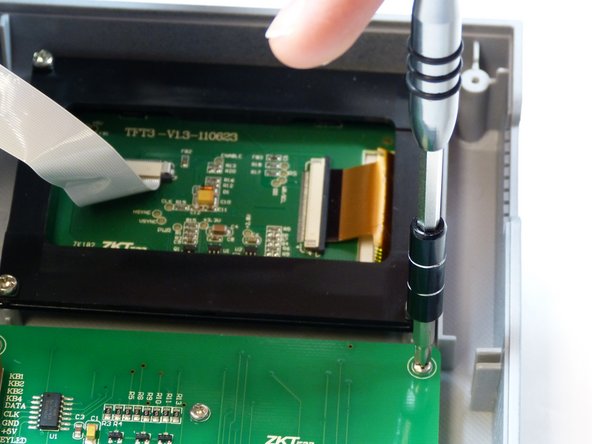
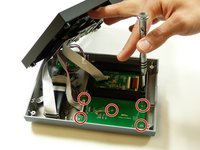
Remove the five 7mm PH #1 screws from the back of the keypad, by rotating the screw driver counter clockwise, removing the screw from the housing completely.
-
-
-
Remove the bundled cable connector from the keyboard by pulling the cable away from the connector in the same direction as the individual wires are running.
-
-



To reassemble your device, follow these instructions in reverse order.

Team

Idaho State University, Team S4-G1, Watkins Fall 2017 Membro di Idaho State University, Team S4-G1, Watkins Fall 2017
ISU-WATKINS-F17S4G1
3 Membri
10 guide realizzate
