Salta al contenuto principale
Unisciti alla Community delle riparazioni - Crea un account
iPhone 16e Screen Removal

Solo Prerequisita
Questa è una guida che contiene solo i prerequisiti! Questa guida fa parte di un'altra procedura e non è destinata ad essere utilizzata da sola.

Cosa ti serve

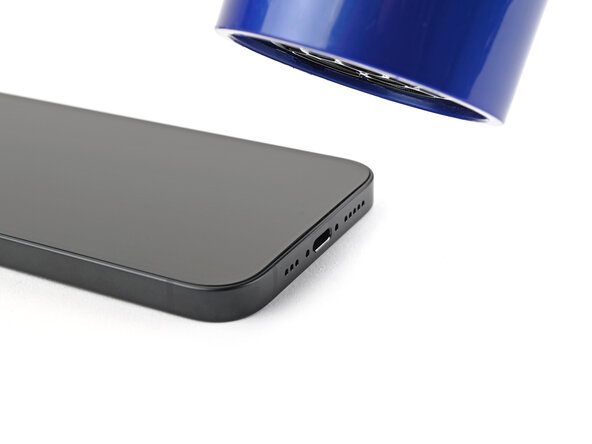
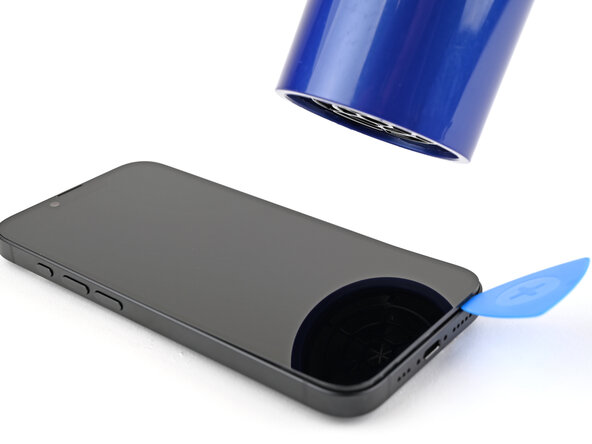
  1. iPhone 16e Screen Removal, Heat the bottom edge: passo 1, immagine 1 di 1
    Attrezzo utilizzato in questo passaggio:
    iOpener
    $14.99
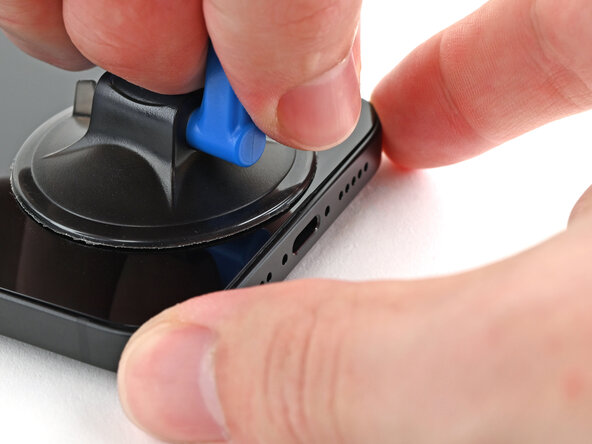
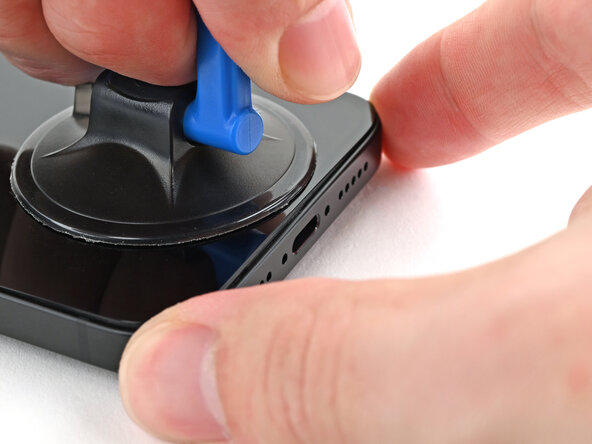
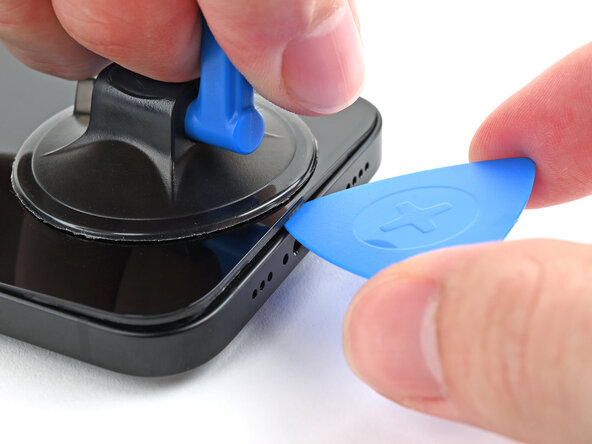
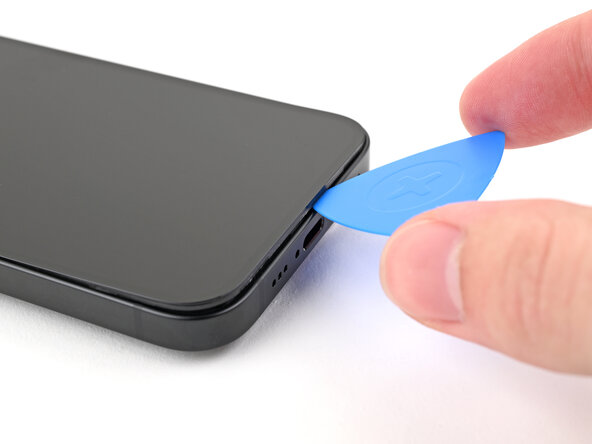
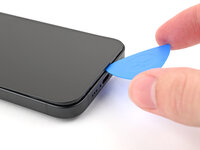
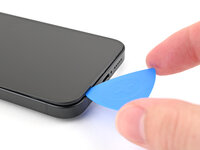
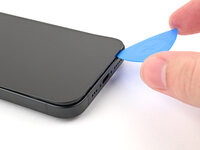
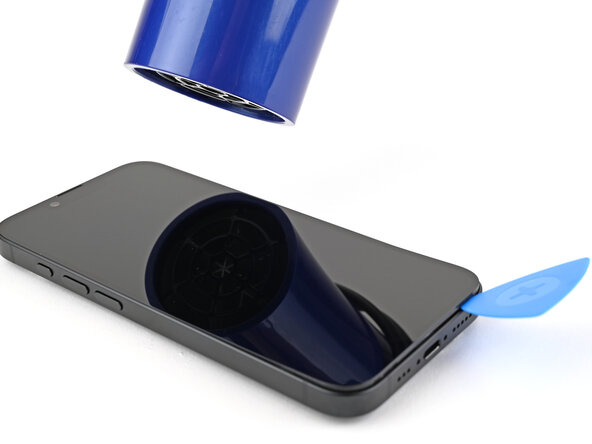
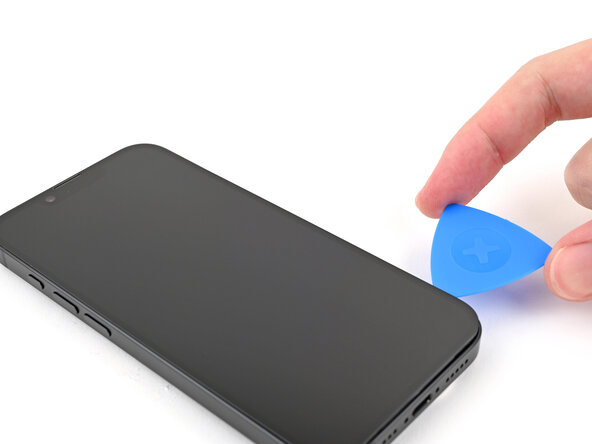
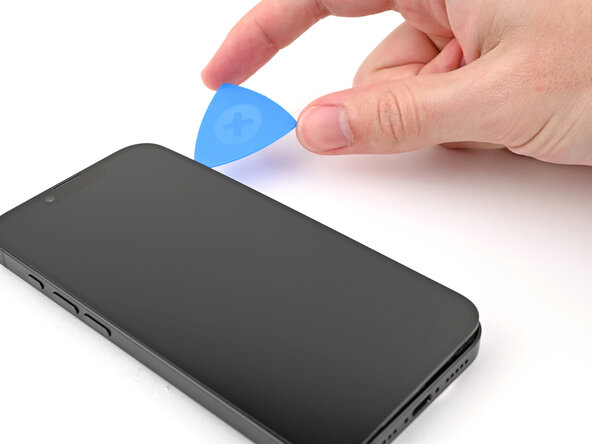
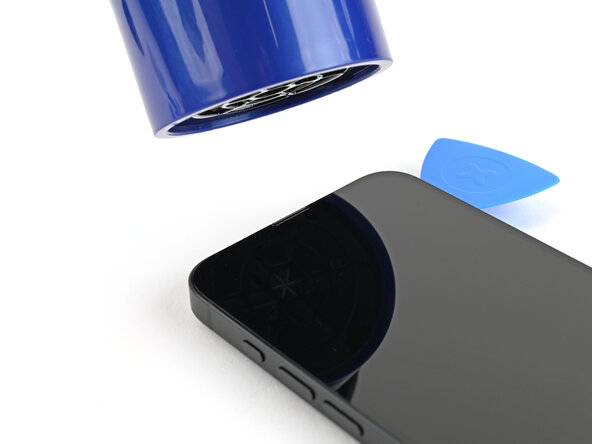
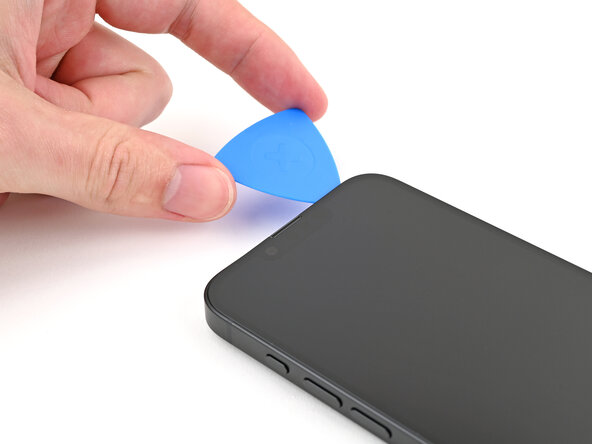
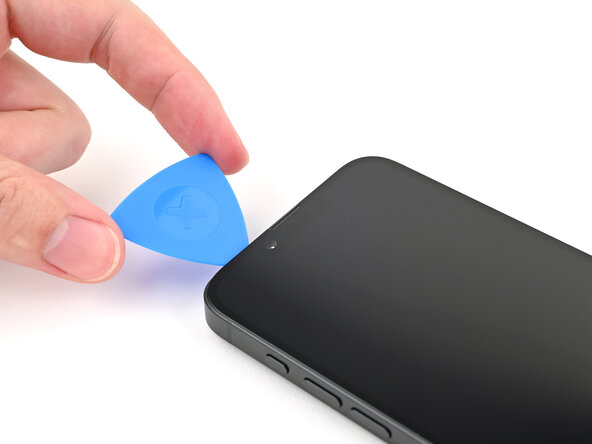
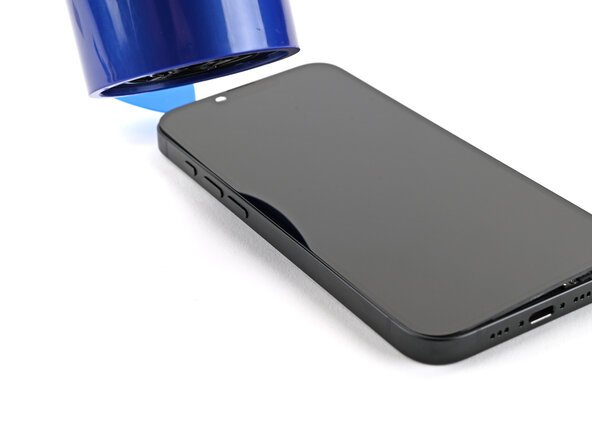
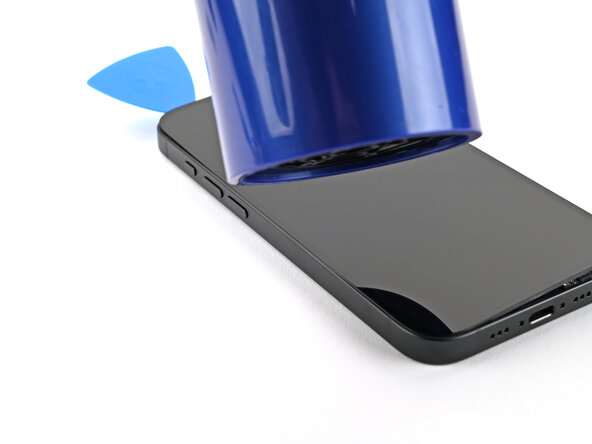
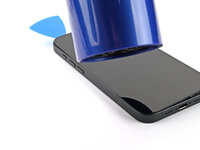
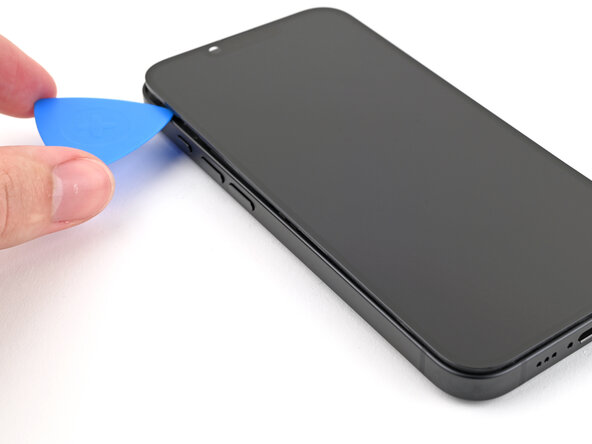
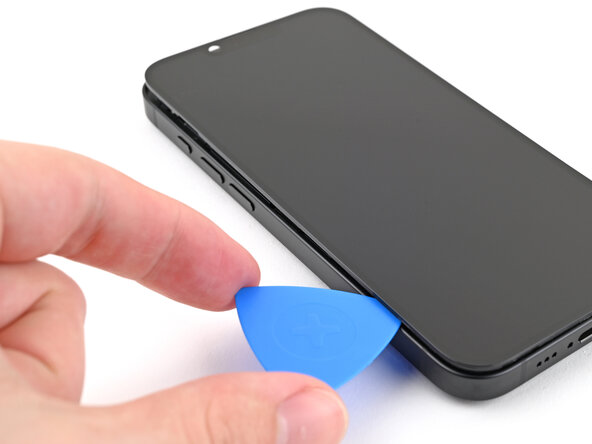
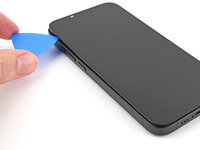
  2. iPhone 16e Screen Removal, Insert an opening pick: passo 2, immagine 1 di 3 iPhone 16e Screen Removal, Insert an opening pick: passo 2, immagine 2 di 3 iPhone 16e Screen Removal, Insert an opening pick: passo 2, immagine 3 di 3
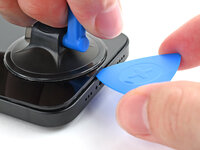
    • The screen consists of a display panel and a bezel. Make sure you insert the pick under the bezel, or you risk separating the two layers and destroying the screen.

    • Apply a suction handle to the bottom edge of the screen.

    • While holding the frame down with one hand, pull up on the handle with a strong, steady force to create a gap between the screen and the frame.

    • Insert the tip of an opening pick into the gap.

  3. iPhone 16e Screen Removal, Screen information: passo 3, immagine 1 di 2 iPhone 16e Screen Removal, Screen information: passo 3, immagine 2 di 2
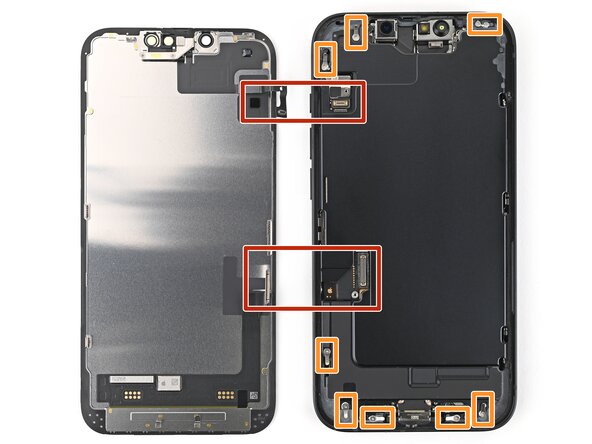
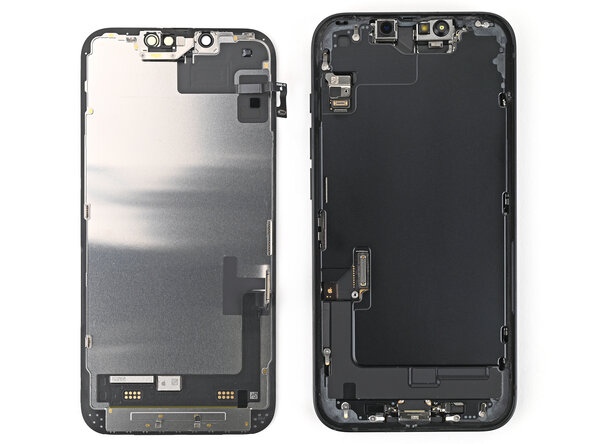
    • As you slice the adhesive securing the screen in the following steps, don't insert your pick deeper than 3 mm to avoid damaging the following areas:

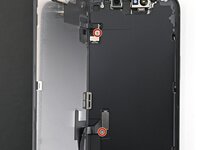
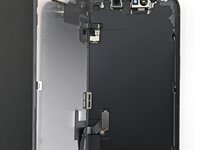
    • Two delicate cables connecting the screen to the phone—one next to the Action button and the other about halfway between the volume down button and the bottom of the phone.

    • Multiple spring contacts around the perimeter of the phone.

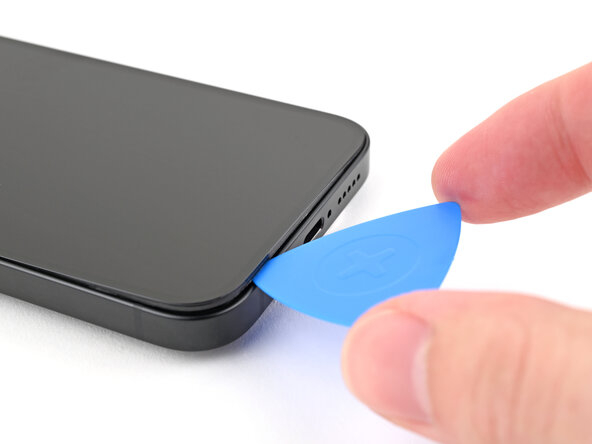
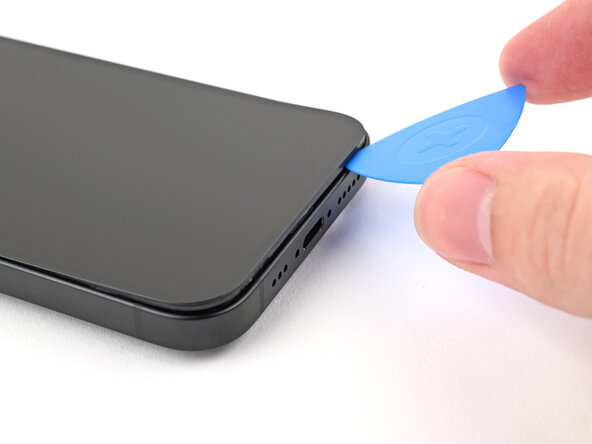
  4. iPhone 16e Screen Removal: passo 4, immagine 1 di 3 iPhone 16e Screen Removal: passo 4, immagine 2 di 3 iPhone 16e Screen Removal: passo 4, immagine 3 di 3
    • Slide the opening pick along the bottom edge to separate the adhesive.

    • Leave the opening pick in the bottom right corner.

  5. iPhone 16e Screen Removal, Heat the right edge: passo 5, immagine 1 di 2 iPhone 16e Screen Removal, Heat the right edge: passo 5, immagine 2 di 2
    • Heat the right edge of the screen until it's hot to the touch.

  6. iPhone 16e Screen Removal: passo 6, immagine 1 di 2 iPhone 16e Screen Removal: passo 6, immagine 2 di 2
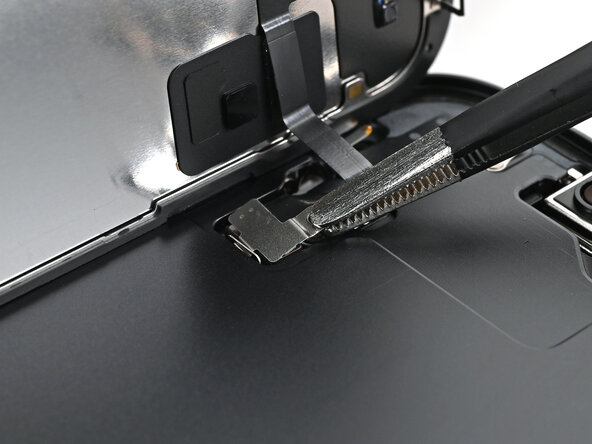
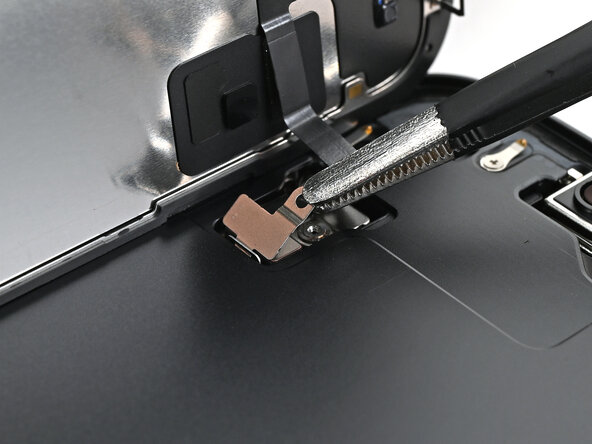
    • Slide your opening pick around the bottom right corner and up the right edge of the screen to separate the adhesive and release the metal clip.

    • You'll hear and feel the metal clip release as you pass it.

  7. iPhone 16e Screen Removal, Heat the top edge: passo 7, immagine 1 di 1
    • Heat the top edge of the screen until it's hot to the touch.

  8. iPhone 16e Screen Removal, Separate the top adhesive: passo 8, immagine 1 di 2 iPhone 16e Screen Removal, Separate the top adhesive: passo 8, immagine 2 di 2
    • Continue sliding your pick around the top right corner and across the top edge to separate the adhesive and release the two metal clips.

  9. iPhone 16e Screen Removal, Heat the left edge: passo 9, immagine 1 di 2 iPhone 16e Screen Removal, Heat the left edge: passo 9, immagine 2 di 2
    • Heat the left edge of the screen until it's hot to the touch.

  10. iPhone 16e Screen Removal, Separate the left adhesive: passo 10, immagine 1 di 2 iPhone 16e Screen Removal, Separate the left adhesive: passo 10, immagine 2 di 2
    • Slide the opening pick down the left edge of the screen to separate the remaining adhesive and release the last two metal clips.

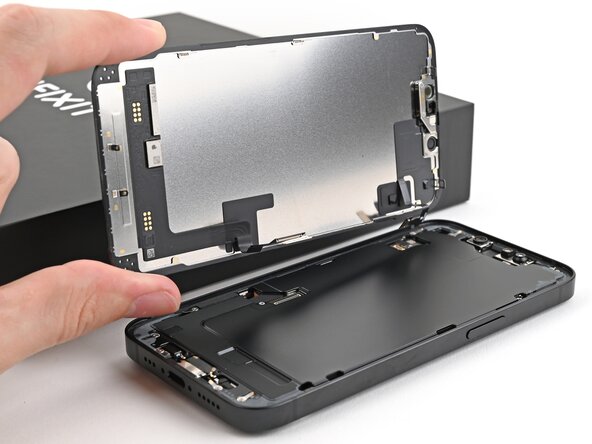
  11. iPhone 16e Screen Removal, Prop up the screen: passo 11, immagine 1 di 3 iPhone 16e Screen Removal, Prop up the screen: passo 11, immagine 2 di 3 iPhone 16e Screen Removal, Prop up the screen: passo 11, immagine 3 di 3
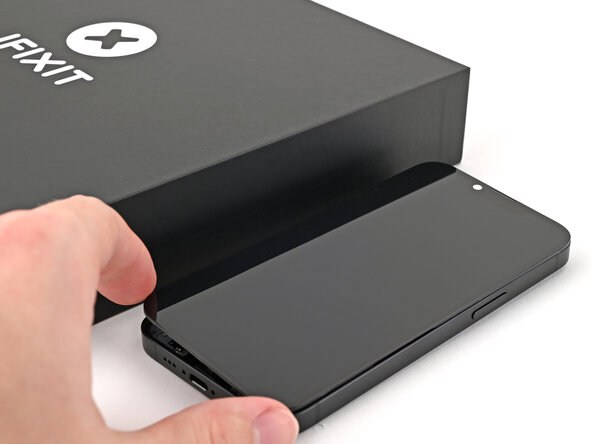
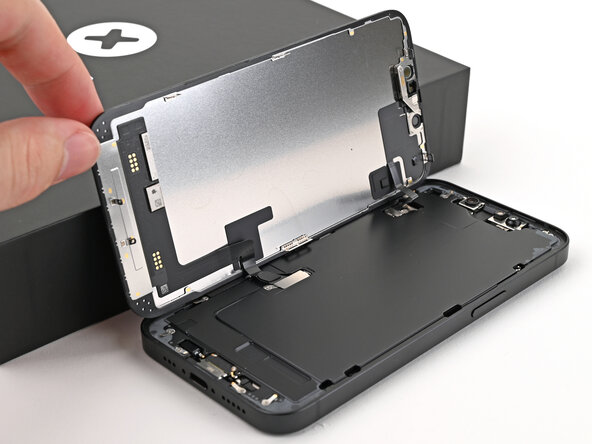
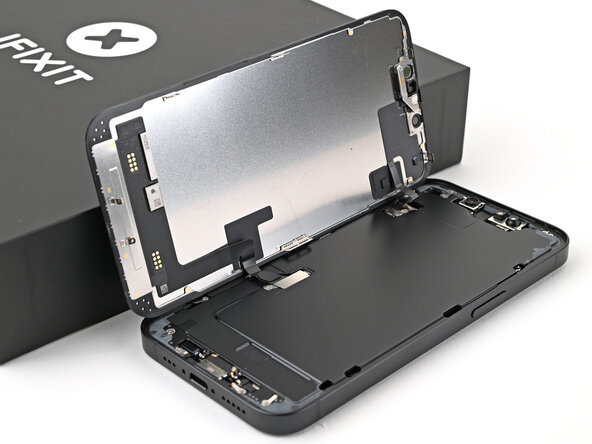
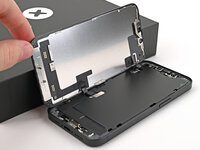
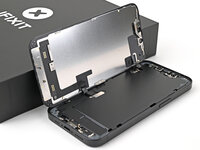
    • At this point, the screen should be free from the frame. If the screen feels stuck, go back around the perimeter with your pick to check for missed sections of adhesive or stuck clips.

    • Swing open the screen over the left edge of the phone and support it with a clean, sturdy object.

  12. iPhone 16e Screen Removal, Remove the cover screws: passo 12, immagine 1 di 2 iPhone 16e Screen Removal, Remove the cover screws: passo 12, immagine 2 di 2
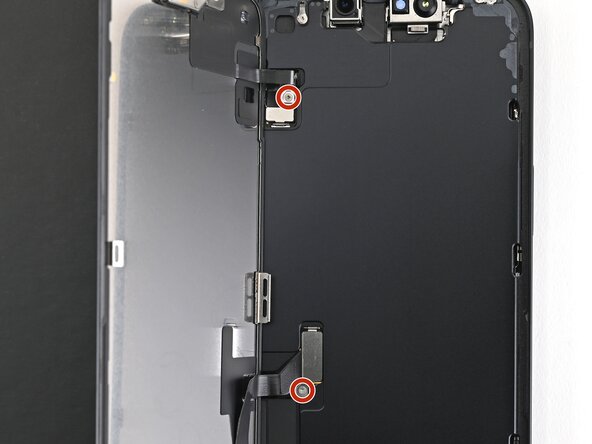
    • Use a tri-point Y000 screwdriver to remove the two 0.9 mm‑long screws securing the front sensor connector and screen connector covers.

  13. iPhone 16e Screen Removal, Remove the covers: passo 13, immagine 1 di 3 iPhone 16e Screen Removal, Remove the covers: passo 13, immagine 2 di 3 iPhone 16e Screen Removal, Remove the covers: passo 13, immagine 3 di 3
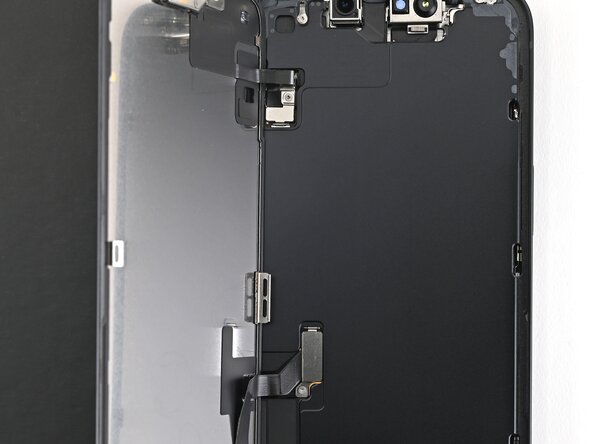
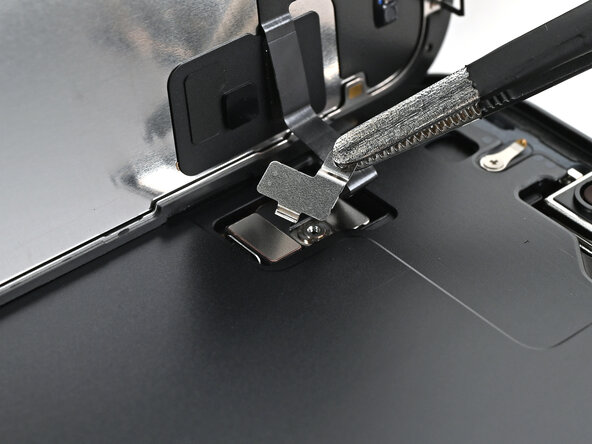
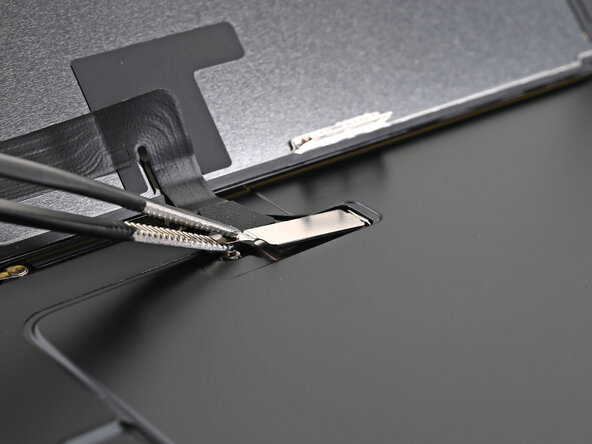
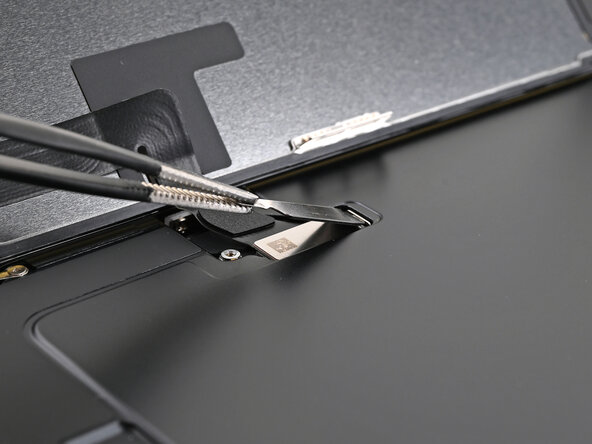
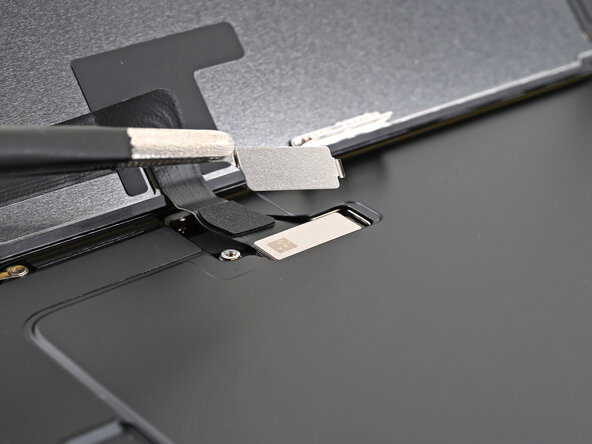
    • Use tweezers or your fingers to lift the front sensor cover to a 90-degree angle and unhook it from its slot in the logic board.

    • Lift the cover out of its slot and remove it.

  14. iPhone 16e Screen Removal: passo 14, immagine 1 di 3 iPhone 16e Screen Removal: passo 14, immagine 2 di 3 iPhone 16e Screen Removal: passo 14, immagine 3 di 3
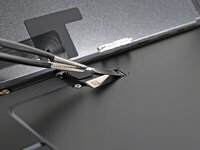
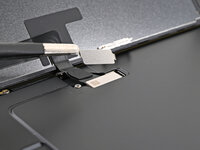
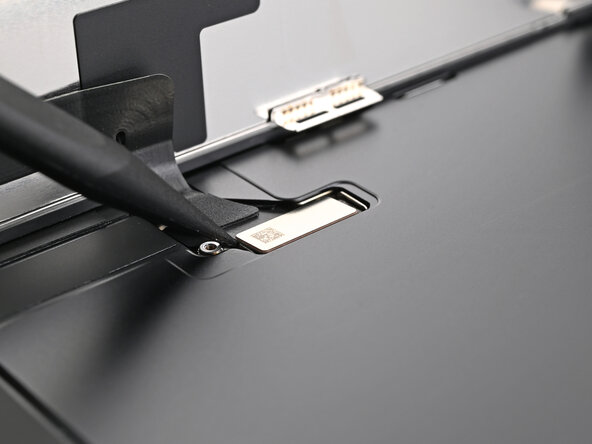
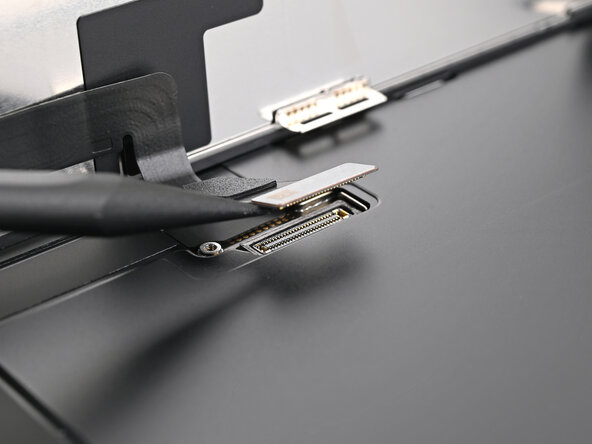
    • Use tweezers or your fingers to lift the screen connector cover at a slight angle to unhook it from its slot in the logic board.

    • Lift the cover out of its slot and remove it.

  15. iPhone 16e Screen Removal, Disconnect the screen: passo 15, immagine 1 di 3 iPhone 16e Screen Removal, Disconnect the screen: passo 15, immagine 2 di 3 iPhone 16e Screen Removal, Disconnect the screen: passo 15, immagine 3 di 3
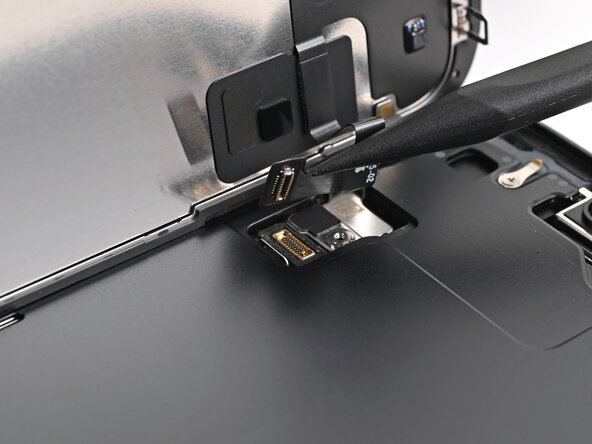
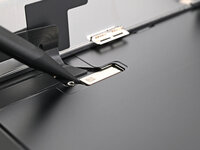
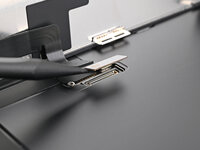
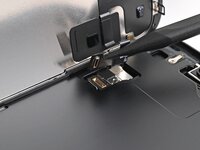
    • Use the tip of a spudger to pry up and disconnect the screen press connector.

    • Repeat for the front sensor press connector.

  16. iPhone 16e Screen Removal, Remove the screen: passo 16, immagine 1 di 1
    • Lift the screen off the frame and remove it.

Conclusione

To reassemble your device, follow these instructions in reverse order.

Alex Diaz-Kokaisl

Membro da: 01/16/22

220.455 Reputazione

1.066 Guide realizzate

Team

iFixit Membro di iFixit

Staff

124 Membri

24.170 Guide realizzate

0Commenti sulla guida

Aggiungi Commento

Visualizza Statistiche:

Ultime 24 Ore: 0

Ultimi 7 Giorni: 1

Ultimi 30 Giorni: 11

Tutti i Tempi: 69