Introduzione
Are you finding it more difficult to monitor your child closely because of issues with the camera feature on your YOTON YB02 baby monitor? This thorough guide is intended to assist you in resolving any issues with the camera unit by guiding you through the many processes of troubleshooting and potential fixes. Regardless of the issue—poor video quality, inconsistent performance, or outright camera failure, we can help you get back to a smooth operation. Make sure to look for any manufacture recommended troubleshooting steps before getting started.
Cosa ti serve
-
-
-
Use a Phillips #0 screwdriver to remove the single 7 mm screw from the back of the panel from the camera.
 Chiedi a FixBot
-
-
-
-
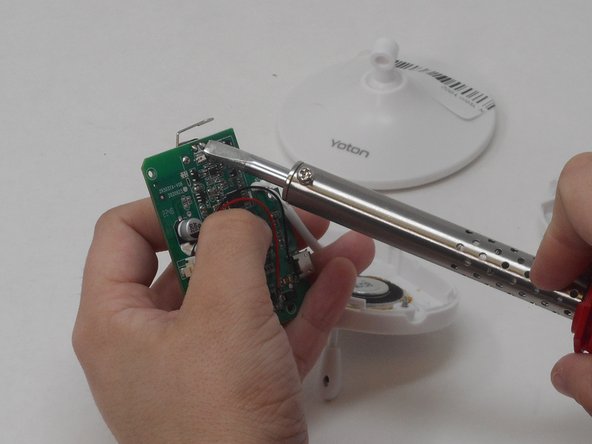
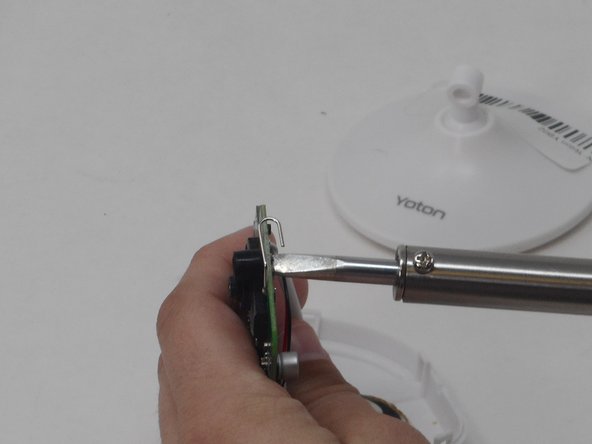
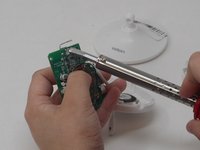
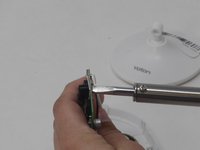
With the soldering iron, desolder the pins holding the camera in place onto the motherboard on the other side of the motherboard.
-
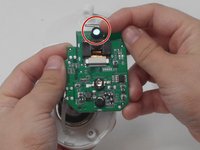
Carefully pry off the camera with your hands.
-
-


To reassemble your device, follow these instructions in reverse order.

Team

University of Memphis, Team 4-3, Sneed Spring 2024 Membro di University of Memphis, Team 4-3, Sneed Spring 2024
UM-SNEED-S24S4G3
4 Membri
6 guide realizzate
