Introduzione
This is the replacement guide for the motherboard in the Microsoft Xbox.
Cosa ti serve
-
-
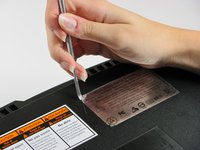
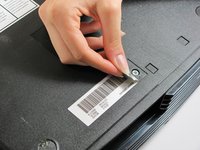
You can either remove the labels or simply feel for the screw holes through the labels and then cut or punch a hole through them.
-
-
-
Remove the six T20 Torx screws securing the top cover to the bottom cover.
-
-
-
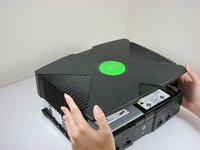
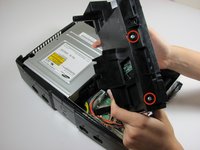
Once the bottom and top shells are no longer attached, carefully turn the Xbox right-side-up, lift and remove the top cover.
-
-
-
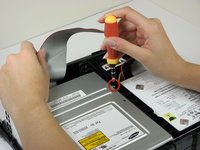
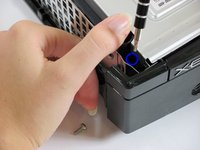
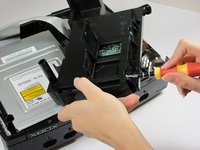
Remove the three 3 mm T10 screws securing the hard drive to the Xbox.
-
-
-
-
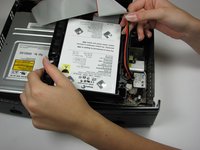
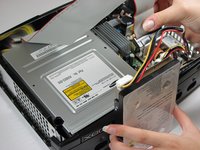
Free the hard drive power cable from the carrier for sufficient slack to lift the hard drive out.
-
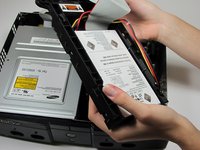
Lift the plastic hard drive carrier out of the Xbox case.
-
-
-
Remove the four 3.4 mm T15 Torx screws from the plastic hard drive carrier (two screws per side).
-
Carefully remove the hard drive from the plastic carrier. Gentle rocking will see the hard drive come out quite easily.
-
-
-
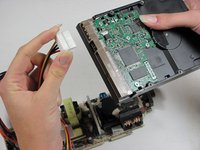
Pull both the hard drive data ribbon cable and the power cable straight up from the hard drive.
-
-
-
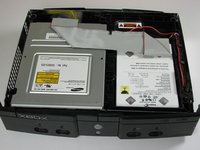
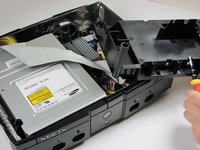
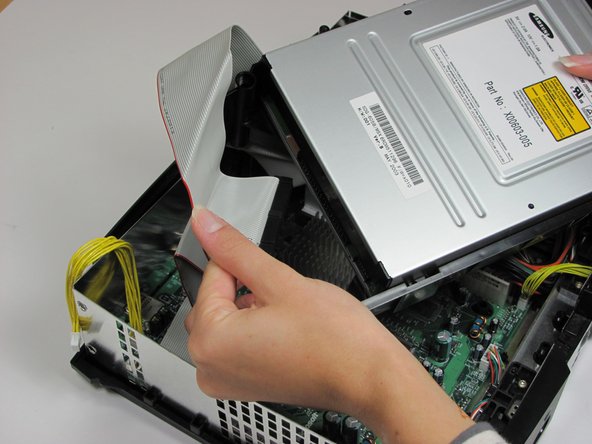
Remove the disk drive. It should come right out.
-
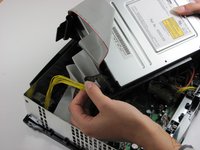
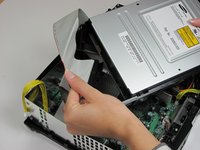
Unplug the ribbon cable and yellow cables from back of disk drive.
-
-
-
Pry back the black plastic tabs around the disk drive in order to remove it from its housing. Once removed, set the drive aside.
-
-
-
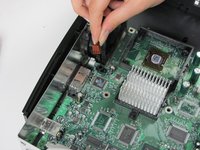
Unplug the multi-colored power cord from the motherboard. It is in there pretty tightly, so it may take some effort.
-
-
-
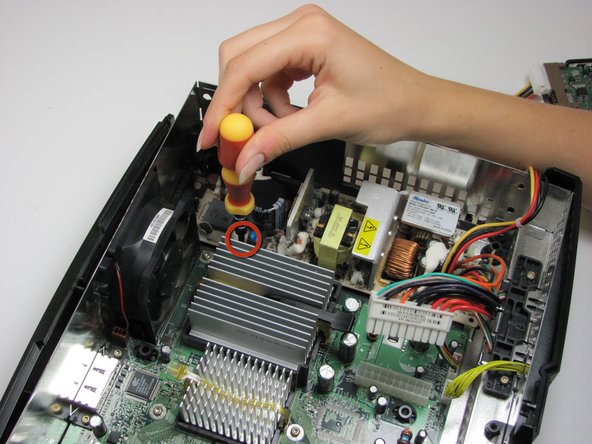
Using T10 Torx screwdriver, remove two 3mm screws from the tan power supply board.
-
-
-
Remove the power supply and set it aside. It should lift right out.
-
-
-
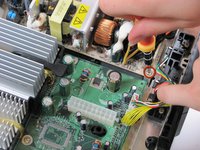
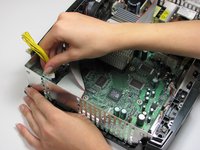
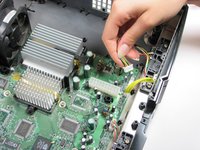
Unplug the bundle of yellow cables as well as the rainbow cord from the motherboard.
-
-
-
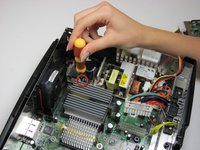
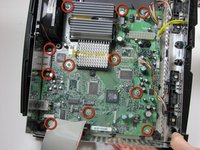
Remove eleven 3mm screws from motherboard, using a T10 Torx screwdriver. Refer to the picture to find all eleven.
-
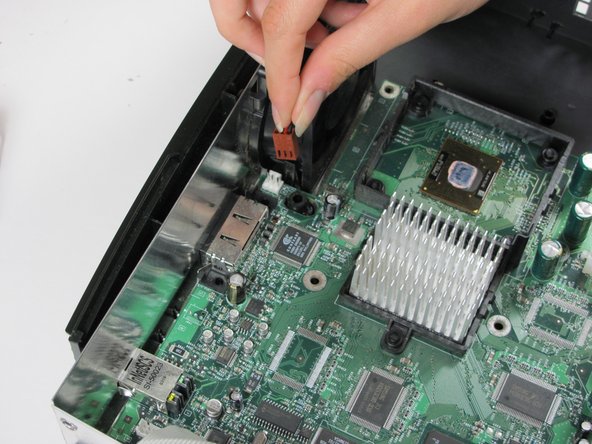
Unplug the power cable attached to the fan.
-
-
-
Remove the motherboard from the Xbox. As long as all of the screws are out and the fan is disconnected, it will lift out easily.
-

 Chiedi a FixBot




















To reassemble your device, follow these instructions in reverse order.
Annulla: non ho completato questa guida.
Altre 50 persone hanno completato questa guida.

Team

Cal Poly, Team 18-2, Maness Fall 2009 Membro di Cal Poly, Team 18-2, Maness Fall 2009
CPSU-MANESS-F09S18G2
3 Membri
26 guide realizzate
6Commenti sulla guida
http://www.ebay.com/gds/How-To-Determine...
Utilize the information on this website to determine what Xbox version you have so you know what replacement parts to look for.
What about the key lock between the HDD and original motherboard? Wouldn't you get an error message installing a new motherboard?
