Introduzione
Frequent use can damage or jam the buttons on the Cintiq 24HD over time. You can not properly adjust the display of the Cintiq 24HD without the buttons . This guide will walk you through replacing the display control buttons on the Cintiq 24HD.
Cosa ti serve
-
-
-
Unplug any cables from the USB, power, display or DVI-D ports by gripping the cord by the connector and pulling straight out of the port.
 Chiedi a FixBot
-
-
-
Place the device screen down on a flat surface.
-
Remove eight 10mm Phillips #2 screws (four on each leg of the stand) by turning the screwdriver counterclockwise.
-
-
-
Lift the stand up and away from the rest of the device so the legs separate from the mounting plate.
-
-
-
-
-
-
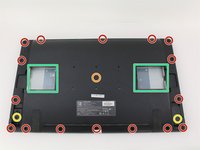
Remove eighteen 10.2mm Phillips #1 screws from the perimeter of the back panel by turning the screwdriver counterclockwise.
-
Remove one 11.9mm Phillips #1 screw from the center of the back panel.
-
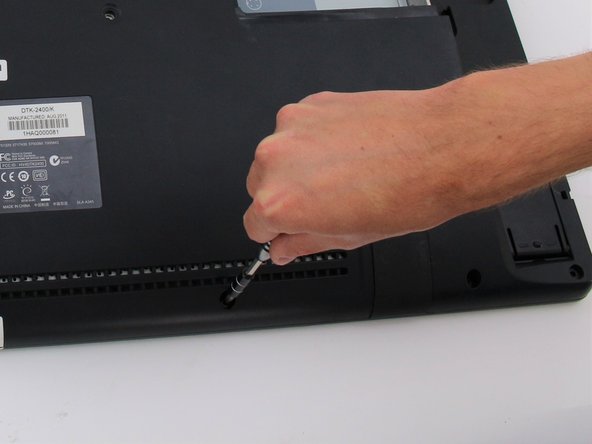
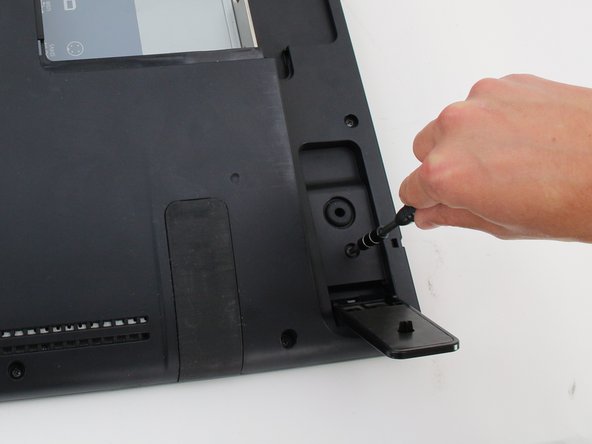
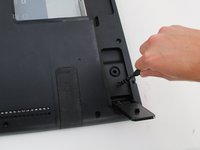
Remove two 10.2mm Phillips #1 screws from underneath hinged panels in the bottom right and left corners.
-
-
-
Lift the back panel up by a corner and insert a plastic opening tool in the gap.
-
Slide the tool along the gap around the perimeter of the device while lifting to unlatch the back panel.
-
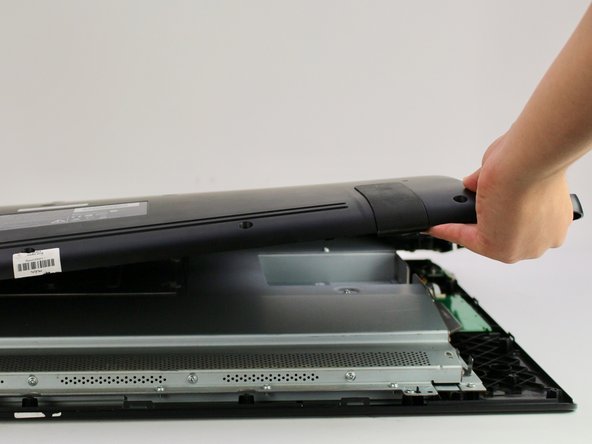
Remove the panel by lifting it up and off of the device.
-
-
-
-
-
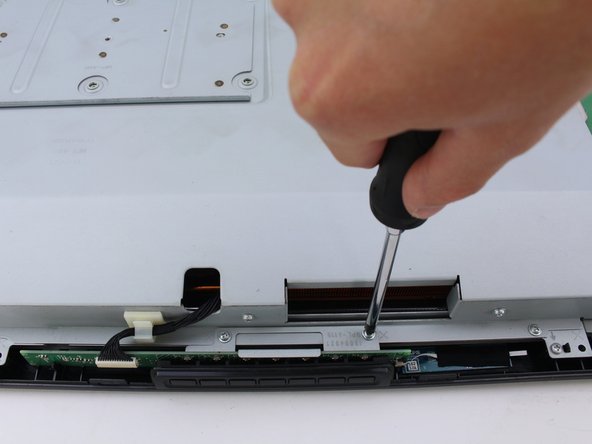
Remove the two 8mm screws from the metal button plate using a Phillips #2 screwdriver and by turning clockwise.
-
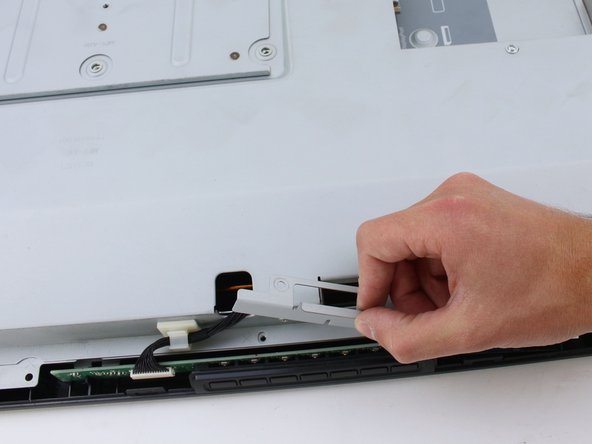
Remove metal holding plate by lifting up and off of the button board.
-
-
-
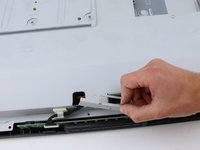
Remove the button board by pinching the wiring close to the connector and gently pulling straight out from the port.
-
-
-
Remove the button cover by pushing the buttons out of their holes and pulling the cover up.
-
-






To reassemble your device, follow these instructions in reverse order.
Annulla: non ho completato questa guida.
Altre 2 persone hanno completato questa guida.

Team

Cal Poly, Team S15-G3, White Fall 2018 Membro di Cal Poly, Team S15-G3, White Fall 2018
CPSU-WHITE-F18S15G3
4 Membri
18 guide realizzate
