Introduzione
If your watch will not turn on there is a chance that your master switch is stuck or not functioning properly. The following guide will show you how to replace one of the most essential buttons on the Vtech Kidizoom Smart Watch DX.
Cosa ti serve
-
-
-
Begin by flipping the watch over with its back facing upwards.
 Chiedi a FixBot
-
-
-
Next, use the Phillips #00 screwdriver to unscrew the four 6.0 mm screws located in each corner of the watch to remove the backplate.
-
-
-
-
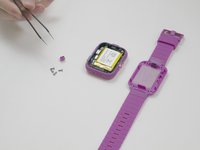
After removing the backplate, lift the master switch up from the circuit board.
-
-


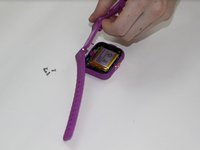
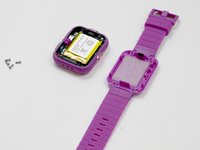


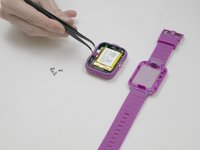
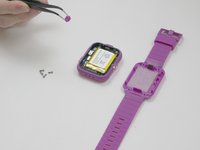
To reassemble your device, follow these instructions in reverse order.
Annulla: non ho completato questa guida.
Altre 4 persone hanno completato questa guida.

Team

UMass Dartmouth, Team S3-G5, Peak Fall 2018 Membro di UMass Dartmouth, Team S3-G5, Peak Fall 2018
UMASSD-PEAK-F18S3G5
4 Membri
56 guide realizzate
