Introduzione
This guide will demonstrate how to remove and replace the face plate of your Turtle Beach Recon.
The face plate supports the front components of your Turtle Beach Recon, including the front buttons and joystick caps. If it appears to be broken or exposed to water, it may need to be removed or replaced.
Cosa ti serve
-
-
Use a Phillips #00 screwdriver to remove seven 10 mm screws from the back plate.
 Chiedi a FixBot
-
-
-
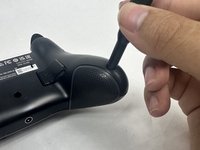
Use an opening tool to separate the back plate from the grips of your Turtle Beach Recon.
-
Use your fingers to remove the back plate from the body of your Turtle Beach Recon.
-
-
-
-
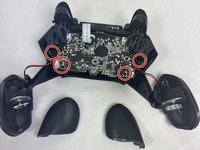
Remove the four 10 mm screws from the motherboard using a Phillips #00 screwdriver.
-
-
-
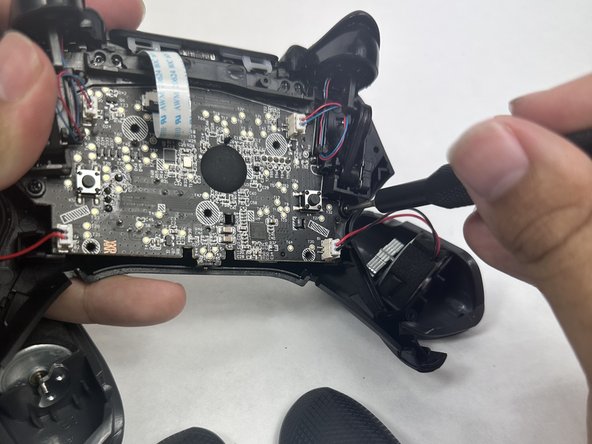
Use your fingers to grab the motherboard.
-
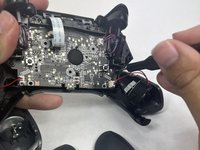
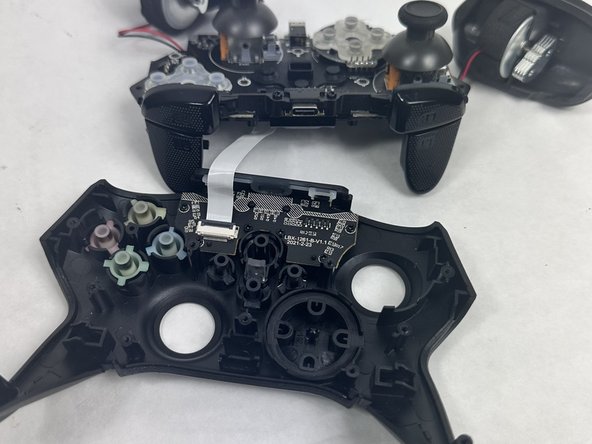
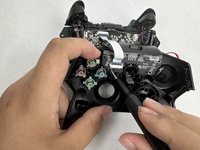
Gently pull the motherboard and joystick caps away from the face plate.
-
-
-
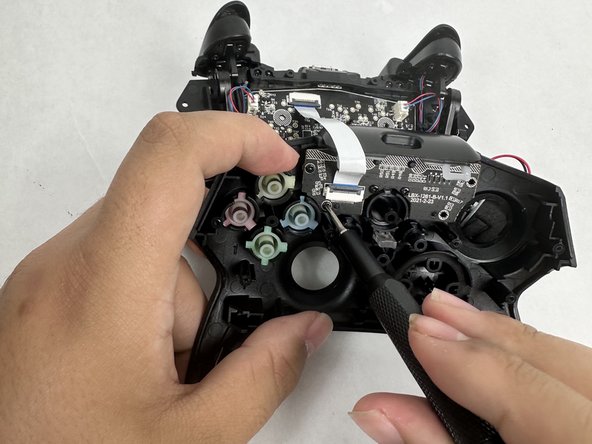
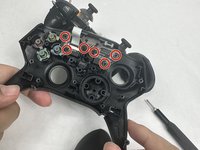
Use a Phillips #00 screwdriver to remove six 10 mm screws from the motherboard.
-






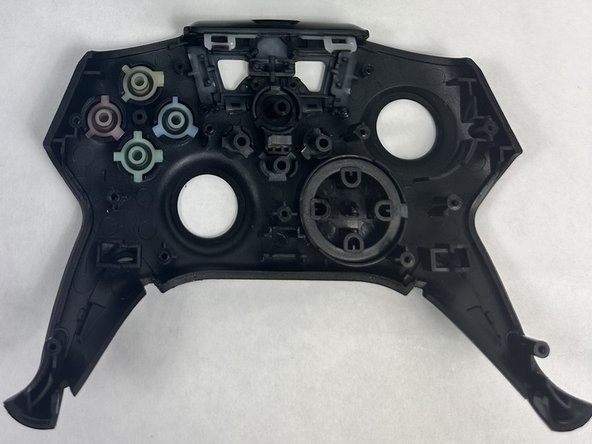
To reassemble your device, follow these instructions in reverse order.
Annulla: non ho completato questa guida.
Un'altra persona ha completato questa guida.

Team

UMass Dartmouth, Team 6-1, Botvin Spring 2024 Membro di UMass Dartmouth, Team 6-1, Botvin Spring 2024
UMASSD-BOTVIN-S24S6G1
3 Membri
5 guide realizzate
