Salta al contenuto principale
Unisciti alla Community delle riparazioni - Crea un account

Toshiba Encore Mini Screen Replacement

Cosa ti serve

    1. Toshiba Encore Mini Screen Replacement, Battery: passo 1, immagine 1 di 2 Toshiba Encore Mini Screen Replacement, Battery: passo 1, immagine 2 di 2
      • To replace the battery, the rear cover must first be removed.

      • Using the flat end of the spudger, gently pry open the back case from the rest of the device.

      • It may be easier to start along one of the long edges and carefully work your way toward the corner, then along the short edge.

      Chiedi a FixBot

      Aggiungi Commento

    2. Toshiba Encore Mini Screen Replacement: passo 2, immagine 1 di 1
      • Remove the rear cover and set it aside.

      Chiedi a FixBot

      Aggiungi Commento

    3. Toshiba Encore Mini Screen Replacement: passo 3, immagine 1 di 1
      • Carefully remove the electrical tape that holds the battery in place.

      Chiedi a FixBot

      Aggiungi Commento

    4. Toshiba Encore Mini Screen Replacement: passo 4, immagine 1 di 2 Toshiba Encore Mini Screen Replacement: passo 4, immagine 2 di 2
      Strumento utilizzato in questo passaggio:
      Tweezers
      $4.99
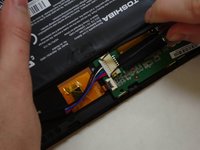
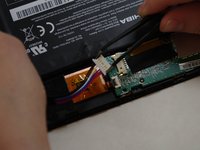
      • Using needle-nose tweezers, gently push the large white wire connector (connected to the black, red and blue wires) out of its housing.

      Chiedi a FixBot

      Aggiungi Commento

    5. Toshiba Encore Mini Screen Replacement: passo 5, immagine 1 di 1
      • Gently lift the battery out of the device.

      • Be careful not to pull on the connecting wires.

      Chiedi a FixBot

      Aggiungi Commento

    1. Toshiba Encore Mini Screen Replacement, Screen: passo 6, immagine 1 di 3 Toshiba Encore Mini Screen Replacement, Screen: passo 6, immagine 2 di 3 Toshiba Encore Mini Screen Replacement, Screen: passo 6, immagine 3 di 3
      Strumento utilizzato in questo passaggio:
      Tweezers
      $4.99
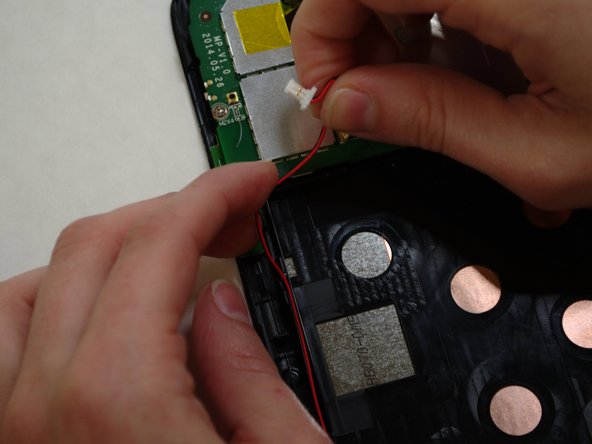
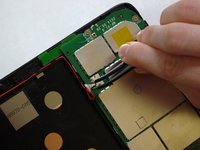
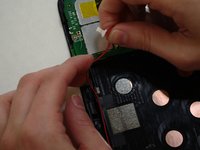
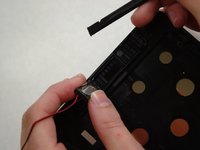
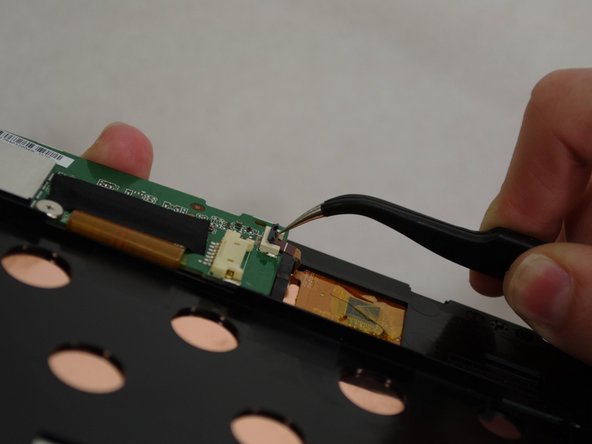
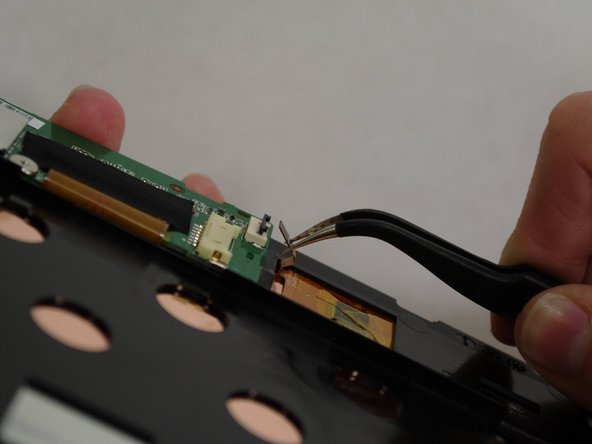
      • The audio module must be removed to replace the screen.

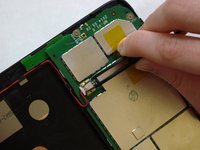
      • Using needle-nose tweezers, carefully push the small white wire connector (red/black wires) out of its housing.

      • Gently remove red/black wire strands from the clips holding them to the back of the screen.

      Chiedi a FixBot

      Aggiungi Commento

    2. Toshiba Encore Mini Screen Replacement: passo 7, immagine 1 di 2 Toshiba Encore Mini Screen Replacement: passo 7, immagine 2 di 2
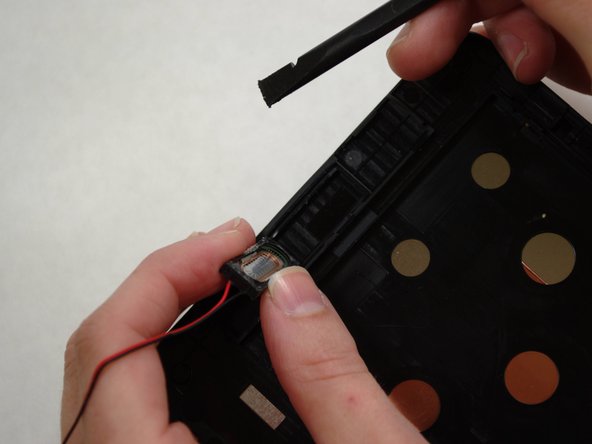
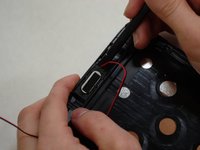
      • Gently pry audio module from the back of the screen using tweezers and spudger. Be careful not to pull on the wires.

      • Adhesive on the bottom of the speaker module may make it difficult to remove.

      • Set the audio module and attached wire aside.

      Chiedi a FixBot

      Aggiungi Commento

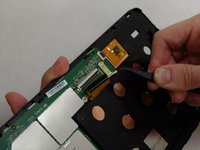
    3. Toshiba Encore Mini Screen Replacement: passo 8, immagine 1 di 3 Toshiba Encore Mini Screen Replacement: passo 8, immagine 2 di 3 Toshiba Encore Mini Screen Replacement: passo 8, immagine 3 di 3
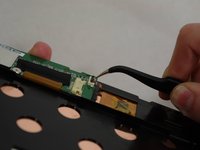
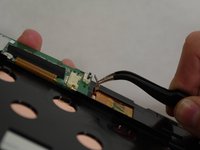
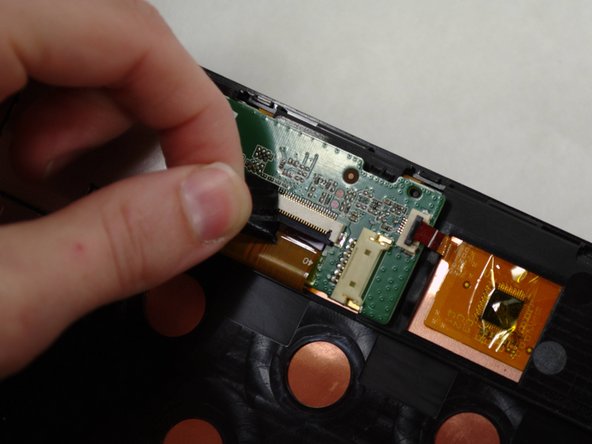
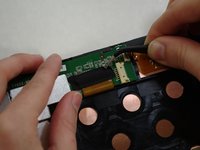
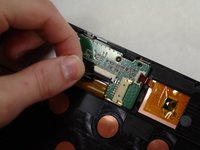
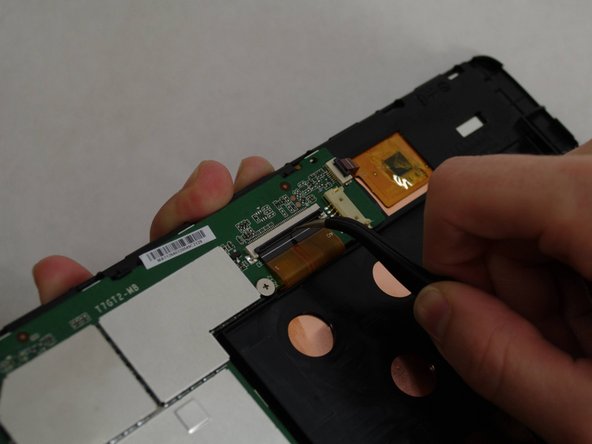
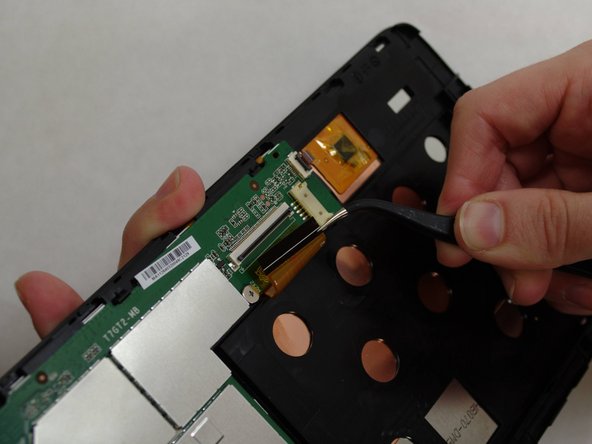
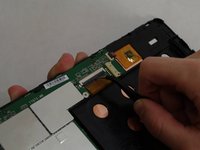
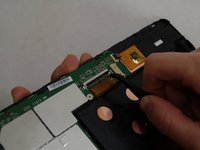
      • Using needle-nose tweezers, carefully flip up the dark gray cover on the right of the device holding the small orange/gold ribbon in place. (It is approximately 1/4" wide.)

      • With the tweezers, carefully pull the small ribbon out of its housing. It will stay attached to the device at the other end.

      Chiedi a FixBot

      Aggiungi Commento

    4. Toshiba Encore Mini Screen Replacement: passo 9, immagine 1 di 2 Toshiba Encore Mini Screen Replacement: passo 9, immagine 2 di 2
      • A wide orange/gold ribbon connects the screen to the motherboard. (Ribbon is approximately 1" wide.)

      • Carefully pull the black tape off the ribbon housing and set it aside. You will need to replace the tape when reassembling the device.

      Chiedi a FixBot

      Aggiungi Commento

    5. Toshiba Encore Mini Screen Replacement: passo 10, immagine 1 di 3 Toshiba Encore Mini Screen Replacement: passo 10, immagine 2 di 3 Toshiba Encore Mini Screen Replacement: passo 10, immagine 3 di 3
      • Damaging this ribbon will permanently disable your device!

      • Using needle-nose tweezers, carefully flip up the dark gray cover.

      • With the tweezers, carefully pull the wide ribbon from its housing. It will stay attached to the device at the other end.

      Chiedi a FixBot

      Aggiungi Commento

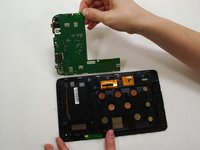
    6. Toshiba Encore Mini Screen Replacement: passo 11, immagine 1 di 3 Toshiba Encore Mini Screen Replacement: passo 11, immagine 2 di 3 Toshiba Encore Mini Screen Replacement: passo 11, immagine 3 di 3
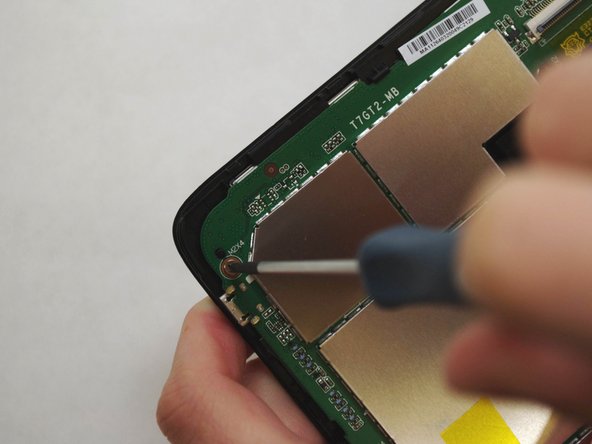
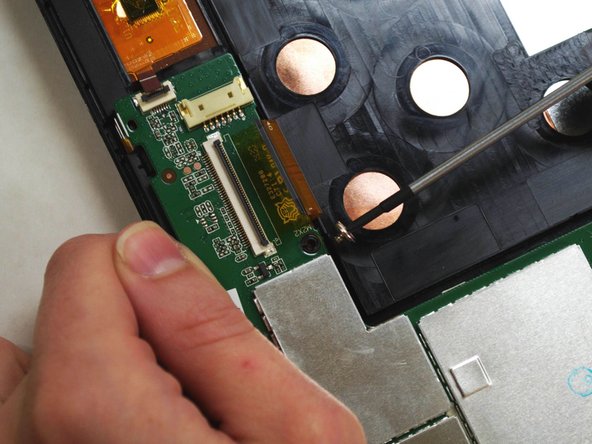
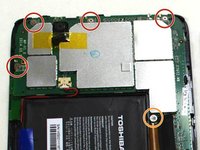
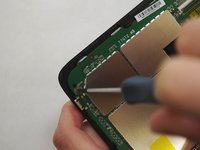
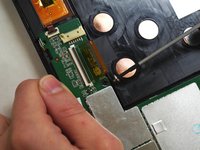
      • Using a Phillips 000 screwdriver, remove the screws holding components together.

      • Remove four 4.2 mm Phillips screws

      • Remove one 3 mm Phillips screw

      Chiedi a FixBot

      Aggiungi Commento

    7. Toshiba Encore Mini Screen Replacement: passo 12, immagine 1 di 2 Toshiba Encore Mini Screen Replacement: passo 12, immagine 2 di 2
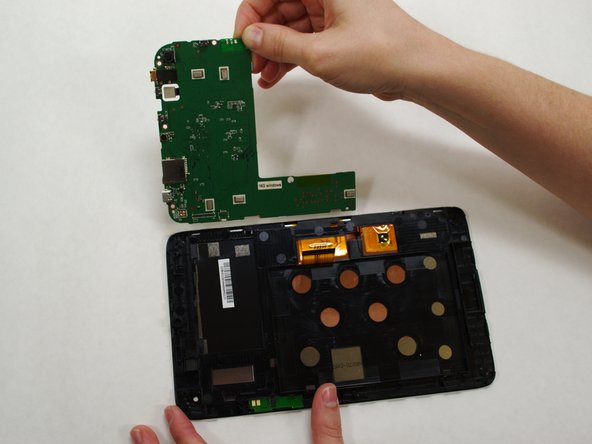
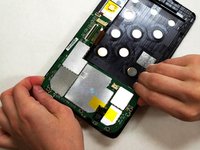
      • Holding the motherboard carefully by the edges, gently lift it up off the screen and carefully set it aside.

      • The motherboard may resist as you try to lift it --this is normal.

      Chiedi a FixBot

      Aggiungi Commento

    8. Toshiba Encore Mini Screen Replacement: passo 13, immagine 1 di 1
      • Now that your screen is detached from the rest of the device components, it is ready to be replaced.

      Chiedi a FixBot

      Aggiungi Commento

Conclusione

To reassemble your device, follow these instructions in reverse order.

Annulla: non ho completato questa guida.

Christine co

Membro da: 07/09/15

131 Reputazione

Una guida realizzata

Team

UW Tacoma, Team 1-3, Liner SU 2015 Membro di UW Tacoma, Team 1-3, Liner SU 2015

UWT-LINER-SU15S1G3

4 Membri

6 guide realizzate

1Commento della guida

What is the small orange/gold ribbon in step 8 used for? I'm assuming that it's what registers touches on the screen because my tablet isn't reading my touches. I ask this because the dark grey bar on my tablet has been broken off, so there's nothing to hold the ribbon in place, and I can't do anything on my tablet because it won't respond to me touching it.

Gregory Banks - Rispondi Condividi
Aggiungi Commento

Visualizza statistiche:

Ultime 24 ore: 3

Ultimi 7 giorni: 5

Ultimi 30 giorni: 31

Tutti i Tempi: 1,814