Salta al contenuto principale
Unisciti alla Community delle riparazioni - Crea un account

TomTom One XL Screen Replacement

Cosa ti serve

  1. TomTom One XL Screen Replacement, Back Panel: passo 1, immagine 1 di 2 TomTom One XL Screen Replacement, Back Panel: passo 1, immagine 2 di 2
    • Remove the 4 .4mm screws on the back of the device.

    Chiedi a FixBot
  2. TomTom One XL Screen Replacement: passo 2, immagine 1 di 1
    • Using the palate knife tool, pry the back from the LCD screen. Apply a moderate pressure to separate them.

    • You can rotate TOMTOM XL to make prying back off easier.

    • Be careful not to injure the two wires connecting the pieces.

    Chiedi a FixBot
  3. TomTom One XL Screen Replacement: passo 3, immagine 1 di 1
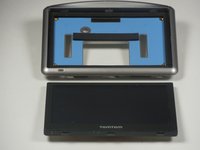
    • After prying both halves apart, they will be connected by two wires.

    • Carefully set the two halves next to each other making sure not to stress or damage the wires.

    Chiedi a FixBot
  4. TomTom One XL Screen Replacement: passo 4, immagine 1 di 2 TomTom One XL Screen Replacement: passo 4, immagine 2 di 2
    Strumento utilizzato in questo passaggio:
    Tweezers
    $4.99
    • Using the tweezers separate the wires connecting the battery and speaker to the mother board.

    • Be gentle while pulling the wires out, the plugs are easily injured.

    Chiedi a FixBot
  5. TomTom One XL Screen Replacement, Screen: passo 5, immagine 1 di 2 TomTom One XL Screen Replacement, Screen: passo 5, immagine 2 di 2
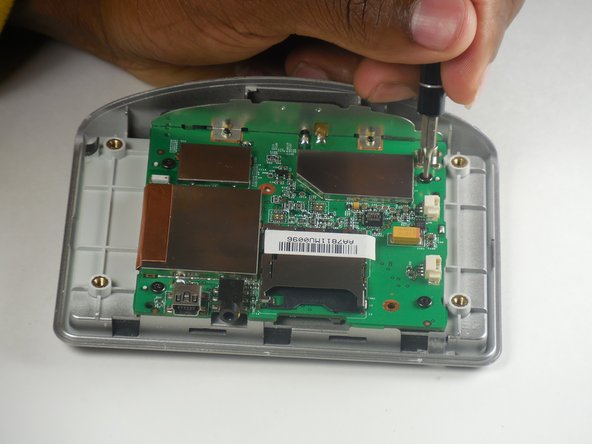
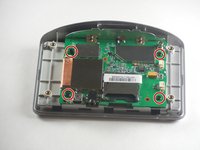
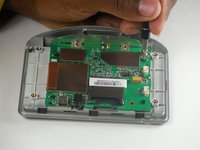
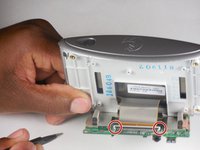
    • Locate the 4 .4mm screws connecting the circuit board to the front panel.

    • Use the T6 Torx screwdriver and remove the four screws.

    Chiedi a FixBot
  6. TomTom One XL Screen Replacement: passo 6, immagine 1 di 3 TomTom One XL Screen Replacement: passo 6, immagine 2 di 3 TomTom One XL Screen Replacement: passo 6, immagine 3 di 3
    Strumento utilizzato in questo passaggio:
    Tweezers
    $4.99
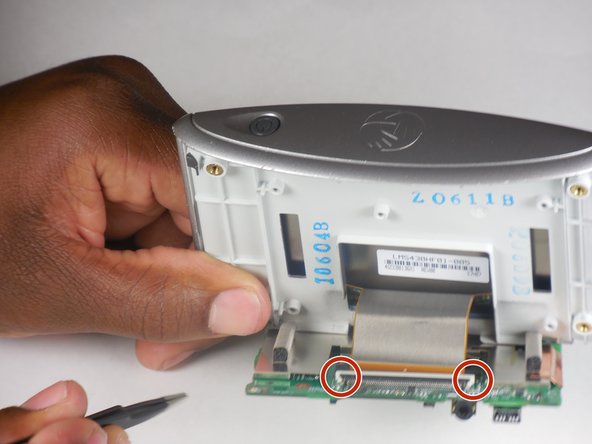
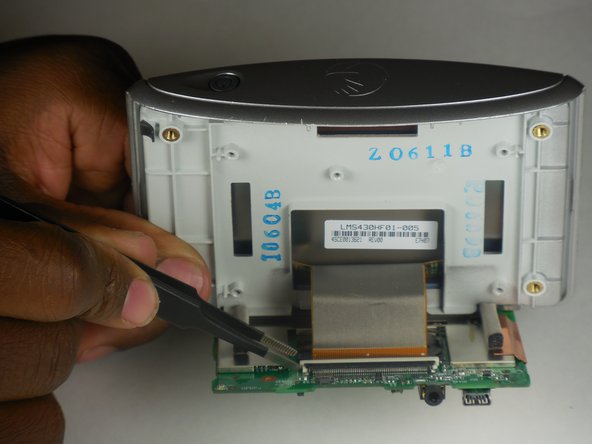
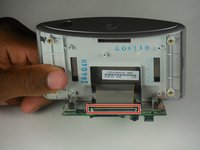
    • Locate the ribbon cable connecting the front panel to the circuit board.

    • Locate the white tab locking the ribbon in place.

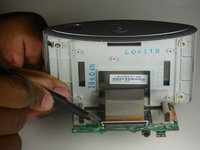
    • Using precision tweezers push the left and right side of the tab forward.

    • Gently pull the ribbon to disconnect the circuit board from the front panel.

    • If gently pulling on the ribbon doesn't release it then the tab hasn't been pushed far enough forward.

    Chiedi a FixBot
  7. TomTom One XL Screen Replacement: passo 7, immagine 1 di 3 TomTom One XL Screen Replacement: passo 7, immagine 2 di 3 TomTom One XL Screen Replacement: passo 7, immagine 3 di 3
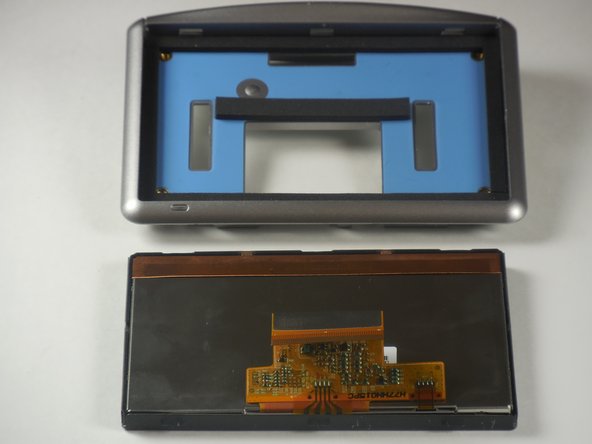
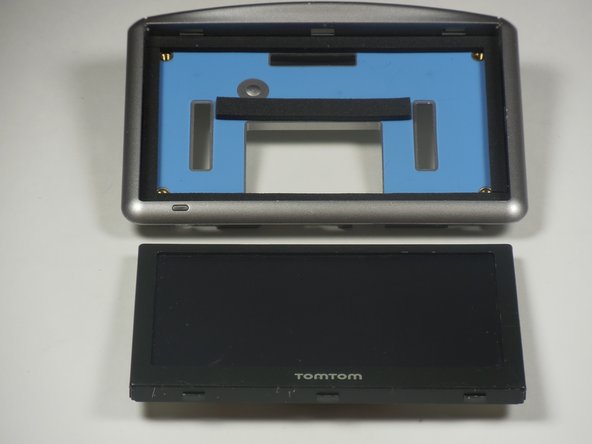
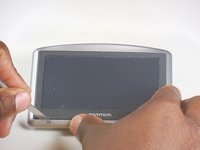
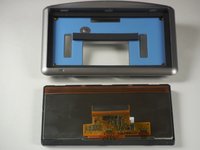
    • Use the palate knife to pry the screen away from the front panel.

    • Pry between the light gray board and the black boarder of the TOMTOM XL screen.

    • Use moderate pressure when prying, slide the palate knife back and forth, and eventually the screen should pop out.

    Chiedi a FixBot
Conclusione

To reassemble your device, follow these instructions in reverse order.

DeVhan

Membro da: 03/11/15

401 Reputazione

4 guide realizzate

0Commenti sulla guida

Aggiungi Commento

Visualizza statistiche:

Ultime 24 ore: 0

Ultimi 7 giorni: 4

Ultimi 30 giorni: 28

Tutti i Tempi: 1,184