Salta al contenuto principale
Unisciti alla Community delle riparazioni - Crea un account
Sony Ericsson TM506 Screen Replacement

Cosa ti serve

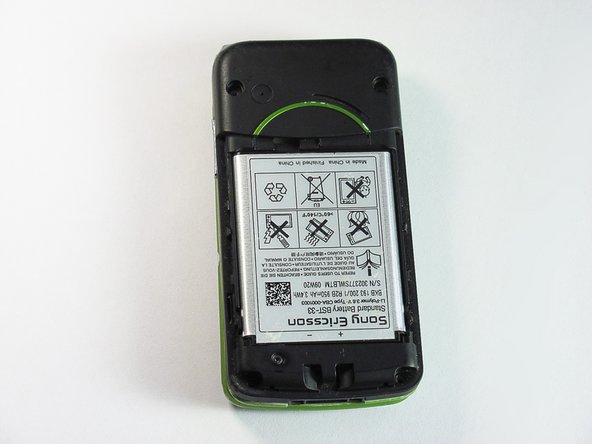
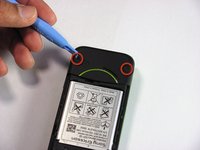
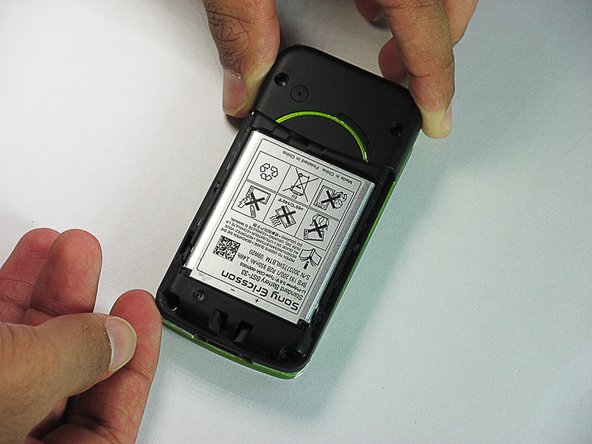
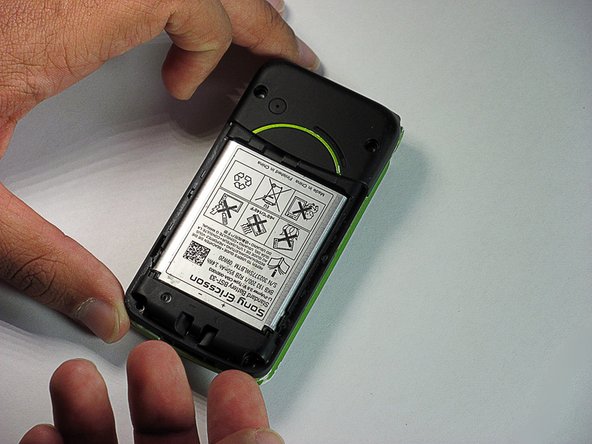
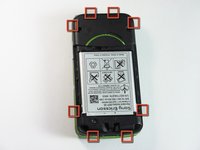
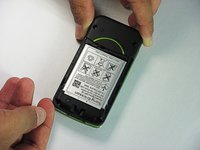
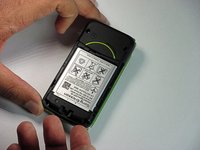
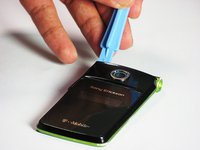
  1. Sony Ericsson TM506 Screen Replacement, Battery Cover: passo 1, immagine 1 di 3 Sony Ericsson TM506 Screen Replacement, Battery Cover: passo 1, immagine 2 di 3 Sony Ericsson TM506 Screen Replacement, Battery Cover: passo 1, immagine 3 di 3
    • Firmly hold the phone between your fingers with your thumb on the battery cover.

    • Push down with your thumb until the battery cover comes off.

    Chiedi a FixBot
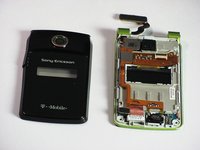
  2. Sony Ericsson TM506 Screen Replacement, Back Case: passo 2, immagine 1 di 3 Sony Ericsson TM506 Screen Replacement, Back Case: passo 2, immagine 2 di 3 Sony Ericsson TM506 Screen Replacement, Back Case: passo 2, immagine 3 di 3
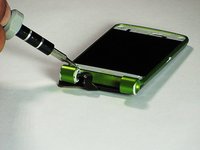
    • Unscrew the bottom two 5.4mm screws with a Torx T6 screwdriver.

    Chiedi a FixBot
  3. Sony Ericsson TM506 Screen Replacement: passo 3, immagine 1 di 2 Sony Ericsson TM506 Screen Replacement: passo 3, immagine 2 di 2
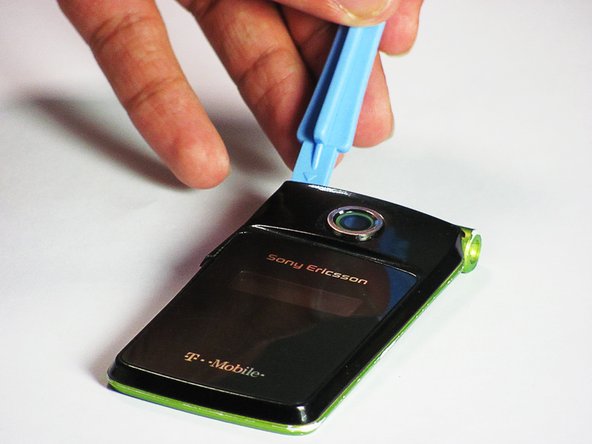
    • Remove the two rubber casings for the top two screws with a plastic opening tool.

    Chiedi a FixBot
  4. Sony Ericsson TM506 Screen Replacement: passo 4, immagine 1 di 1
    • Unscrew these two 5.4mm screws with a Torx T6 screwdriver.

    Chiedi a FixBot
  5. Sony Ericsson TM506 Screen Replacement: passo 5, immagine 1 di 3 Sony Ericsson TM506 Screen Replacement: passo 5, immagine 2 di 3 Sony Ericsson TM506 Screen Replacement: passo 5, immagine 3 di 3
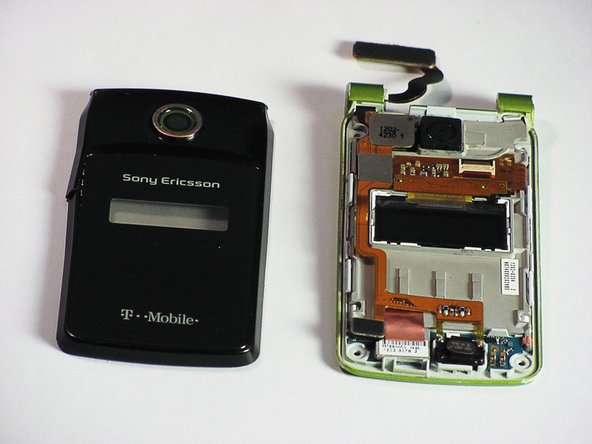
    • There are eight snap hooks located around the outer case. Carefully snap these to remove the outer case.

    Chiedi a FixBot
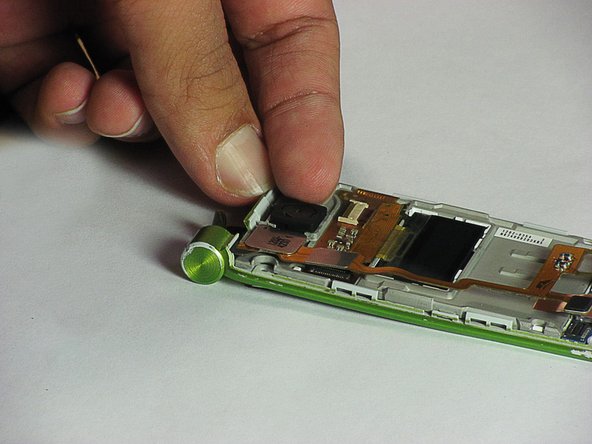
  6. Sony Ericsson TM506 Screen Replacement, Sound Box: passo 6, immagine 1 di 3 Sony Ericsson TM506 Screen Replacement, Sound Box: passo 6, immagine 2 di 3 Sony Ericsson TM506 Screen Replacement, Sound Box: passo 6, immagine 3 di 3
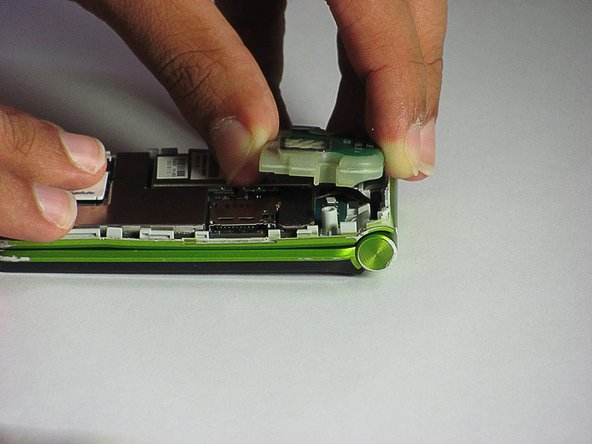
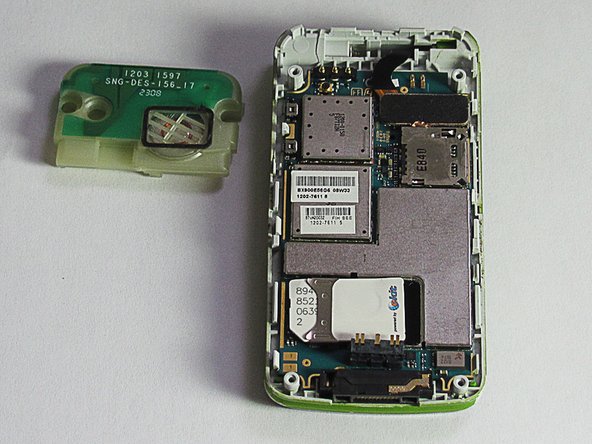
    • The sound box is attached to the case by two snap hooks.

    • Lift the sound box up to remove it from the case.

    Chiedi a FixBot
  7. Sony Ericsson TM506 Screen Replacement, Motherboard: passo 7, immagine 1 di 2 Sony Ericsson TM506 Screen Replacement, Motherboard: passo 7, immagine 2 di 2
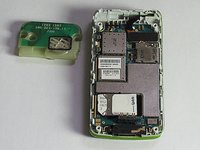
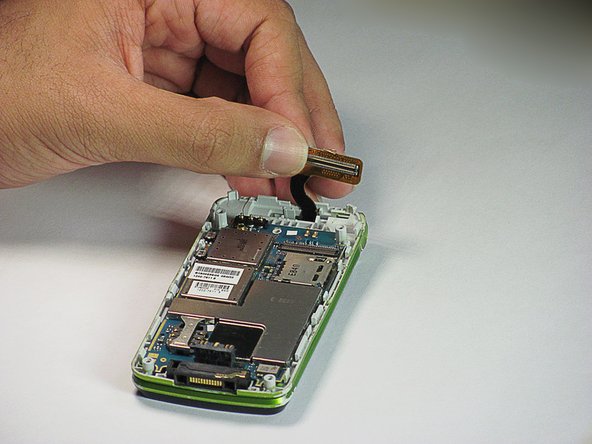
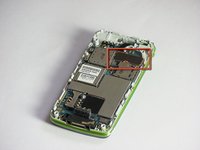
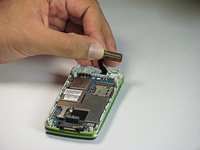
    • Locate the 80-pin connector.

    • Carefully, lift up on the connector to separate it from the board.

    Chiedi a FixBot
  8. Sony Ericsson TM506 Screen Replacement: passo 8, immagine 1 di 3 Sony Ericsson TM506 Screen Replacement: passo 8, immagine 2 di 3 Sony Ericsson TM506 Screen Replacement: passo 8, immagine 3 di 3
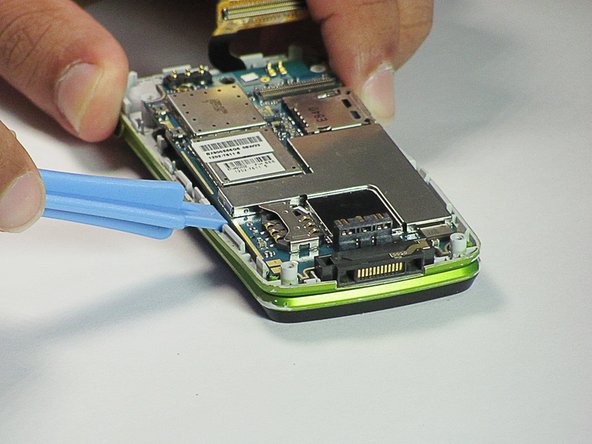
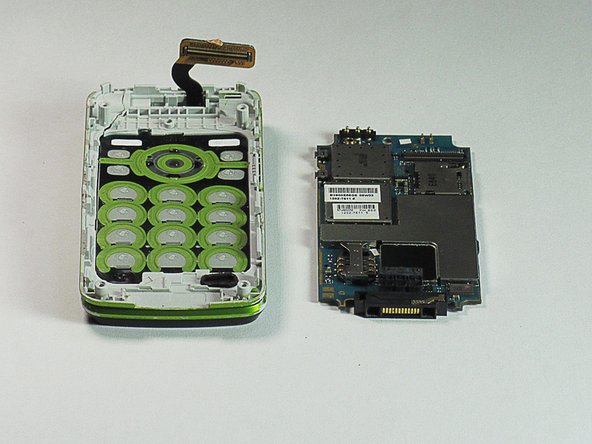
    • There are two snap hooks that attach the motherboard to the case.

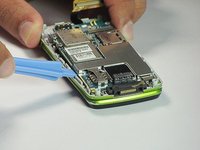
    • Using a plastic opening tool, carefully lift up on the motherboard to detach it.

    • The motherboard is extremely fragile. Try to be forceful yet delicate in the removal because it will not come off easily.

    Chiedi a FixBot
  9. Sony Ericsson TM506 Screen Replacement, Speaker, GPS, and Camera: passo 9, immagine 1 di 2 Sony Ericsson TM506 Screen Replacement, Speaker, GPS, and Camera: passo 9, immagine 2 di 2
    Strumento utilizzato in questo passaggio:
    Tweezers
    $4.99
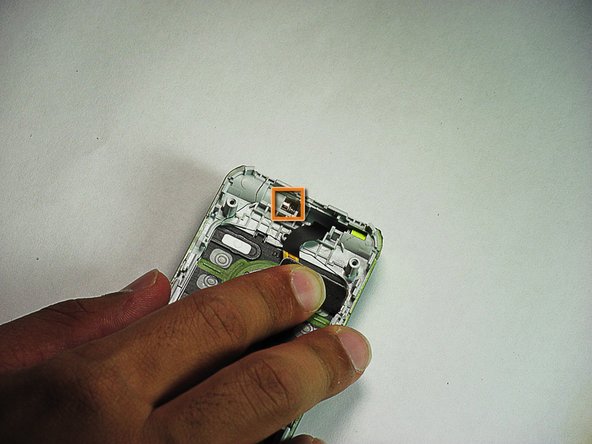
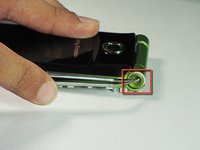
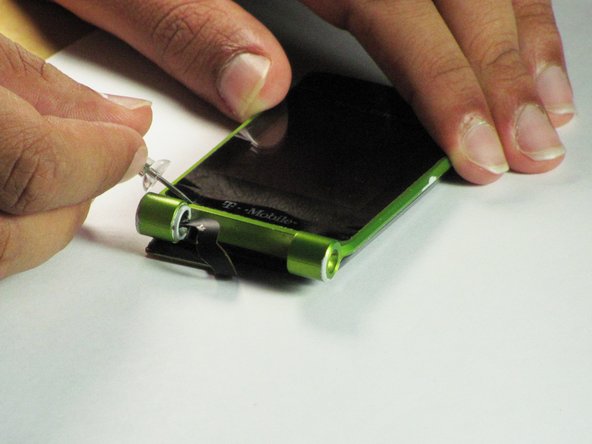
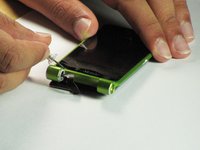
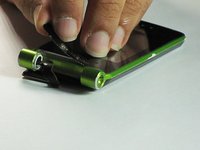
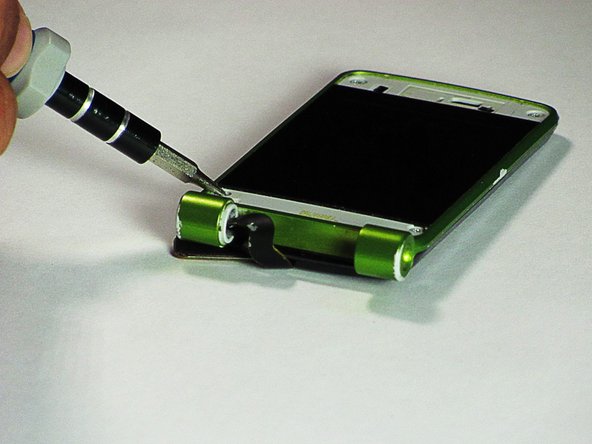
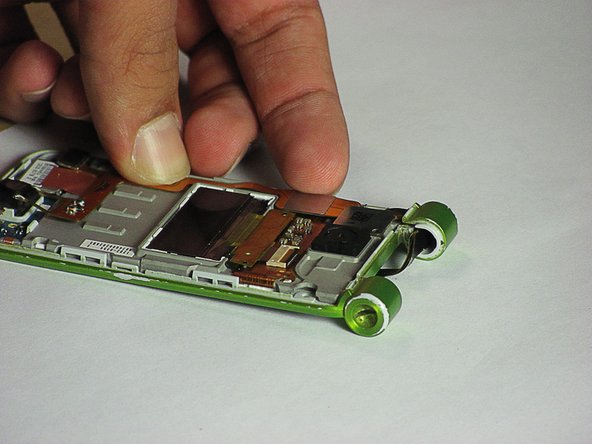
    • Use tweezers to push the hinge stopper in until it can no longer be moved.

    • The hinge stopper should be about 5.5mm in.

    Chiedi a FixBot
  10. Sony Ericsson TM506 Screen Replacement: passo 10, immagine 1 di 2 Sony Ericsson TM506 Screen Replacement: passo 10, immagine 2 di 2
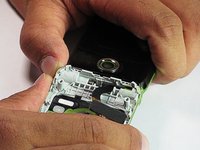
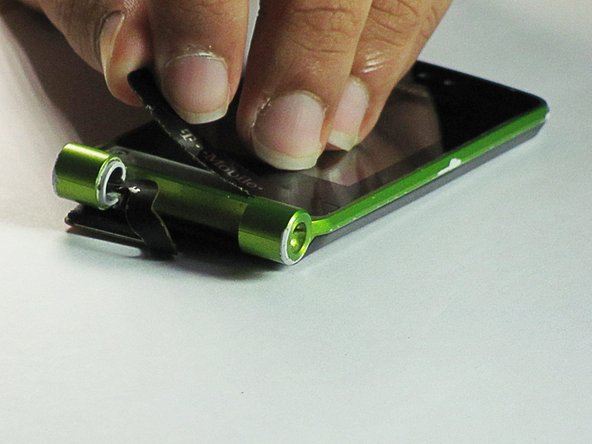
    • Separate the bottom and top half of the phone from the hinge they are connected by.

    • Don't completely pull apart the two pieces or you will damage the ribbon.

    Chiedi a FixBot
  11. Sony Ericsson TM506 Screen Replacement: passo 11, immagine 1 di 1
    • Pull the ribbon through the opening in the hinge to completely separate the upper and lower halves of the phone.

    Chiedi a FixBot
  12. Sony Ericsson TM506 Screen Replacement: passo 12, immagine 1 di 3 Sony Ericsson TM506 Screen Replacement: passo 12, immagine 2 di 3 Sony Ericsson TM506 Screen Replacement: passo 12, immagine 3 di 3
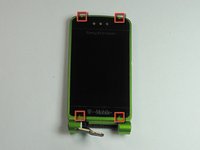
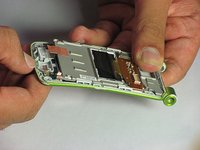
    • The top and bottom covers are held in place by adhesive. To remove them, use a pushpin in the four indentations indicated to remove.

    Chiedi a FixBot
  13. Sony Ericsson TM506 Screen Replacement: passo 13, immagine 1 di 2 Sony Ericsson TM506 Screen Replacement: passo 13, immagine 2 di 2
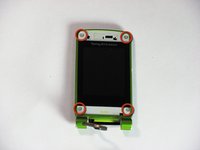
    • Remove the four 5.4 mm screws with a Torx T5 screwdriver.

    Chiedi a FixBot
  14. Sony Ericsson TM506 Screen Replacement: passo 14, immagine 1 di 3 Sony Ericsson TM506 Screen Replacement: passo 14, immagine 2 di 3 Sony Ericsson TM506 Screen Replacement: passo 14, immagine 3 di 3
    • Use a plastic opening tool in the indicated location and apply pressure until the case hook is detached. Then lift the case up until the two pieces are detached.

    Chiedi a FixBot
  15. Sony Ericsson TM506 Screen Replacement: passo 15, immagine 1 di 3 Sony Ericsson TM506 Screen Replacement: passo 15, immagine 2 di 3 Sony Ericsson TM506 Screen Replacement: passo 15, immagine 3 di 3
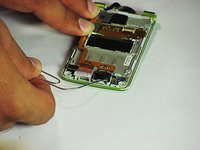
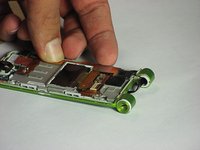
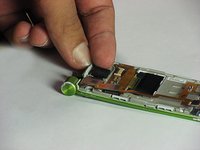
    • Use a paperclip to detach the speaker from the case.

    • Detach the GPS from the case by carefully lifting it up from the case.

    • Detach the camera with your hands or by using a paperclip similar to the way the speaker was removed.

    Chiedi a FixBot
  16. Sony Ericsson TM506 Screen Replacement: passo 16, immagine 1 di 2 Sony Ericsson TM506 Screen Replacement: passo 16, immagine 2 di 2
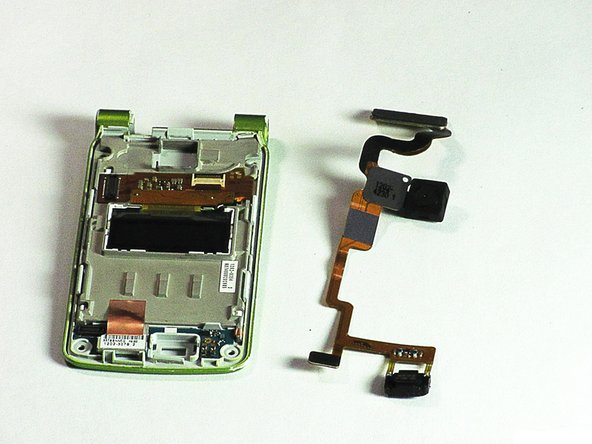
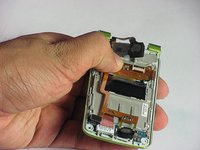
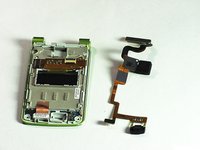
    • Once the three components are detached, removing the ribbon is possible.

    • Simply, move the ribbon to the right and it will be completely detached from the case.

    Chiedi a FixBot
  17. Sony Ericsson TM506 Screen Replacement, Screen: passo 17, immagine 1 di 3 Sony Ericsson TM506 Screen Replacement, Screen: passo 17, immagine 2 di 3 Sony Ericsson TM506 Screen Replacement, Screen: passo 17, immagine 3 di 3
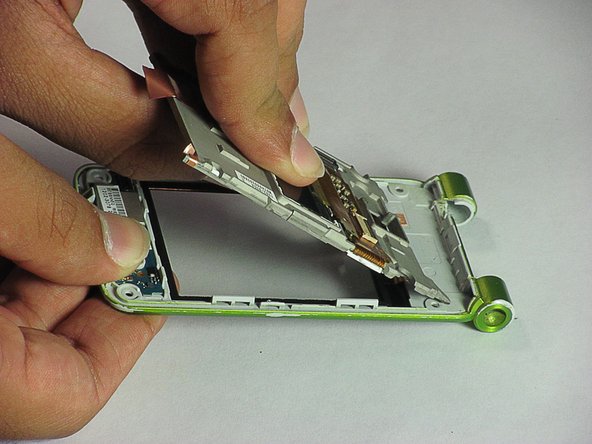
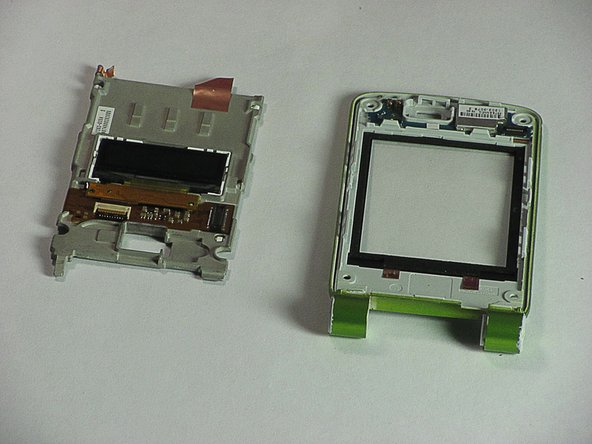
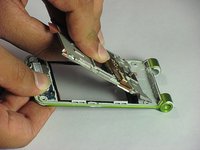
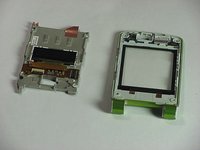
    • Pull apart the screen and the case at one end. Then slide the screen out to completely detach them.

    Chiedi a FixBot
Conclusione

To reassemble your device, follow these instructions in reverse order.

Un'altra persona ha completato questa guida.

Daniel

Membro da: 06/20/12

83 Reputazione

7 guide realizzate

Team

Cal Poly, Team 1-1, Regan SU 2012 Membro di Cal Poly, Team 1-1, Regan SU 2012

CPSU-REGAN-SU12S1G1

2 Membri

16 guide realizzate

0Commenti sulla guida

Aggiungi Commento

Visualizza statistiche:

Ultime 24 ore: 0

Ultimi 7 giorni: 1

Ultimi 30 giorni: 41

Tutti i Tempi: 1,399