Salta al contenuto principale
Unisciti alla Community delle riparazioni - Crea un account

Sony BDP-BX520 Disc Reader Replacement

Cosa ti serve

  1. Sony BDP-BX520 Disc Reader Replacement, Disc Tray Cover: passo 1, immagine 1 di 1
    • Plug in the Blu-Ray player, then press the power button, making sure the Blu-Ray player is powered on.

    • Press the eject button on either the top of the Blu-Ray player or on the remote to open the disc tray.

    Chiedi a FixBot

    Aggiungi Commento

  2. Sony BDP-BX520 Disc Reader Replacement: passo 2, immagine 1 di 1
    • Grab the sides of the disc tray cover and carefully pull each side upwards, starting with the left side. This will unhook the cover from the tray.

    Chiedi a FixBot

    Aggiungi Commento

  3. Sony BDP-BX520 Disc Reader Replacement: passo 3, immagine 1 di 1
    • Close the disc tray, then power off and unplug the Blu-Ray player.

    Chiedi a FixBot

    Aggiungi Commento

  4. Sony BDP-BX520 Disc Reader Replacement, Top Case: passo 4, immagine 1 di 1
    • Locate the three 8 mm screws on the back of the Blu-Ray player.

    • Using the Phillips #2 screwdriver, unscrew each of the screws and set them aside.

    Chiedi a FixBot

    Aggiungi Commento

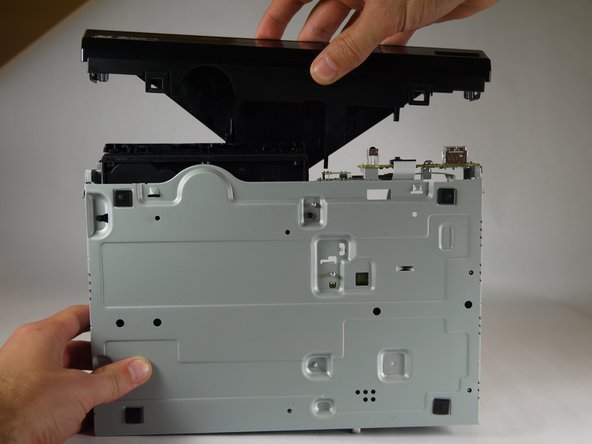
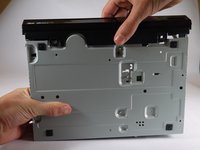
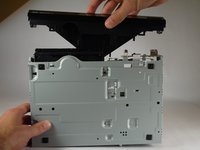
  5. Sony BDP-BX520 Disc Reader Replacement: passo 5, immagine 1 di 2 Sony BDP-BX520 Disc Reader Replacement: passo 5, immagine 2 di 2
    • Gently pull the top case back to remove it from the Blu-Ray player.

    Chiedi a FixBot

    Aggiungi Commento

  6. Sony BDP-BX520 Disc Reader Replacement, Front Panel: passo 6, immagine 1 di 1
    • Insert the nylon or metal spudger under the clip on the side near the front of the device. Lift the clip so it is free from the device.

    • Lifting these clips may require you to hold one clip open while you move on to the next clip.

    Chiedi a FixBot

    Aggiungi Commento

  7. Sony BDP-BX520 Disc Reader Replacement: passo 7, immagine 1 di 1
    • Flip device over so the bottom faces you.

    • Insert the nylon or metal spudger and lift the two clips on the bottom of the device.

    Chiedi a FixBot

    Aggiungi Commento

  8. Sony BDP-BX520 Disc Reader Replacement: passo 8, immagine 1 di 1
    • Lift the clip on the opposite side of the device with the nylon or metal spudger.

    Chiedi a FixBot

    Aggiungi Commento

  9. Sony BDP-BX520 Disc Reader Replacement: passo 9, immagine 1 di 2 Sony BDP-BX520 Disc Reader Replacement: passo 9, immagine 2 di 2
    • Grasp the front case firmly and lift from the rest of the device.

    • Lifting may require some force.

    Chiedi a FixBot

    Aggiungi Commento

  10. Sony BDP-BX520 Disc Reader Replacement, Disc Reader: passo 10, immagine 1 di 1
    • Do not touch the circuit boards or the internal parts of the device while it is powered on. This could short out the circuits and possibly cause you harm.

    • Plug in the device and power it on by pushing the right button on the front of the device. The light should turn on.

    Chiedi a FixBot

    Aggiungi Commento

  11. Sony BDP-BX520 Disc Reader Replacement: passo 11, immagine 1 di 1
    • Eject the disc tray by pushing the left button on the front of the device.

    • Unplug the device once the disc tray is open.

    Chiedi a FixBot

    Aggiungi Commento

  12. Sony BDP-BX520 Disc Reader Replacement: passo 12, immagine 1 di 1
    • Insert the nylon or metal spudger under the clip and lift it up. There are 4 clips that need to be lifted, two on each side

    Chiedi a FixBot

    Aggiungi Commento

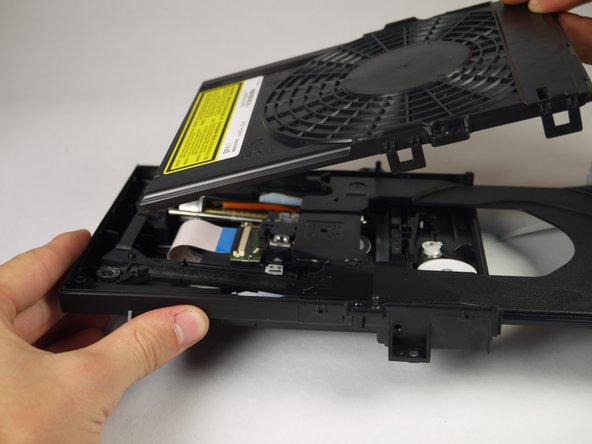
  13. Sony BDP-BX520 Disc Reader Replacement: passo 13, immagine 1 di 2 Sony BDP-BX520 Disc Reader Replacement: passo 13, immagine 2 di 2
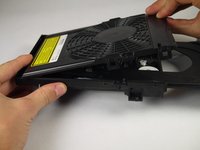
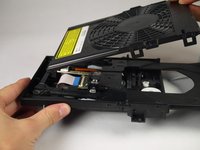
    • Once the clips are free, lift the top cover of the disc tray up.

    • This should take minimal force.

    Chiedi a FixBot

    Aggiungi Commento

  14. Sony BDP-BX520 Disc Reader Replacement: passo 14, immagine 1 di 1
    • Unscrew the two silver 8mm Phillips 1 screws from the disc reader.

    Chiedi a FixBot

    Aggiungi Commento

  15. Sony BDP-BX520 Disc Reader Replacement: passo 15, immagine 1 di 3 Sony BDP-BX520 Disc Reader Replacement: passo 15, immagine 2 di 3 Sony BDP-BX520 Disc Reader Replacement: passo 15, immagine 3 di 3
    Strumento utilizzato in questo passaggio:
    Tweezers
    $4.99
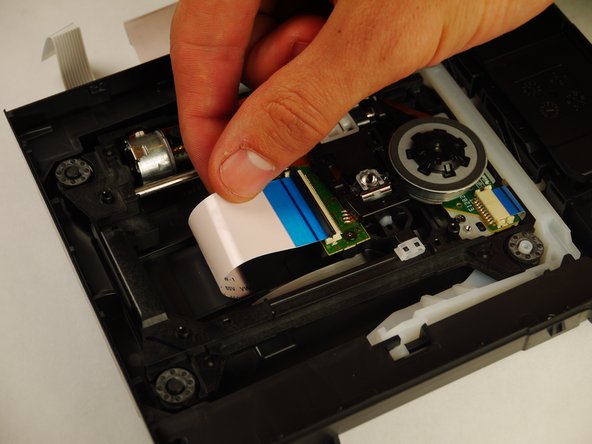
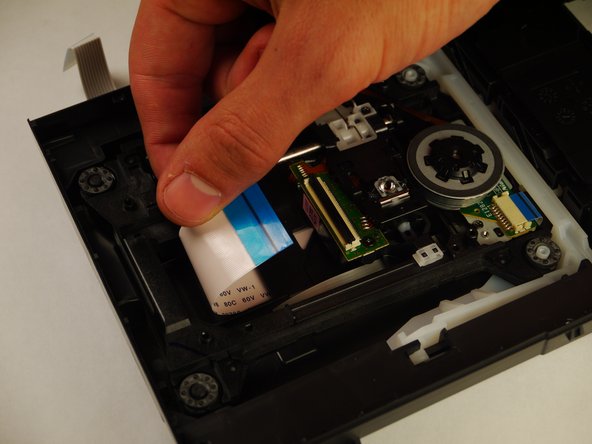
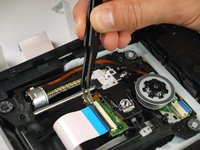
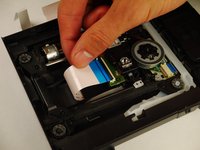
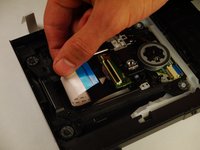
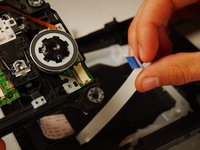
    • Use the tweezers to lift both sides of the black clip holding the white 14 pin ribbon in place.

    • Once free the white 24 pin ribbon should slip right out.

    Chiedi a FixBot

    Aggiungi Commento

  16. Sony BDP-BX520 Disc Reader Replacement: passo 16, immagine 1 di 2 Sony BDP-BX520 Disc Reader Replacement: passo 16, immagine 2 di 2
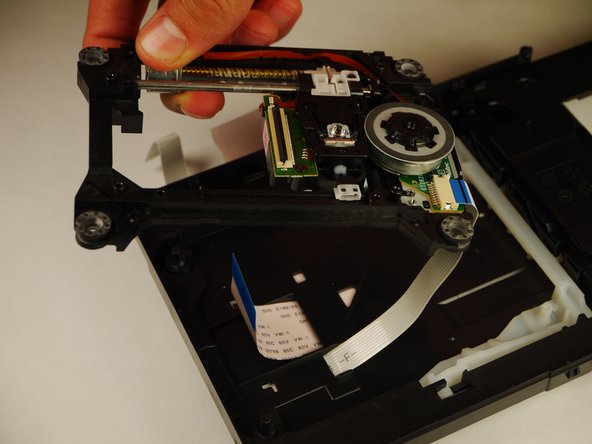
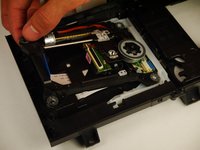
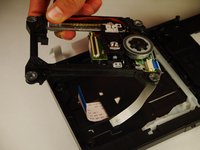
    • Carefully lift up the disc reader. It is still attached by a cable underneath!

    Chiedi a FixBot

    Aggiungi Commento

  17. Sony BDP-BX520 Disc Reader Replacement: passo 17, immagine 1 di 2 Sony BDP-BX520 Disc Reader Replacement: passo 17, immagine 2 di 2
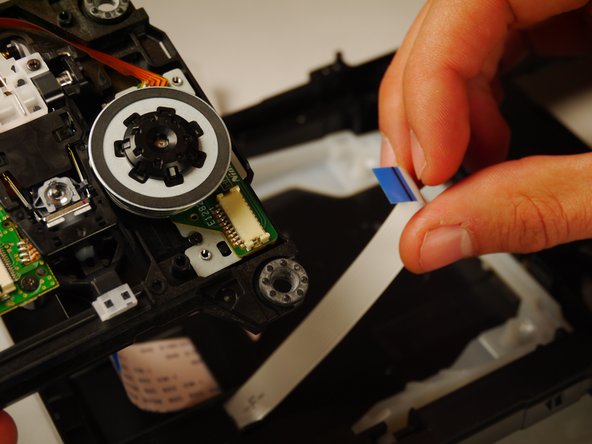
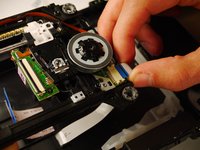
    • Gently pull out the white 13 pin cable from the disc reader.

    Chiedi a FixBot

    Aggiungi Commento

Conclusione

To reassemble your device, follow these instructions in reverse order.

Annulla: non ho completato questa guida.

Un'altra persona ha completato questa guida.

Kyle Smit

Membro da: 01/31/15

243 Reputazione

2 guide realizzate

Team

Cal Poly, Team 8-41, Amido Winter 2015 Membro di Cal Poly, Team 8-41, Amido Winter 2015

CPSU-AMIDO-W15S8G41

4 Membri

8 guide realizzate

0Commenti sulla guida

Aggiungi Commento

Visualizza statistiche:

Ultime 24 ore: 0

Ultimi 7 giorni: 7

Ultimi 30 giorni: 30

Tutti i Tempi: 1,609