Salta al contenuto principale
Unisciti alla Community delle riparazioni - Crea un account

Snapfon ez One Microphone Replacement

Cosa ti serve

  1. Snapfon ez One Microphone Replacement, Remove the battery cover: passo 1, immagine 1 di 1
    • Turn off the phone to prevent data loss.

    • Press and slide the battery out to remove it.

    • Picture rights belong to Snapfon®. Picture is used for educational purposes only. No copyright infringement intended.

    Chiedi a FixBot
  2. Snapfon ez One Microphone Replacement, Remove the battery: passo 2, immagine 1 di 1
    • Pry the battery out with your thumb or the iFixit opening tool.

    • Make sure to properly dispose of the old battery at a recycling center.

    • Picture rights belong to Snapfon®. Picture is used for educational purposes only. No copyright infringement intended.

    Chiedi a FixBot
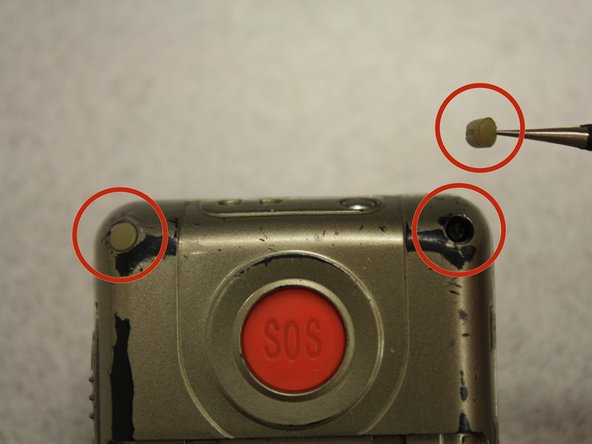
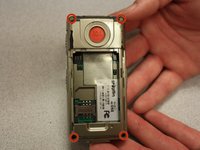
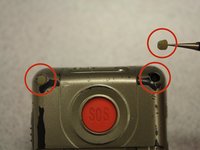
  3. Snapfon ez One Microphone Replacement, Removing the plastic inserts: passo 3, immagine 1 di 2 Snapfon ez One Microphone Replacement, Removing the plastic inserts: passo 3, immagine 2 di 2
    Strumento utilizzato in questo passaggio:
    Tweezers
    $4.99
    • Remove the four rubber inserts from the screw holes using a pair of tweezers.

    Chiedi a FixBot
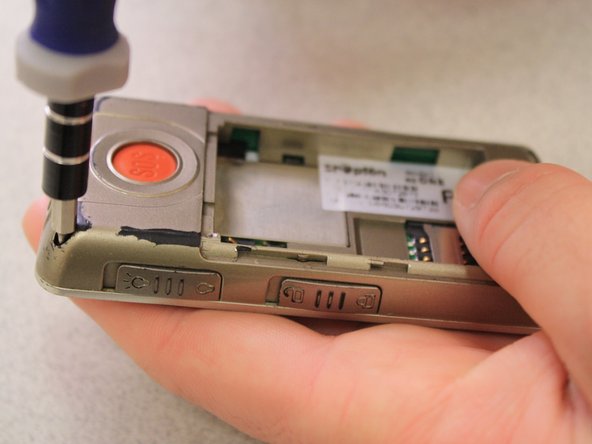
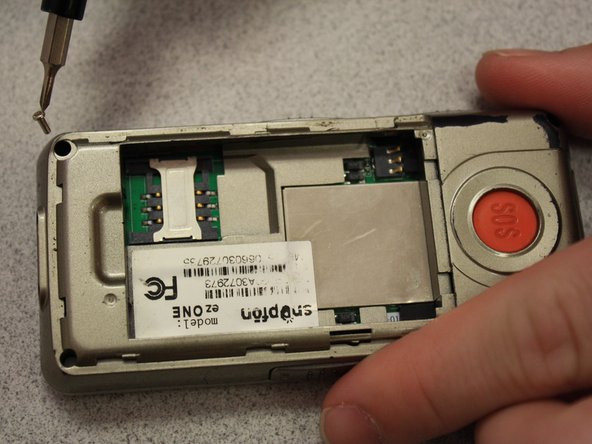
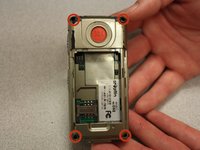
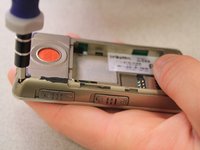
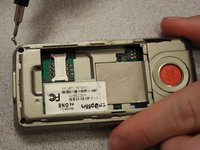
  4. Snapfon ez One Microphone Replacement, Remove the shield screws: passo 4, immagine 1 di 3 Snapfon ez One Microphone Replacement, Remove the shield screws: passo 4, immagine 2 di 3 Snapfon ez One Microphone Replacement, Remove the shield screws: passo 4, immagine 3 di 3
    • Remove the four 3.1mm screws in the corners with a Phillips #00 screwdriver.

    Chiedi a FixBot
  5. Snapfon ez One Microphone Replacement, Separate the case: passo 5, immagine 1 di 3 Snapfon ez One Microphone Replacement, Separate the case: passo 5, immagine 2 di 3 Snapfon ez One Microphone Replacement, Separate the case: passo 5, immagine 3 di 3
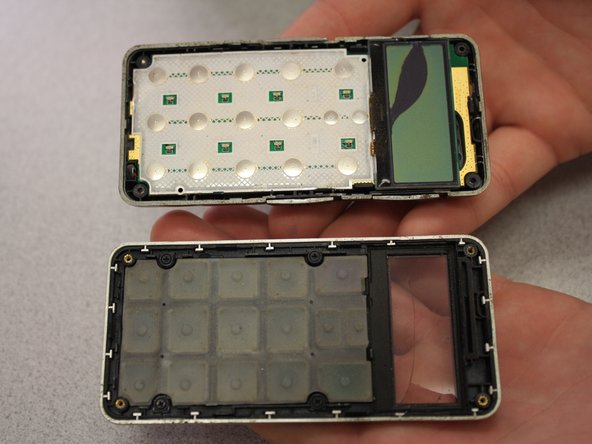
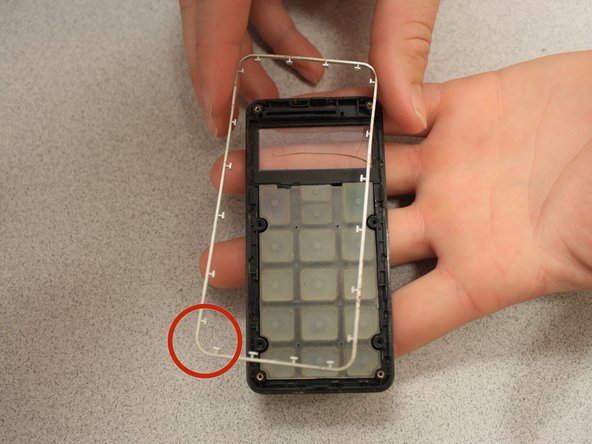
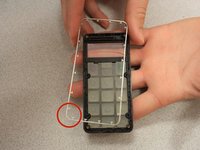
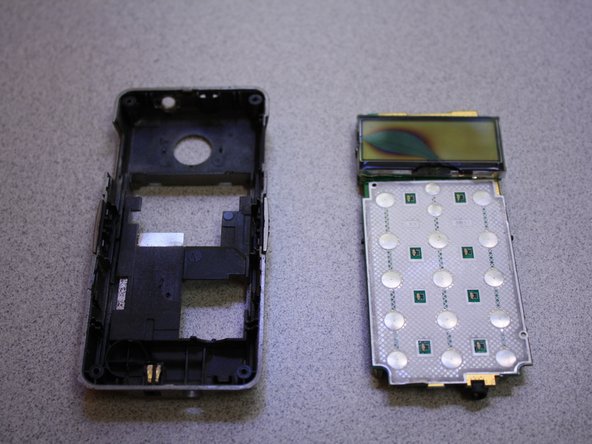
    • Separate the front case from the back case.

    • Remove the metal bumper from the front case’s perimeter.

    Chiedi a FixBot
  6. Snapfon ez One Microphone Replacement, Remove the volume slider: passo 6, immagine 1 di 1
    • Pry the volume slider button out with tweezers.

    • The volume slider button may fall out during the separation of the front and back cases. This is OK.

    Chiedi a FixBot
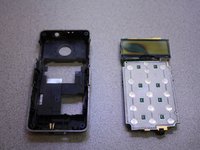
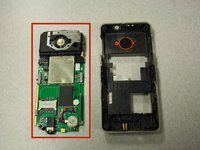
  7. Snapfon ez One Microphone Replacement, Remove the motherboard: passo 7, immagine 1 di 3 Snapfon ez One Microphone Replacement, Remove the motherboard: passo 7, immagine 2 di 3 Snapfon ez One Microphone Replacement, Remove the motherboard: passo 7, immagine 3 di 3
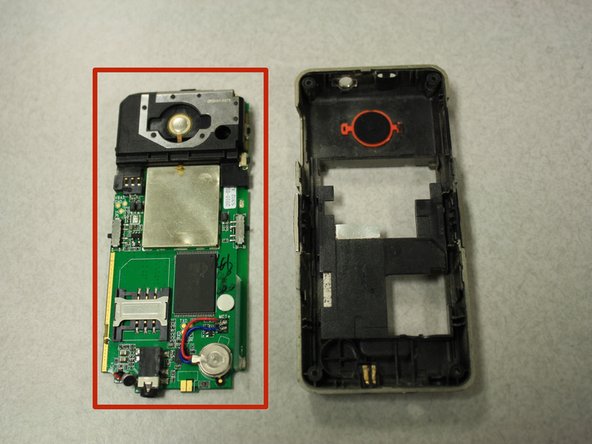
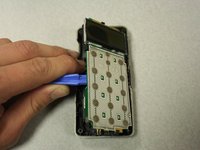
    • Separate the circuit board from the inside of the back case by prying between them with the opening tool.

    • The last picture is a view of the back of the circuit board.

    Chiedi a FixBot
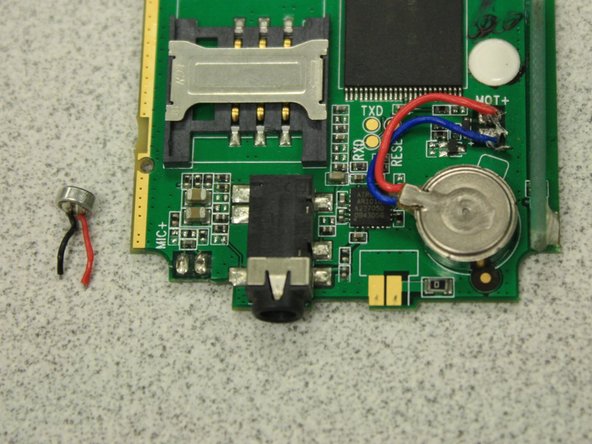
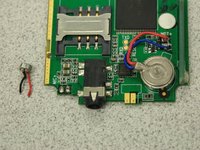
  8. Snapfon ez One Microphone Replacement, Microphone: passo 8, immagine 1 di 1
    • Locate the microphone on the back of the circuit board.

    Chiedi a FixBot
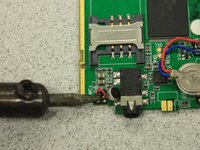
  9. Snapfon ez One Microphone Replacement: passo 9, immagine 1 di 2 Snapfon ez One Microphone Replacement: passo 9, immagine 2 di 2
    • Desolder the microphone from the circuit board using the soldering iron.

    • The solder iron creates high temperatures that may cause bodily harm.

    • Take the replacement microphone and melt the wires to the circuit board with the soldering iron in the same fashion that the old microphone was oriented.

    Chiedi a FixBot
Conclusione

To reassemble your device, follow these instructions in reverse order.

Team

Clemson, Team 6-5, Benson Spring 2014 Membro di Clemson, Team 6-5, Benson Spring 2014

CLEM-BENSON-S14S6G5

3 Membri

16 guide realizzate

0Commenti sulla guida

Aggiungi Commento

Visualizza statistiche:

Ultime 24 ore: 0

Ultimi 7 giorni: 11

Ultimi 30 giorni: 60

Tutti i Tempi: 669