Salta al contenuto principale
Unisciti alla Community delle riparazioni - Crea un account

Samsung Rogue Front Function Keys Replacement

Cosa ti serve

  1. Samsung Rogue Front Function Keys Replacement, Battery: passo 1, immagine 1 di 2 Samsung Rogue Front Function Keys Replacement, Battery: passo 1, immagine 2 di 2
    • Before disassembling your Samsung Rogue, make sure it is powered off.

    • With your thumbs, push down on the back cover of your phone and slide it away from the camera.

    Chiedi a FixBot

    Aggiungi Commento

  2. Samsung Rogue Front Function Keys Replacement: passo 2, immagine 1 di 2 Samsung Rogue Front Function Keys Replacement: passo 2, immagine 2 di 2
    • You can now remove the battery by prying it up with your finger.

    Chiedi a FixBot

    Aggiungi Commento

  3. Samsung Rogue Front Function Keys Replacement, Motherboard: passo 3, immagine 1 di 1
    • Use a plastic opening tool to carefully pry the back cover surrounding the camera up from the phone.

    Chiedi a FixBot

    Aggiungi Commento

  4. Samsung Rogue Front Function Keys Replacement: passo 4, immagine 1 di 1
    • Remove the five 3.4mm Philips screws securing the backing of the phone.

    Chiedi a FixBot

    Aggiungi Commento

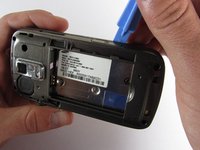
  5. Samsung Rogue Front Function Keys Replacement: passo 5, immagine 1 di 3 Samsung Rogue Front Function Keys Replacement: passo 5, immagine 2 di 3 Samsung Rogue Front Function Keys Replacement: passo 5, immagine 3 di 3
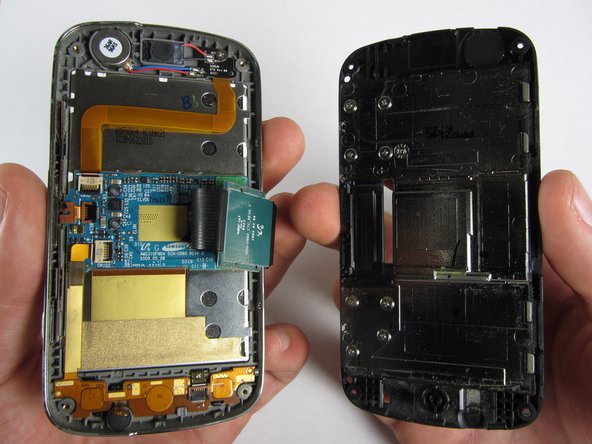
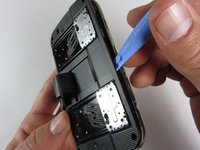
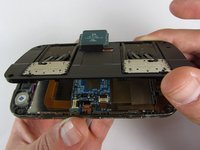
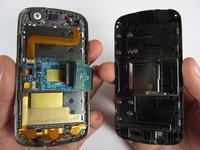
    • Use a plastic opening tool to carefully pry off the back cover.

    • Make sure you are prying along the edge and not between the two halves of the phone that slide away from each other.

    • Be careful to not drop the volume changing piece, for it can easily slip out.

    Chiedi a FixBot

    Aggiungi Commento

  6. Samsung Rogue Front Function Keys Replacement: passo 6, immagine 1 di 1
    • Remove the two 3.45 mm Philips screws below the white sticker.

    Chiedi a FixBot

    Aggiungi Commento

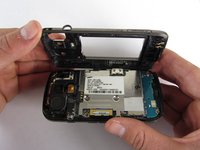
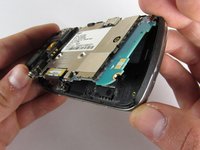
  7. Samsung Rogue Front Function Keys Replacement: passo 7, immagine 1 di 2 Samsung Rogue Front Function Keys Replacement: passo 7, immagine 2 di 2
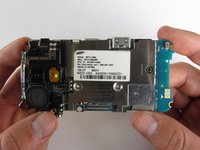
    • Carefully lift the motherboard up from the bottom edge.

    • The film of wires is still attached to the motherboard, so do not completely remove the motherboard just yet or you may damage it.

    Chiedi a FixBot

    Aggiungi Commento

  8. Samsung Rogue Front Function Keys Replacement: passo 8, immagine 1 di 2 Samsung Rogue Front Function Keys Replacement: passo 8, immagine 2 di 2
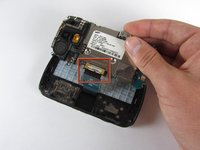
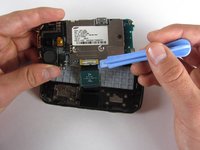
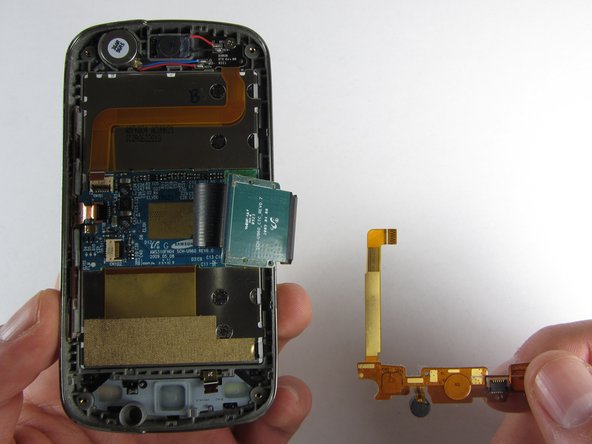
    • Use a plastic opening tool to disconnect the film from the motherboard.

    Chiedi a FixBot

    Aggiungi Commento

  9. Samsung Rogue Front Function Keys Replacement, Front Function Keys: passo 9, immagine 1 di 1
    • Remove the eight 1.7mm Philips screws above the keyboard.

    Chiedi a FixBot

    Aggiungi Commento

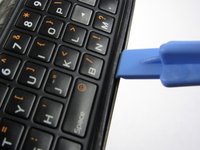
  10. Samsung Rogue Front Function Keys Replacement: passo 10, immagine 1 di 1
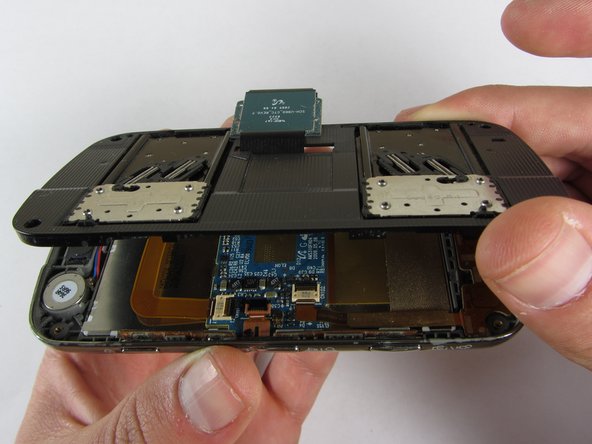
    • Carefully remove keyboard frame from the sliding mechanisms underneath.

    Chiedi a FixBot

    Aggiungi Commento

  11. Samsung Rogue Front Function Keys Replacement: passo 11, immagine 1 di 1
    • Remove the five 3.0mm Philips screws around the outside of the sliding mechanisms.

    Chiedi a FixBot

    Aggiungi Commento

  12. Samsung Rogue Front Function Keys Replacement: passo 12, immagine 1 di 3 Samsung Rogue Front Function Keys Replacement: passo 12, immagine 2 di 3 Samsung Rogue Front Function Keys Replacement: passo 12, immagine 3 di 3
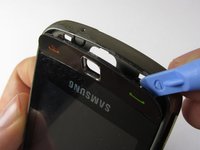
    • Use a plastic opening tool to pry off the upper slide plate.

    • Be careful of the film of wires when taking off the upper slide plate.

    Chiedi a FixBot

    Aggiungi Commento

  13. Samsung Rogue Front Function Keys Replacement: passo 13, immagine 1 di 3 Samsung Rogue Front Function Keys Replacement: passo 13, immagine 2 di 3 Samsung Rogue Front Function Keys Replacement: passo 13, immagine 3 di 3
    Strumento utilizzato in questo passaggio:
    Tweezers
    $4.99
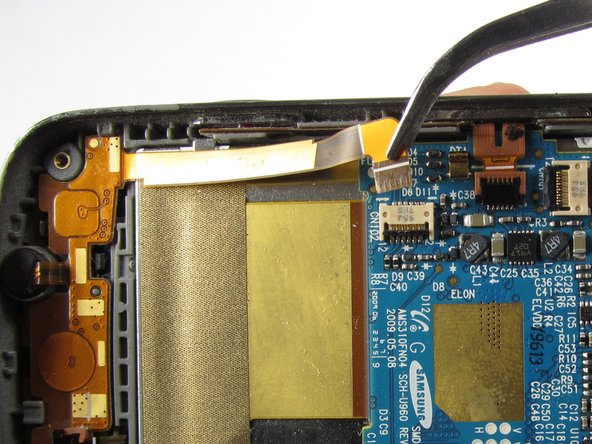
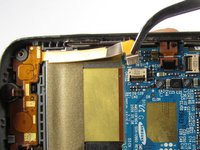
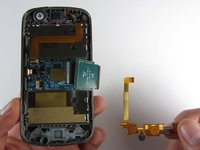
    • Use tweezers to open the two black gates by putting them in the "up" position.

    • With the same tweezers, carefully pull out the orange strips from the two specified gates.

    Chiedi a FixBot

    Aggiungi Commento

  14. Samsung Rogue Front Function Keys Replacement: passo 14, immagine 1 di 3 Samsung Rogue Front Function Keys Replacement: passo 14, immagine 2 di 3 Samsung Rogue Front Function Keys Replacement: passo 14, immagine 3 di 3
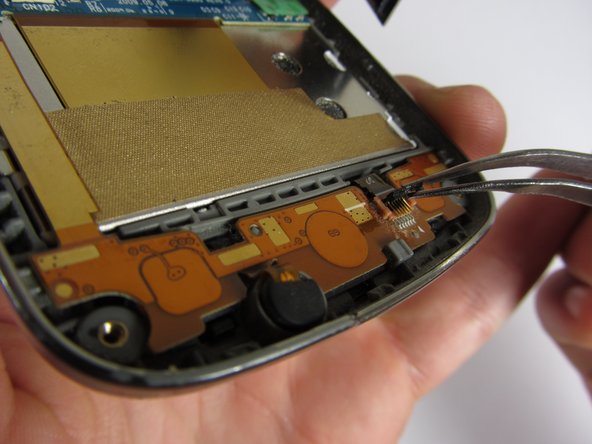
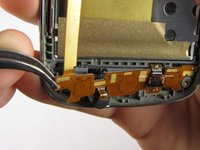
    • Using tweezers, gently remove the bottom orange strip from the device.

    • At this point you can easily lift out the rubber function key pad as well.

    Chiedi a FixBot

    Aggiungi Commento

  15. Samsung Rogue Front Function Keys Replacement: passo 15, immagine 1 di 3 Samsung Rogue Front Function Keys Replacement: passo 15, immagine 2 di 3 Samsung Rogue Front Function Keys Replacement: passo 15, immagine 3 di 3
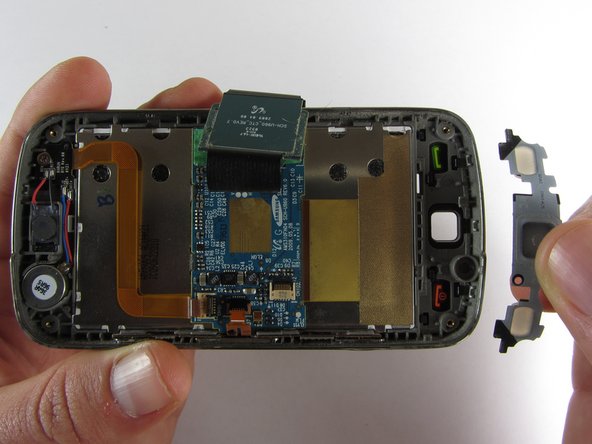
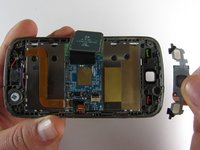
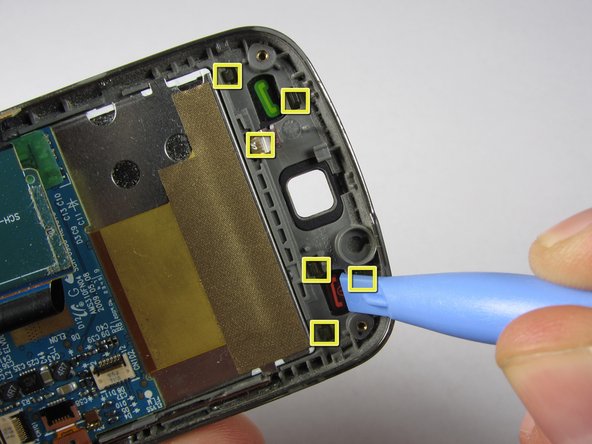
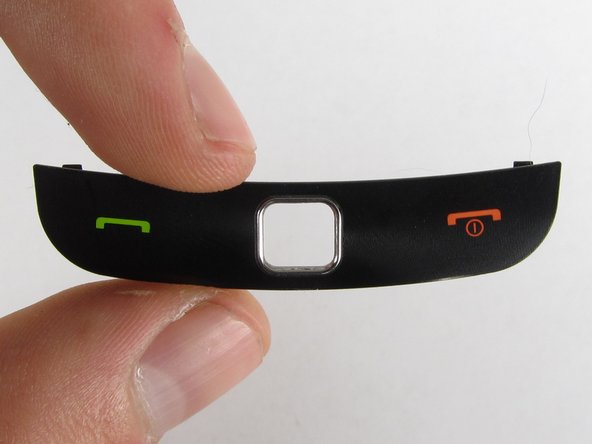
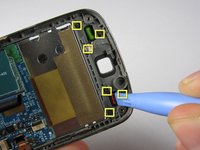
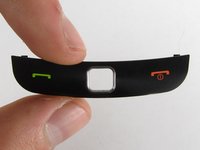
    • There are two ways you can take out the front function keys:

    • 1) Use a plastic phone opening tool to pry out the piece from the front of the phone.

    • 2) Simply pop out the piece from the inside by pushing on its tabs.

    Chiedi a FixBot

    Aggiungi Commento

Conclusione

To reassemble your device, follow these instructions in reverse order.

Annulla: non ho completato questa guida.

Team

Cal Poly, Team 7-32, Maness Spring 2012 Membro di Cal Poly, Team 7-32, Maness Spring 2012

CPSU-MANESS-S12S7G32

4 Membri

20 guide realizzate

0Commenti sulla guida

Aggiungi Commento

Visualizza statistiche:

Ultime 24 ore: 0

Ultimi 7 giorni: 7

Ultimi 30 giorni: 34

Tutti i Tempi: 698