Salta al contenuto principale
Unisciti alla Community delle riparazioni - Crea un account

Samsung POWERbot R7070 Left Driving Wheel Replacement

Cosa ti serve

    1. Samsung POWERbot R7070 Left Driving Wheel  Replacement, Battery: passo 1, immagine 1 di 1
      • Turn the emergency switch off.

      Chiedi a FixBot

      Aggiungi Commento

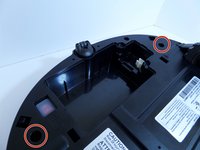
    2. Samsung POWERbot R7070 Left Driving Wheel  Replacement: passo 2, immagine 1 di 2 Samsung POWERbot R7070 Left Driving Wheel  Replacement: passo 2, immagine 2 di 2
      • Remove the two exposed screws on the top right of the device.

      Chiedi a FixBot

      Aggiungi Commento

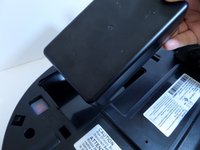
    3. Samsung POWERbot R7070 Left Driving Wheel  Replacement: passo 3, immagine 1 di 1
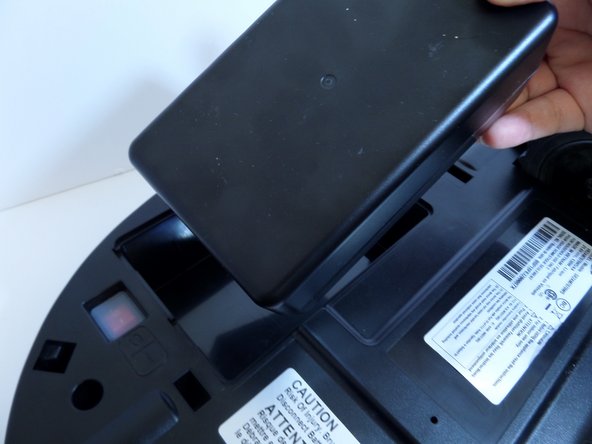
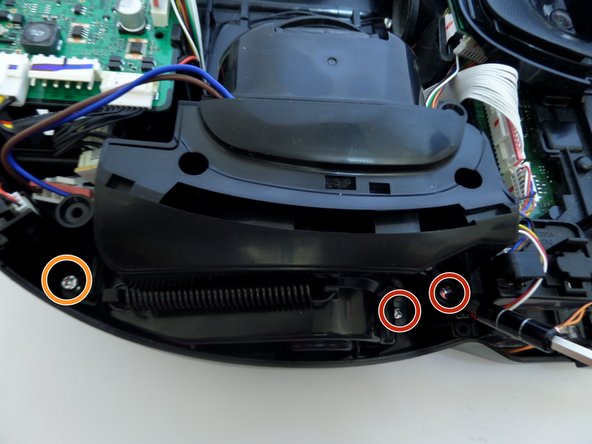
      • Lift the cover plate to expose the battery.

      Chiedi a FixBot
      Aggiungi Commento

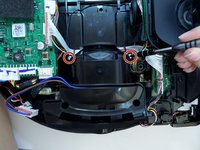
    4. Samsung POWERbot R7070 Left Driving Wheel  Replacement: passo 4, immagine 1 di 2 Samsung POWERbot R7070 Left Driving Wheel  Replacement: passo 4, immagine 2 di 2
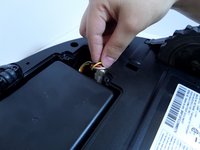
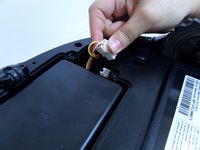
      • Using one hand, pinch the white plastic connector where the battery's wiring connects the POWERbot. Pull up to disconnect.

      Chiedi a FixBot
      Aggiungi Commento

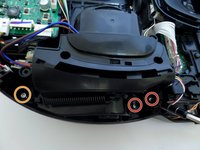
    5. Samsung POWERbot R7070 Left Driving Wheel  Replacement: passo 5, immagine 1 di 2 Samsung POWERbot R7070 Left Driving Wheel  Replacement: passo 5, immagine 2 di 2
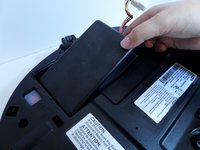
      • Lift the battery from the right side, up and out of its compartment.

      Chiedi a FixBot
      Aggiungi Commento

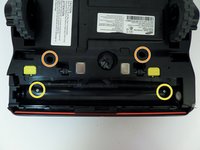
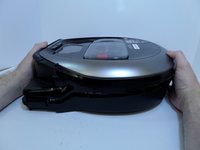
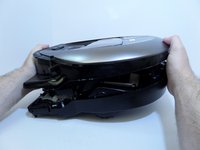
    1. Samsung POWERbot R7070 Left Driving Wheel  Replacement, Motor: passo 6, immagine 1 di 2 Samsung POWERbot R7070 Left Driving Wheel  Replacement, Motor: passo 6, immagine 2 di 2
      • Unscrew the two silver 1.5 cm screws on the left and right side of the battery compartment.

      • Remove the two 1.5 cm screws above the yellow sliding lock tabs.

      • Remove the two 1.2 cm screws in the brush compartment.

      Chiedi a FixBot

      Aggiungi Commento

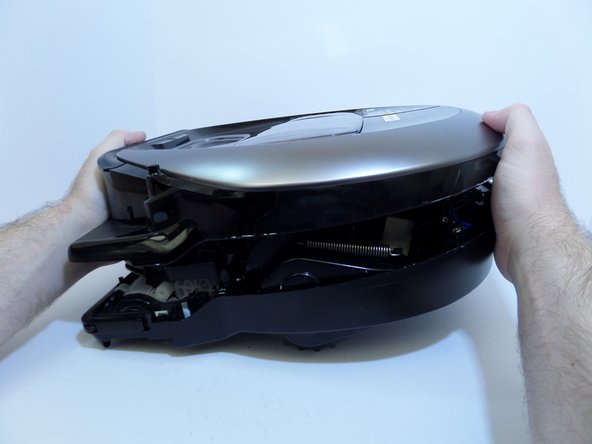
    2. Samsung POWERbot R7070 Left Driving Wheel  Replacement: passo 7, immagine 1 di 2 Samsung POWERbot R7070 Left Driving Wheel  Replacement: passo 7, immagine 2 di 2
      • With moderate force, separate the silver top from the black bottom of the vacuum.

      • The cover will only separate a few inches as the two halves are connected by wires.

      Chiedi a FixBot

      Aggiungi Commento

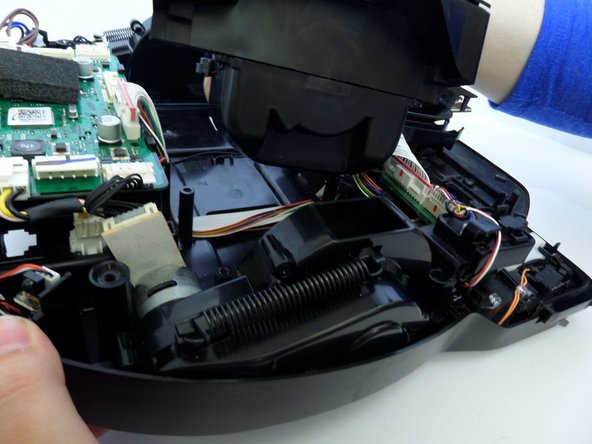
    3. Samsung POWERbot R7070 Left Driving Wheel  Replacement: passo 8, immagine 1 di 1
      • Disconnect the white and red wired connector attached to the top half of the base of the vacuum by squeezing the connector and pulling up.

      Chiedi a FixBot
      Aggiungi Commento

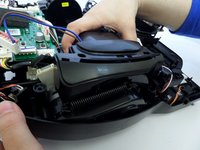
    4. Samsung POWERbot R7070 Left Driving Wheel  Replacement: passo 9, immagine 1 di 1
      • Pinching the top and bottom of the black wired connector, pull outward, fully detaching the top from the bottom of the device.

      Chiedi a FixBot
      Aggiungi Commento

    5. Samsung POWERbot R7070 Left Driving Wheel  Replacement: passo 10, immagine 1 di 1
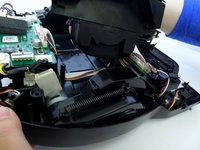
      • Detach the wide circuit connector on the left side by pinching and pressing down on the right and left side of the clip, pulling the connector out.

      • Pull the connector out by the left and right side of the white clip and not by the wires.

      Chiedi a FixBot
      Aggiungi Commento

    6. Samsung POWERbot R7070 Left Driving Wheel  Replacement: passo 11, immagine 1 di 2 Samsung POWERbot R7070 Left Driving Wheel  Replacement: passo 11, immagine 2 di 2
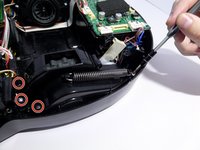
      • Remove the four 1.2 cm screws.

      • Remove the single 0.8 cm screw.

      Chiedi a FixBot

      Aggiungi Commento

    7. Samsung POWERbot R7070 Left Driving Wheel  Replacement: passo 12, immagine 1 di 1
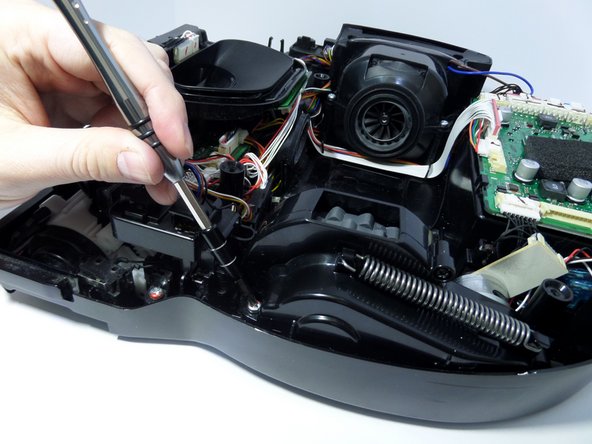
      • Remove the two 1.5 cm screws on the motor chamber.

      Chiedi a FixBot
      Aggiungi Commento

    8. Samsung POWERbot R7070 Left Driving Wheel  Replacement: passo 13, immagine 1 di 2 Samsung POWERbot R7070 Left Driving Wheel  Replacement: passo 13, immagine 2 di 2
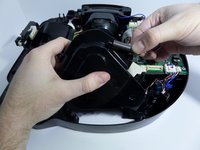
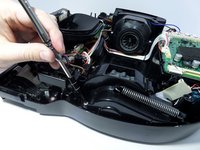
      • Lift the motor by grabbing the body of the motor, lifting upward.

      • With the screws removed from the motor chamber the top of the motor chamber will pop open.

      Chiedi a FixBot
      Aggiungi Commento

    1. Samsung POWERbot R7070 Left Driving Wheel  Replacement, Left Driving Wheel: passo 14, immagine 1 di 2 Samsung POWERbot R7070 Left Driving Wheel  Replacement, Left Driving Wheel: passo 14, immagine 2 di 2
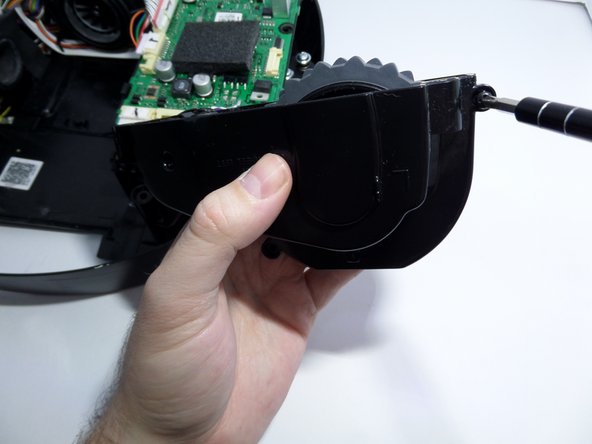
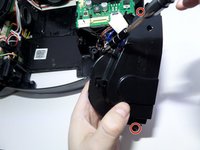
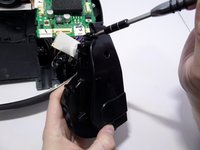
      • Unscrew the two screws securing the left and right ends of the wheel casing to the base of the vacuum.

      Chiedi a FixBot
      Aggiungi Commento

    2. Samsung POWERbot R7070 Left Driving Wheel  Replacement: passo 15, immagine 1 di 1
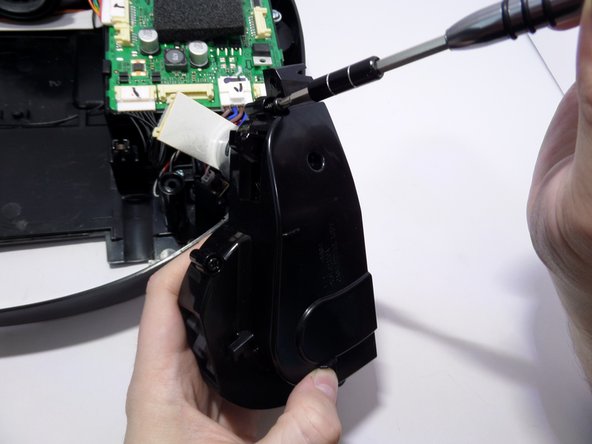
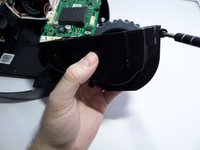
      • Unscrew the screws securing the black plastic piece to the left of the wheel casing.

      • This piece is not part of the wheel casing but must be moved out of the way to remove the wheel.

      • Lift the wheel casing out of the vacuum base.

      Chiedi a FixBot

      Aggiungi Commento

    3. Samsung POWERbot R7070 Left Driving Wheel  Replacement: passo 16, immagine 1 di 2 Samsung POWERbot R7070 Left Driving Wheel  Replacement: passo 16, immagine 2 di 2
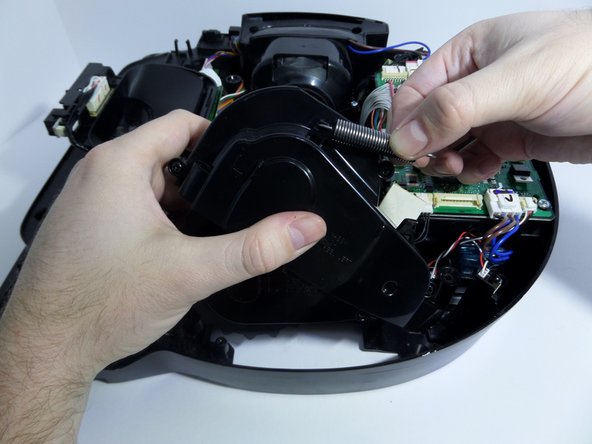
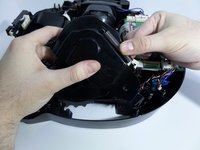
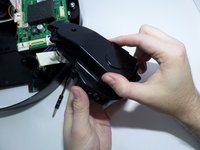
      • Arrange the wheel so that the spring is fully retracted.

      • Unhook one edge of the spring by carefully pulling the spring towards the hook.

      • With the spring unhooked, remove the spring from the wheel casing.

      Chiedi a FixBot

      Aggiungi Commento

    4. Samsung POWERbot R7070 Left Driving Wheel  Replacement: passo 17, immagine 1 di 3 Samsung POWERbot R7070 Left Driving Wheel  Replacement: passo 17, immagine 2 di 3 Samsung POWERbot R7070 Left Driving Wheel  Replacement: passo 17, immagine 3 di 3
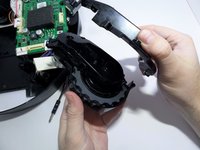
      • Remove the screws that are fastening the two halves of the wheel casing together.

      Chiedi a FixBot

      Aggiungi Commento

    5. Samsung POWERbot R7070 Left Driving Wheel  Replacement: passo 18, immagine 1 di 2 Samsung POWERbot R7070 Left Driving Wheel  Replacement: passo 18, immagine 2 di 2
      • Open wheel casing.

      Chiedi a FixBot

      Aggiungi Commento

    6. Samsung POWERbot R7070 Left Driving Wheel  Replacement: passo 19, immagine 1 di 1
      • Unscrew the black 1 cm screw securing the center of the wheel to the remaining half of the wheel casing.

      Chiedi a FixBot

      Aggiungi Commento

    7. Samsung POWERbot R7070 Left Driving Wheel  Replacement: passo 20, immagine 1 di 2 Samsung POWERbot R7070 Left Driving Wheel  Replacement: passo 20, immagine 2 di 2
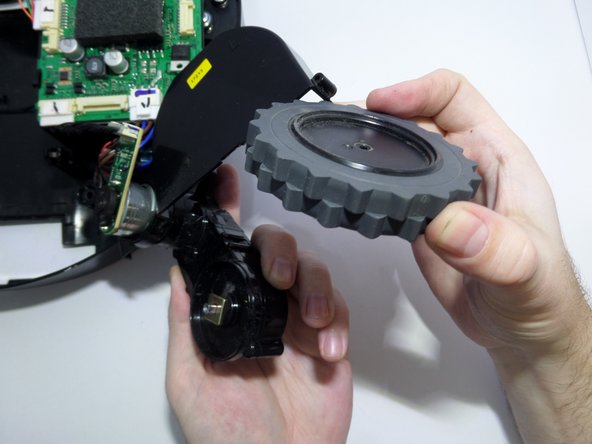
      • Remove the wheel.

      Chiedi a FixBot

      Aggiungi Commento

Conclusione

To reassemble your device, follow these instructions in reverse order.

Annulla: non ho completato questa guida.

Altre 5 persone hanno completato questa guida.

Team

CSU Fullerton, Team S2-G8, Bruce Fall 2017 Membro di CSU Fullerton, Team S2-G8, Bruce Fall 2017

CSUF-BRUCE-F17S2G8

3 Membri

15 guide realizzate

2Commenti sulla guida

Where can you find the replacement left driving wheel? are all the model the same?

ghvolleyball - Rispondi Condividi

My left wheel seams to have sand in the gear box now and won’t turn. I need a replacement part or assembly for a R7065 Powerbot LH wheel gear box, which is very similar to the R7070. As far as I can see (I have one of each) the R7065 has two rubber beaters and two brush beaters where as the R7070 has 4 rubber beaters.

Steven Nicholas - Rispondi Condividi

Aggiungi Commento

Visualizza statistiche:

Ultime 24 ore: 0

Ultimi 7 giorni: 6

Ultimi 30 giorni: 23

Tutti i Tempi: 3,900