Salta al contenuto principale
Unisciti alla Community delle riparazioni - Crea un account

Rival CM4015 Heating Element Replacement

Cosa ti serve

  1. Rival CM4015 Heating Element Replacement, Base Plate: passo 1, immagine 1 di 2 Rival CM4015 Heating Element Replacement, Base Plate: passo 1, immagine 2 di 2
    • Remove the three 16 mm tri-point screws from the base plate.

    Chiedi a FixBot

    Aggiungi Commento

  2. Rival CM4015 Heating Element Replacement: passo 2, immagine 1 di 2 Rival CM4015 Heating Element Replacement: passo 2, immagine 2 di 2
    • Remove the base plate by pressing the plastic body away from the metal plate with your thumbs.

    Chiedi a FixBot

    Aggiungi Commento

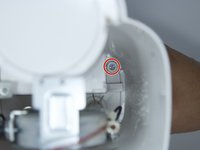
  3. Rival CM4015 Heating Element Replacement, Power Button: passo 3, immagine 1 di 1
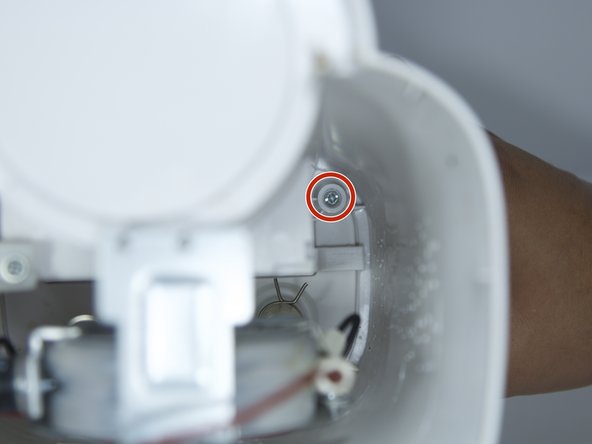
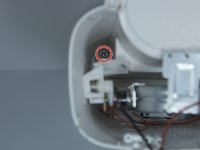
    • Remove the 8mm Phillips screw that attaches the power button to the inside of the coffee maker.

    Chiedi a FixBot

    Aggiungi Commento

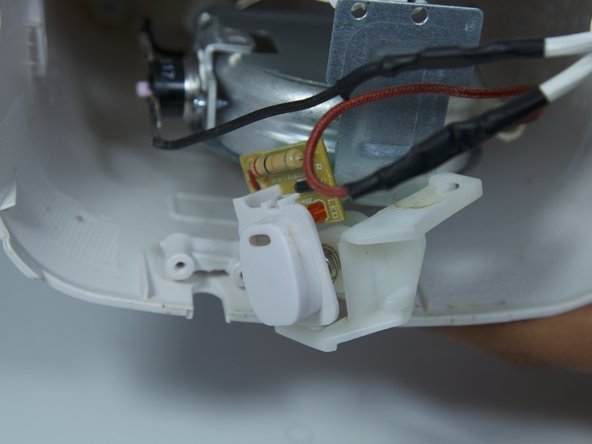
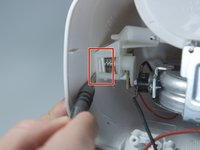
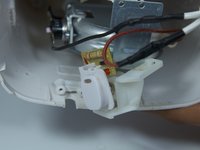
  4. Rival CM4015 Heating Element Replacement: passo 4, immagine 1 di 2 Rival CM4015 Heating Element Replacement: passo 4, immagine 2 di 2
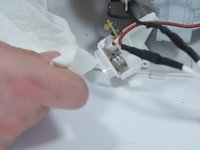
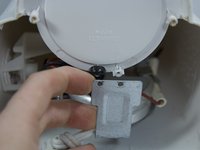
    • Use a flat head screwdriver to pry the power button from its slot in the body of the device.

    • Make sure the tool is pressed securely under the plastic clip, in order to not break it.

    Chiedi a FixBot

    Aggiungi Commento

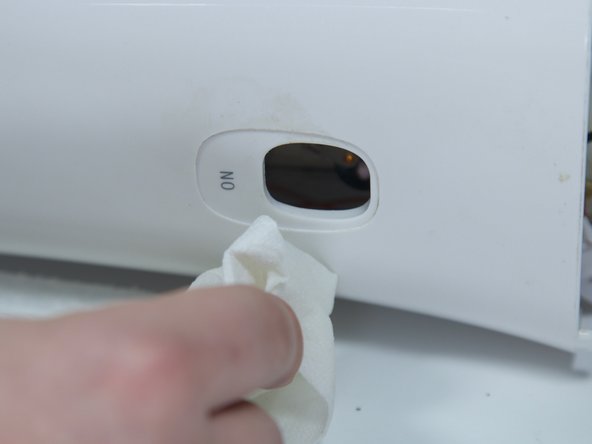
  5. Rival CM4015 Heating Element Replacement: passo 5, immagine 1 di 2 Rival CM4015 Heating Element Replacement: passo 5, immagine 2 di 2
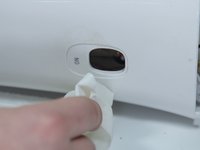
    • Clean both the button and its slot before replacing the power button.

    Chiedi a FixBot

    Aggiungi Commento

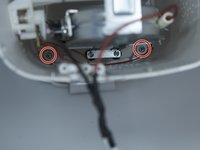
  6. Rival CM4015 Heating Element Replacement, Heating Element: passo 6, immagine 1 di 1
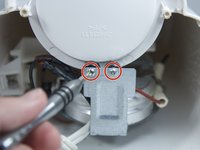
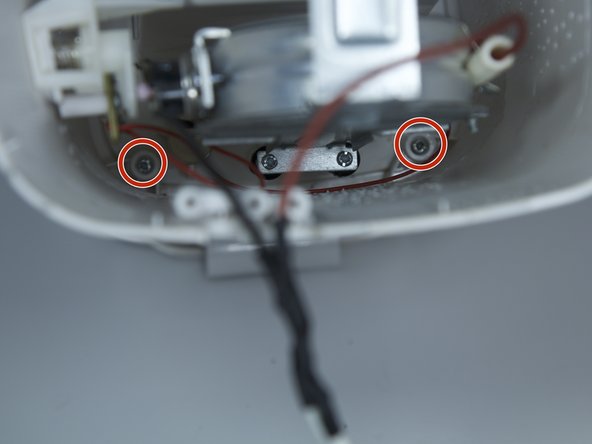
    • Remove the two 8 mm Phillips screws from the plastic body.

    Chiedi a FixBot

    Aggiungi Commento

  7. Rival CM4015 Heating Element Replacement: passo 7, immagine 1 di 2 Rival CM4015 Heating Element Replacement: passo 7, immagine 2 di 2
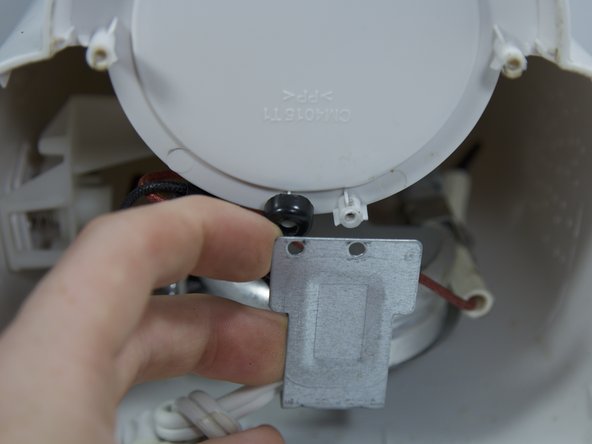
    • Remove the two 8 mm Phillips screws from the chassis of coffee maker.

    • Pull back the metal backing from the plastic body.

    Chiedi a FixBot

    Aggiungi Commento

  8. Rival CM4015 Heating Element Replacement: passo 8, immagine 1 di 3 Rival CM4015 Heating Element Replacement: passo 8, immagine 2 di 3 Rival CM4015 Heating Element Replacement: passo 8, immagine 3 di 3
    • Remove the four 8 mm Phillips screws from the inner plastic body.

    • You will need a long, thin Phillips screw driver to get this deep into the device.

    Chiedi a FixBot

    Aggiungi Commento

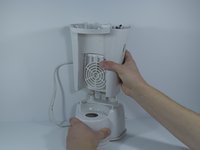
  9. Rival CM4015 Heating Element Replacement: passo 9, immagine 1 di 2 Rival CM4015 Heating Element Replacement: passo 9, immagine 2 di 2
    • Flip the device upside down and remove the outer plastic body from the device by pulling straight up.

    • Take your time to make sure the thin cables within the device don't tear.

    Chiedi a FixBot

    Aggiungi Commento

  10. Rival CM4015 Heating Element Replacement: passo 10, immagine 1 di 1
    • Remove the two 8 mm Phillips screws from the metal backing.

    Chiedi a FixBot

    Aggiungi Commento

  11. Rival CM4015 Heating Element Replacement: passo 11, immagine 1 di 1
    • Remove the 4 springs holding the water tubes by squeezing the 2 prongs together.

    • You may also use pliers for this step if the springs are too strong.

    Chiedi a FixBot

    Aggiungi Commento

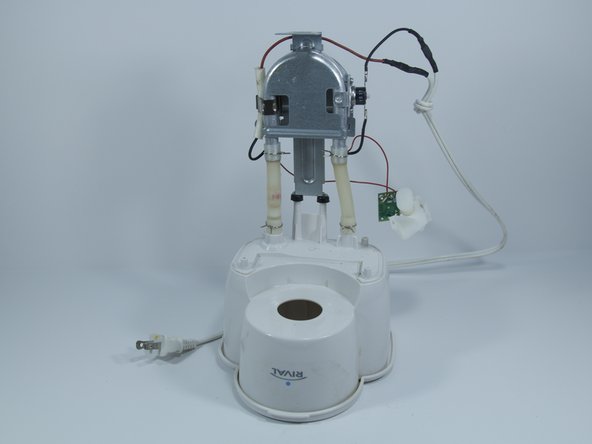
  12. Rival CM4015 Heating Element Replacement: passo 12, immagine 1 di 1
    • Bend the heating element back and forth to wiggle the water tubes loose from the plastic.

    Chiedi a FixBot

    Aggiungi Commento

Conclusione

To reassemble your device, follow these instructions in reverse order.

Annulla: non ho completato questa guida.

Un'altra persona ha completato questa guida.

Team

Cal Poly, Team 10-6, Livingston Fall 2016 Membro di Cal Poly, Team 10-6, Livingston Fall 2016

CPSU-LIVINGSTON-F16S10G6

5 Membri

12 guide realizzate

0Commenti sulla guida

Aggiungi Commento

Visualizza statistiche:

Ultime 24 ore: 1

Ultimi 7 giorni: 10

Ultimi 30 giorni: 34

Tutti i Tempi: 643