Introduzione
If the video from your Rexing V1P Plus front camera is not recording or displaying on the screen, your device's front camera could be damaged or faulty. This guide will show you how to remove and replace the front camera.
Cosa ti serve
-
-
-
Begin by orienting the device with the LCD screen facing down.
-
Remove the four 6 mm screws, located on the backside of the device, using the Phillips #00 screwdriver.
 Chiedi a FixBot
-
-
-
Remove the back cover of the device and place it to the side.
-
Rotate the device 180 degrees to where the camera is facing you.
-
-
-
Remove the two 5 mm screws next to the lens using the Phillips #00 screwdriver.
-
-
-
-
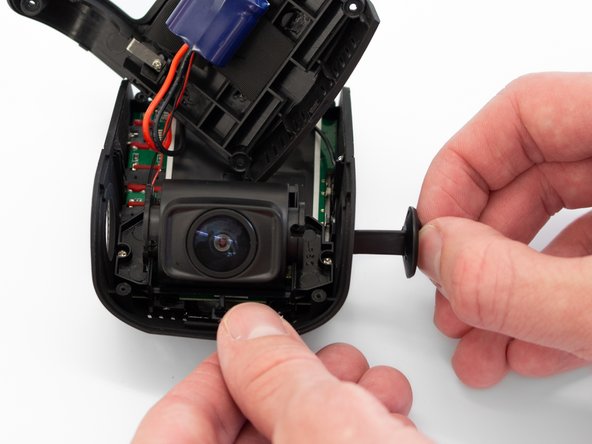
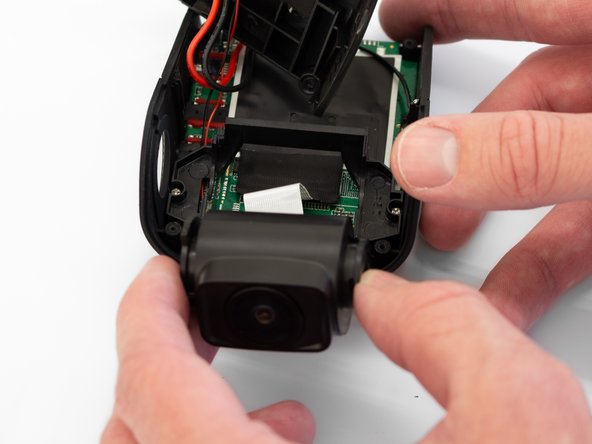
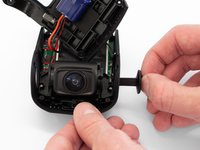
Remove the two camera angle adjusters from the side of the device and carefully pull out the lens.
-
-
-
Remove the two 5mm screws securing the camera support bracket using the Phillips #00 screwdriver.
-
-
-
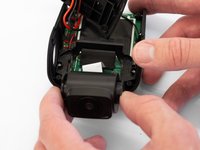
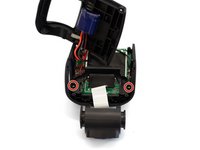
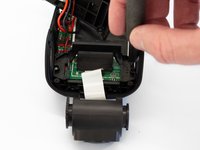
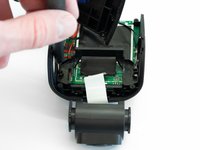
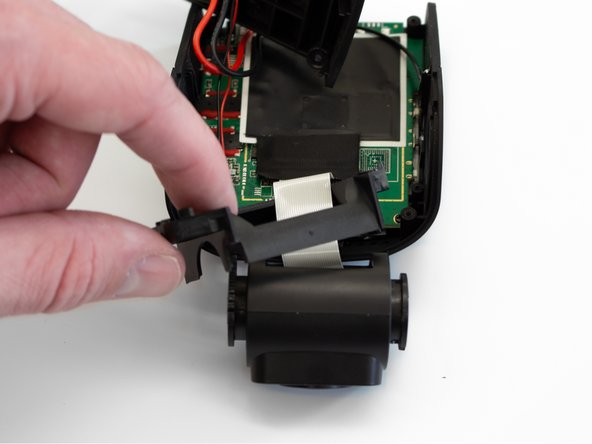
Carefully remove the plastic frame piece from its previously secured position on the motherboard.
-
Rotate the device 180 degrees to where the camera is facing away from you.
-
-
-
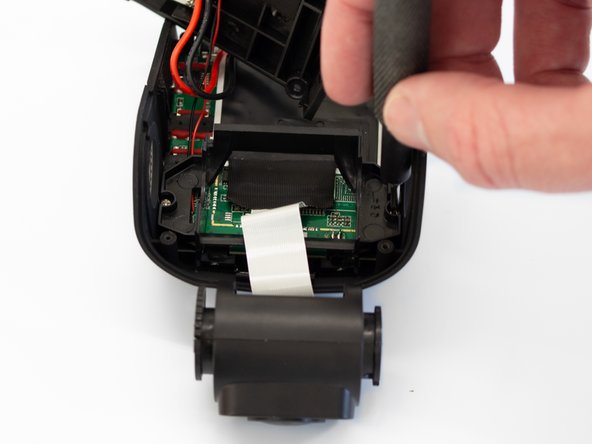
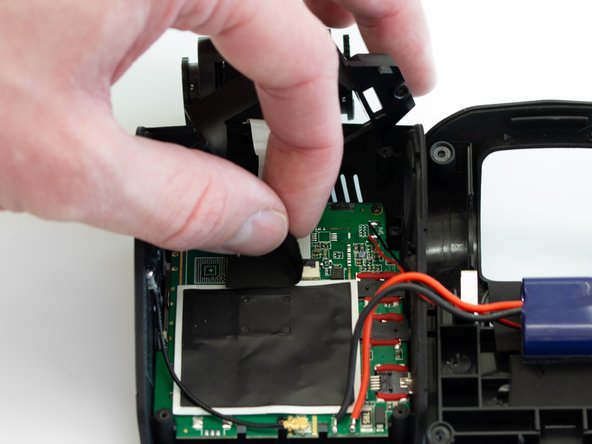
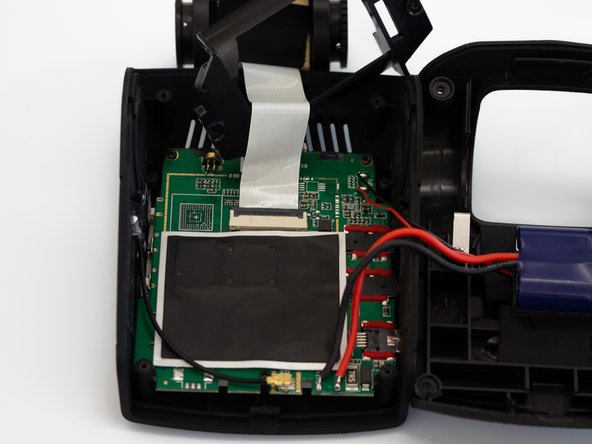
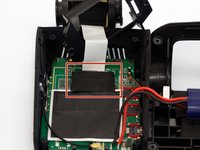
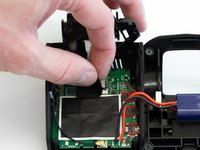
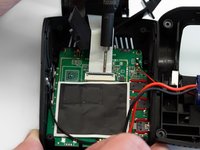
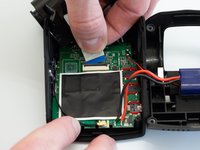
Carefully peel back the adhesive material covering the ribbon cable connection.
-
-
-
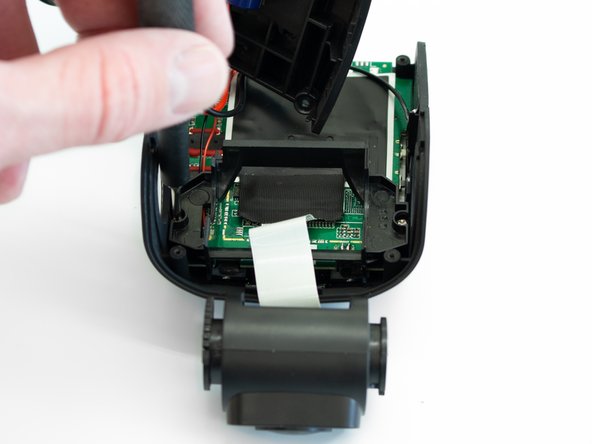
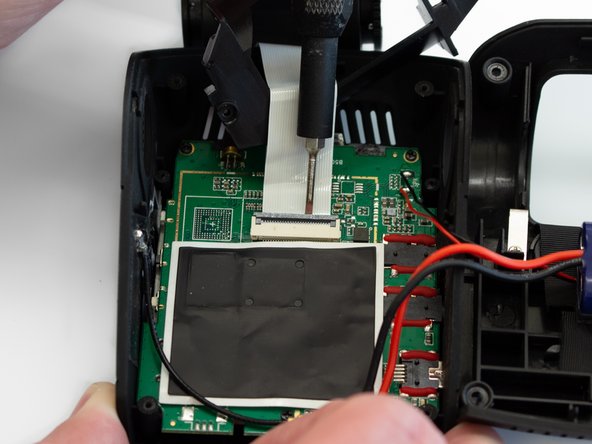
Using the Flathead 1.5mm screwdriver, or another pry tool, gently flip up the black ZIF connector locking flap to free the ribbon cable.
-
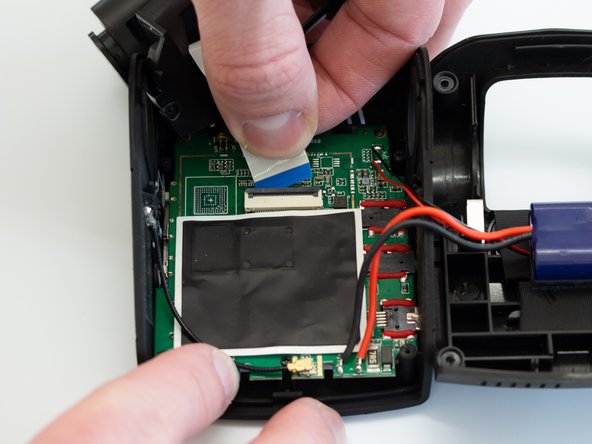
Once the connector is open, slide the ribbon cable out to remove it.
-
-


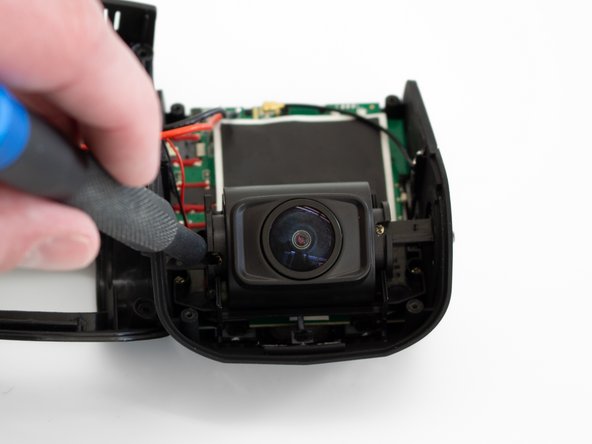
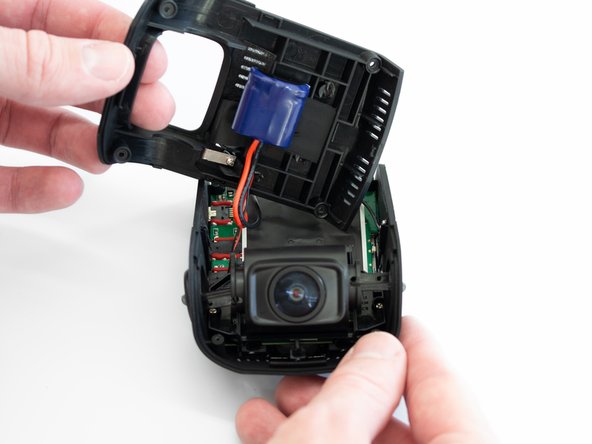



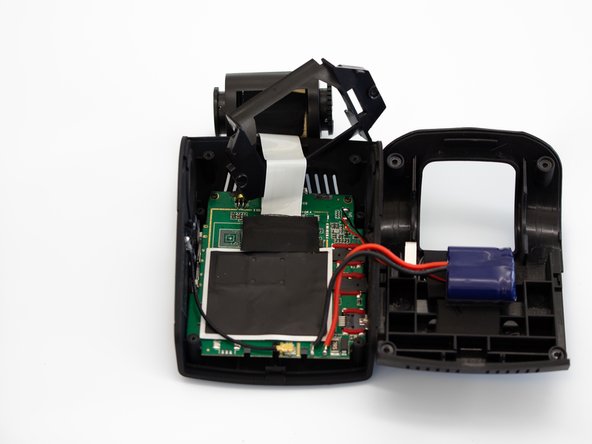
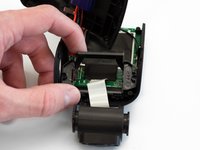
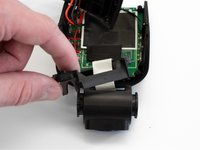
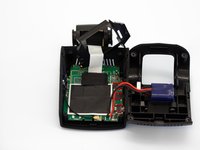

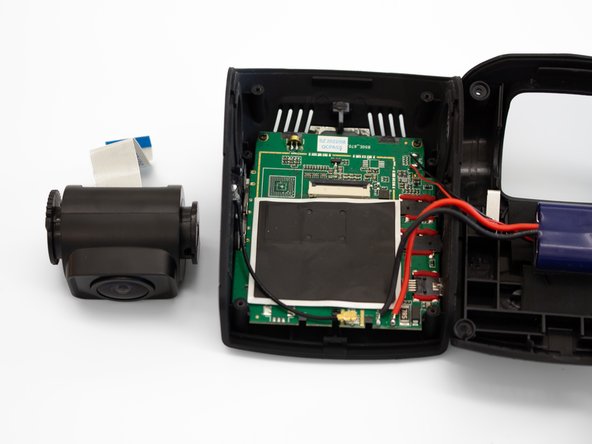
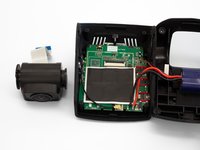
To reassemble your device, follow these instructions in reverse order.
Annulla: non ho completato questa guida.
Un'altra persona ha completato questa guida.

Team

Western Carolina University, Team 1-1, Virtue Spring 2023 Membro di Western Carolina University, Team 1-1, Virtue Spring 2023
WCU-VIRTUE-S23S1G1
4 Membri
5 guide realizzate
