Introduzione
If the front screen to your Retro Mini Miyoo Mini Plus is broken or malfunctioning. Follow this replacement guide to replace the screen.
Cosa ti serve
-
-
-
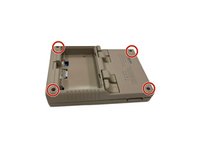
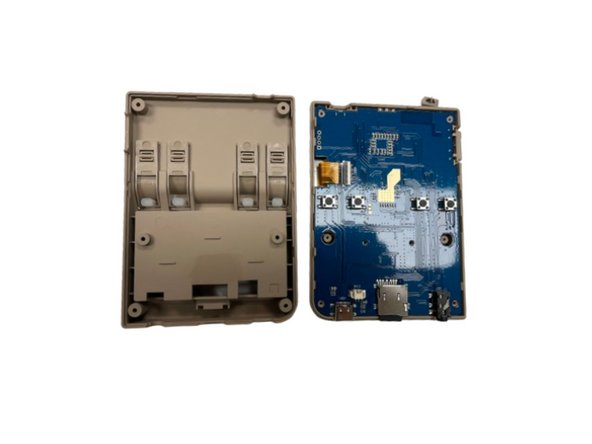
Remove the four screws securing the rear case with a Phillips screwdriver.
-
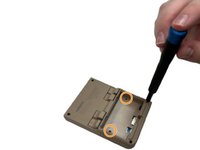
Remove the two Phillips screws inside the battery compartment.
-
-
-
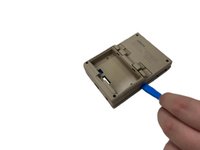
Heat an iOpener according to the instructions here.
-
Rest the iOpener Gel Bag on the screen for a minute.
-


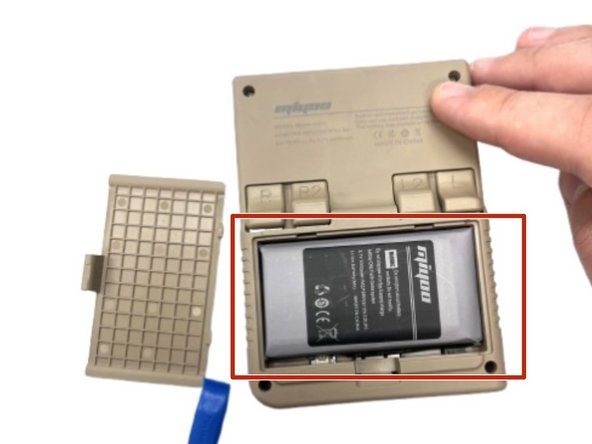


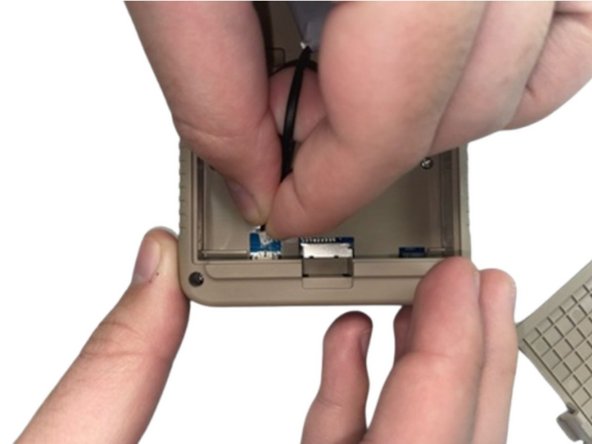

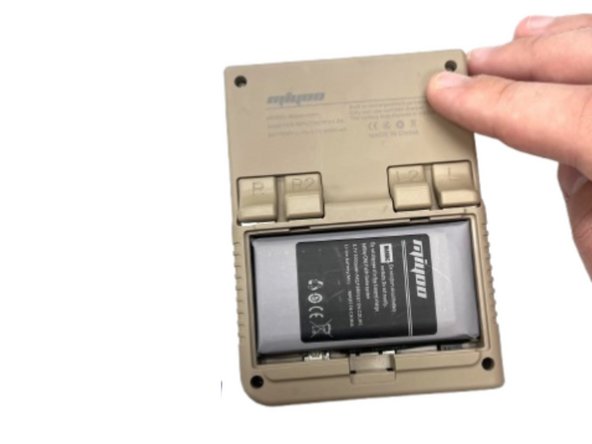
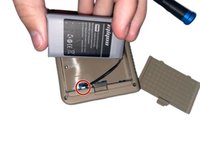
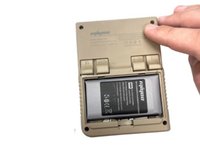

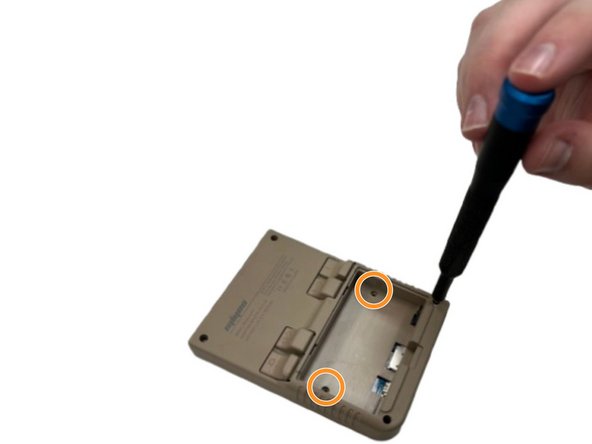

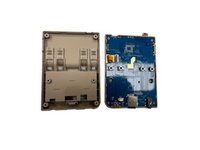


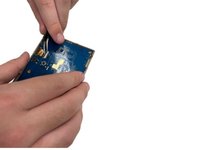
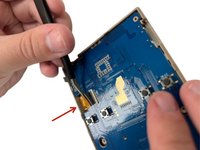

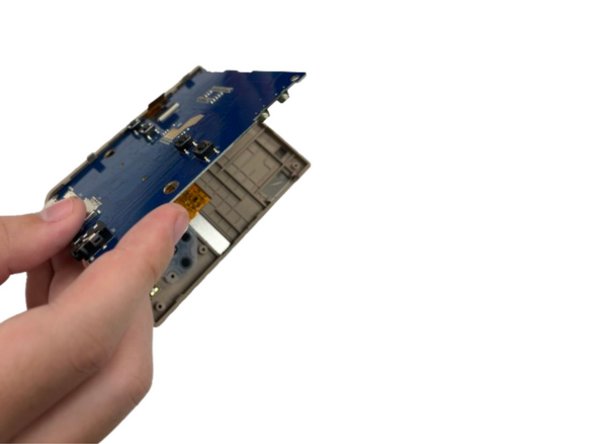
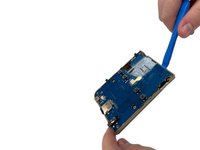
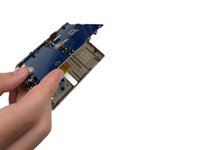

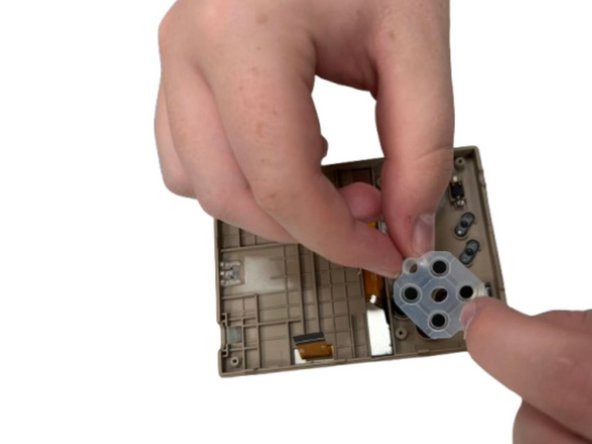

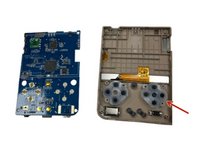
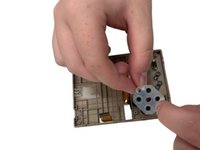
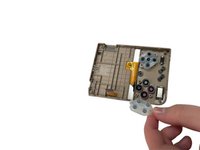


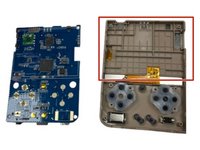
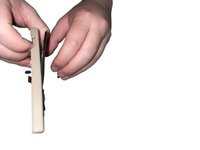

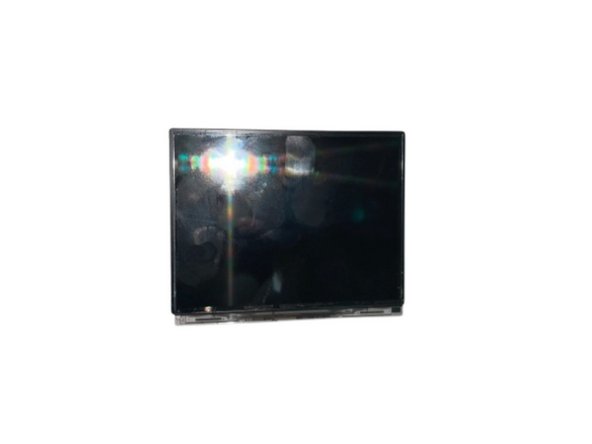
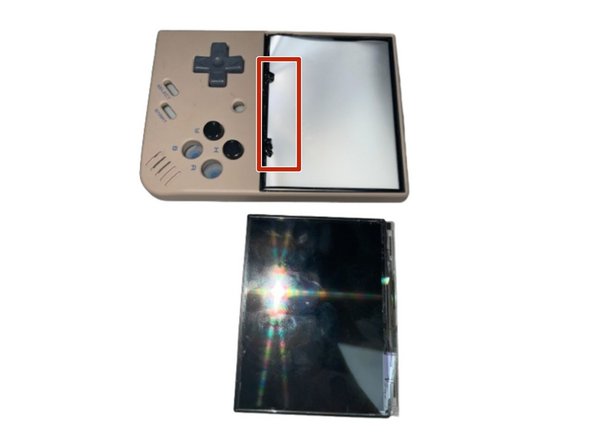
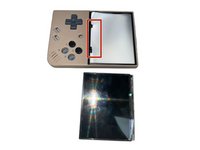
To reassemble your device, follow the above steps in reverse order.
Take your e-waste to an R2 or e-Stewards certified recycler.
Repair didn’t go as planned? Try some basic troubleshooting.
Annulla: non ho completato questa guida.
Un'altra persona ha completato questa guida.


Team

University of North Texas, Team 5-2, Kilpatrick Fall 2024 Membro di University of North Texas, Team 5-2, Kilpatrick Fall 2024
UNT-KILPATRICK-F24S5G2
4 Membri
4 Guide realizzate
