Salta al contenuto principale
Unisciti alla Community delle riparazioni - Crea un account

Removing LG VX8350 Screen Assembly

Cosa ti serve

  1. Removing LG VX8350  Screen Assembly, Battery: passo 1, immagine 1 di 2 Removing LG VX8350  Screen Assembly, Battery: passo 1, immagine 2 di 2
    • Locate the horizontal grip located on the back cover of the phone.

    • Slide the back cover down and off of the phone.

    Chiedi a FixBot
  2. Removing LG VX8350  Screen Assembly: passo 2, immagine 1 di 2 Removing LG VX8350  Screen Assembly: passo 2, immagine 2 di 2
    • Insert a plastic opening tool into the battery release point located above the battery.

    • Pull outwards in order to release the battery.

    Chiedi a FixBot
  3. Removing LG VX8350  Screen Assembly, Circuit Board Housing: passo 3, immagine 1 di 3 Removing LG VX8350  Screen Assembly, Circuit Board Housing: passo 3, immagine 2 di 3 Removing LG VX8350  Screen Assembly, Circuit Board Housing: passo 3, immagine 3 di 3
    Strumento utilizzato in questo passaggio:
    Tweezers
    $4.99
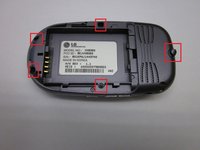
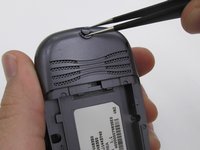
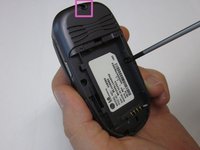
    • Locate the 5 screws holding the body of the phone together.

    • The top screw will have a plastic cover, remove it using tweezers.

    • Using a Philips head screwdriver, twist counterclockwise to remove the screws.

    • Take special care with the screw located at the top of the phone. It is smaller and more likely to be damaged or improperly attached.

    Chiedi a FixBot
  4. Removing LG VX8350  Screen Assembly: passo 4, immagine 1 di 2 Removing LG VX8350  Screen Assembly: passo 4, immagine 2 di 2
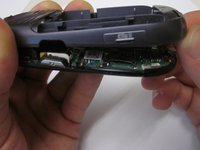
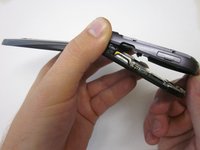
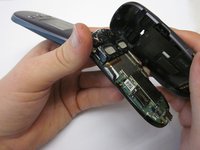
    • Lift the back cover starting at the bottom of the phone.

    Chiedi a FixBot
  5. Removing LG VX8350  Screen Assembly: passo 5, immagine 1 di 2 Removing LG VX8350  Screen Assembly: passo 5, immagine 2 di 2
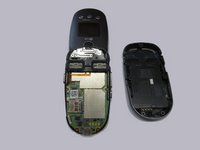
    • Remove the back cover completely from the phone.

    Chiedi a FixBot
  6. Removing LG VX8350  Screen Assembly, Circuit Board: passo 6, immagine 1 di 1
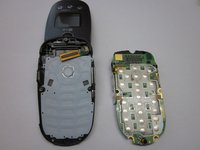
    • Locate the clamp at bottom right side of the Circuit Board.

    • Pull the circuit board from the phone being cautious to pull out underneath the clamp.

    Chiedi a FixBot
  7. Removing LG VX8350  Screen Assembly: passo 7, immagine 1 di 2 Removing LG VX8350  Screen Assembly: passo 7, immagine 2 di 2
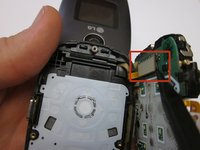
    • Locate the ribbon connecting the circuit board to the phone display.

    • Using the spudger, disconnect the ribbon connecting the phone's display and the circuit board.

    • Remove the circuit board

    Chiedi a FixBot
  8. Removing LG VX8350  Screen Assembly, Keypad: passo 8, immagine 1 di 2 Removing LG VX8350  Screen Assembly, Keypad: passo 8, immagine 2 di 2
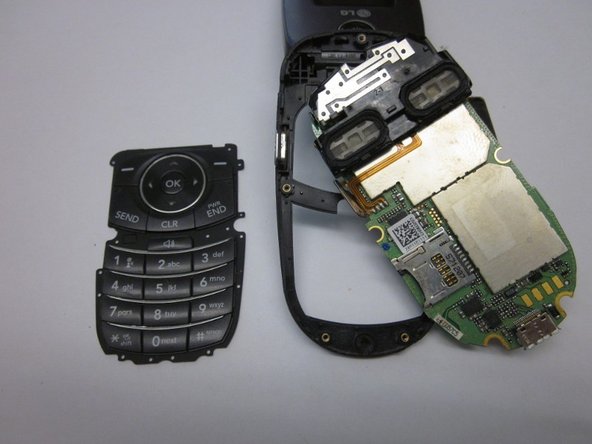
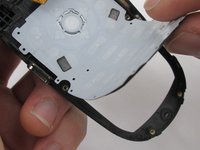
    • Lift the keyboard and remove it from the phone.

    Chiedi a FixBot
  9. Removing LG VX8350  Screen Assembly, Screen Cover: passo 9, immagine 1 di 3 Removing LG VX8350  Screen Assembly, Screen Cover: passo 9, immagine 2 di 3 Removing LG VX8350  Screen Assembly, Screen Cover: passo 9, immagine 3 di 3
    Strumento utilizzato in questo passaggio:
    Tweezers
    $4.99
    • Locate the two rubber circles covering the screws.

    • Remove the rubber covers using tweezers.

    • Using the Phillips head screwdriver, unscrew and remove the two screws.

    Chiedi a FixBot
  10. Removing LG VX8350  Screen Assembly: passo 10, immagine 1 di 3 Removing LG VX8350  Screen Assembly: passo 10, immagine 2 di 3 Removing LG VX8350  Screen Assembly: passo 10, immagine 3 di 3
    • Close the phone and gently pull outwards from the bottom left portion of the phone cover.

    • Take care not to do this with too much force, as it could crack the cover.

    • Completely remove the cover from the phone.

    Chiedi a FixBot
  11. Removing LG VX8350  Screen Assembly, Screen Assembly: passo 11, immagine 1 di 2 Removing LG VX8350  Screen Assembly, Screen Assembly: passo 11, immagine 2 di 2
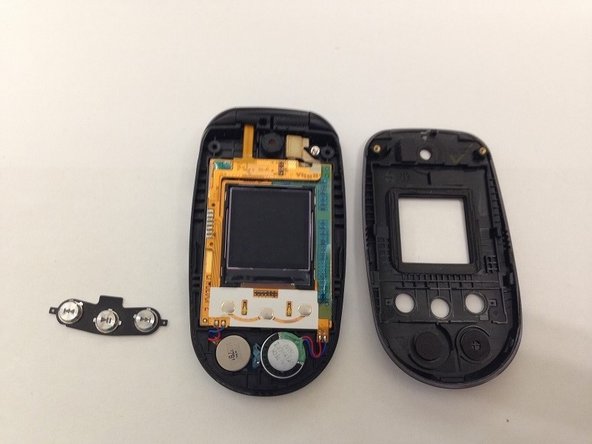
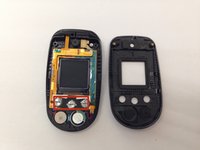
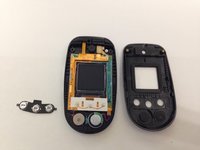
    • Locate the front music buttons.

    • Remove the music control buttons on the face of the phone.

    Chiedi a FixBot
  12. Removing LG VX8350  Screen Assembly: passo 12, immagine 1 di 2 Removing LG VX8350  Screen Assembly: passo 12, immagine 2 di 2
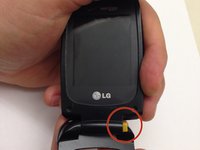
    • While grasping the top and bottom sections torque the pieces until the indicated hinge has popped out. The two sections of the phone are now able to separate.

    • Make sure the right side of the hinge is removed first and not the left as you will likely damage the ribbon connection.

    Chiedi a FixBot
  13. Removing LG VX8350  Screen Assembly: passo 13, immagine 1 di 3 Removing LG VX8350  Screen Assembly: passo 13, immagine 2 di 3 Removing LG VX8350  Screen Assembly: passo 13, immagine 3 di 3
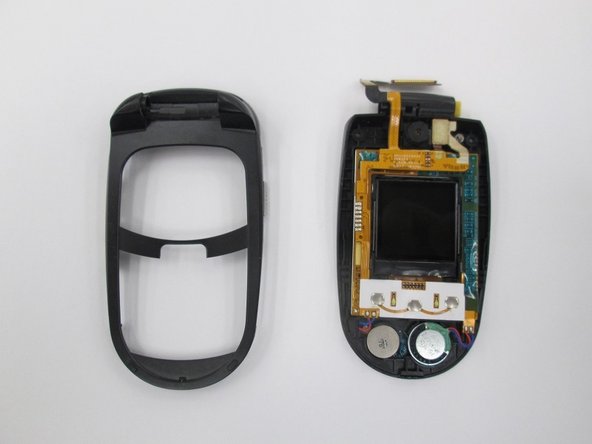
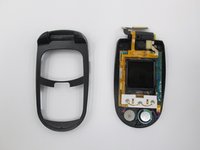
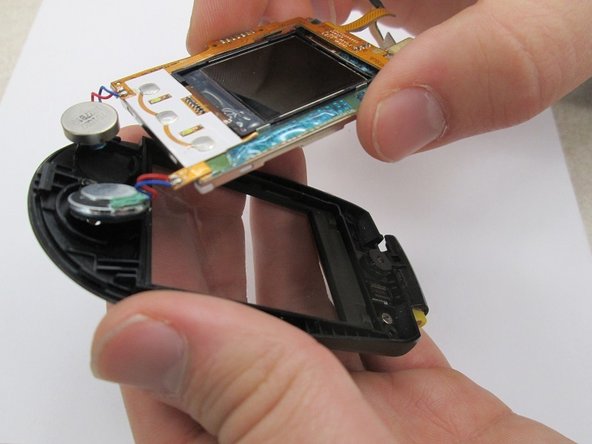
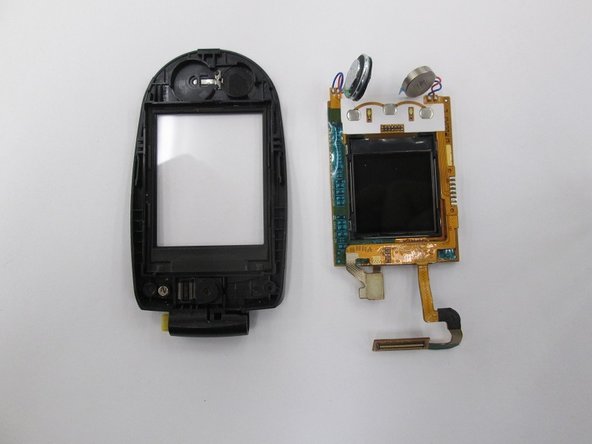
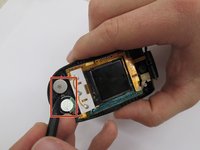
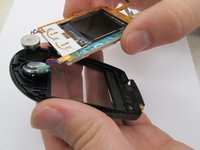
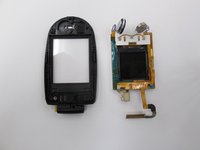
    • Locate the two speakers. Using a spudger disconnect the speakers from the assembly.

    • Lift the screen assembly from the casing.

    • The screen assembly is completely removed to allow for easier access to the speaker connections when performing further repairs on the speakers.

    Chiedi a FixBot
Conclusione

To reassemble your device, follow these instructions in reverse order.

Team

Clemson, Team 14-7, Benson Fall 2013 Membro di Clemson, Team 14-7, Benson Fall 2013

CLEM-BENSON-F13S14G7

3 Membri

16 guide realizzate

0Commenti sulla guida

Aggiungi Commento

Visualizza statistiche:

Ultime 24 ore: 1

Ultimi 7 giorni: 8

Ultimi 30 giorni: 45

Tutti i Tempi: 1,019