Introduzione
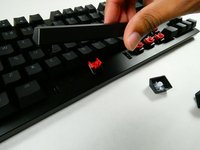
If your keycaps have either cosmetic or physical issues, use this guide to replace them. This guide should take over an hour if you don’t have a key-puller and/or intend on removing all of the keycaps, yet individual keys can be removed in under a minute.
The Razer Huntsman Tournament Edition is a tenkeyless mechanical keyboard. Its keycaps are easily swappable with minimal action required.
There is no prior knowledge needed in order to complete this guide.
Cosa ti serve
-
-
-
Place the unplugged keyboard on a flat, clean surface appropriate for working on.
 Chiedi a FixBot
-
-
-


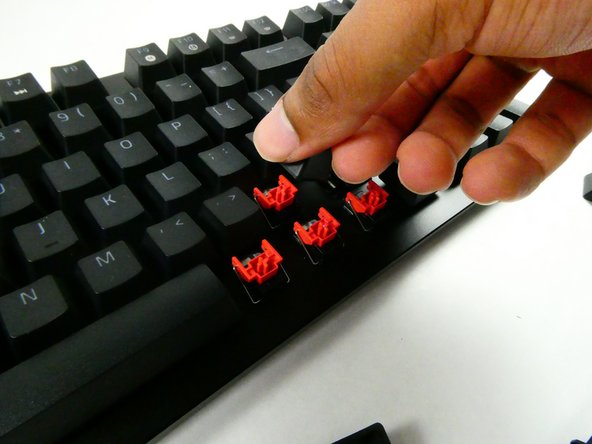
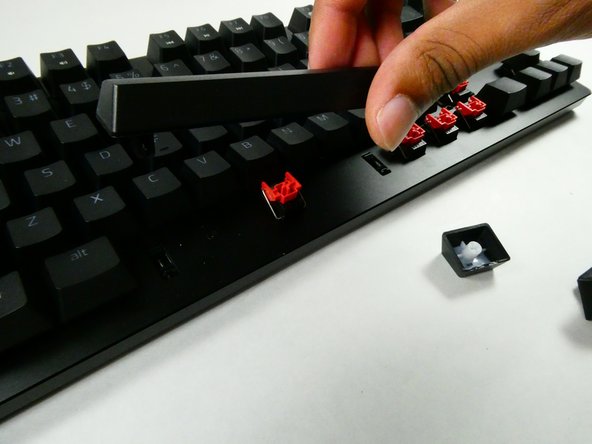
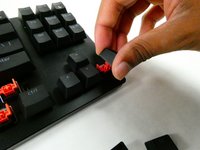
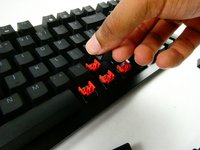
To reassemble your device, follow these instructions in reverse order.
Annulla: non ho completato questa guida.
Altre 2 persone hanno completato questa guida.

Team

UMass Dartmouth, Team 4-3, Sinclaire Fall 2022 Membro di UMass Dartmouth, Team 4-3, Sinclaire Fall 2022
UMASSD-SINCLAIRE-F22S4G3
5 Membri
54 guide realizzate
