Questa traduzione è stata generata automaticamente e non è stata ancora revisionata da una persona. Parli questa lingua? Dai un’occhiata.
Cosa ti serve
-
-
-
Individua il pulsante grande sulla parte superiore del dispositivo.
-
Premi il pulsante e fai scorrere la copertura lontano dal pulsante.
 Chiedi a FixBot
-
-
-
-
-
Afferra la linguetta rossa e tirala verso il basso per sbloccare il fermo.
-
Estrai la batteria.
-
-
-
-
-
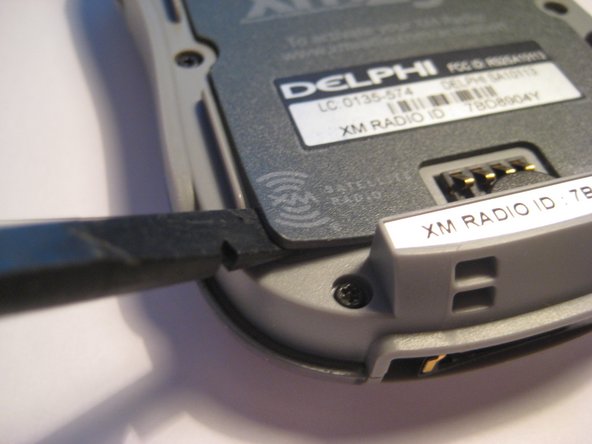
Sotto la batteria si trova un tappetino magnetico, indicato in rosso, che scherma la batteria dalle interferenze con la ricezione dell'antenna satellitare XM.
-
Questo tappetino è attaccato al retro del dispositivo come un adesivo e può essere rimosso.
-
-
-
-
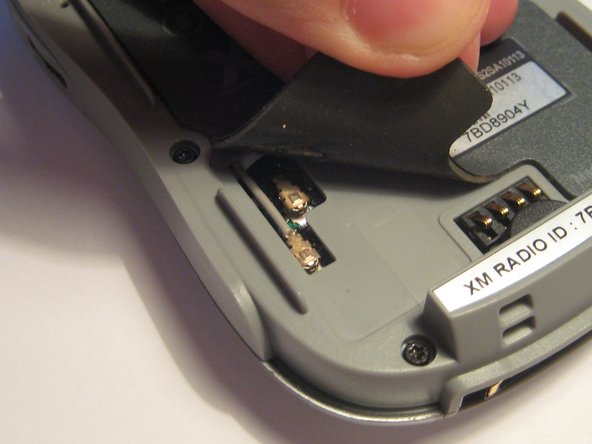
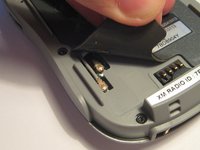
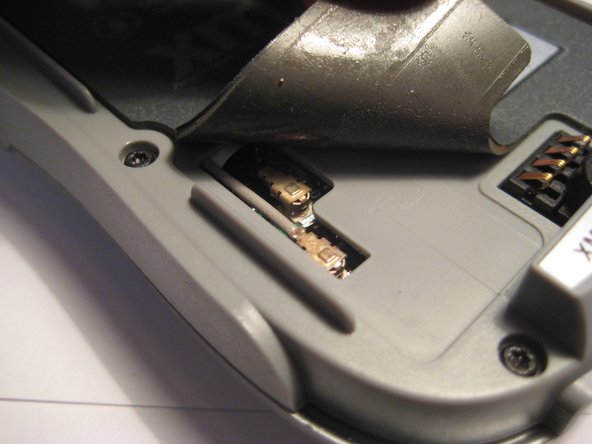
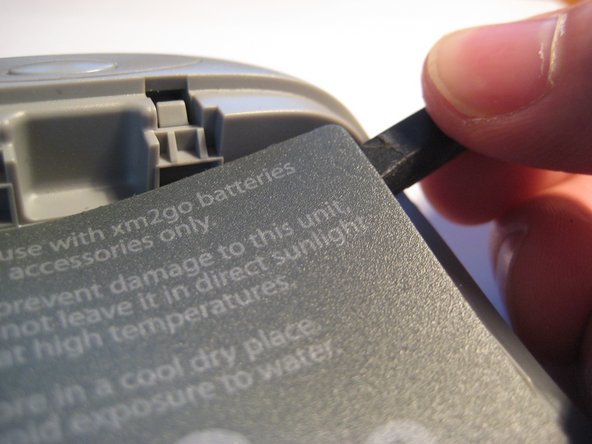
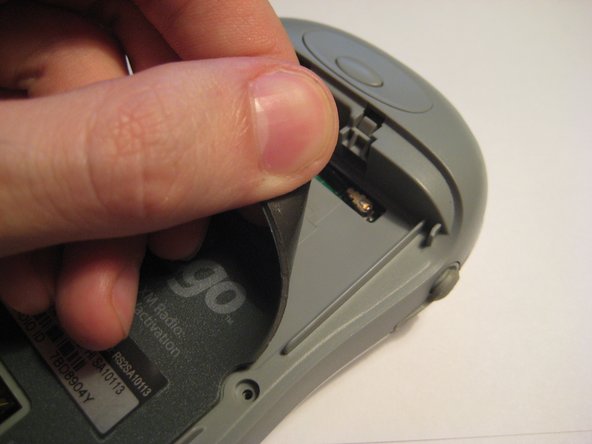
Sul lato inferiore sinistro del tappetino magnetico, l'angolo può essere sollevato per rivelare il connettore dell'antenna U.FL. È possibile utilizzare uno spudger o le unghie per sollevare gli angoli.
-
Questi connettori dell'antenna U.FL sono standard per la maggior parte dei dispositivi portatili e delle schede Wi-Fi. Potrebbero scollegarsi con l'uso e andrebbero controllati in caso di assenza di ricezione.
-
Solleva l'angolo e nota i due connettori collegati al circuito stampato.
-
-
-
Entrambi questi connettori devono essere fissati saldamente al circuito stampato. Prova a premerli con decisione per assicurarti che siano in pieno contatto.
-
-
-
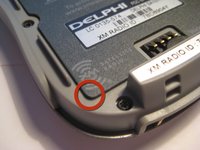
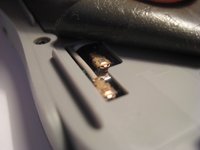
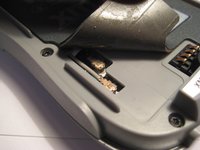
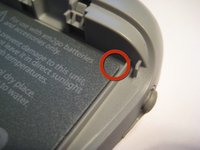
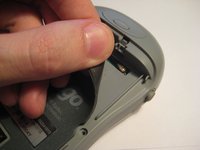
Nell'angolo in alto a destra, il tappetino magnetico può essere sollevato per controllare un altro connettore a pressione U.FL, come nel terzo passaggio.
-
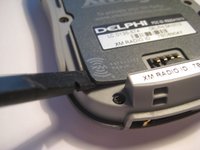
Dopo aver controllato il connettore, è possibile premere di nuovo il tappetino per fissarlo.
-
-
-
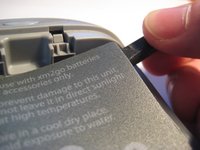
Prova a premere sul connettore a pressione U.FL, come mostrato in questa immagine, per assicurarti che sia collegato saldamente.
-
-





Per rimontare il dispositivo, segui queste istruzioni in ordine inverso.
Annulla: non ho completato questa guida.
Un'altra persona ha completato questa guida.

Team

Clemson, Team 1-2, Benson Spring 2012 Membro di Clemson, Team 1-2, Benson Spring 2012
CLEM-BENSON-S12S1G2
3 Membri
108 guide realizzate
