Salta al contenuto principale
Unisciti alla Community delle riparazioni - Crea un account

PowerA Spectra Infinity Enhanced Bumpers Replacement

Cosa ti serve

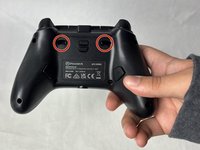
  1. PowerA Spectra Infinity Enhanced Bumpers Replacement, Motherboard: passo 1, immagine 1 di 2 PowerA Spectra Infinity Enhanced Bumpers Replacement, Motherboard: passo 1, immagine 2 di 2
    • Flip the controller so the back is facing up.

    Chiedi a FixBot
  2. PowerA Spectra Infinity Enhanced Bumpers Replacement: passo 2, immagine 1 di 1
    • Remove the eight 10 mm screws from the back of the controller using a Phillips #0 screwdriver.

    Chiedi a FixBot
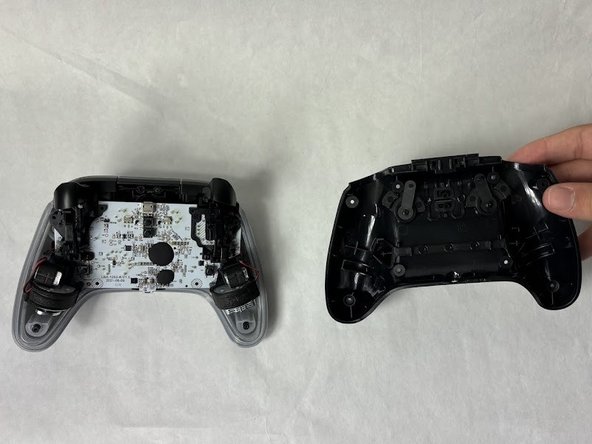
  3. PowerA Spectra Infinity Enhanced Bumpers Replacement: passo 3, immagine 1 di 2 PowerA Spectra Infinity Enhanced Bumpers Replacement: passo 3, immagine 2 di 2
    • Unlock the trigger locks before removing the backplate.

    • This will make taking the plate off easier.

    • Use your fingers and carefully remove the backplate.

    Chiedi a FixBot
  4. PowerA Spectra Infinity Enhanced Bumpers Replacement: passo 4, immagine 1 di 1
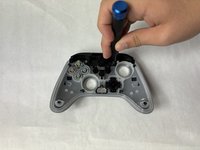
    • Remove the two 10 mm screws connecting the motherboard to the faceplate using a Phillips #0 screwdriver.

    Chiedi a FixBot
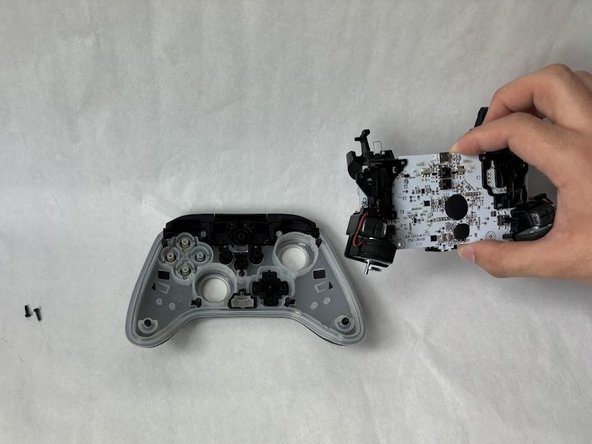
  5. PowerA Spectra Infinity Enhanced Bumpers Replacement: passo 5, immagine 1 di 2 PowerA Spectra Infinity Enhanced Bumpers Replacement: passo 5, immagine 2 di 2
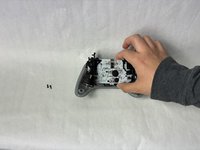
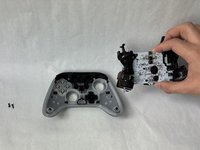
    • Use your hand to separate the motherboard from the face plate.

    Chiedi a FixBot
  6. PowerA Spectra Infinity Enhanced Bumpers Replacement, Bumpers: passo 6, immagine 1 di 1
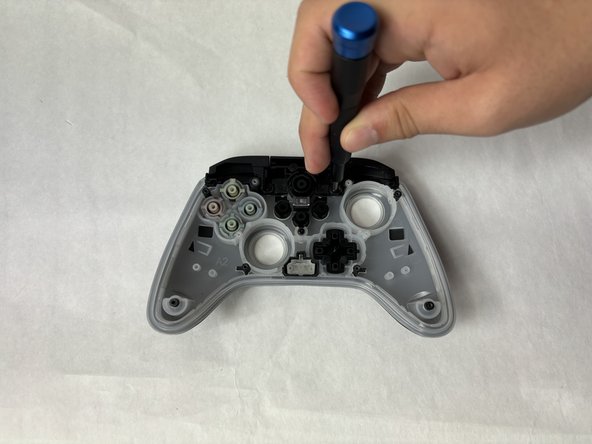
    • Remove two 10 mm screws holding the bumper to the faceplate using a Phillips #0 screwdriver.

    Chiedi a FixBot
  7. PowerA Spectra Infinity Enhanced Bumpers Replacement: passo 7, immagine 1 di 2 PowerA Spectra Infinity Enhanced Bumpers Replacement: passo 7, immagine 2 di 2
    • Remove the single 7.9 mm screw holding the bumpers to the faceplate using a Phillips #0 screwdriver.

    Chiedi a FixBot
  8. PowerA Spectra Infinity Enhanced Bumpers Replacement: passo 8, immagine 1 di 1
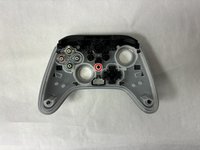
    • Remove the freed bumpers from the faceplate.

    Chiedi a FixBot
Conclusione

To reassemble your device, follow these instructions in reverse order.

Altre 3 persone hanno completato questa guida.

Kevyn Jorge

Membro da: 03/22/24

1.018 Reputazione

6 guide realizzate

Team

2Commenti sulla guida

okay but where can I get a replacement part from, I've spent ages looking and cant find one anywhere

Tom Radda - Rispondi Condividi

Do you sell replacement parts?

Everett - Rispondi Condividi

Aggiungi Commento

Visualizza statistiche:

Ultime 24 ore: 3

Ultimi 7 giorni: 16

Ultimi 30 giorni: 94

Tutti i Tempi: 2,097