Salta al contenuto principale
Unisciti alla Community delle riparazioni - Crea un account

Porter-Cable PCE211 Grip Replacement

Cosa ti serve

  1. Porter-Cable PCE211 Grip Replacement, Gearcase: passo 1, immagine 1 di 2 Porter-Cable PCE211 Grip Replacement, Gearcase: passo 1, immagine 2 di 2
    • Using the Hex Security SAE 7/32", remove the four 10 mm socket screws at the base of the gearcase.

    Chiedi a FixBot
  2. Porter-Cable PCE211 Grip Replacement: passo 2, immagine 1 di 3 Porter-Cable PCE211 Grip Replacement: passo 2, immagine 2 di 3 Porter-Cable PCE211 Grip Replacement: passo 2, immagine 3 di 3
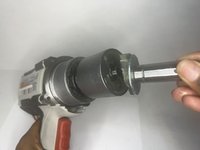
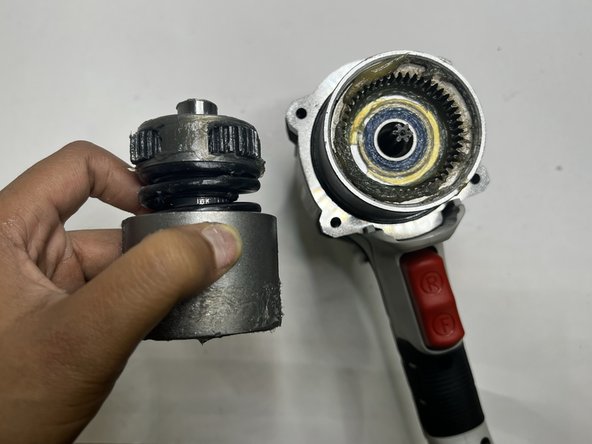
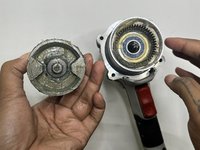
    • Grip the body of the impact wrench with one hand and the gearcase in the other and firmly pull to remove it.

    • Be careful about any loose parts when removing the head.

    Chiedi a FixBot
  3. Porter-Cable PCE211 Grip Replacement, Rear Housing: passo 3, immagine 1 di 2 Porter-Cable PCE211 Grip Replacement, Rear Housing: passo 3, immagine 2 di 2
    • Remove the four 6 mm screws using a Phillips #2 screwdriver.

    • The screws are tight so you will need to use a bit of arm strength.

    Chiedi a FixBot
  4. Porter-Cable PCE211 Grip Replacement: passo 4, immagine 1 di 2 Porter-Cable PCE211 Grip Replacement: passo 4, immagine 2 di 2
    • Pull the rear housing off the back of the impact wrench.

    • Be careful when removing the rear case that loose parts don't get damaged.

    Chiedi a FixBot
  5. Porter-Cable PCE211 Grip Replacement, Anvil: passo 5, immagine 1 di 3 Porter-Cable PCE211 Grip Replacement, Anvil: passo 5, immagine 2 di 3 Porter-Cable PCE211 Grip Replacement, Anvil: passo 5, immagine 3 di 3
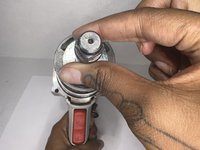
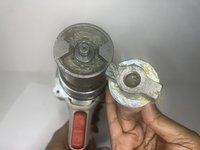
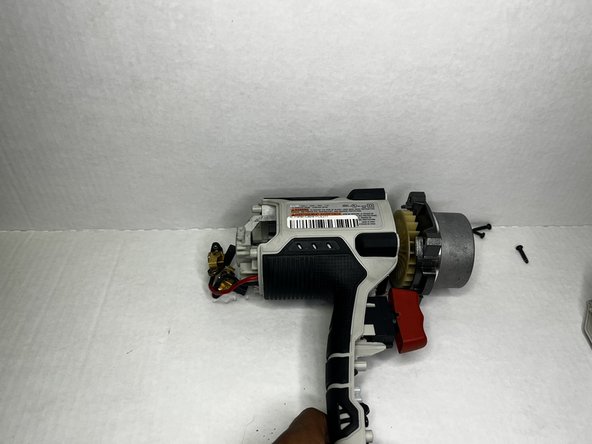
    • Firmly pull the to remove drill bit holder also known as the anvil.

    • Before replacing the anvil, lubricate the base for the best performance.

    Chiedi a FixBot
  6. Porter-Cable PCE211 Grip Replacement, Motor: passo 6, immagine 1 di 3 Porter-Cable PCE211 Grip Replacement, Motor: passo 6, immagine 2 di 3 Porter-Cable PCE211 Grip Replacement, Motor: passo 6, immagine 3 di 3
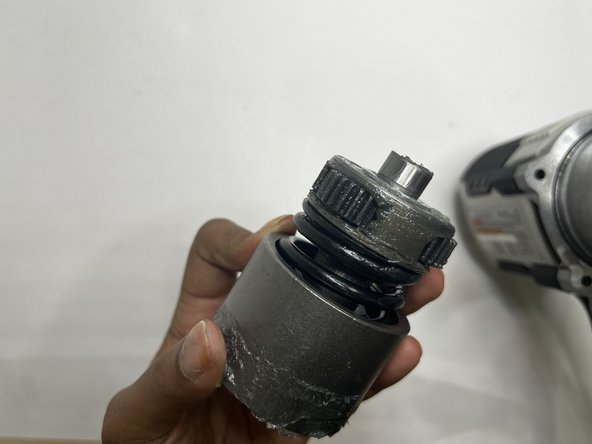
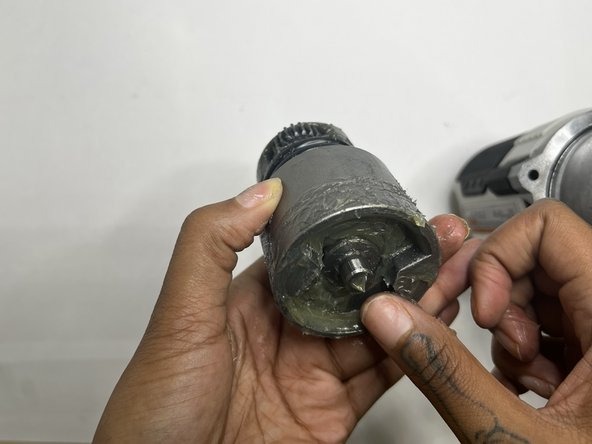
    • This section tends to get messy so it would be best to have a paper towel or microfiber towel handy.

    • Pull the motor out with your hands.

    Chiedi a FixBot
  7. Porter-Cable PCE211 Grip Replacement: passo 7, immagine 1 di 3 Porter-Cable PCE211 Grip Replacement: passo 7, immagine 2 di 3 Porter-Cable PCE211 Grip Replacement: passo 7, immagine 3 di 3
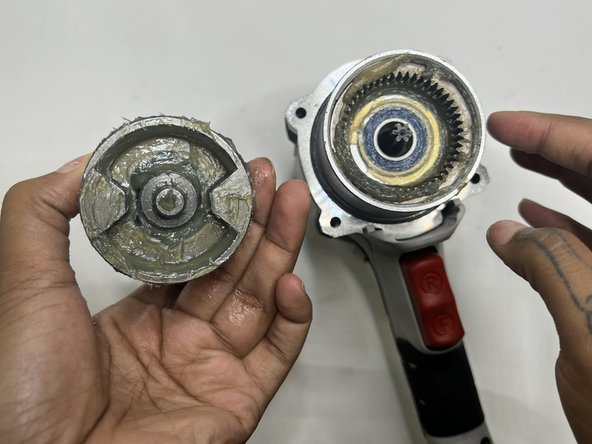
    • Wipe out the old grease with a towel. Use the appropriate motor grease for electric tools to lubricate the top area, base of the motor, and the space the motor sits.

    Chiedi a FixBot
  8. Porter-Cable PCE211 Grip Replacement, Grip: passo 8, immagine 1 di 2 Porter-Cable PCE211 Grip Replacement, Grip: passo 8, immagine 2 di 2
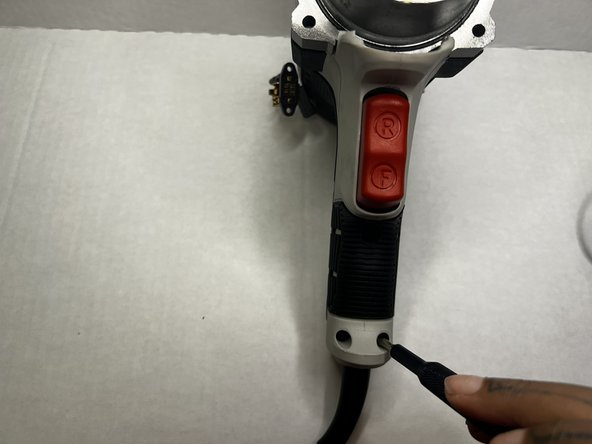
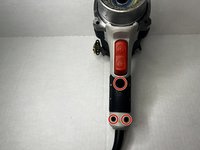
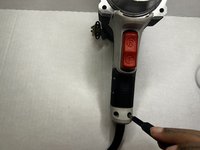
    • Using the Phillips #2 screwdriver, remove the three 8 mm screws from the grip of the impact wrench.

    Chiedi a FixBot
  9. Porter-Cable PCE211 Grip Replacement: passo 9, immagine 1 di 2 Porter-Cable PCE211 Grip Replacement: passo 9, immagine 2 di 2
    • Pull the grip from the body of the impact wrench.

    Chiedi a FixBot
Conclusione

To reassemble your device, follow these instructions in reverse order.

Un'altra persona ha completato questa guida.

0Commenti sulla guida

Aggiungi Commento

Visualizza statistiche:

Ultime 24 ore: 2

Ultimi 7 giorni: 11

Ultimi 30 giorni: 66

Tutti i Tempi: 370