Salta al contenuto principale
Unisciti alla Community delle riparazioni - Crea un account

PlayStation VR LED Light Tracker Replacement

Cosa ti serve

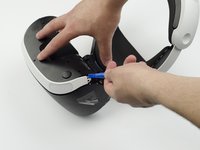
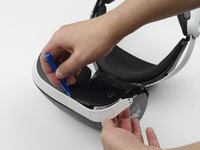
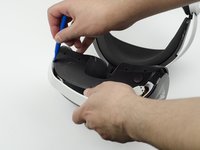
  1. PlayStation VR LED Light Tracker Replacement, LED Light Tracker: passo 1, immagine 1 di 3 PlayStation VR LED Light Tracker Replacement, LED Light Tracker: passo 1, immagine 2 di 3 PlayStation VR LED Light Tracker Replacement, LED Light Tracker: passo 1, immagine 3 di 3
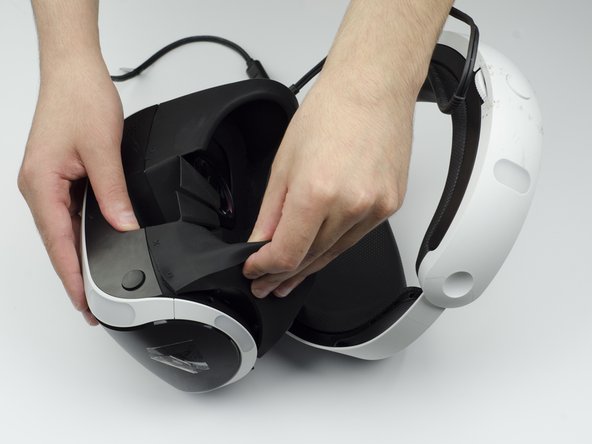
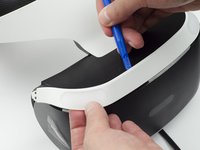
    • Peel back the rubber covering around the lenses to remove the surrounding plastic eyepieces.

    Chiedi a FixBot
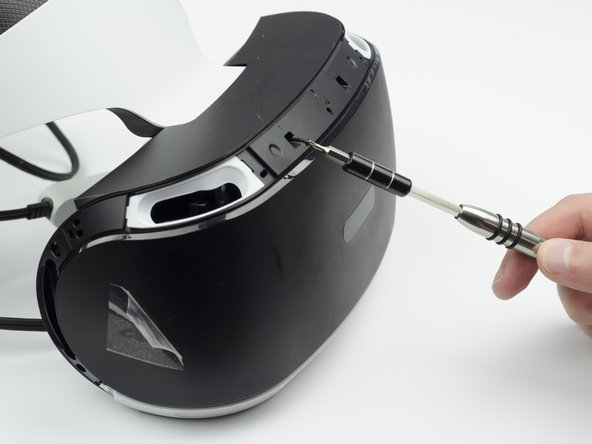
  2. PlayStation VR LED Light Tracker Replacement: passo 2, immagine 1 di 2 PlayStation VR LED Light Tracker Replacement: passo 2, immagine 2 di 2
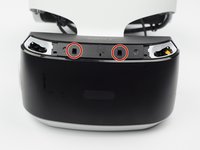
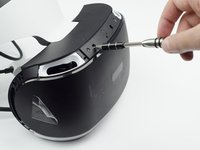
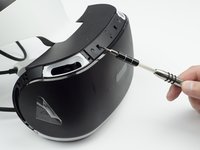
    • Unscrew four 13 mm screws with a PH #000 screwdriver.

    Chiedi a FixBot
  3. PlayStation VR LED Light Tracker Replacement: passo 3, immagine 1 di 2 PlayStation VR LED Light Tracker Replacement: passo 3, immagine 2 di 2
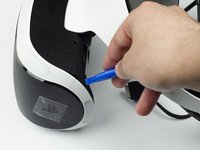
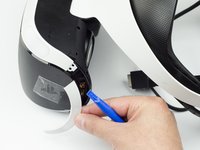
    • Using the plastic opening tool, carefully pry the white plastic panel free from the side of the headset. Repeat this action for the opposite side.

    Chiedi a FixBot
  4. PlayStation VR LED Light Tracker Replacement: passo 4, immagine 1 di 3 PlayStation VR LED Light Tracker Replacement: passo 4, immagine 2 di 3 PlayStation VR LED Light Tracker Replacement: passo 4, immagine 3 di 3
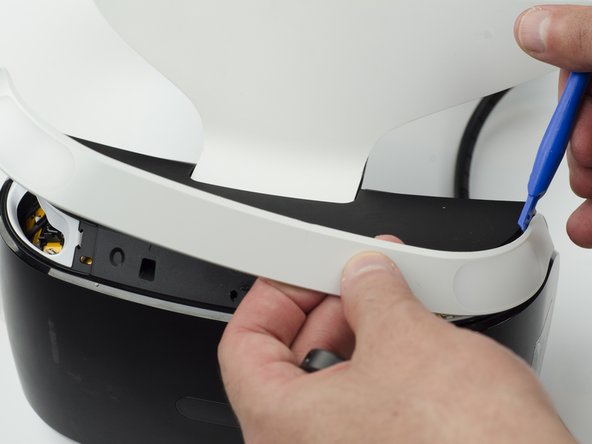
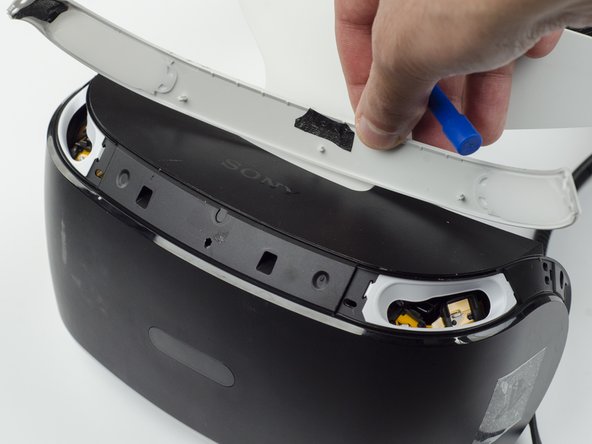
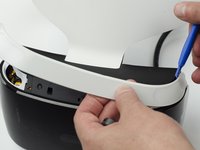
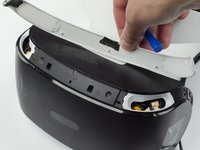
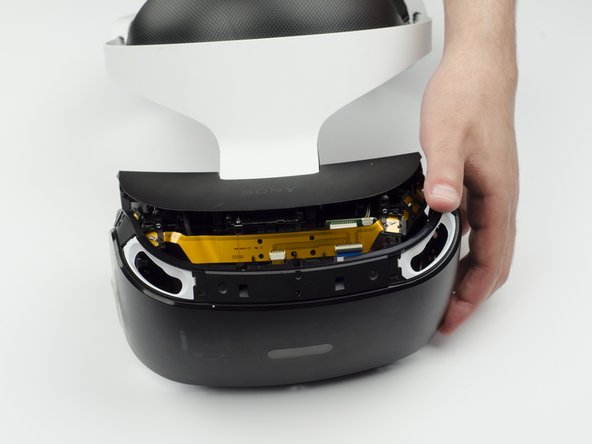
    • Use the plastic opening tool to pry the top white plastic panel free from the headset.

    • Do not try to remove the bottom plastic panel. There is a screw attaching it that must be removed first.

    • There may be a small amount of adhesive attaching the top panel to the headset, in which case you may need to use a bit more force to remove the panel.

    Chiedi a FixBot
  5. PlayStation VR LED Light Tracker Replacement: passo 5, immagine 1 di 1
    • Flip the headset over.

    • Using a PH #000, unscrew the 7 mm screw found on the bottom of the headset.

    Chiedi a FixBot
  6. PlayStation VR LED Light Tracker Replacement: passo 6, immagine 1 di 3 PlayStation VR LED Light Tracker Replacement: passo 6, immagine 2 di 3 PlayStation VR LED Light Tracker Replacement: passo 6, immagine 3 di 3
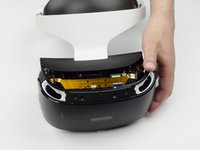
    • Using the plastic opening tool, pry the bottom white plastic panel loose and remove it from the headset.

    • There is adhesive attaching the panel to the headset, in which case it will take more force to remove the panel.

    Chiedi a FixBot
  7. PlayStation VR LED Light Tracker Replacement: passo 7, immagine 1 di 3 PlayStation VR LED Light Tracker Replacement: passo 7, immagine 2 di 3 PlayStation VR LED Light Tracker Replacement: passo 7, immagine 3 di 3
    • Unscrew the two 7 mm screws from the top of the headset.

    Chiedi a FixBot
  8. PlayStation VR LED Light Tracker Replacement: passo 8, immagine 1 di 3 PlayStation VR LED Light Tracker Replacement: passo 8, immagine 2 di 3 PlayStation VR LED Light Tracker Replacement: passo 8, immagine 3 di 3
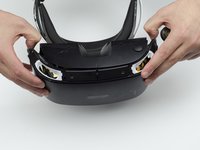
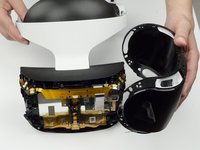
    • Using your fingers, carefully pry the black front panel free from the headset.

    • We recommend that you start the removal from the sides by pulling them forward.

    • There is adhesive holding the front panel in place, which means you will need a bit of extra force to remove it.

    Chiedi a FixBot
  9. PlayStation VR LED Light Tracker Replacement: passo 9, immagine 1 di 1
    • Unscrew the four silver 6 mm screws in each corner using a PH #000 screwdriver.

    Chiedi a FixBot
  10. PlayStation VR LED Light Tracker Replacement: passo 10, immagine 1 di 3 PlayStation VR LED Light Tracker Replacement: passo 10, immagine 2 di 3 PlayStation VR LED Light Tracker Replacement: passo 10, immagine 3 di 3
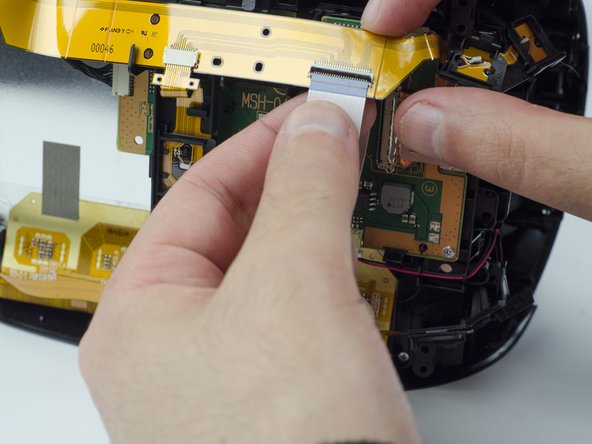
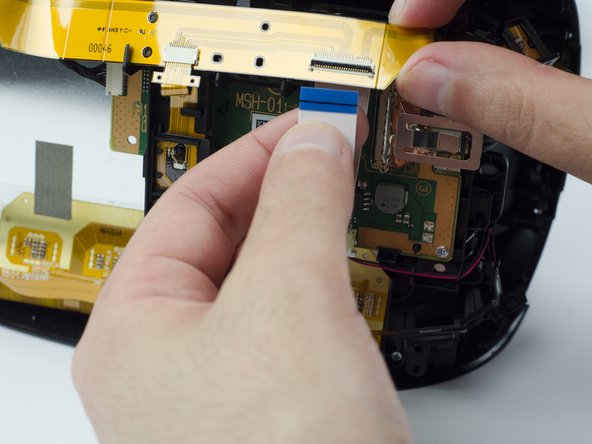
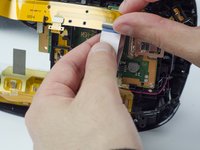
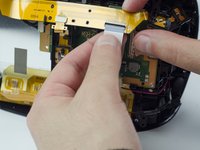
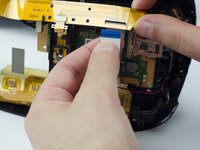
    • Lift the small silver latch attaching the ZIF (zero insertion force) connector to the circuit board.

    • Carefully pull the end of the white ribbon connector from its slot.

    • Be careful not to damage or dirty the ribbon connector.

    Chiedi a FixBot
  11. PlayStation VR LED Light Tracker Replacement: passo 11, immagine 1 di 2 PlayStation VR LED Light Tracker Replacement: passo 11, immagine 2 di 2
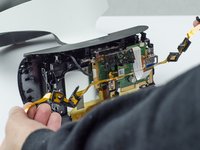
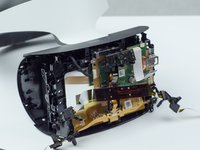
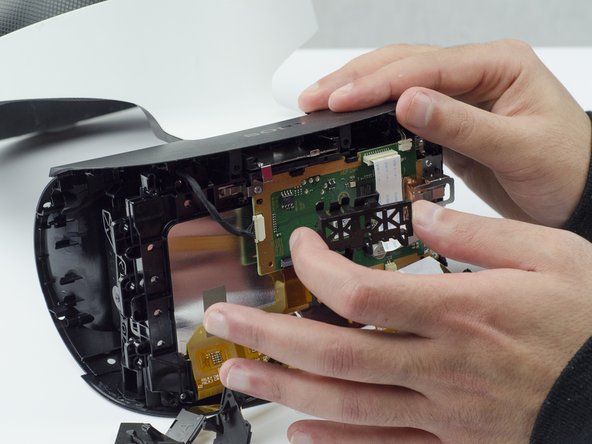
    • Unhitch the yellow led connector ribbon and move it aside.

    • Be careful not to damage or dirty the ribbon connector.

    Chiedi a FixBot
  12. PlayStation VR LED Light Tracker Replacement: passo 12, immagine 1 di 3 PlayStation VR LED Light Tracker Replacement: passo 12, immagine 2 di 3 PlayStation VR LED Light Tracker Replacement: passo 12, immagine 3 di 3
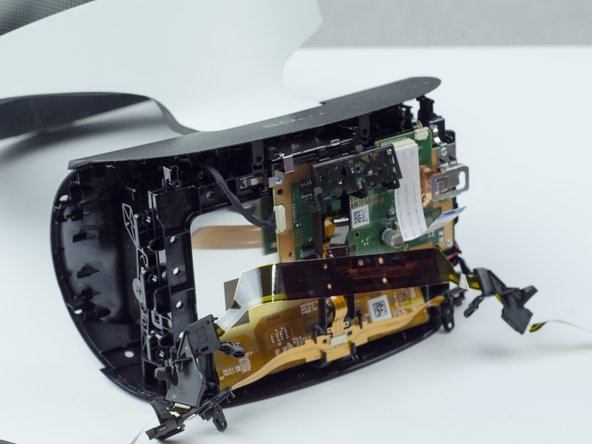
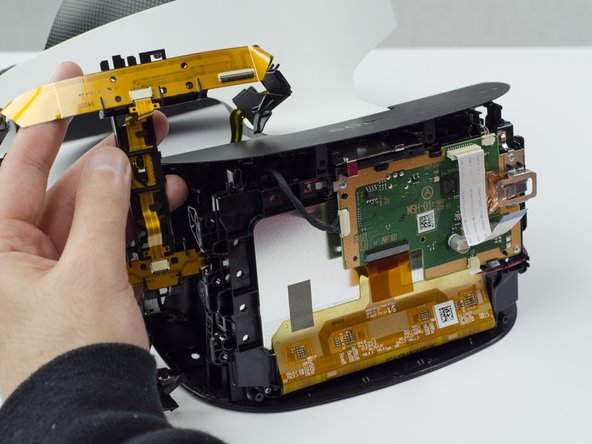
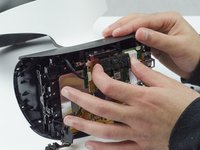
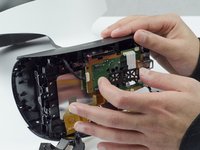
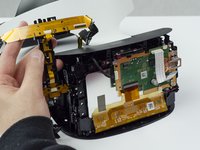
    • Carefully pry the black plastic piece attaching the yellow ribbon to the headset away from the green circuit board.

    • Remove the yellow LED ribbons and black plastic connecting piece from the headset.

    Chiedi a FixBot
Conclusione

To reassemble your device, follow these instructions in reverse order.

Un'altra persona ha completato questa guida.

Sarah Shand

Membro da: 02/20/17

1.996 Reputazione

7 guide realizzate

Team

USF Tampa, Team S3-G1, Sullivan Spring 2017 Membro di USF Tampa, Team S3-G1, Sullivan Spring 2017

USFT-SULLIVAN-S17S3G1

3 Membri

14 guide realizzate

1Commento della guida

where can I buy the LED lights for it??

Jordi - Rispondi Condividi
Aggiungi Commento

Visualizza statistiche:

Ultime 24 ore: 1

Ultimi 7 giorni: 12

Ultimi 30 giorni: 85

Tutti i Tempi: 4,606