Questa traduzione è stata generata automaticamente e non è stata ancora revisionata da una persona. Parli questa lingua? Dai un’occhiata.
Introduzione
I pulsanti del tuo lettore DVD portatile possono danneggiarsi e smettere di rispondere; questa guida ti mostrerà come sostituire il pannello dei pulsanti. Sarai in grado di completare questa operazione con una minima quantità di tempo e strumenti necessari.
Cosa ti serve
-
-
-
Appoggia il lettore in piano con l'involucro esterno rivolto verso l'alto. Usando il cacciavite, svita tutte le viti del case sul fondo del lettore.
 Chiedi a FixBot
-
-
-
Apri lo sportello del disco e svita le viti all'interno. Ci saranno tre viti.
-
Usa lo spudger per fare leva e aprire l'involucro del disco, quindi tiralo verso l'alto per rimuoverlo dall'involucro esterno.
-
-
-
-
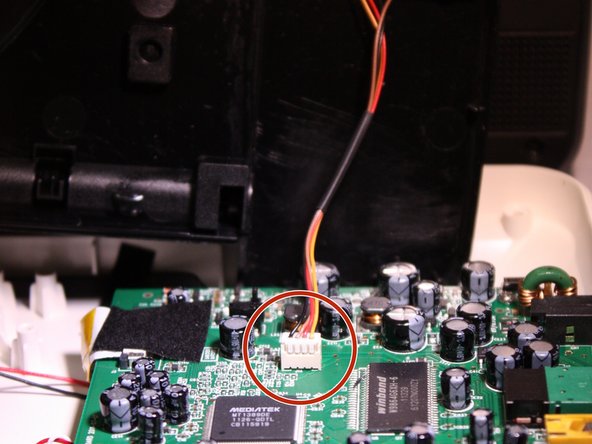
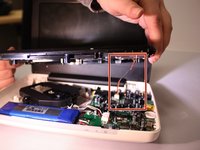
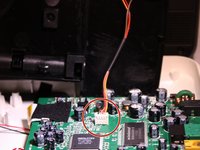
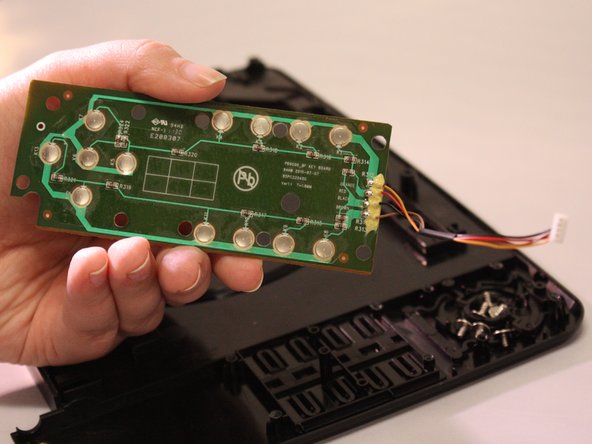
Dopo aver rimosso il rivestimento, sarà presente un cavo che collega il pannello dei pulsanti sullo sportello del disco alla scheda madre.
-
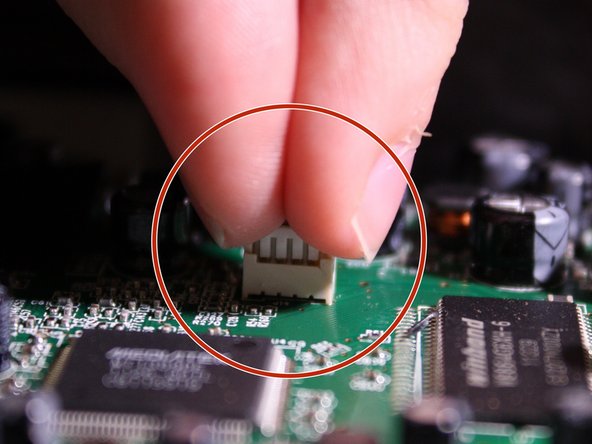
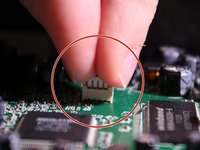
Per scollegare questo cavo, usa le dita, stringi saldamente il connettore in plastica e tira delicatamente verso l'alto per scollegarlo dalla scheda madre.
-
-
-
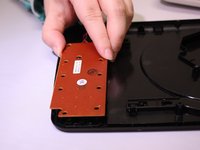
Sul lato inferiore del case dello sportellino del disco, sarà visibile il retro del pannello dei pulsanti. Utilizzando un cacciavite a croce Phillips J0, svita tutte le 6 viti.
-
-
-
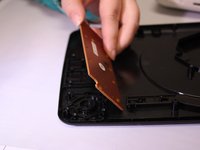
Una volta svitato, tira delicatamente verso l'alto per staccare il pannello dei pulsanti dall'involucro.
-
-




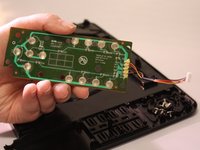
Per rimontare il dispositivo, segui queste istruzioni in ordine inverso.

Team

Eastern Washington University, Team 1-3, Matresse Fall 2015 Membro di Eastern Washington University, Team 1-3, Matresse Fall 2015
EWU-MATRESSE-F15S1G3
3 Membri
48 guide realizzate
