Questa traduzione è stata generata automaticamente e non è stata ancora revisionata da una persona. Parli questa lingua? Dai un’occhiata.
Introduzione
Questa guida ti illustrerà passo dopo passo come smontare il corpo della Panasonic PV-GS9 per sostituire il microfono del dispositivo, se necessario. La sostituzione del microfono si rende necessaria quando non viene emesso alcun suono dall'altoparlante della videocamera o quando il microfono non registra nulla. Se non viene emesso alcun suono dagli altoparlanti (nessun segnale acustico alla pressione dei pulsanti, nessun volume di riproduzione, ecc.), potrebbe esserci un problema con l'altoparlante. Se viene emesso suono alla pressione dei pulsanti ma non durante la riproduzione, potrebbe esserci un problema con il microfono. Il microfono si trova sulla parte anteriore del dispositivo, sotto e a sinistra dell'obiettivo. Assicurati che nulla ostruisca il microfono e, se questo non risolve il problema, potrebbe essere necessario sostituirlo.
Cosa ti serve
-
-
-
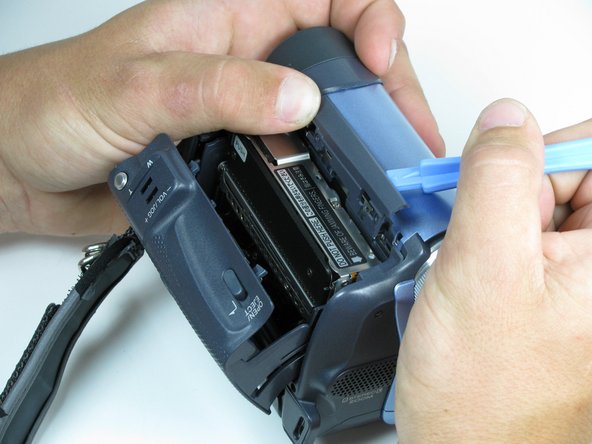
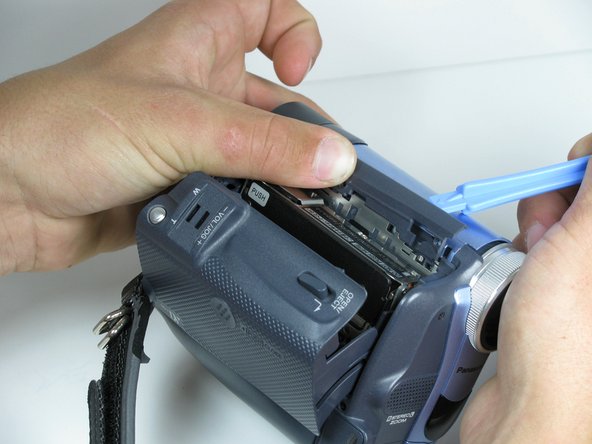
Individua lo strumento di apertura in plastica blu, quindi rimuovi entrambe le manopole di controllo registrazione/riproduzione e registrazione/accensione facendo leva per aprirle dalla videocamera.
 Chiedi a FixBot
-
-
-
Apri lo scomparto del nastro.
-
Capovolgi la videocamera e individua le due viti da 4,5 mm, che distano circa 5 cm l'una dall'altra.
-
Usa un cacciavite a croce Phillips #00 per rimuovere le viti
-
-
-
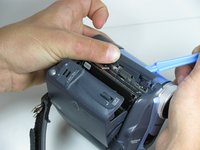
Usa uno strumento di apertura in plastica, rimuovi il rivestimento grigio aprendolo e facendo leva delicatamente sulla parte superiore della videocamera.
-
-
-
-
Ruota la videocamera in modo che l'obiettivo sia rivolto verso di te.
-
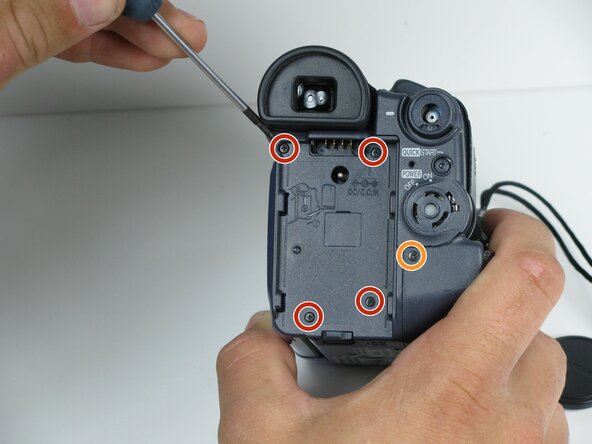
Rimuovi le quattro viti nere da 4,5 mm situate dietro la batteria.
-
Rimuovi la quinta vite a destra dell'alloggiamento della batteria.
-
Rimuovi la batteria tirandola delicatamente lontano dalla videocamera.
-
-
-
Ruota la videocamera in modo che il vano della cassetta sia rivolto verso di te.
-
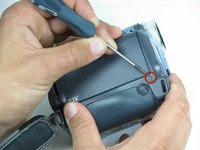
Rimuovi la singola vite nera da 4,5 mm sopra il gancio della cinghia da polso.
-
Ruota la videocamera in modo che l’obiettivo sia rivolto verso di te.
-
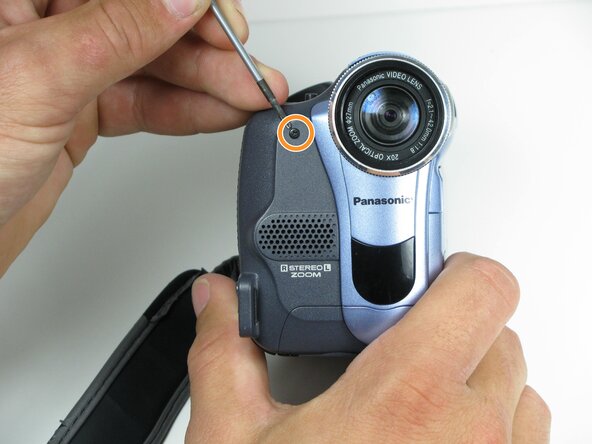
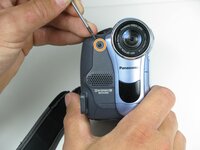
Rimuovi la singola vite nera da 4,5 mm dal pannello anteriore.
-
-
-
Ruota la videocamera in modo che il fondo sia rivolto verso di te.
-
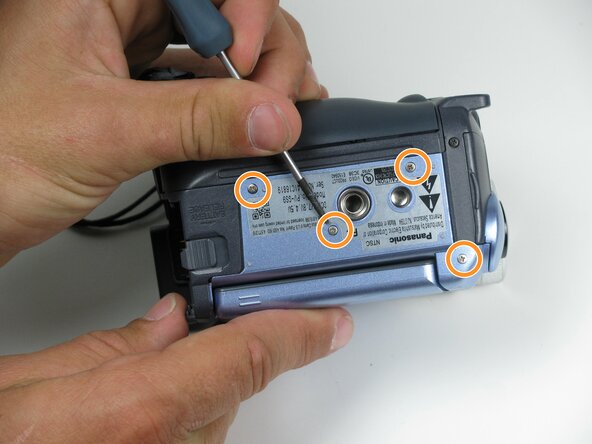
Rimuovi l'unica vite nera da 4,5 mm rimanente dal fondo.
-
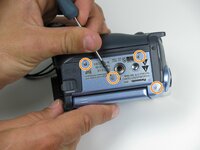
Rimuovi le quattro viti argentate da 4,5 mm dal corpo della videocamera.
-
-
-
Apri lo schermo LCD sul lato della videocamera.
-
Utilizzando un cacciavite #00, rimuovi le due viti argentate da 4,5 mm situate su entrambi i lati della cerniera dello schermo LCD.
-
-
-
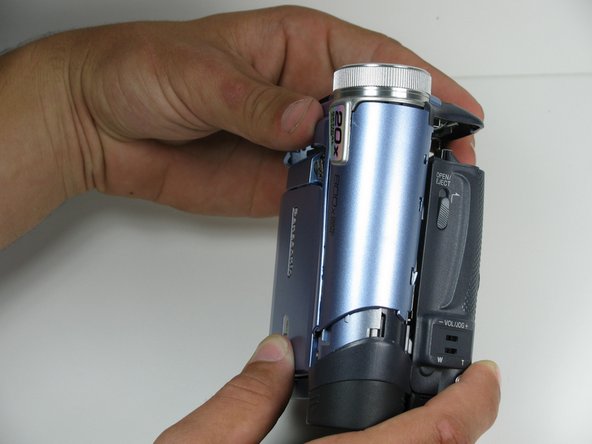
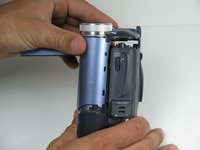
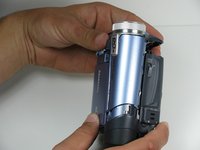
Stacca con attenzione la copertura anteriore dal corpo della videocamera.
-
-
-
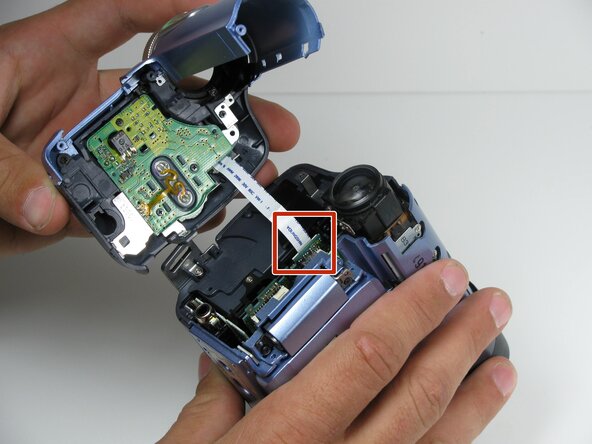
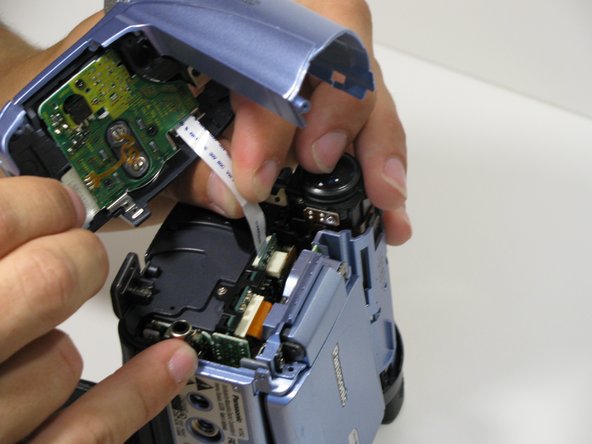
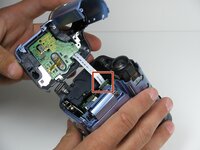
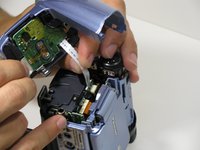
Usando le dita, stacca con attenzione il cavo a nastro dalla scheda logica per scollegarlo.
-
-






Per rimontare il dispositivo, segui queste istruzioni in ordine inverso.
Annulla: non ho completato questa guida.
Un'altra persona ha completato questa guida.

Team

Cal Poly, Team 7-9, Maness Spring 2010 Membro di Cal Poly, Team 7-9, Maness Spring 2010
CPSU-MANESS-S10S7G9
4 Membri
96 guide realizzate
