Salta al contenuto principale
Unisciti alla Community delle riparazioni - Crea un account

PDP Rematch Advanced Action Buttons Replacement

Cosa ti serve

  1. PDP Rematch Advanced Action Buttons Replacement, Action Buttons: passo 1, immagine 1 di 3 PDP Rematch Advanced Action Buttons Replacement, Action Buttons: passo 1, immagine 2 di 3 PDP Rematch Advanced Action Buttons Replacement, Action Buttons: passo 1, immagine 3 di 3
    • Orient the controller so the back side is facing you.

    • Use a Phillips #000 screwdriver to remove the seven 9 mm screws that secure the back shell.

    Chiedi a FixBot
  2. PDP Rematch Advanced Action Buttons Replacement: passo 2, immagine 1 di 3 PDP Rematch Advanced Action Buttons Replacement: passo 2, immagine 2 di 3 PDP Rematch Advanced Action Buttons Replacement: passo 2, immagine 3 di 3
    • Pull apart the controller's front and back shells with moderate force.

    • Orient the controller so that the front shell is facing the floor to prevent the face buttons from falling out.

    Chiedi a FixBot
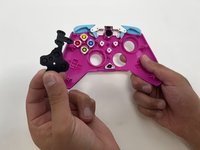
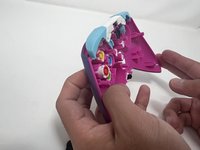
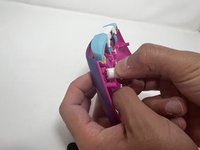
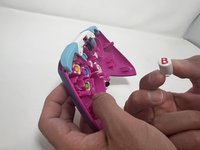
  3. PDP Rematch Advanced Action Buttons Replacement: passo 3, immagine 1 di 3 PDP Rematch Advanced Action Buttons Replacement: passo 3, immagine 2 di 3 PDP Rematch Advanced Action Buttons Replacement: passo 3, immagine 3 di 3
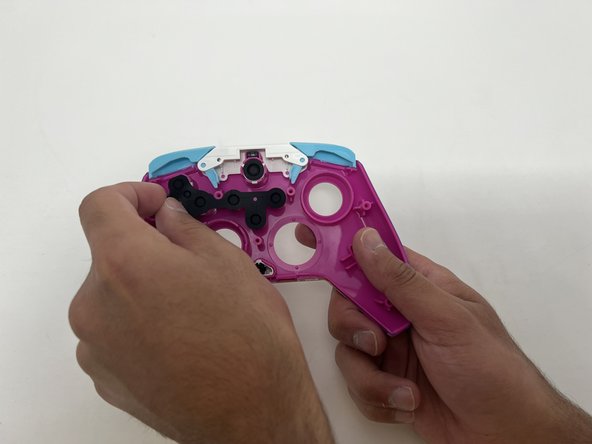
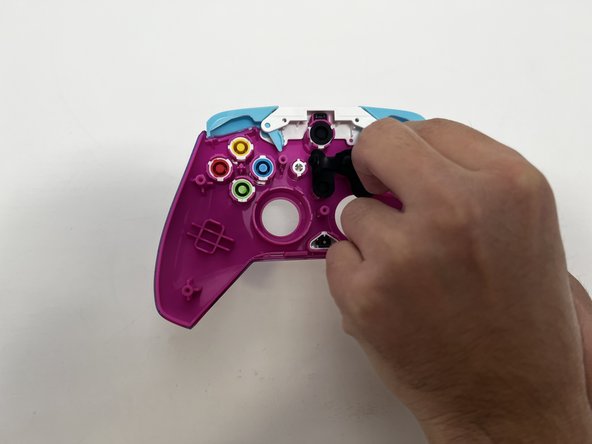
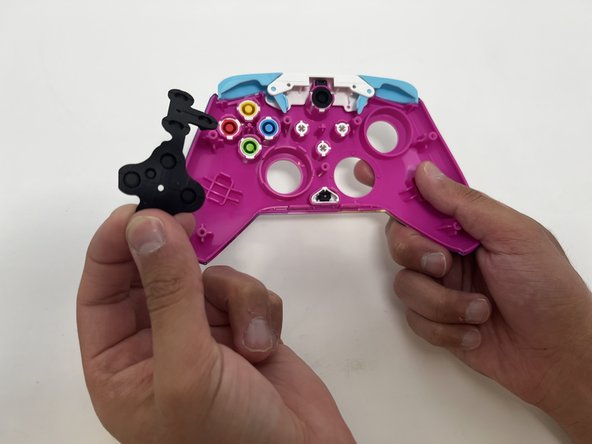
    • Peel the rubber gasket off the back of the action buttons.

    Chiedi a FixBot
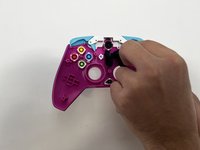
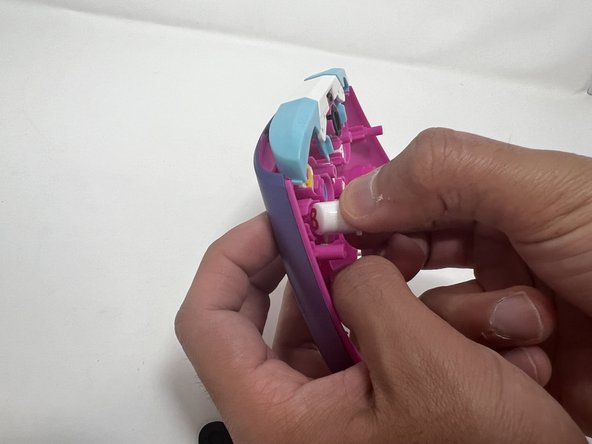
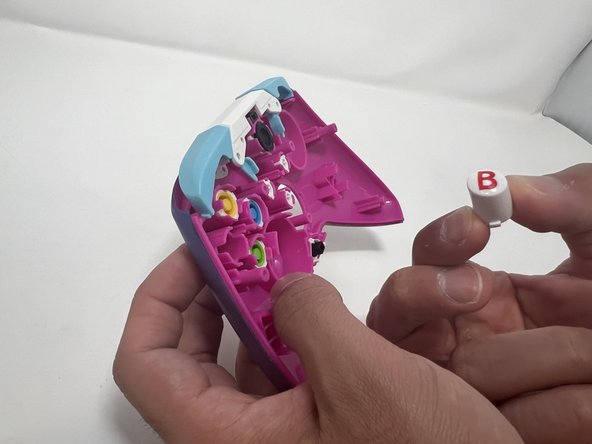
  4. PDP Rematch Advanced Action Buttons Replacement: passo 4, immagine 1 di 3 PDP Rematch Advanced Action Buttons Replacement: passo 4, immagine 2 di 3 PDP Rematch Advanced Action Buttons Replacement: passo 4, immagine 3 di 3
    • Push all the action buttons out from the front of the shell.

    Chiedi a FixBot
Conclusione

To reassemble your device, follow these instructions in reverse order.

Un'altra persona ha completato questa guida.

0Commenti sulla guida

Aggiungi Commento

Visualizza statistiche:

Ultime 24 ore: 1

Ultimi 7 giorni: 9

Ultimi 30 giorni: 77

Tutti i Tempi: 1,210