Salta al contenuto principale
Unisciti alla Community delle riparazioni - Crea un account

Olympus FE-210 Lens Assembly Replacement

Cosa ti serve

  1. Olympus FE-210 Lens Assembly Replacement, Battery: passo 1, immagine 1 di 2 Olympus FE-210 Lens Assembly Replacement, Battery: passo 1, immagine 2 di 2
    • The battery compartment is located on the bottom side of the camera. Push the button in, and slide the cover to get access to the batteries.

    Chiedi a FixBot
  2. Olympus FE-210 Lens Assembly Replacement: passo 2, immagine 1 di 2 Olympus FE-210 Lens Assembly Replacement: passo 2, immagine 2 di 2
    • The batteries will slide right out.

    • When putting new batteries in, make sure they are pointing the right direction.

    Chiedi a FixBot
  3. Olympus FE-210 Lens Assembly Replacement, Front Casing: passo 3, immagine 1 di 3 Olympus FE-210 Lens Assembly Replacement, Front Casing: passo 3, immagine 2 di 3 Olympus FE-210 Lens Assembly Replacement, Front Casing: passo 3, immagine 3 di 3
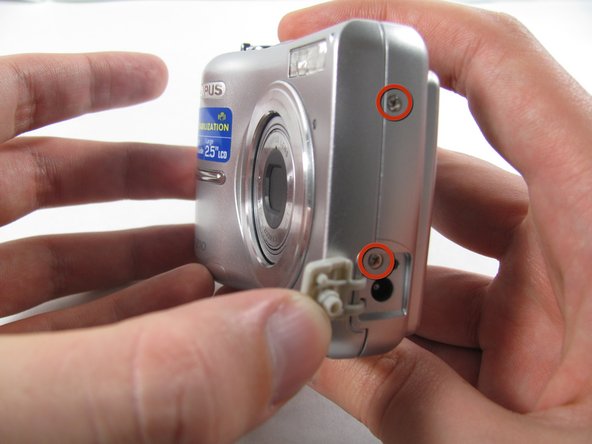
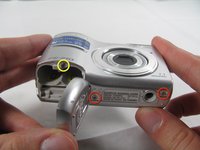
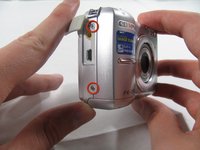
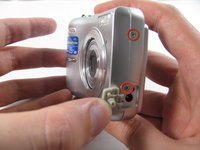
    • Remove the seven screws holding the front case in place, with a #00 screwdriver.

    • Six screws are 3.6 mm.

    • The seventh screw is 3.2 mm.

    Chiedi a FixBot
  4. Olympus FE-210 Lens Assembly Replacement: passo 4, immagine 1 di 3 Olympus FE-210 Lens Assembly Replacement: passo 4, immagine 2 di 3 Olympus FE-210 Lens Assembly Replacement: passo 4, immagine 3 di 3
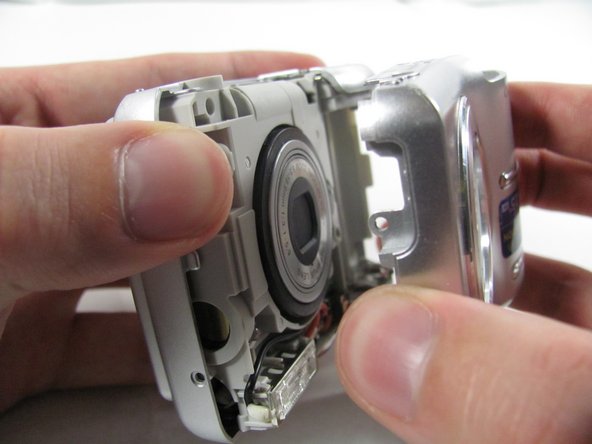
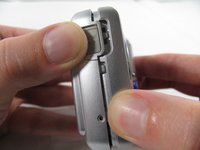
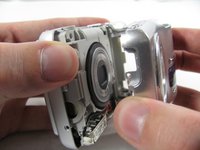
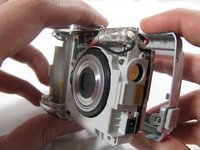
    • Apply enough pressure at the three snappable places to pull the front case off.

    • These three places are located:

    • At the top and bottom of the battery side (opposite of side pictured) of the case.

    • Right in the middle of the DC-in side (side pictured) of the case.

    • Top of the camera, to the left of the power button.

    • Once those places are disconnected, the front case will pop right off.

    • The camera in the first two pictures is upside down. This is the best position to place your thumbs to remove the case.

    Chiedi a FixBot
  5. Olympus FE-210 Lens Assembly Replacement, Rear Casing: passo 5, immagine 1 di 1
    • Remove the 3.2 mm screw in the battery compartment using a #00 screwdriver.

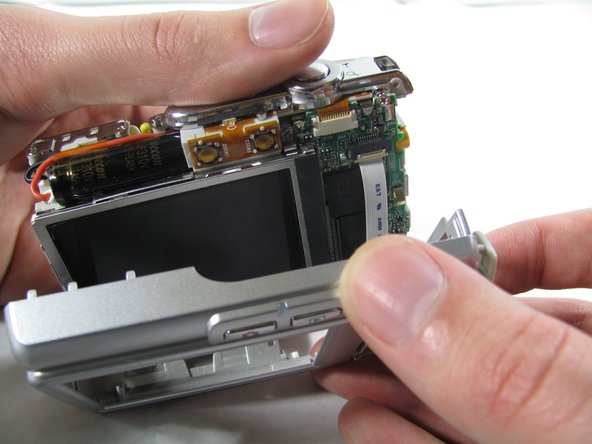
    • After removal of the screw the case will be loose, but do not tug it off. There is a cord connecting the rear controls to the motherboard.

    Chiedi a FixBot
  6. Olympus FE-210 Lens Assembly Replacement: passo 6, immagine 1 di 3 Olympus FE-210 Lens Assembly Replacement: passo 6, immagine 2 di 3 Olympus FE-210 Lens Assembly Replacement: passo 6, immagine 3 di 3
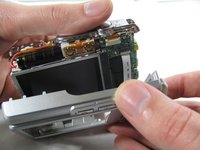
    • Carefully pull the rear case away from the camera until you have access to the cord connected to the motherboard.

    • Lift the white latch using a fingernail or a spudger.

    • Pull the cord from its connector.

    Chiedi a FixBot
  7. Olympus FE-210 Lens Assembly Replacement, Motherboard: passo 7, immagine 1 di 2 Olympus FE-210 Lens Assembly Replacement, Motherboard: passo 7, immagine 2 di 2
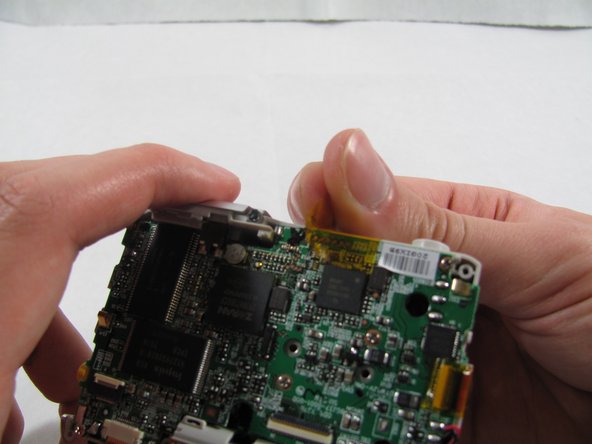
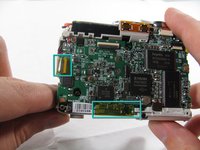
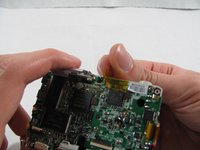
    • Remove the 2 pieces of translucent yellow tape.

    • Removing these pieces of tape will void the camera warranty. They serve no functional purpose and do not need to be replaced during reassembly.

    Chiedi a FixBot
  8. Olympus FE-210 Lens Assembly Replacement: passo 8, immagine 1 di 2 Olympus FE-210 Lens Assembly Replacement: passo 8, immagine 2 di 2
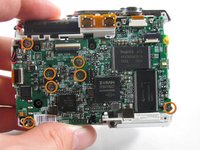
    • Remove the seven 2.7 mm using a #00 screwdriver.

    Chiedi a FixBot
  9. Olympus FE-210 Lens Assembly Replacement: passo 9, immagine 1 di 1
    Strumento utilizzato in questo passaggio:
    Tweezers
    $4.99
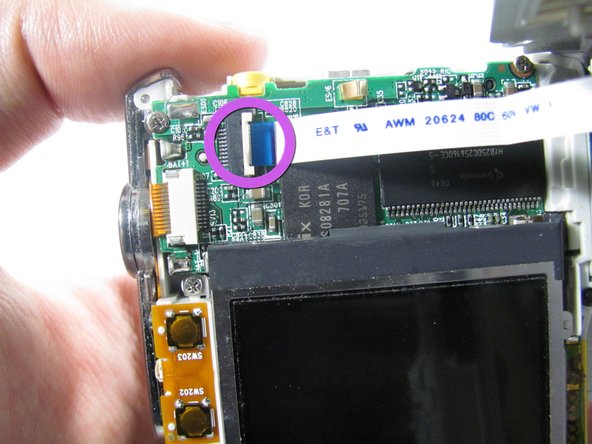
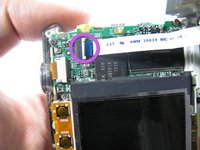
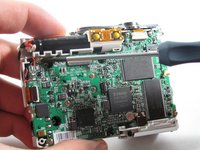
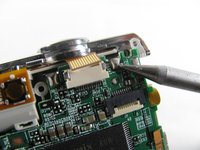
    • Remove the ribbon cord located near the top right corner of the motherboard. Do this by carefully pulling the cord out of the socket using a pair of tweezers.

    Chiedi a FixBot
  10. Olympus FE-210 Lens Assembly Replacement: passo 10, immagine 1 di 1
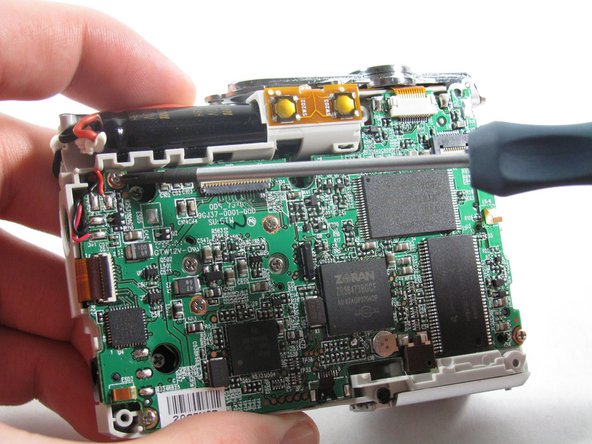
    • Disconnect the ribbon cord located on the left side of the motherboard.

    • Use tweezers or a spudger to lift the latch on the connector.

    • Carefully remove the cord from the connector.

    Chiedi a FixBot
  11. Olympus FE-210 Lens Assembly Replacement: passo 11, immagine 1 di 2 Olympus FE-210 Lens Assembly Replacement: passo 11, immagine 2 di 2
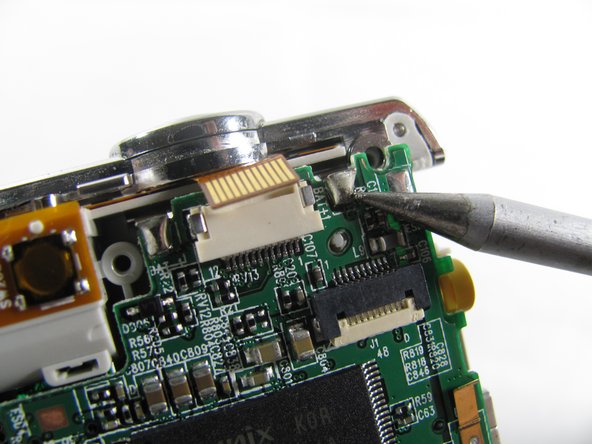
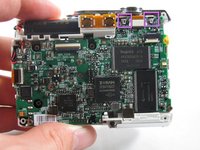
    • De-solder the 2 connection points.

    • Be careful to not damage any part of the circuit board with the soldering iron.

    Chiedi a FixBot
  12. Olympus FE-210 Lens Assembly Replacement: passo 12, immagine 1 di 1
    • Remove the motherboard from the camera casing.

    Chiedi a FixBot
  13. Olympus FE-210 Lens Assembly Replacement, Lens Assembly: passo 13, immagine 1 di 1
    • Remove the three 3.6 mm screws using a #00 screwdriver.

    Chiedi a FixBot
  14. Olympus FE-210 Lens Assembly Replacement: passo 14, immagine 1 di 2 Olympus FE-210 Lens Assembly Replacement: passo 14, immagine 2 di 2
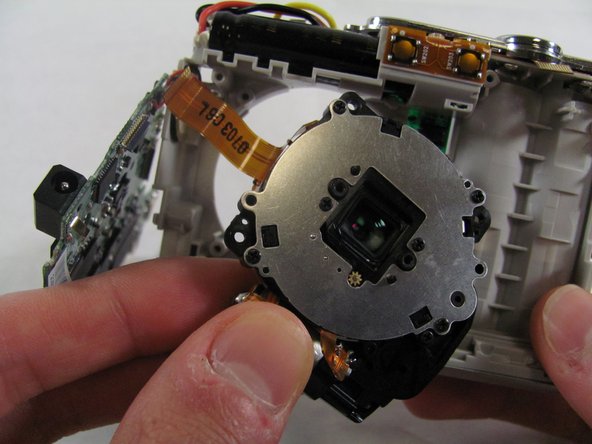
    • Slide the lens to the left and pull up. The lens should easily come loose and slide right out.

    Chiedi a FixBot
Conclusione

To reassemble your device, follow these instructions in reverse order.

Matt

Membro da: 01/25/11

826 Reputazione

6 guide realizzate

Team

Cal Poly, Team 4-36, Regan Winter 2011 Membro di Cal Poly, Team 4-36, Regan Winter 2011

CPSU-REGAN-W11S4G36

3 Membri

14 guide realizzate

1Commento della guida

This is also applicable to the Olympus FE170. I dismantled and repaired mine using this guide. Excellent!

Alan Shaw - Rispondi Condividi

Aggiungi Commento

Visualizza statistiche:

Ultime 24 ore: 4

Ultimi 7 giorni: 15

Ultimi 30 giorni: 106

Tutti i Tempi: 7,146