Introduzione
If your Nokia 6030’s keypad works inconsistently, you may need to replace the old keypad with a new one.
After extended use, cell phone keypads become unresponsive. A faulty keypad causes frustrating experiences when attempting to type something on the device or to call someone.
This guide provides step-by-step instructions on replacing your Nokia 6030’s keypad, without the need for any special skills or tools.
-
-
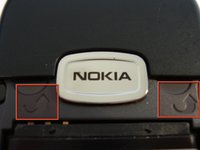
Press down on the grip on the back of the phone and slide the rear housing down towards the bottom of the phone.
 Chiedi a FixBot
-
-
-
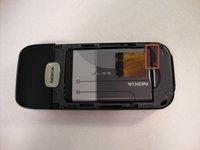
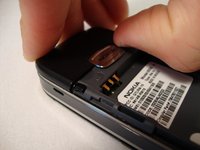
Use your finger to gently pull the bottom of the battery up by using the slip found at the bottom of the phone.
-
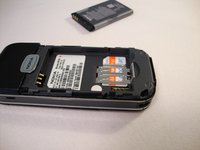
Lift out battery and remove.
-
-
-
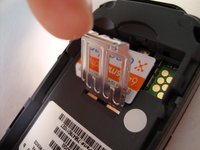
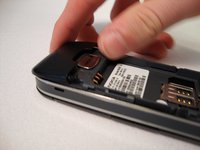
Use your finger to lift the metal cage up.
-
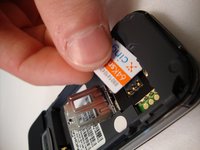
Remove SIM card.
-
-
-
-
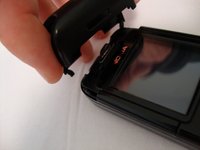
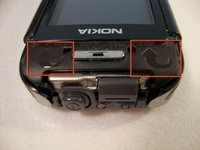
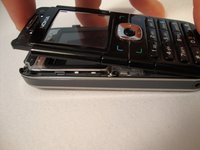
Insert your two fingers under the two tabs found at the top of the phone underneath the black casing, then pull the casing up and slide it out slowly.
-
-
-
After removing the top cover, turn the phone over so the screen is facing upwards.
-
-
-
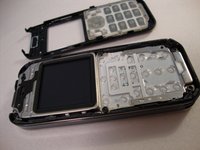
Use your fingers to slowly lift the screen back towards the bottom of the phone using the arrows found at the top of the phone.
-
-
-
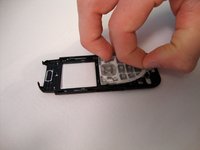
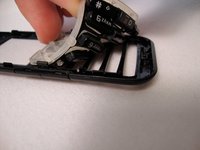
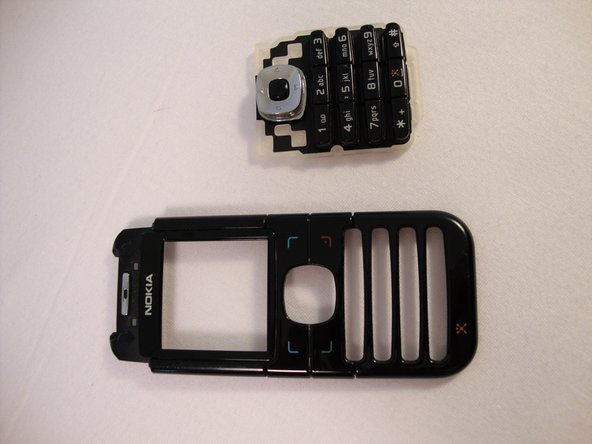
Gently pull the rubber away from the front screen and the buttons will detach from the plastic case.
-














To reassemble your device, follow these instructions in reverse order.
Annulla: non ho completato questa guida.
Un'altra persona ha completato questa guida.

Team

Cal Poly, Team 23-63, Johann Spring 2010 Membro di Cal Poly, Team 23-63, Johann Spring 2010
CPSU-JOHANN-S10S23G63
3 Membri
17 guide realizzate
