Salta al contenuto principale
Unisciti alla Community delle riparazioni - Crea un account

Neo3Do Wire Replacement

Cosa ti serve

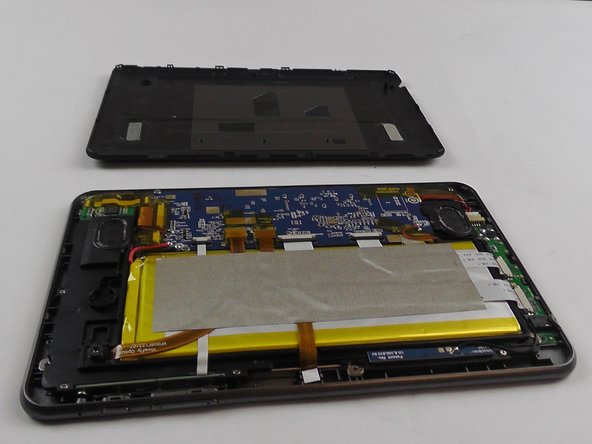
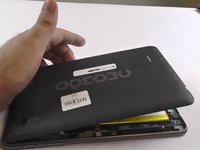
  1. Neo3Do Wire Replacement, Back Panel: passo 1, immagine 1 di 3 Neo3Do Wire Replacement, Back Panel: passo 1, immagine 2 di 3 Neo3Do Wire Replacement, Back Panel: passo 1, immagine 3 di 3
    • Turn the Neo3DO face down so that the logo is facing toward you.

    • Insert the plastic opening tool between the metal frame and the plastic back panel, as shown.

    Chiedi a FixBot

    Aggiungi Commento

  2. Neo3Do Wire Replacement: passo 2, immagine 1 di 2 Neo3Do Wire Replacement: passo 2, immagine 2 di 2
    • Gently pry the back panel upwards.

    • Ensure the tool does not slip into the device and damage the internals.

    Chiedi a FixBot

    Aggiungi Commento

  3. Neo3Do Wire Replacement: passo 3, immagine 1 di 2 Neo3Do Wire Replacement: passo 3, immagine 2 di 2
    • Once the back panel has been pried away from the bottom and sides of the Neo3DO, lift the back panel up and away from the tablet.

    Chiedi a FixBot

    Aggiungi Commento

  4. Neo3Do Wire Replacement: passo 4, immagine 1 di 1
    • When replacing the back panel, place the top edge of the back panel against the top edge of the Neo3DO, as shown.

    • The top edge of the device is the edge closest to the camera. The top of the back panel is the side with the hole for the camera.

    Chiedi a FixBot

    Aggiungi Commento

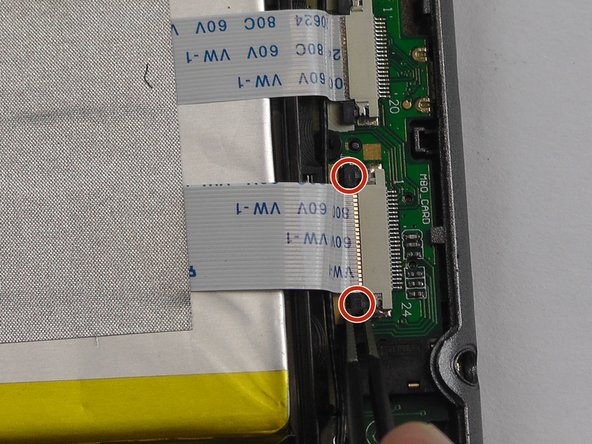
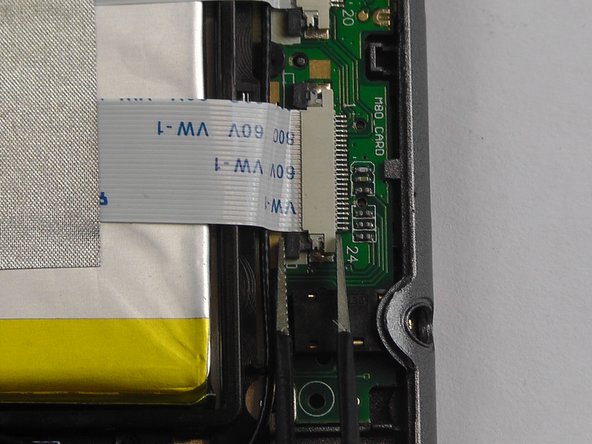
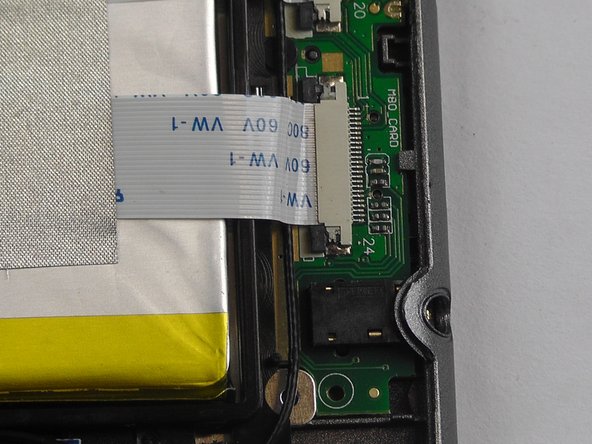
  5. Neo3Do Wire Replacement, Wire: passo 5, immagine 1 di 3 Neo3Do Wire Replacement, Wire: passo 5, immagine 2 di 3 Neo3Do Wire Replacement, Wire: passo 5, immagine 3 di 3
    Strumento utilizzato in questo passaggio:
    Tweezers
    $4.99
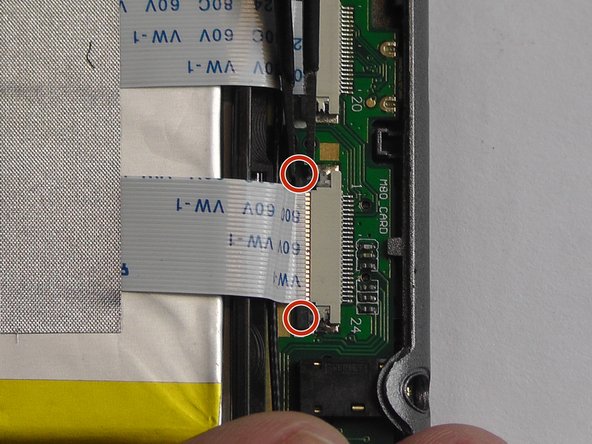
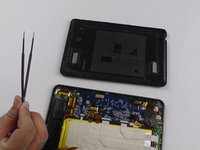
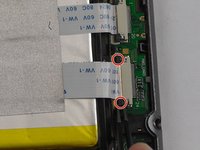
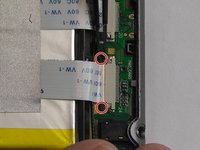
    • Starting with an open back panel, take your tweezers and use them to pull back the black tabs on the connector.

    Chiedi a FixBot

    Aggiungi Commento

  6. Neo3Do Wire Replacement: passo 6, immagine 1 di 1
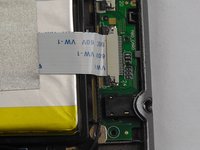
    • Pull the wire completely from the socket.

    • Check the metallic parts for signs of damage or corrosion. If either exists, you might need to replace the battery entirely.

    Chiedi a FixBot

    Aggiungi Commento

  7. Neo3Do Wire Replacement: passo 7, immagine 1 di 1
    • Re-insert the wire into the socket.

    Chiedi a FixBot

    Aggiungi Commento

  8. Neo3Do Wire Replacement: passo 8, immagine 1 di 3 Neo3Do Wire Replacement: passo 8, immagine 2 di 3 Neo3Do Wire Replacement: passo 8, immagine 3 di 3
    • Using the tweezers, push the black tabs back in.

    Chiedi a FixBot

    Aggiungi Commento

Conclusione

To reassemble your device, follow these instructions in reverse order.

Annulla: non ho completato questa guida.

Un'altra persona ha completato questa guida.

Team

USF Tampa, Team 14-3, Eyestone Fall 2016 Membro di USF Tampa, Team 14-3, Eyestone Fall 2016

USFT-EYESTONE-F16S14G3

3 Membri

12 guide realizzate

0Commenti sulla guida

Aggiungi Commento

Visualizza statistiche:

Ultime 24 ore: 0

Ultimi 7 giorni: 10

Ultimi 30 giorni: 37

Tutti i Tempi: 372