Questa traduzione è stata generata automaticamente e non è stata ancora revisionata da una persona. Parli questa lingua? Dai un’occhiata.
Introduzione
Questa guida prevede la rimozione di diverse piccole viti e componenti, quindi assicurati di operare in un ambiente pulito e organizzato per evitare di perdere qualsiasi pezzo.
Cosa ti serve
-
-
-
Usa il cacciavite Torx T5 per rimuovere le due viti Torx da 5,0 mm sul fondo del telefono.
 Chiedi a FixBot
-
-
-
Per rimuovere la scheda SIM, utilizza una graffetta aperta per premere sulla piastra metallica sul lato sinistro del telefono finché non fuoriesce.
-
-
-
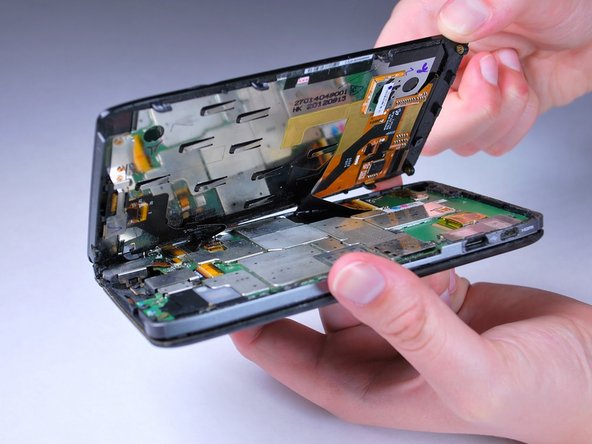
Spingi delicatamente lo schermo verso il bordo superiore del telefono e inclinalo per rivelare i cavi flessibili neri.
-
-
-
-
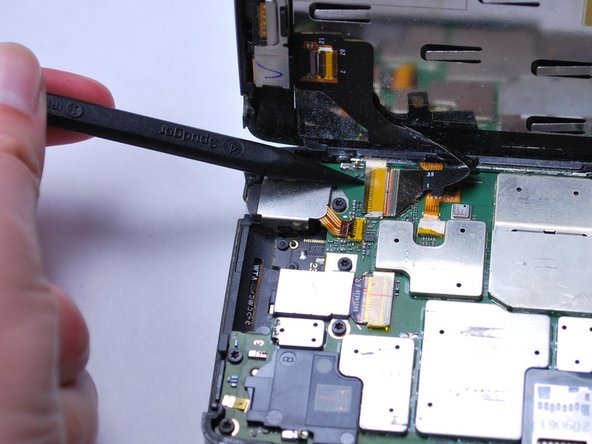
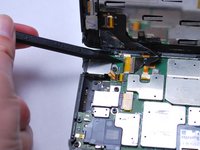
Sgancia i due cavi flessibili a nastro neri tirando delicatamente verso l'alto il connettore con lo spudger. Quindi solleva lo schermo per rimuoverlo.
-
-
-
-
-
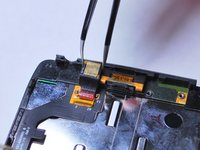
Sul retro del display LCD, sgancia il cavo a nastro della fotocamera frontale sollevando delicatamente verso l'alto il fermo di ritenzione nero con lo spudger.
-
-
-
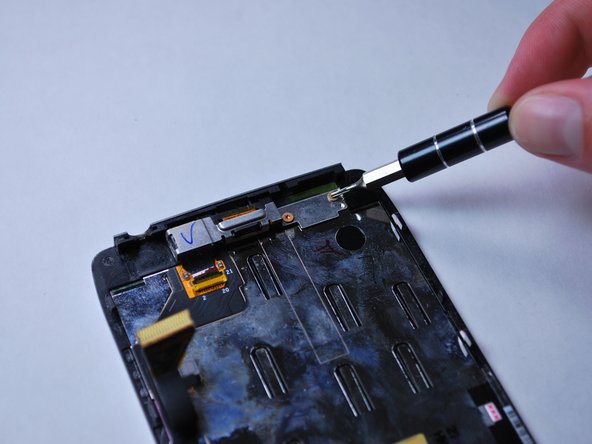
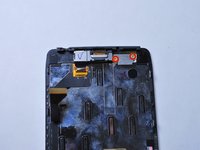
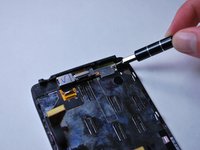
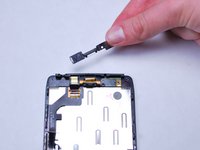
Con un cacciavite Torx T3, svita le due viti da 2,0 mm sulla staffa di montaggio della fotocamera frontale. Poi sollevala per rimuoverla.
-
-
Strumento utilizzato in questo passaggio:Tweezers$4.99
-
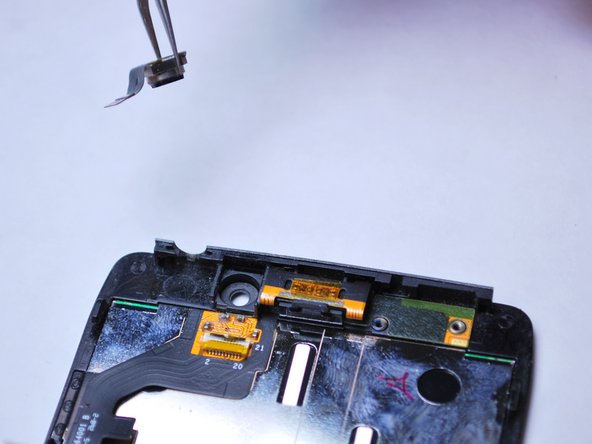
Usa le pinzette per rimuovere la fotocamera frontale sollevandola dal telaio del display LCD.
-
-
-
-
-
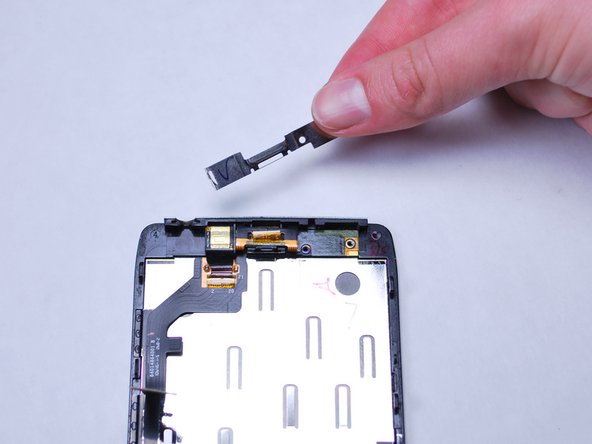
Inserisci lo spudger tra l'altoparlante voce e la clip di fissaggio e fai leva delicatamente verso l'alto per sganciare l'altoparlante voce.
-
-
-
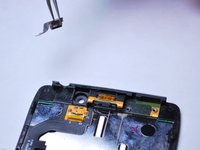
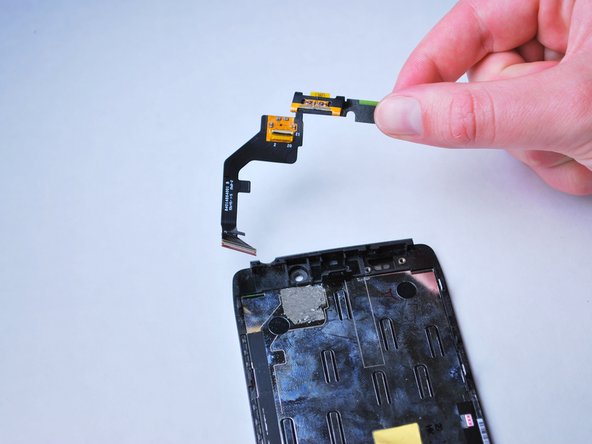
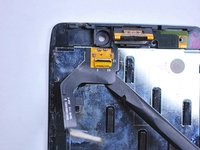
Usando uno spudger, fai leva delicatamente sul bordo inferiore destro del cavo a nastro dell'altoparlante voce, collegato allo schermo, per staccarlo dal display LCD.
-
-










Per rimontare il dispositivo, segui queste istruzioni in ordine inverso.
Annulla: non ho completato questa guida.
Altre 8 persone hanno completato questa guida.

Team

Cal Poly, Team 8-40, Amido Winter 2015 Membro di Cal Poly, Team 8-40, Amido Winter 2015
CPSU-AMIDO-W15S8G40
5 Membri
99 guide realizzate
